Hunter Douglas
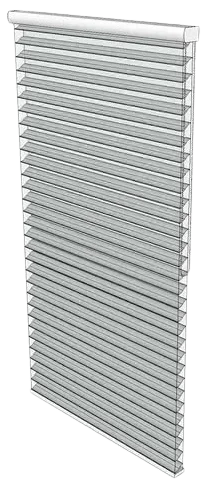
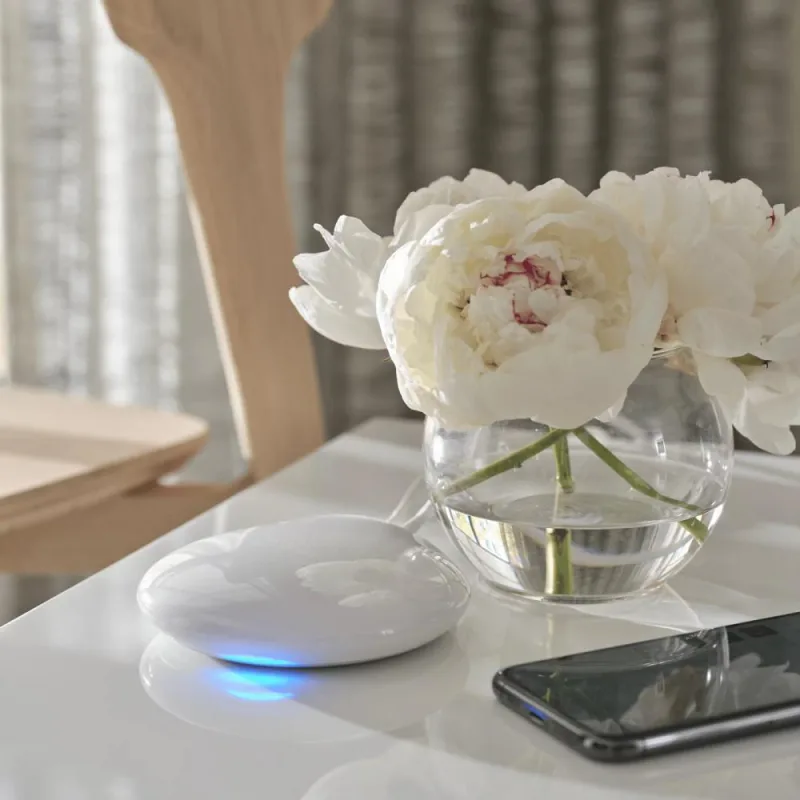
Hunter Douglas PowerView® Automated Shades with PowerView® Hub
Windows and Coverings · Climate
HomeKit onlyBridgeWi-FiEthernetOn Apple's list
Where to buy
Store searches look up “Hunter Douglas PowerView® Automated Shades with PowerView® Hub” at each retailer. Availability and prices vary by region; check that the model you buy says it works with Apple Home or Matter.
In ReReHome
Position, hold, and tilt on all three axes.
And every other characteristic or Matter attribute it exposes.
Connectivity
- Wi-Fi
- Ethernet
How it reaches your home
- PowerView shades (PowerView RF) → PowerView Gen 2 Hub (Wi-Fi/Ethernet) → Apple Home (HomeKit bridge)
Identifiers
| Manufacturer | Hunter Douglas |
|---|---|
| Model / SKU | PowerView Gen 2 Hub (Legacy PowerView) |
Compatibility notes
- Hunter Douglas help (updated 2026-09-18): Apple HomeKit control of Legacy PowerView shades requires the PowerView Gen 2 Hub. Legacy PowerView = systems prior to Fall 2022; Gen 1 Hub is Ethernet-only, Gen 2 Hub connects wired or wireless.
- Successor PowerView Gen 3 uses a Gateway; CSA DCL lists Hunter Douglas Group 'Gateway' 1012000283 (Ethernet, Matter 1.2, cert 2024-09-27, fw 3.2), a different product, kept as candidate only.
- Shade radio frequency not stated in fetched sources. Only annotated illustrations of the hub were found on the help site, so image left null.
Sources
- https://help.hunterdouglas.com/hc/en-us/articles/40057525277972-Control-Legacy-PowerView-Shades-With-Voice-Assistants
- https://help.hunterdouglas.com/hc/en-us/articles/41581996560532-What-are-the-internet-connection-requirements-for-Legacy-PowerView-hubs
- https://help.hunterdouglas.com/hc/en-us/articles/39319324616084-Reset-the-Wi-Fi-Connection-for-PowerView-Gen-2-Hub
- https://www.hunterdouglas.com/smart-automation