LOQED
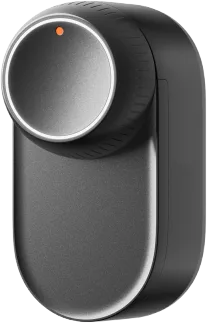
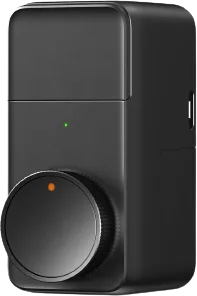
LOQED Touch Smart Lock with first-gen Bridge
Locks · Security
Not workingCloud
1 report: 1 says it doesn’t work.
Reported with 1 integration: LOQED Touch Smart Lock.
What people report
| Integration | In Home Assistant | In Apple Home | What they said | Source |
|---|---|---|---|---|
| LOQED Touch Smart Lock | Not working Cloud | Bridge stops local HTTP server when cloud connection lostSaved copyThe problem ## Bug: LoQed Bridge local HTTP server becomes unreachable when internet connection is lost ### The problem When the internet connection is interrupted, the LoQed Bridge completely stops responding on port 80, even for devices on the same local network. This makes the HA integration fail entirely, despite HA and the bridge being on the same LAN. This is not just an `async_unload_entry` issue (see #173663). The integration fails to recover at all because the bridge HTTP server is completely offline without internet. ### Steps to reproduce 1. Install the official LoQed integration … Excerpt saved from GitHub on 2026-10-23. | Issue #173796 · 2026-06 |
Each row is one report from a GitHub thread, an integration’s docs, or r/homeassistant. Check the date and the linked source before you buy.
In ReReHome
Once Home Assistant’s HomeKit Bridge shares it, this device reaches Apple Home as a HomeKit accessory behind your Home Assistant bridge, so ReReHome shows and controls it like any other.
Identifiers
| Brand | LOQED |
|---|---|
| Model | Touch Smart Lock |
| Category | Locks |