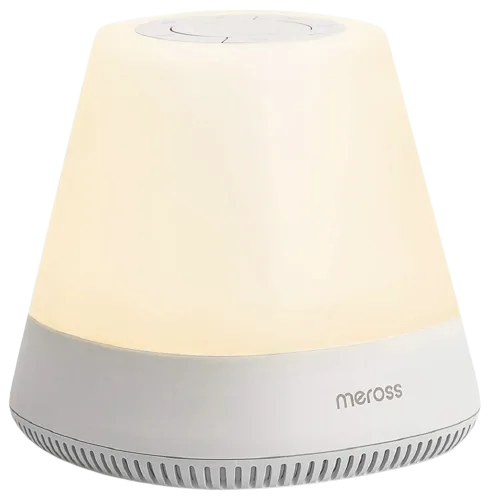
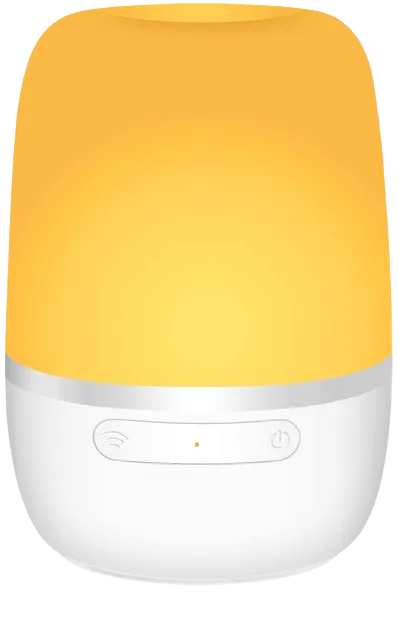
Opple
Opple OP-DY160-300/300CC-W light
Lights · Lighting
Not workingLocal
1 report: 1 says it doesn’t work.
Reported with 1 integration: Opple.
What people report
| Integration | In Home Assistant | In Apple Home | What they said | Source |
|---|---|---|---|---|
| Opple | Not working Local | Entity stays unavailable; works in Mijia app; closed staleSaved copyThe problem model: OP-DY160-300/300CC-W nothing works after i updated my configuration.yaml file according the link below and restarted several times. There is a OPPLE light entity in entity list but its status is unavailable. No error logs ### What version of Home Assistant Core has the issue? 2023.8.1 ### What was the last working version of Home Assistant Core? refresh installation ### What type of installation are you running? Home Assistant Core ### Integration causing the issue opple ### Link to integration documentation on our website https://www.home-assistant.io/integrations/opple/ … Excerpt saved from GitHub on 2026-10-23. | Issue #97901 · 2023-08 |
Each row is one report from a GitHub thread, an integration’s docs, or r/homeassistant. Check the date and the linked source before you buy.
In ReReHome
Once Home Assistant’s HomeKit Bridge shares it, this device reaches Apple Home as a HomeKit accessory behind your Home Assistant bridge, so ReReHome shows and controls it like any other.
Identifiers
| Brand | Opple |
|---|---|
| Model | OP-DY160-300/300CC-W |
| Category | Lights |