Somfy
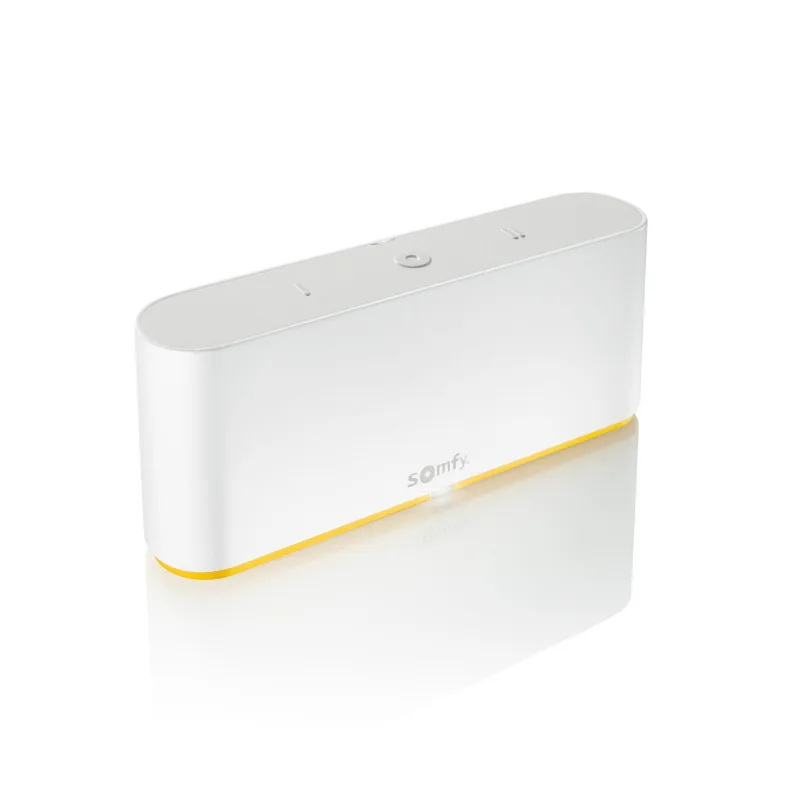
Somfy TaHoma Switch with Velux windows
Windows and Coverings · Climate
Partly worksWorks in Apple HomeLocal
3 reports: 3 say it partly works.
Reported with 1 integration: Overkiz.
What people report
| Integration | In Home Assistant | In Apple Home | What they said | Source |
|---|---|---|---|---|
| Overkiz | Partly works | Works in Home Covers also paired via HomeKit Controller; works in Home app | Entities unavailable or replaced after 2023.6.1 updateSaved copy… the unavailable entities now have a new entities of that same "type". See for example the "My position" slider in the screenshot This happend for all 5 roller shutters I have connected to the Tahome Switch hub. ### What version of Home Assistant Core has the issue? 2023.6.1 ### What was the last working version of Home Assistant Core? 2023.5.4 ### What type of installation are you running? Home Assistant OS ### Integration causing the issue Overkiz ### Link to integration documentation on our website https://www.home-assistant.io/integrations/overkiz ### Diagnostics information … Excerpt saved from GitHub on 2026-10-23. | Issue #94492 · 2023-06 |
| Overkiz | Partly works Local | Works in Home Renamed devices appear with new names in HomeKit | Overkiz keeps old device names after TaHoma renameSaved copyThe problem Because people in my house moved to different locations I have renamed the covers with the TaHoma app. For example -Thijs achtertuin has become Slaapkamer Achtertuin - Ouder zijkant has become Zolder zijkant. I removed everything from the HomeKit Device and the OverKiz and turn the TaHoma switch on and off. HomeKit and OverKiz finds the TaHome switch and I have added them to HA. HomeKit Device have the new names for the devices and the entities but the OverKiz still has the old names for the devices and entities which is very confusing using the local API Is there a way to get the … Excerpt saved from GitHub on 2026-10-23. | Issue #126537 · 2024-09 |
| Overkiz | Partly works | Partly in Home Velux covers show; Velux window not selectable to bridge | Window devices not exposed as cover entitiesSaved copyThe problem Tahoma mini = somfy kit de connectivité. App Somfy is ok with Velux Windows and cover. In Home Assitant Homekit with select cover is OK with my velux cover but no select button for window and no connect Velux Window Why ???? ### What version of Home Assistant Core has the issue? core-2024.9.3 ### What was the last working version of Home Assistant Core? _No response_ ### What type of installation are you running? Home Assistant OS ### Integration causing the issue Homekit tahome mini ### Link to integration documentation on our website _No response_ ### Diagnostics information _No … Excerpt saved from GitHub on 2026-10-23. | Issue #127260 · 2024-10 |
Each row is one report from a GitHub thread, an integration’s docs, or r/homeassistant. Check the date and the linked source before you buy.
In ReReHome
Once Home Assistant’s HomeKit Bridge shares it, this device reaches Apple Home as a HomeKit accessory behind your Home Assistant bridge, so ReReHome shows and controls it like any other.
This model is also in the ReReHome accessory catalog as TaHoma.
Identifiers
| Brand | Somfy |
|---|---|
| Model | TaHoma Switch |
| Category | Windows and Coverings |
Also reported as
- Overkiz local API Somfy TaHoma Switch
- Somfy TaHoma Switch roller shutters