U-Tec
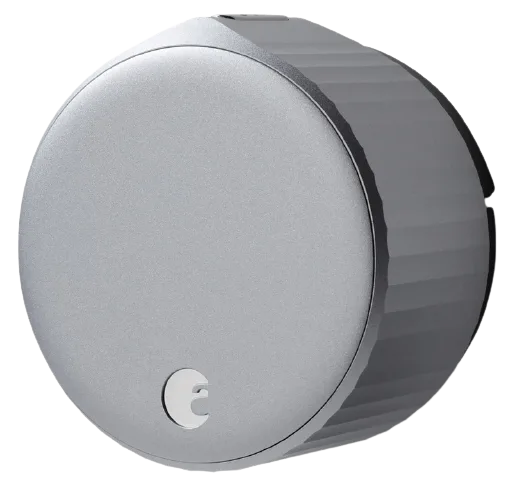
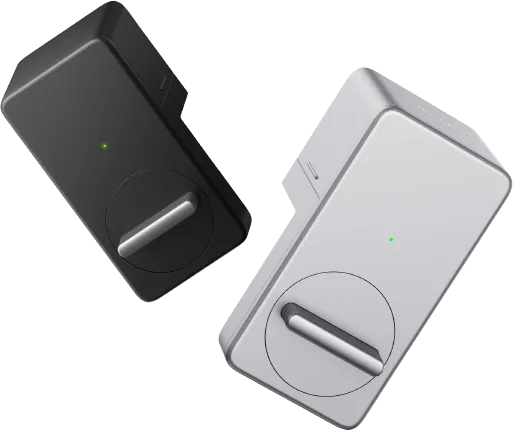
U-Tec Smart Lock
Locks · Security
Partly worksVerified plugin
1 report: 1 says it partly works.
Reported with 1 Homebridge plugin: Alexa Smart Home.
What people report
| Plugin | Status | What they said | Connects | Source |
|---|---|---|---|---|
Alexa Smart Home Verifiedhomebridge-alexa-smarthome | Partly works | Unsupported error until 'Unlock in the Alexa app' enabled in Alexa appSaved copyDescribe Your Problem: U-Tec smart locks are showing in the Alexa app, but not populating in HomeBridge accessories list when I add them to the devices in the plugin config. I get this error message: Initialize Devices - UnsupportedDeviceError(Unsupported device: [device name] with type: SMARTLOCK. Device type is either unsupported or device does not support all the required operations. Device supported operations: lock. Currently supported device types are: LIGHT,SWITCH,SMARTLOCK,FAN,SMARTPLUG,THERMOSTAT,ALEXA_VOICE_ENABLED,AIR_QUALITY_MONITOR,VACUUM_CLEANER,GAME_CONSOLE,AIR_FRESHENER.) I'm … Excerpt saved from GitHub on 2026-10-22. | Cloud | Issue #193 · 2025-01 |
Each row is one report from a plugin’s GitHub issues, pull requests, discussions, wiki or docs, or from r/homebridge. Check the date and the linked thread before you buy.
In ReReHome
Once a Homebridge plugin publishes it, this device reaches Apple Home as a HomeKit accessory behind your Homebridge bridge, so ReReHome shows and controls it like any other.
Identifiers
| Brand | U-Tec |
|---|---|
| Category | Locks |
Also reported as
- U-Tec smart lock