Blinds Command
homebridge-blinds-cmd · v3.1.0
Adds non-smart motorized blinds to HomeKit controlled through command-line scripts.
What it says it supports
Brands
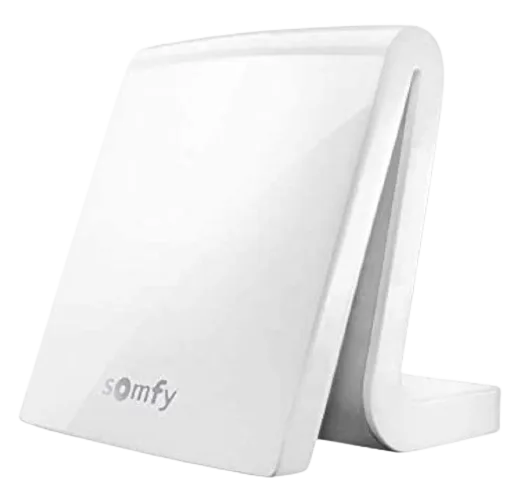
- Somfy
Devices it names
- motorized blinds
Shows up in Apple Home as from its README
What people report
Runs command-line scripts for blinds; script setup errors were config issues, and a gate variant was requested.
- Works1
- Requested1
| Device | Status | What they said | Source |
|---|---|---|---|
| Somfy blinds via somfy.pl script | Works | Exit code 255 was missing script arguments in config; fixedSaved copyDescribe The Problem: Homebridge loads the homebridge-blinds-cmd plugin but has a problem working with the script files. Homebridge not able to execute scripts. I am using somfy.pl. When I execute somfy.pl from the command line, it works perfectly. For example, this makes the shade go up: $./somfy.pl 1 up To Reproduce: Start Homebridge and try to change the state of a shade. Logs: This is the error: "Error executing the command: Command failed with exit code 255: " It also prints the output of "die $USAGE". Homebridge Version: 1.1.7 Node Version: 14.15.4 Homebridge-Blinds-Cmd Plugin Version: … Excerpt saved from GitHub on 2026-10-22. | Issue #95 · 2021-01 |
| Gate opener (script-driven) | Requested | User wants a gate/door version with no status reportingSaved copyIs your feature request related to a problem? Please describe: I'm controlling a gate not a blind. Describe the solution you'd like: I'd love it if you could make a version of this for gates or doors. Describe alternatives you've considered: I haven't found any other good script launching plugins and I'm not a programmer. Additional context: This is an awesome plugin and it's works perfectly, but I'm controlling a gate. I use just one script for open and closed there's no status reporting. I have a dumb gate opener connecter to a Global Cache IP2CC. I'm not a programmer. I barely figured out … Excerpt saved from GitHub on 2026-10-22. | Issue #456 · 2024-07 |
Gathered from the plugin’s GitHub issues, pull requests, discussions, wiki and docs, and from r/homebridge. These are individual reports, so check the linked thread and the date before you buy.
How it connects
Local
Shell scripts
Compatibility
| Verified by Homebridge | Yes |
|---|---|
| Homebridge versions | >=1.0.0 |
| Homebridge 2.0 | No |
| Node.js | Not stated |
| Settings in Homebridge UI | Yes |
| Matter | No |
| Platform name | Blinds Command |
| License | ISC |
Community signals
| Downloads a week | 58 |
|---|---|
| Downloads a month | 101 |
| GitHub stars | 16 |
| Open issues | 1 |
| Closed issues | 16 |
| Last code push | 2023-03-07 |
| Latest version | 3.1.0 (2020-12-01) |
| First published | 2018-06-02 |
| Releases | 15 |
In ReReHome
Whatever this plugin publishes reaches Apple Home as a normal HomeKit accessory behind your Homebridge bridge, so ReReHome shows and controls it like any other.
Bridges get their own settings page listing the accessories behind them.
HomeKit services in its code
Found by scanning the published npm package. A plugin can register a service only for some devices.
- Switch
- WindowCovering
Sources
- npm: https://www.npmjs.com/package/homebridge-blinds-cmd
- Source code: https://github.com/hjdhjd/homebridge-blinds-cmd
- Issues: https://github.com/hjdhjd/homebridge-blinds-cmd/issues
- Verified plugins list: https://github.com/homebridge/verified