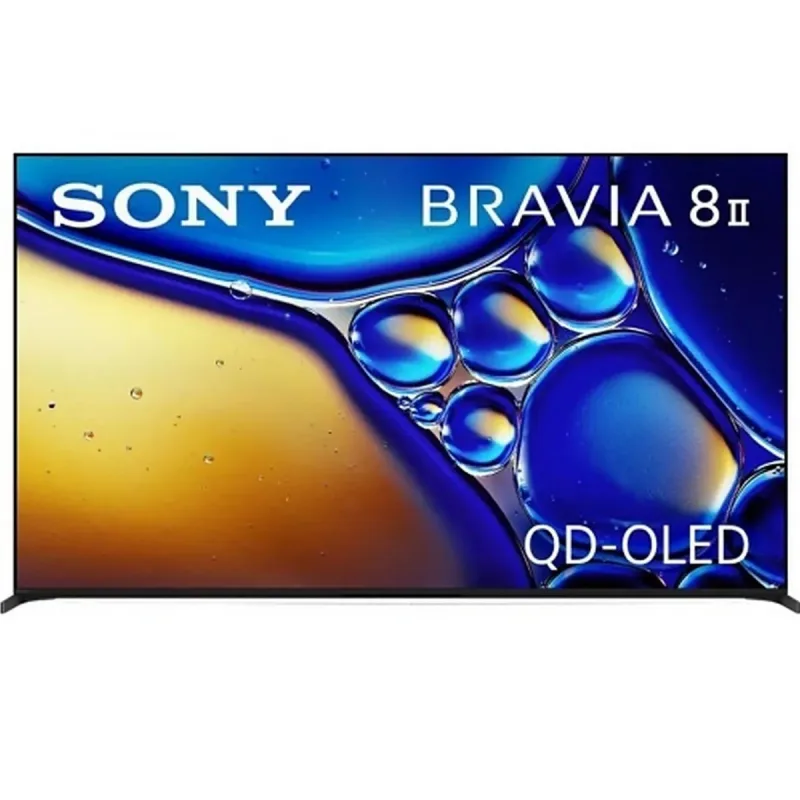
Sony Bravia TV
homebridge-bravia-tvos · v5.0.8
Adds Sony Bravia Android TVs with power, inputs, volume and the iOS remote.
What it says it supports
Brands
- Sony
Devices it names
- Sony Bravia Android TVs
Shows up in Apple Home as from its README
What people report
Sony Bravia TVs work as TV accessories with inputs, apps, volume light and remote mapping; older KDL models need Wake-on-LAN. Repo is largely dormant with open dependency PRs.
- Partly works4
- Not working1
| Device | Status | What they said | Source |
|---|---|---|---|
| Sony Bravia KD-65X9500H | Partly works | Inputs and services added, but app name reverts to wrong label after switching appsSaved copy… well but it could not show the right name of the app. Here's Log: [20/01/2021, 18:59:28] Homebridge is running on port 51826. [20/01/2021, 18:59:29] [BraviaTVOS] KD-65X9500H: Adding tv service [20/01/2021, 18:59:29] [BraviaTVOS] KD-65X9500H: Adding speaker service [20/01/2021, 18:59:29] [BraviaTVOS] KD-65X9500H: Adding new input: HDMI 1 [20/01/2021, 18:59:29] [BraviaTVOS] KD-65X9500H: {"name":"HDMI 1","identifier":20,"type":"input","subtype":"hdmi1-5w2d4","inputType":3,"deviceType":4} [20/01/2021, 18:59:29] [BraviaTVOS] KD-65X9500H: Adding new input: HDMI 2 [20/01/2021, 18:59:29] [BraviaTVOS] … Excerpt saved from GitHub on 2026-10-22. | Issue #129 · 2021-01 |
| Sony Bravia older KDL models | Partly works | REST power-on unsupported; wakeOnLan option proposed to turn them onSaved copy… 10:33:00] Loaded config.json with 0 accessories and 1 platforms. [2019-5-4 10:33:00] --- [2019-5-4 10:33:00] Plugin /usr/local/lib/node_modules/homebridge-bravia-tvos requires Node version of ^8.9.1 which does not satisfy the current Node version of v11.14.0. You may need to upgrade your installation of Node. [2019-5-4 10:33:00] Loaded plugin: homebridge-bravia-tvos [2019-5-4 10:33:00] Registering platform 'homebridge-bravia-tvos.BraviaOSPlatform' [2019-5-4 10:33:00] --- [2019-5-4 10:33:00] Loaded plugin: homebridge-config-ui-x [2019-5-4 10:33:00] Registering platform … Excerpt saved from GitHub on 2026-10-22. | PR #31 · 2019-03 |
| Sony Bravia TV (sleep timer app) | Partly works | Macros can launch apps in 4.1.2, but Timers app cannot be driven from the plugin menuSaved copyThis is fantastic! Again, thanks so much. I am now trying to create some working "sleep timer" macros, that don't exit the screen I'm watching. Unfortunately, at least on my my Bravia TV model, invoking the Sleep timer isn't possible from the Action/Top Menu. I don't see a way to launch the "Timers" application via a macro command, I can only launch it by adding it under "Applications." I tested some other commands, but the "Sleep" command puts the TV to sleep immediately and "SleepTimer" command just turns off the Sleep Timer off. If I can somehow launch the Timers app within the macro, I … Excerpt saved from GitHub on 2026-10-22. | Issue #103 · 2020-11 |
| Sony Bravia XE8096 | Partly works | Works, but Home shows only the standard Apple TV remote; custom remote layout cannot changeSaved copyHi, I have a Bravia XE8096 and the remote that I see on my iPhone is just a simple Apple TV remote. I don’t see a remote with all the buttons that I created on the plug-in. iOS version 14.5 Latest plugin version and latest homebridge version. Thanks Excerpt saved from GitHub on 2026-10-22. | Issue #164 · 2021-09 |
| Sony Bravia KDL-70W850B | Not working | Power on fails with 'power on not supported' error; owner asked if it is Android TVSaved copySorry that was my ds model. The TV model is KDL-70W850B Thanks, Oscar On 9 Feb 2019, 12:55 PM +1100, Seyd , wrote: thats not your tv model or?? which tv model u have?, You are receiving this because you authored the thread. Reply to this email directly, view it on GitHub, or mute the thread. Excerpt saved from GitHub on 2026-10-22. | Issue #9 · 2019-02 |
Gathered from the plugin’s GitHub issues, pull requests, discussions, wiki and docs, and from r/homebridge. These are individual reports, so check the linked thread and the date before you buy.
How it connects
Local
Sony Bravia IP control over LAN
You’ll need
- Homebridge 1.3.0+
Compatibility
| Verified by Homebridge | No |
|---|---|
| Homebridge versions | ^1.3.0 |
| Homebridge 2.0 | No |
| Node.js | >=12.18.3 |
| Settings in Homebridge UI | Yes |
| Matter | No |
| Platform name | BraviaOSPlatform |
| License | MIT |
Community signals
| Downloads a week | 27 |
|---|---|
| Downloads a month | 173 |
| GitHub stars | 355 |
| Open issues | 42 |
| Closed issues | 164 |
| Last code push | 2023-10-24 |
| Latest version | 5.0.8 (2021-10-08) |
| First published | 2019-01-31 |
| Releases | 72 |
In ReReHome
Whatever this plugin publishes reaches Apple Home as a normal HomeKit accessory behind your Homebridge bridge, so ReReHome shows and controls it like any other.
Bridges get their own settings page listing the accessories behind them.
Caveats from the README
- README is minimal
HomeKit services in its code
Found by scanning the published npm package. A plugin can register a service only for some devices.
- Fanv2
- InputSource
- Lightbulb
- Switch
- Television
- TelevisionSpeaker