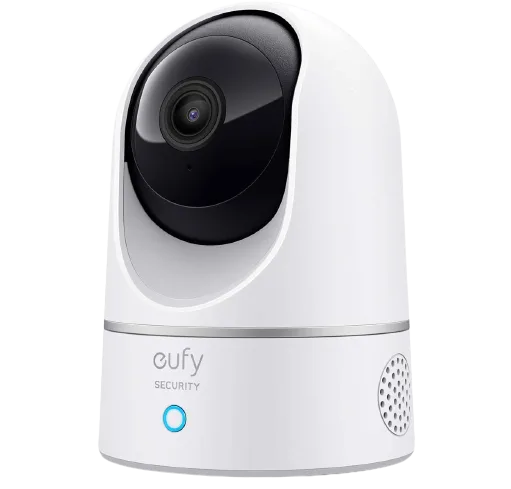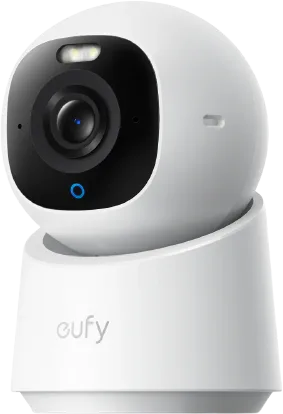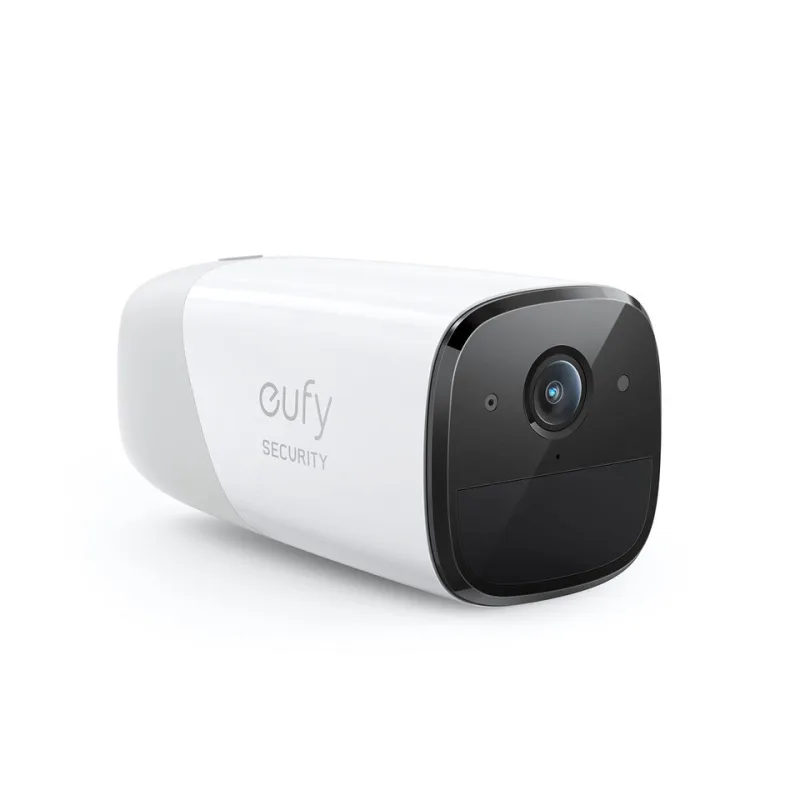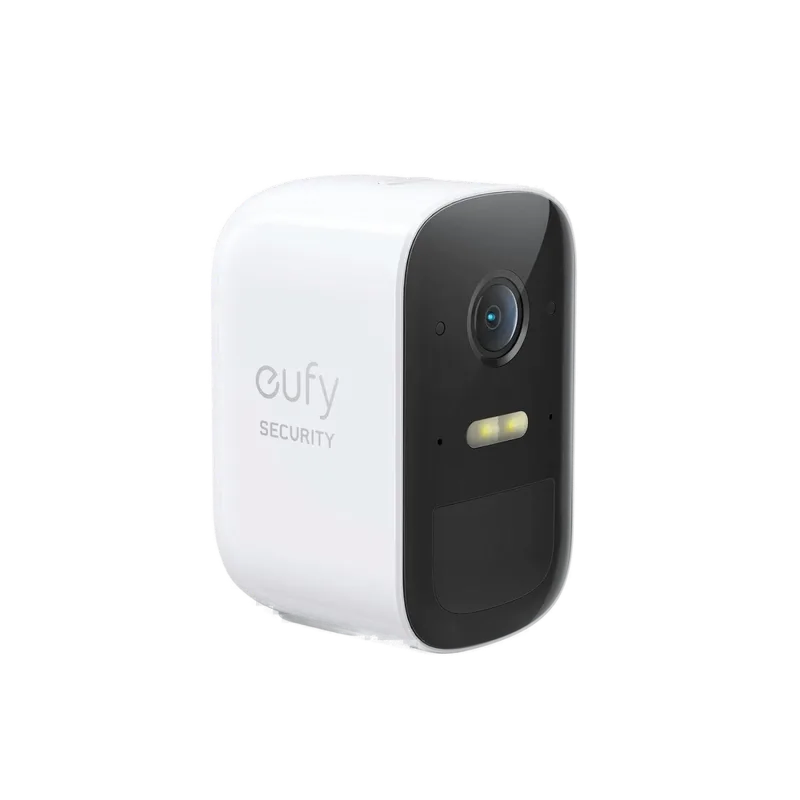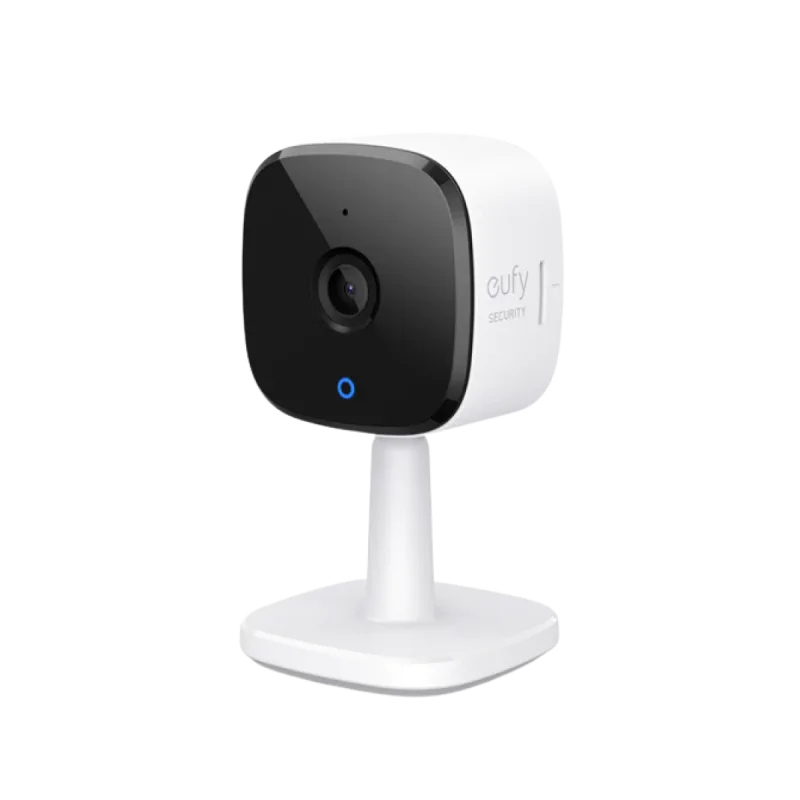
Eufy Security
homebridge-eufy-security · v4.4.2
Adds Eufy cameras, doorbells, floodlights, locks, sensors and station guard modes to HomeKit, with HomeKit Secure Video.
What it says it supports
Brands
- Eufy
- Anker
Devices it names
- cameras
- doorbells
- floodlights
- indoor cams
- smart locks
- sensors
- stations
Shows up in Apple Home as from its README
What people report
Many newer Eufy cameras, locks and PoE NVRs are unsupported because the upstream eufy-security-client is deprecated; the project is now described as frozen with a V5 rewrite in beta.
- Works2
- Partly works2
- Not working2
- Requested8
| Device | Status | What they said | Source |
|---|---|---|---|
| Eufy 4G LTE Cam S330 | Works | Type 111 recognized from plugin 4.5.0 via HomeBase S380Saved copyPreflight Checklist [x] I have searched the existing issues and this device has not been requested before. [x] I have checked the eufy-security-client compatibility list. Device Information [code] Upstream Compatibility No, not listed Upstream Issue _No response_ Additional Context This is for the 4G LTE Cam S330. It is currently connected to the HomeBase S380. All firmware is up-to-date at this time. Excerpt saved from GitHub on 2026-10-22. | Issue #802 · 2026-02 |
| Eufy T8172 camera | Works | Type 89 recognized from plugin 4.5.0Saved copy{ "uniqueId": "T8172P10254111FB", "displayName": "Driveway Cam", "type": 89, "name": "Driveway Cam", "model": "T8172", "serialNumber": "T8172P10254111FB", "hardwareVersion": "P1", "softwareVersion": "1.0.6.5", "stationSerialNumber": "T8030P1322511D64" } Excerpt saved from GitHub on 2026-10-22. | Issue #799 · 2026-02 |
| Eufy smart locks T8506 and T85L0 | Partly works | Recognized; lock/unlock enabled in 5.0 beta, state showed No Response before later beta fixSaved copyPreflight Checklist [x] I have searched the existing issues and this bug has not been reported before. [x] I understand V4 is no longer maintained, and that a fix will only ever land in V5. [x] I am using a dedicated guest admin account (not my main Eufy account). [x] I have restarted Homebridge and the issue persists. Environment [code] Area Device Discovery Diagnostics Archive homebridge-eufy-support-1d26b278-6392-4755-8827-e9b9124606c9.eufysupport.gz What happened? Two devices that are recognized but not represented, a T8506 and T85L0 lock. Excerpt saved from GitHub on 2026-10-22. | Issue #1099 · 2026-09 |
| Eufy Solo Cam T8134 / Dual Camera Solar T8170 / Wall Light Cam T81A0 | Partly works | Plugin 2.3.5 HKSV: cameras work as motion sensorsSaved copyI thought it would be interesting to point out that I am testing the existing HKSV plugin (2.3.5) on the following cameras: Driveway S40 Camera T8124 Solar Solo Cam T8134 Dual Camera Solar T8170 Solar Wall Light Cam T81A0 All of the cameras operate as motion sensors and/or sirens. One thing that I realised could be an issue, I am not using a home base. Could this contribute to the issues that I have experienced with the supported S40 Cam as well as potentially the others? [code] [code] Excerpt saved from GitHub on 2026-10-22. | Issue #447 · 2023-10 |
| Eufy Indoor Cam C120 on HomeBase | Not working | Live feed fails when paired to HomeBase; works connected directly to routerSaved copyWhat happened? Apparently when I have my C120 camera connected to the homebase the live feed video won't work. I connect it directly to the router and it works fine with homekit. Has anyone else had this issue or know how to resolve it? I'd like it to be connected to my homebase if I could. Currently on Homebridge 1.11.1, Node 24.12.0, and plugin version 4.3.7, running it all on Unraid My Doorbell E340 seems to be working fine and it didn't work when it wasn't connected to my Homebase before I got it. Device Type Indoor Camera (Supported) Plugin Version other (UnSupported) HomeBridge Version … Excerpt saved from GitHub on 2026-10-22. | Issue #725 · 2025-12 |
| Eufy S220 camera | Not working | Showed up as a siren only in HomeKit; upstream support pendingSaved copyWhat happened? I blieve this was to be fixed with 2.3.5 but I still cannot get S220 camera to load. It shows up as a siren only in Apple Home. Photos not updated with camera: [ /] Device Type other (UnSupported) Plugin Version other (UnSupported) HomeBridge Version v1.6.x (Supported) NodeJS Version v18 (Supported) Operating System Raspbian 10+ (Supported) Relevant log output [code] [code] shell { "enableDetailedLogging": true, "CameraMaxLivestreamDuration": 30, "pollingIntervalMinutes": 10, "hkHome": 1, "hkAway": 0, "hkNight": 3, "hkOff": 63, "ignoreStations": [], "ignoreDevices": [], … Excerpt saved from GitHub on 2026-10-22. | Issue #447 · 2023-10 |
| Eufy HomeBase S1 Pro | Requested | Station type 27 not supported upstream; project frozenSaved copy… handshake and that full functionality (arm/disarm, alarm, and station controls) will depend on the upstream work being completed. I’m completely comfortable proceeding with the interim state for now, knowing that this is part of a broader effort in progress. My primary goal is to access the cameras via HomeKit (proxied through Homebridge running on a Raspberry Pi 5), so even partial visibility at this stage is already helpful as things progress. Regarding access, I’m open to setting up a dedicated guest admin account to support your investigation. As recommended by eufy, I understand this … Excerpt saved from GitHub on 2026-10-22. | Issue #911 · 2026-04 |
| Eufy PoE Bullet-PTZ Cam S4 | Requested | Initial upstream support submitted; fixed in beta per labelSaved copyInitial support for the T8E00 PoE Bullet-PTZ Cam S4 (type 301) has been submitted upstream (bropat/eufy-security-client#855) along with its companion NVR S4 Max (T8N00, type 300) in bropat/eufy-security-client#854. However, the T8E00 camera currently has only minimal device properties registered, we need device-level raw properties (the `param_type` data specific to the camera, not the NVR station) to map all its capabilities properly. @saroo786 @tjchahal-art, could one of you export diagnostics with Detailed Logging enabled? The diagnostics archive will include the device-level properties … Excerpt saved from GitHub on 2026-10-22. | Issue #861 · 2026-03 |
| Eufy PoE NVR S4 Max | Requested | Not recognized; upstream PR submitted, tracked in duplicate issueSaved copyThank you @saroo786 for reporting this. The T8N00 (Type 300) is a Eufy PoE NVR, a completely new device family that is not yet recognized by the underlying `eufy-security-client` library. The device type, station classification, and communication protocols all need to be implemented there first before the plugin can expose it to HomeKit. An upstream feature request already exists: https://github.com/bropat/eufy-security-client/issues/659 This is linked with #861 (T8E00 PoE Camera) which is part of the same NVR system. We'll track progress on the upstream issue and add support in the plugin … Excerpt saved from GitHub on 2026-10-22. | Issue #862 · 2026-03 |
| Eufy SoloCam E42 | Requested | Unsupported; upstream implementation PR sent, issue closed not plannedSaved copyI have the same unsupported E42. I read your above instruction on this issue. I refreshed and got the below data. (I have two indoor cams, a doorbell cam, and the E42): [code] Excerpt saved from GitHub on 2026-10-22. | Issue #812 · 2026-02 |
| Eufy T85D2 smart lock | Requested | Type 207 upstream support is a stalled WIP; project frozenSaved copyThis project is currently frozen. The plugin relies on `eufy-security-client`, which its maintainer has deprecated. Eufy has moved its apps to a new "Mega" protocol, and a brand-new library is being built against it. All development effort is going there. What this means for now: ✅ The current version keeps working as-is for devices still on the old protocol. 🧊 No new features or new device support can be added. 🩹 Only strictly necessary fixes for critical breakages will be considered. 🚀 Effort is focused on the new Mega-protocol library first. Work to adopt it in this plugin has not started … Excerpt saved from GitHub on 2026-10-22. | Issue #908 · 2026-03 |
| Eufy T85F1 smart lock | Requested | Type 206 not recognized by eufy-security-client; closed staleSaved copy{ "uniqueId": "T85F1K1024281FC5", "displayName": "Front DoorLock", "type": 206, "name": "Front DoorLock", "model": "T85F1", "serialNumber": "T85F1K1024281FC5", "hardwareVersion": "V2", "softwareVersion": "1.0.9.0", "stationSerialNumber": "T85F1K1024281FC5" } Excerpt saved from GitHub on 2026-10-22. | Issue #858 · 2026-03 |
| Eufy Video Doorbell E340 | Requested | Type 94 not compatible; many users asked, closed not plannedSaved copyDescribe the solution you'd like Add support for Eufy Video Doorbell E340. Currently the logs show this warning indicating the new doorbell model is not supported: [10/14/2023, 19:06:48] [EufySecurity] WARN This accessory is not compatible with HomeBridge Eufy Security plugin: Front Door Type: 94 Excerpt saved from GitHub on 2026-10-22. | Issue #454 · 2023-10 |
| eufyCam C37 | Requested | Shows under Unsupported Devices (type 10037)Saved copy… The camera actually shows up under Unsupported Devices (Type 10037) in the plugin interface, rather than not showing up at all. For context, this is the eufyCam C37. Thanks a lot for all your hard work on this plugin! Preflight Checklist [x] I have searched the existing issues and this device has not been requested before. [x] I have checked supported capabilities and understand a recognized device is not automatically represented in HomeKit. Device Information [code] How does the plugin currently show it? Unsupported Device Additional Context _No response_ Excerpt saved from GitHub on 2026-10-22. | Issue #1162 · 2026-10 |
Gathered from the plugin’s GitHub issues, pull requests, discussions, wiki and docs, and from r/homebridge. These are individual reports, so check the linked thread and the date before you buy.
How it connects
Local + cloud
Eufy cloud login with P2P and RTSP streaming
You’ll need
- Eufy account
Compatibility
| Verified by Homebridge | Yes |
|---|---|
| Homebridge versions | >=1.9.0 <1.12.0 || ^2.0.0-beta.0 |
| Homebridge 2.0 | Yes |
| Node.js | ^20 || ^22 || ^24 |
| Settings in Homebridge UI | Yes |
| Matter | No |
| Platform name | EufySecurity |
| License | Apache-2.0 |
Community signals
| Downloads a week | – |
|---|---|
| Downloads a month | – |
| GitHub stars | 226 |
| Open issues | 21 |
| Closed issues | 676 |
| Last code push | 2026-10-20 |
| Latest version | 4.4.2 (2026-02-20) |
| First published | 2021-06-08 |
| Releases | 344 |
In ReReHome
Whatever this plugin publishes reaches Apple Home as a normal HomeKit accessory behind your Homebridge bridge, so ReReHome shows and controls it like any other.
Bridges get their own settings page listing the accessories behind them.
Caveats from the README
- This plugin is archived, deprecated or on Homebridge’s unmaintained list.
- Unofficial; not affiliated with Anker
Sources
- npm: https://www.npmjs.com/package/homebridge-eufy-security
- Source code: https://github.com/homebridge-plugins/homebridge-eufy
- Issues: https://github.com/homebridge-plugins/homebridge-eufy/issues
- Homepage: https://github.com/homebridge-plugins/homebridge-eufy-security/wiki
- Verified plugins list: https://github.com/homebridge/verified