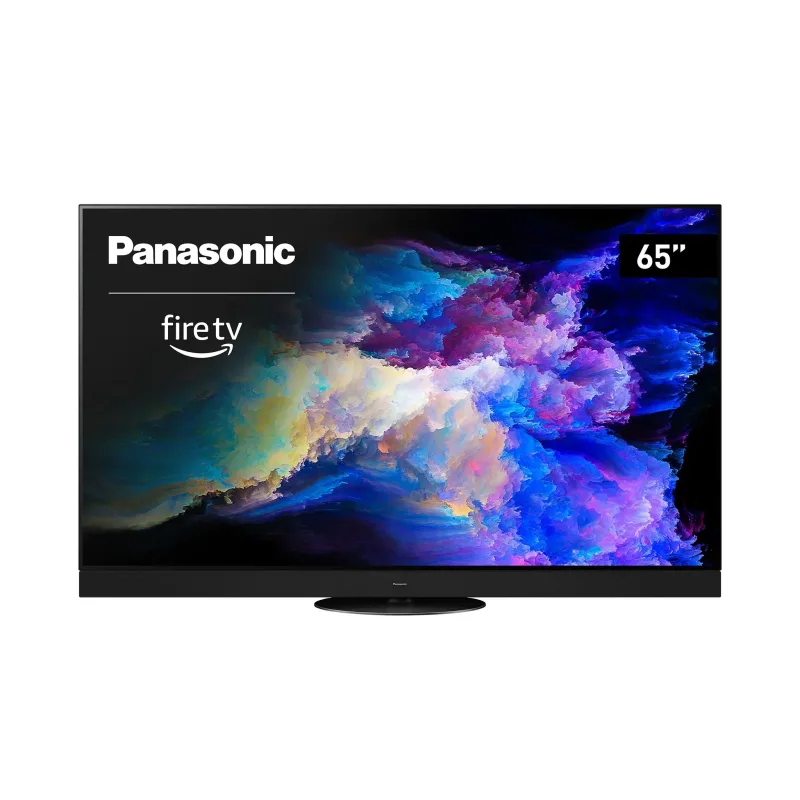
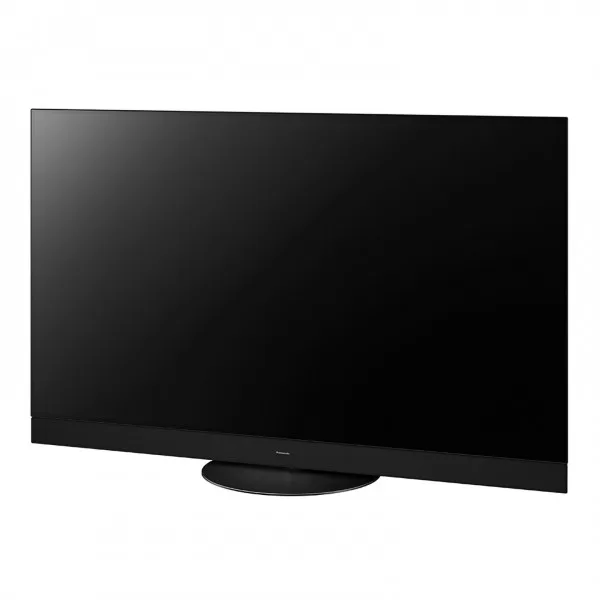
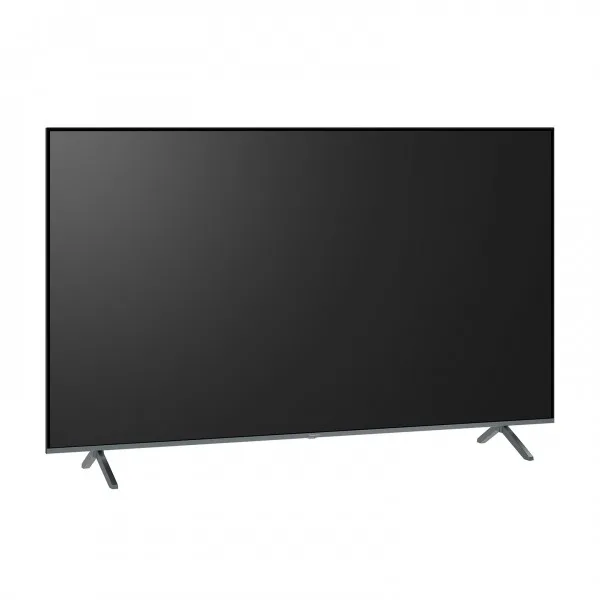
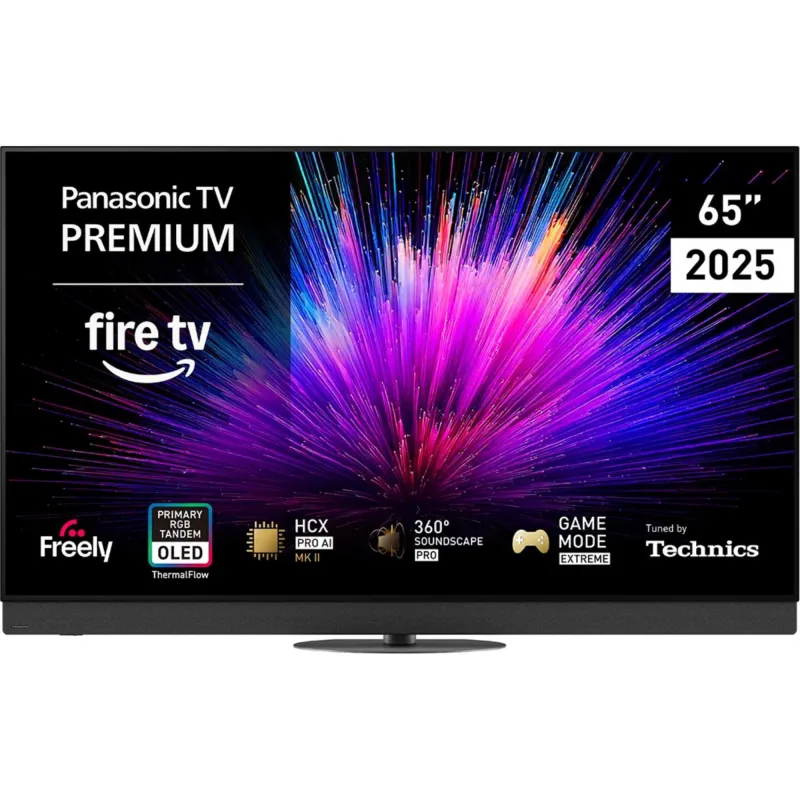
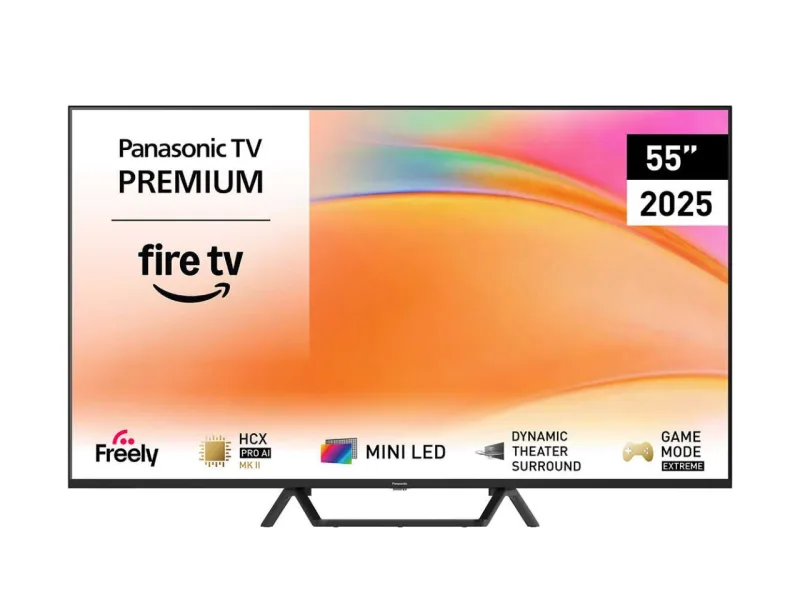
Panasonic Viera TV
homebridge-vieramatic · v4.0.51
Adds Panasonic Viera TVs, including 2018 and later models, with power, inputs and apps.
What it says it supports
Brands
- Panasonic
Devices it names
- Panasonic Viera TVs (all supported by Panasonic TV Remote 3 app)
Shows up in Apple Home as from its README
What people report
Panasonic Viera TVs generally work; sets that cannot wake from standby over the network are the main gap. Maintainer is responsive.
- Works1
- Partly works1
- Requested1
| Device | Status | What they said | Source |
|---|---|---|---|
| Panasonic VIErA TX-50CX680B TV | Works | Discovered and added as a television accessory in Home appSaved copyTelevision Active 1 Active Identifier 0 Configured Name 50CX680_Series Remote Key Sleep Discovery Mode 1 Power Mode Selection Manufacturer Panasonic Model Panasonic VIErA TX-50CX680B Name 50CX680_Series Serial Number 4D454930-0200-1000-8001-A8137441B307 Firmware Revision 2.0.16 Homebridge Instance IP 192.168.1.113 Homebridge Instance Port 37451 Homebridge Instance Username 11:9B:0F:CF:7A:6E aid 1 iid 8 Excerpt saved from GitHub on 2026-10-22. | Issue #61 · 2021-01 |
| Panasonic Viera TV (volume control) | Partly works | Plugin works but volume fan/slider not shown in HomeKitSaved copyHello, works fine - thanks - only no fan is shown in Homekit, so Volume does not work. Thanks. Tobias Excerpt saved from GitHub on 2026-10-22. | Issue #117 · 2023-02 |
| Panasonic TH-65EZ950 TV | Requested | Wants Wake-on-LAN to power on from standby; TV does not respond to network power-onSaved copyhumm... per https://www.panasonic.com/content/dam/Panasonic/au/en/support_manual/televisions/TH-65EZ950_eHELP-Operating_Instructions_User_Manual.pdf (page 182) you should have a `Powered On by Apps` option which must be ON ... and should be enough :-) to move forward :-). if you haven't you probably need to update the firmware... Hoping this helps! (and thanks for your patience) Excerpt saved from GitHub on 2026-10-22. | Issue #30 · 2020-09 |
Gathered from the plugin’s GitHub issues, pull requests, discussions, wiki and docs, and from r/homebridge. These are individual reports, so check the linked thread and the date before you buy.
How it connects
Local
Viera network API on LAN; Wake-on-LAN for older sets
You’ll need
- TV on same network
- TV MAC address for older sets
Compatibility
| Verified by Homebridge | Yes |
|---|---|
| Homebridge versions | >=1.3.4 |
| Homebridge 2.0 | No |
| Node.js | ^14.13.1 || >=16.0.0 |
| Settings in Homebridge UI | Yes |
| Matter | No |
| Platform name | PanasonicVieraTV |
| License | Apache-2.0 |
Community signals
| Downloads a week | 11 |
|---|---|
| Downloads a month | 425 |
| GitHub stars | 41 |
| Open issues | 27 |
| Closed issues | 93 |
| Last code push | 2025-12-30 |
| Latest version | 4.0.51 (2023-05-06) |
| First published | 2020-01-18 |
| Releases | 183 |
In ReReHome
Whatever this plugin publishes reaches Apple Home as a normal HomeKit accessory behind your Homebridge bridge, so ReReHome shows and controls it like any other.
Bridges get their own settings page listing the accessories behind them.
Caveats from the README
- Older sets may need Wake-on-LAN or CEC to power on
HomeKit services in its code
Found by scanning the published npm package. A plugin can register a service only for some devices.
- Fan
- InputSource
- Television
- TelevisionSpeaker
Sources
- npm: https://www.npmjs.com/package/homebridge-vieramatic
- Source code: https://github.com/AntonioMeireles/homebridge-vieramatic
- Issues: https://github.com/AntonioMeireles/homebridge-vieramatic/issues
- Homepage: https://github.com/AntonioMeireles/homebridge-vieramatic#README
- Verified plugins list: https://github.com/homebridge/verified