Alexa Player
homebridge-alexa-player · v0.5.3
Adds Echo and Fire TV devices to HomeKit as basic smart speakers.
What it says it supports
Brands
- Amazon
Devices it names
- Echo
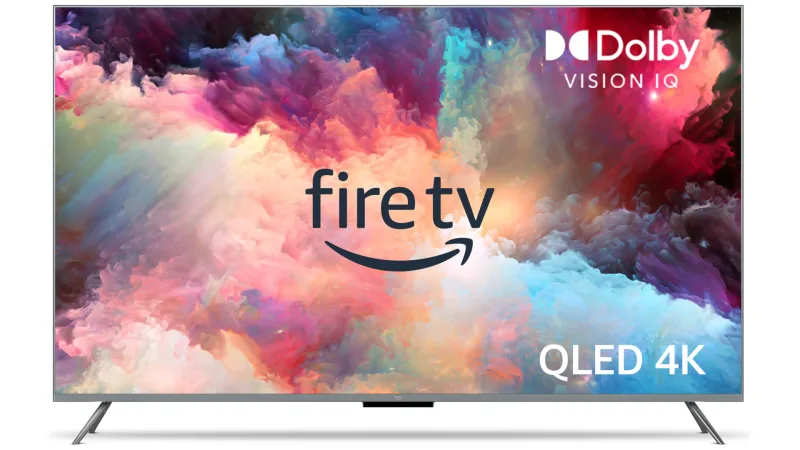
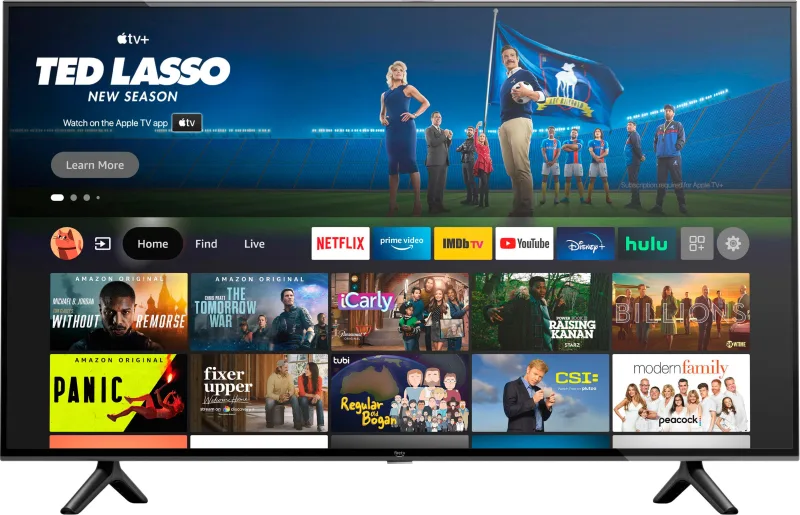
- Fire TV
Shows up in Apple Home as from its README
What people report
Exposes Echo speakers as limited HomeKit speakers (play/pause status). Works on Homebridge 2.0.2 per a user; Echo Show as camera was requested.
- Partly works1
- Not working1
- Requested1
| Device | Status | What they said | Source |
|---|---|---|---|
| Amazon Echo speakers | Partly works | Show Playing/Paused; Home app controls very limited without AirPlay 2Saved copyIt seems that none of my Echo devices are working. They add to my Home app and display 'Playing/Paused/Stopped' but there is no ability to control any of my alexa devices as you can see here: Debugged Homebridge logs just outputs a json log for the devices on the account - i.e. _Creating accessory for device: {"accountName":"Double Room Echo"_ There are no errors or output even when trying to interact with the speakers in the home app. Excerpt saved from GitHub on 2026-10-22. | Issue #75 · 2020-12 |
| Amazon Echo (re-adding after removal) | Not working | Previously removed speakers do not reappear in Home appSaved copyHi, same problem for me. Tried this plugin last year on a couple of echos but removed them, now wanting to try the plugin again with the same echos. They appear as above in the homebridge UI but do not appear in the home app. Only the echos I didn't use last time are appearing. Assume this is a persist/accessory issue in the homebridge folder but have too many other accessories to work out which persist to delete! Any other ideas? Many thanks Andy Excerpt saved from GitHub on 2026-10-22. | Issue #209 · 2021-05 |
| Amazon Echo Show | Requested | Asked to expose as a HomeKit cameraSaved copyI love the plugin. It would be nice if you can add support for exposing Echo Show family as video cameras on HomeKit. Once enabled video streaming on Echo Show device for surveillance, it can be used as a camera. Maybe you can check homebridge-ring plugin approach to do that (https://github.com/dgreif/ring/tree/master/homebridge#homebridge-ring). Excerpt saved from GitHub on 2026-10-22. | Issue #421 · 2022-01 |
Gathered from the plugin’s GitHub issues, pull requests, discussions, wiki and docs, and from r/homebridge. These are individual reports, so check the linked thread and the date before you buy.
How it connects
Cloud
Amazon account login
You’ll need
- Amazon account
Compatibility
| Verified by Homebridge | Yes |
|---|---|
| Homebridge versions | ^1.0.0 |
| Homebridge 2.0 | No |
| Node.js | Not stated |
| Settings in Homebridge UI | Yes |
| Matter | No |
| Platform name | AlexaPlayer |
| License | MIT |
Community signals
| Downloads a week | 5 |
|---|---|
| Downloads a month | 24 |
| GitHub stars | 92 |
| Open issues | 28 |
| Closed issues | 33 |
| Last code push | 2023-08-09 |
| Latest version | 0.5.3 (2022-05-23) |
| First published | 2020-11-15 |
| Releases | 13 |
In ReReHome
Whatever this plugin publishes reaches Apple Home as a normal HomeKit accessory behind your Homebridge bridge, so ReReHome shows and controls it like any other.
Bridges get their own settings page listing the accessories behind them.
HomeKit services in its code
Found by scanning the published npm package. A plugin can register a service only for some devices.
- SmartSpeaker
- Television
- TelevisionSpeaker