Kasa Python
homebridge-kasa-python · v3.2.0
Adds TP-Link Kasa and Tapo plugs, power strips, wall switches, bulbs and light strips via python-kasa.
What it says it supports
Brands
- TP-Link
- Kasa
- Tapo
Devices it names
- HS300 power strip
- KP115 plug
- KS240 fan/light dimmer switch
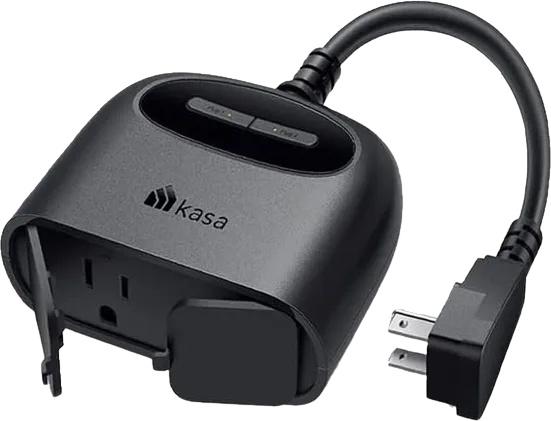
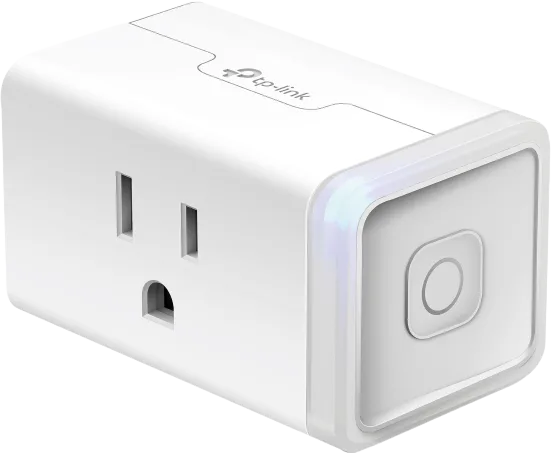
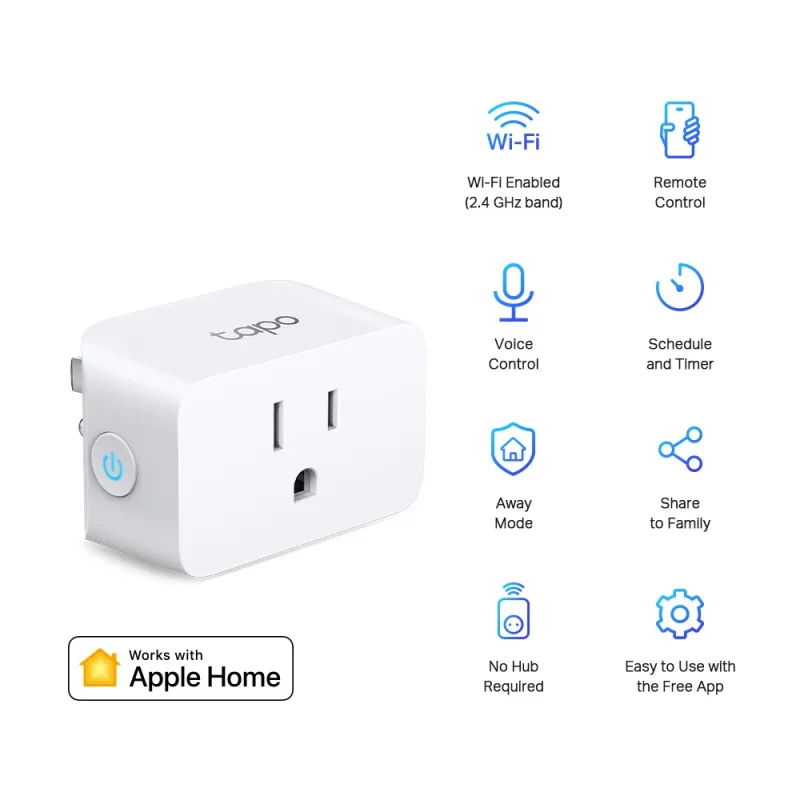
- smart plugs
- wall switches
- bulbs
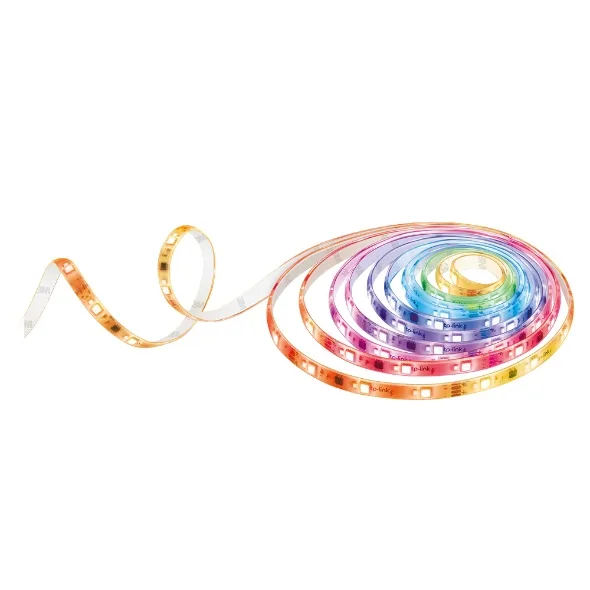
- light strips
Shows up in Apple Home as from its README
What people report
Kasa and Tapo devices work through python-kasa; unlisted models need a fixture file from the user before maintainer adds support.
- Works3
- Partly works5
| Device | Status | What they said | Source |
|---|---|---|---|
| Kasa H200 hub | Works | Did not work with tplink-smarthome; works with Kasa Python pluginSaved copyMy HS220 are older so they work with the tplink-smarthome plugin. My newer H200 didn’t so now I’m using the Kasa Python plugin with no issues. I had issues with it in the last on a pi, but on Debian it’s been stable, whereas before on the pi it would crash every 36 hours or so, but I don’t know if it’s the new HB server or the if the plugin update. Excerpt saved from Arctic Shift Reddit archive on 2026-10-22. | Reddit comment · 2026-02 |
| Kasa smart plugs | Works | Python plugin is HB 2.0 ready; 2 users switched with solid resultsSaved copyI just switched to the python for this reason. Solid so far. Excerpt saved from Arctic Shift Reddit archive on 2026-10-22. | Reddit comment · 2026-02 |
| Kasa smart switches (newer revisions) | Works | Not seen by TPLink-Smarthome plugin; Kasa Python with credentials enabled fixes it, though slowSaved copyThe KasaPython plugin with “enaable credentials “ checked and use your Kasa user and password. The new switches will now work. Excerpt saved from Arctic Shift Reddit archive on 2026-10-22. | Reddit comment · 2025-10 |
| Kasa LB100 v1 bulb | Partly works | Not discovered; no fixture, maintainer asked user for one; closedSaved copyDescribe The Bug: Failed to add HomeKit device for: [Lamp] bulb LB100 https://www.tp-link.com/us/home-networking/smart-bulb/lb100/ To Reproduce: Have a LB100 bulb plugged in, boot up homebridge, watch console Expected behavior: The LB100 bulb would be magically discovered :) Logs: [19/02/2025, 19:54:38] [KasaPython] Unknown device type: { sys_info: { alias: 'Lamp', brightness: 100, child_num: 0, device_id: '[REMOVED]', device_type: 'bulb', host: '192.168.4.39', hw_ver: '1.0', mac: [REMOVED] model: 'LB100', state: true, sw_ver: '1.8.11' }, feature_info: { brightness: true, color_temp: false, … Excerpt saved from GitHub on 2026-10-22. | Issue #35 · 2025-02 |
| Tapo L510E bulb (L510 Series fw 1.3.1) | Partly works | Unknown device type error; maintainer asked for fixture file; closedSaved copy@ZeliardM Application device info menu: Model: Tapo L510 Series Hardware Version: 1.0 Firmware Version: 1.3.1 I checked my order history and it says the model is L510E. Excerpt saved from GitHub on 2026-10-22. | Issue #43 · 2025-03 |
| Tapo L530EA bulb | Partly works | Same as L530E but newer TPAP encryption blocked fixture capture; issue closedSaved copyType Feature Summary Please add support for Tapo L530EA. Thank you <3 Details The L530EA is hardware-identical to the already supported L530E. The "A" suffix simply denotes the Amazon-specific retail version (cooperation model). It uses the same communication protocol and features as the standard L530E. Environment (Required for Bugs) _No response_ Migration Strategy (Breaking Change Only) _No response_ Logs (If Relevant) [code] Additional Context _No response_ Excerpt saved from GitHub on 2026-10-22. | Issue #294 · 2026-04 |
| TP-Link HS103 and EP40 switches | Partly works | Devices vanish or stop switching; restart plugin about every 3 daysSaved copyHi Folks, I have a bunch of TP\_Link HS103 and a couple of EP40's. Everything was running smoothly until recently. Now most of the switches don't show up in Apple Home or in the Homebridge accessory list. I am running Homebridge v1.11.1 on an M4 Mac mini. I am using the Homebridge Kasa Python plugin v2.9.1. All the switches work properly in the Kasa and Tapo apps on both my iPhone and on the Mac (Yes, you can run those apps on apple silicon Macs). When they started to fail, the switches would appear to be working properly in the Home app, but the devices would not actually switch on/off. I … Excerpt saved from Arctic Shift Reddit archive on 2026-10-22. | Reddit thread · 2025-12 |
| TP-Link Kasa devices (38 on network, manual discovery) | Partly works | One offline device made all unresponsive; beta fix offeredSaved copyDescribe The Bug: I *love* this plugin! Thank you for all the work on it. I have 38 Kasa devices on my network. Today I had to take one offline (plug that controls the attic fan). When I did, all devices became unresponsive. I use manual discovery if that matters. I had to restart Homebridge to get things working again. To Reproduce: Take one device offline and all Kasa devices become unresponsive. Expected behavior: It would be best if the plugin just ignored that the device was offline and moved on to the next device then picked up the unresponsive device in the next poll. Logs: … Excerpt saved from GitHub on 2026-10-22. | Issue #39 · 2025-03 |
Gathered from the plugin’s GitHub issues, pull requests, discussions, wiki and docs, and from r/homebridge. These are individual reports, so check the linked thread and the date before you buy.
How it connects
Local + cloud
Local network discovery via python-kasa; Kasa/Tapo cloud credentials for newer devices
You’ll need
- Python 3.11-3.13
- Node 20, 22 or 24
- Kasa/Tapo credentials for newer devices
Compatibility
| Verified by Homebridge | Yes |
|---|---|
| Homebridge versions | ^1.8.0 || ^2.0.0-beta.0 |
| Homebridge 2.0 | Yes |
| Node.js | ^20 || ^22 || ^24 |
| Settings in Homebridge UI | Yes |
| Matter | No |
| Platform name | KasaPython |
| License | MIT |
Community signals
| Downloads a week | 121 |
|---|---|
| Downloads a month | 1,250 |
| GitHub stars | 48 |
| Open issues | 6 |
| Closed issues | 107 |
| Discussions | 6 |
| Last code push | 2026-10-16 |
| Latest version | 3.2.0 (2026-03-23) |
| First published | 2024-07-20 |
| Releases | 168 |
In ReReHome
Whatever this plugin publishes reaches Apple Home as a normal HomeKit accessory behind your Homebridge bridge, so ReReHome shows and controls it like any other.
Bridges get their own settings page listing the accessories behind them.
Caveats from the README
- Only HS300 and KP115 tested by author
- Native HomeKit/Matter devices filtered out by default
HomeKit services in its code
Found by scanning the published npm package. A plugin can register a service only for some devices.
- Lightbulb
- Outlet