Velux KLF 200
homebridge-velux · v1.0.16
Adds Velux Integra roller blinds via the KLF 200 gateway local API.
What it says it supports
Brands
- Velux
Devices it names
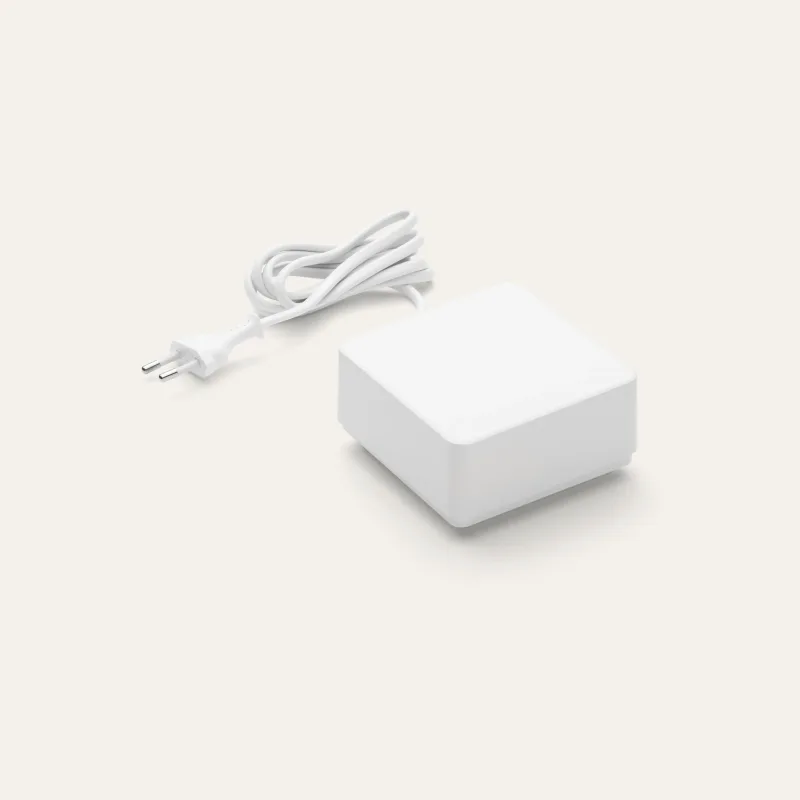
- Velux Integra KLF 200
- motorised roller blinds
Shows up in Apple Home as from its README
What people report
Works with Velux KLF-200 gateway; some users hit parse errors on firmware 2.0.0.71.
- Partly works1
- Not working1
| Device | Status | What they said | Source |
|---|---|---|---|
| Velux KLF-200 gateway | Partly works | Parse errors with firmware 2.0.0.71; one case resolved by updating Node and reinstallingSaved copy… Docker-Homebridge [Homebridge] v1.11.1 [Homebridge UI] v5.9.0 [Node.js] v22.14.0 · The AI said it could be the too high node version. I do not know. The klf200 runs with the latest firmware 2.0.0.71. Here more details: velux info: 192.168.178.191: request 2: GW_GET_VERSION_CFM: {"softwareVersion":"2.0.0.71","hardwareVersion":6,"productGroup":14,"productType":3} velux info: 192.168.178.191: request 2: response: {"softwareVersion":"2.0.0.71","hardwareVersion":6,"productGroup":14,"productType":3} I think its more or less always: [11/10/2025, 8:40:15 PM] [Velux] KLF200: warning: error: 59: … Excerpt saved from GitHub on 2026-10-22. | Issue #2 · 2025-11 |
| Velux blind via KLF-200 | Not working | Discovery fails on system table payload; maintainer investigating raw dataSaved copyThanks - below is the log with raw data. I've been also having the issue where the API closes (unrelated to the LAN Power Management for KLF which is set to always on). It would be fine after a reboot until it closes again after some time. raw data log - velux -DD -H ... -P ... info.txt homebridge-velux.log.txt I had some minor success in controlling the blind and position with a manual terminal command: velux -D -t 10 --host ... --password ... COMMAND_SEND '{ "position": 100, "nodeIds": [0] }' velux -D -t 10 --host ... --password ... COMMAND_SEND '{ "position": 50, "nodeIds": [0] }' velux -D … Excerpt saved from GitHub on 2026-10-22. | Issue #1 · 2025-05 |
Gathered from the plugin’s GitHub issues, pull requests, discussions, wiki and docs, and from r/homebridge. These are individual reports, so check the linked thread and the date before you buy.
How it connects
Local
KLF 200 local API over wired Ethernet
You’ll need
- KLF 200 gateway firmware 2.0.0.71
- Ethernet connection
Compatibility
| Verified by Homebridge | Yes |
|---|---|
| Homebridge versions | ^2.4.0 |
| Homebridge 2.0 | Yes |
| Node.js | ^24||^22 |
| Settings in Homebridge UI | Yes |
| Matter | No |
| Platform name | Velux |
| License | Apache-2.0 |
Community signals
| Downloads a week | 9 |
|---|---|
| Downloads a month | 104 |
| GitHub stars | 1 |
| Open issues | 0 |
| Closed issues | 5 |
| Last code push | 2026-08-30 |
| Latest version | 1.0.16 (2026-08-30) |
| First published | 2025-01-24 |
| Releases | 21 |
In ReReHome
Whatever this plugin publishes reaches Apple Home as a normal HomeKit accessory behind your Homebridge bridge, so ReReHome shows and controls it like any other.
Bridges get their own settings page listing the accessories behind them.
Caveats from the README
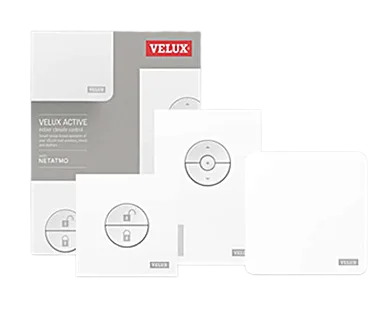
- Does not support the Velux Active gateway
- API password is the gateway's WiFi password
Sources
- npm: https://www.npmjs.com/package/homebridge-velux
- Source code: https://github.com/ebaauw/homebridge-velux
- Issues: https://github.com/ebaauw/homebridge-velux/issues
- Verified plugins list: https://github.com/homebridge/verified