SmartThings TV
@o-lukas/homebridge-smartthings-tv · v3.0.25
Adds Samsung TVs and soundbars to HomeKit as TVs via SmartThings.
What it says it supports
Brands
- Samsung
- SmartThings
Devices it names
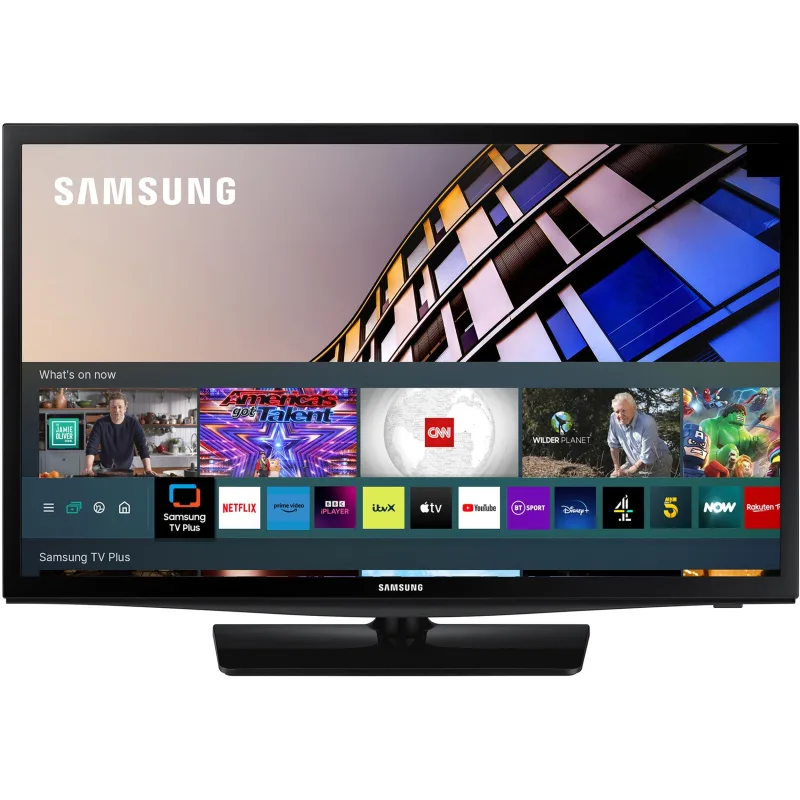
- Samsung TVs
- Samsung soundbars
Shows up in Apple Home as from its README
What people report
Samsung TVs controlled through SmartThings generally work; users report power state sync problems and Wake-on-LAN failing on some models.
- Works3
- Partly works1
- Not working1
| Device | Status | What they said | Source |
|---|---|---|---|
| Samsung Q60B 65-inch TV | Works | Added to HomeKit after using the Homebridge PINSaved copy… displays this error message; so close as it’s showing serial and all other relevant data in HomeBridge I’m sure it’s not too far from working fully ; q60b model and registered in SmartThings ++ I’ve added MAC address as well just for basic on-off without more Excerpt saved from GitHub on 2026-10-22. | Issue #330 · 2024-03 |
| Samsung Q990D soundbar | Works | SmartThings plugin finds Samsung devices; input switching works with a PAT tokenSaved copyManaged to get it to work today. I used the following plug-in: "u/o-lukas/homebridge-smartthings-tv" The plug-in automatically found all the Samsung devices set up in my SmartThings App (I had to create a PAT code from the Samsung account portal first but that is super easy) and also found a decent set of capabilities for each device. FrameTV (QE43LS03BAUXXU) Soundbar (HW-S61BWWB) I'm not interested in controlling the TV via HomeKit (the TV is configured to simply open straight into AppleTV, which is the only platform / UI I use... so I never use any of the apps / settings on the Samsung TV … Excerpt saved from Arctic Shift Reddit archive on 2026-10-22. | Reddit comment · 2024-05 |
| Samsung TV via SmartThings | Works | SmartThings TV plugin works fine for one userSaved copythe homebridge smartthings tv plugin works just fine for me. Excerpt saved from Arctic Shift Reddit archive on 2026-10-22. | Reddit comment · 2024-12 |
| Samsung TV (SmartThings) | Partly works | Home app shows TV on when off; fixed after reportSaved copy… consistently shows the TV as ON when it's actually off. This does not change with polling enabled (5000 ms). [code] [code] https://github.com/o-lukas/homebridge-smartthings-tv/blob/a0131060640e5e695044bdd6026f1827ee959577/src/tvAccessory.ts#L344 To Reproduce Samsung 2024 LCD TV correctly configured for remote access. Connect without issue. Remains "ON" in the Home App, appears "OFF" in the SmartThings App. Polling does not appear to affect this behavior. Expected behavior The device status and home app remain in sync. Logs LMK if there are specific messages I should look for, it's a process … Excerpt saved from GitHub on 2026-10-22. | Issue #437 · 2025-01 |
| Samsung QA65Q8 TV | Not working | Does not turn on; Wake-on-LAN sent but TV did not react, older TV worksSaved copy… it been quite a few years since I did and network configuring... I have installed the home bridge-smartthing-tv plugin and it installed ok. I added two Samsung TV's of different age. The IOS Smartthings app on my phone works flawlessly. I added them to HomeKit, the older of the two works well turns off/on/change input etc. The second a QA65Q800TAWXXY model, can turn off and changes inputs but will NOT turn ON, but will turn off. Is there something I've missed, like a WOL or some other permission ? I've deleted and re-added without any change. The Samsung access key seems correct, no errors I … Excerpt saved from GitHub on 2026-10-22. | Issue #32 · 2023-03 |
Gathered from the plugin’s GitHub issues, pull requests, discussions, wiki and docs, and from r/homebridge. These are individual reports, so check the linked thread and the date before you buy.
How it connects
Cloud
SmartThings API
You’ll need
- SmartThings token
Compatibility
| Verified by Homebridge | Yes |
|---|---|
| Homebridge versions | ^1.8.0 || ^2.0.0-beta.0 |
| Homebridge 2.0 | Yes |
| Node.js | ^20 || ^22 || ^24 |
| Settings in Homebridge UI | Yes |
| Matter | No |
| Platform name | smartthings-tv |
| License | MIT |
Community signals
| Downloads a week | 131 |
|---|---|
| Downloads a month | 816 |
| GitHub stars | 53 |
| Open issues | 6 |
| Closed issues | 66 |
| Last code push | 2026-10-21 |
| Latest version | 3.0.25 (2026-10-16) |
| First published | 2023-02-05 |
| Releases | 103 |
In ReReHome
Whatever this plugin publishes reaches Apple Home as a normal HomeKit accessory behind your Homebridge bridge, so ReReHome shows and controls it like any other.
Bridges get their own settings page listing the accessories behind them.
Caveats from the README
- Soundbars appear as TVs
HomeKit services in its code
Found by scanning the published npm package. A plugin can register a service only for some devices.
- InputSource
- Lightbulb
- Switch
- Television
- TelevisionSpeaker
Sources
- npm: https://www.npmjs.com/package/@o-lukas/homebridge-smartthings-tv
- Source code: https://github.com/o-lukas/homebridge-smartthings-tv
- Issues: https://github.com/o-lukas/homebridge-smartthings-tv/issues
- Homepage: https://github.com/o-lukas/homebridge-smartthings-tv#README
- Verified plugins list: https://github.com/homebridge/verified