TVHDMI 1
HDMI 1Apple TVNetflixOff
The input the TV is on, as its status. Switch inputs and volume from the detail page or the remote.
- Input
- On or off
- Volume
- Remote
TVs
Pick an input, in the same order as the Home app. Press remote keys. Change the volume. Switch picture modes and captions. All from ReReHome.
Open the TV’s settings menu and see every service it exposes.
Turn the TV off automatically when the last person leaves home.
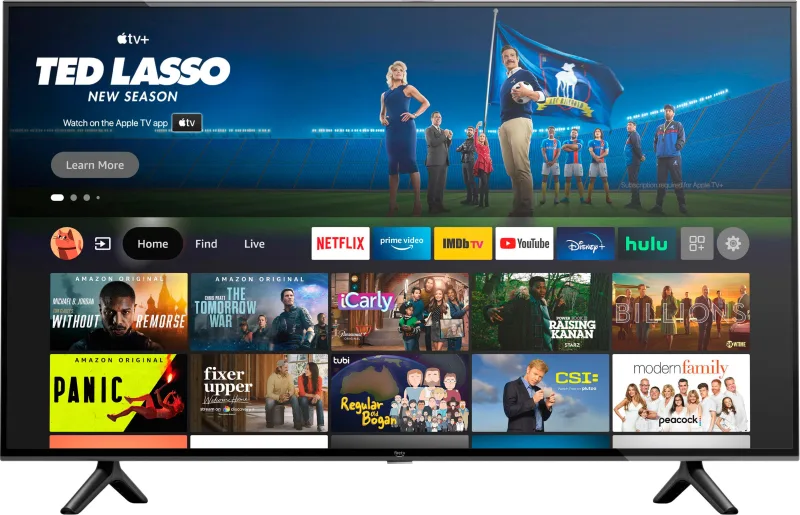
TVs and streaming players that show up in Apple Home, plus the AirPlay 2–only sets you can stream to but can’t add.
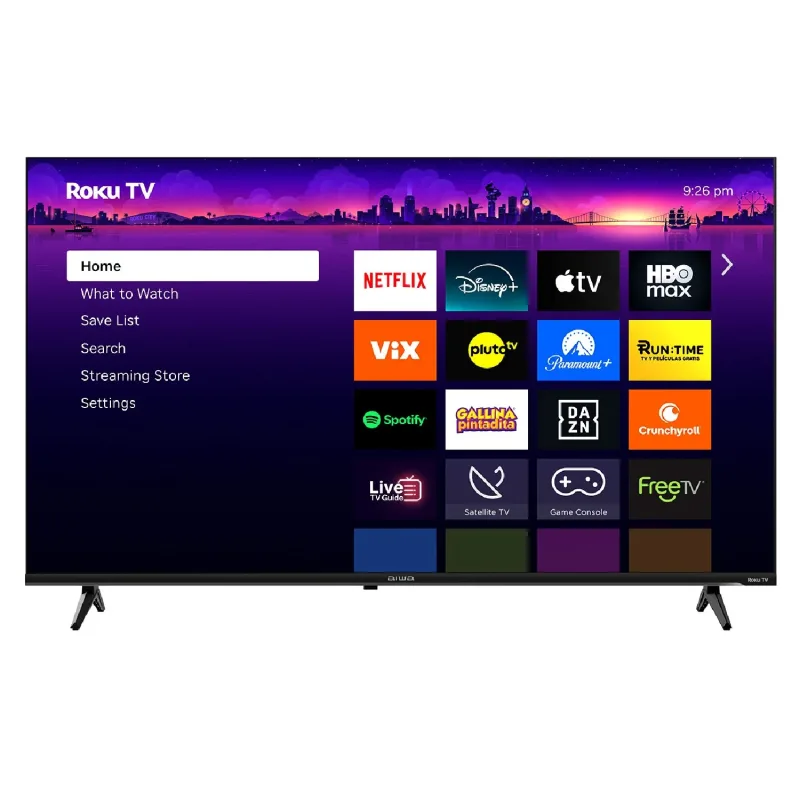
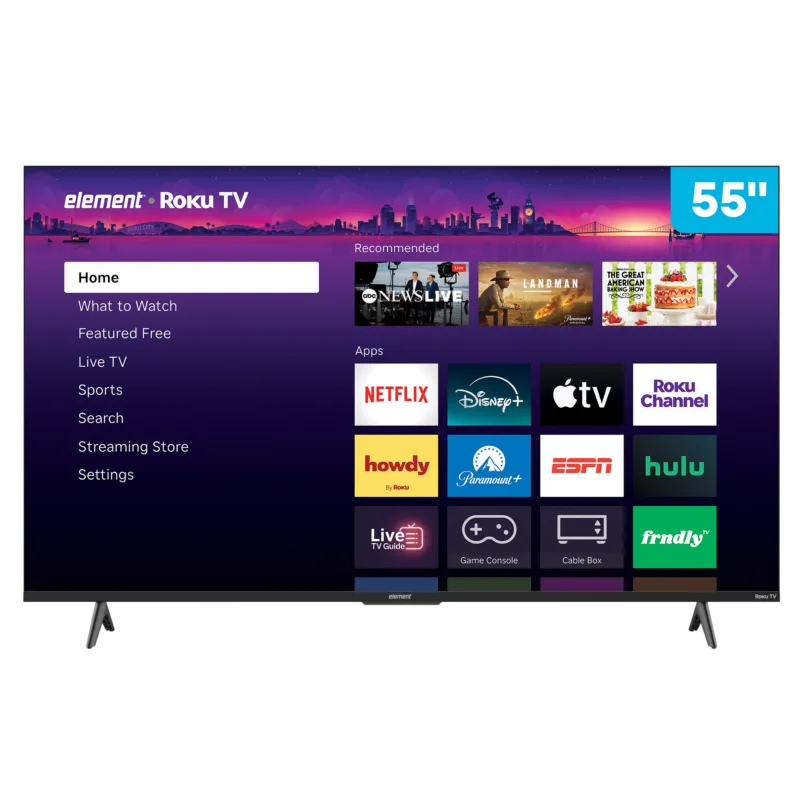
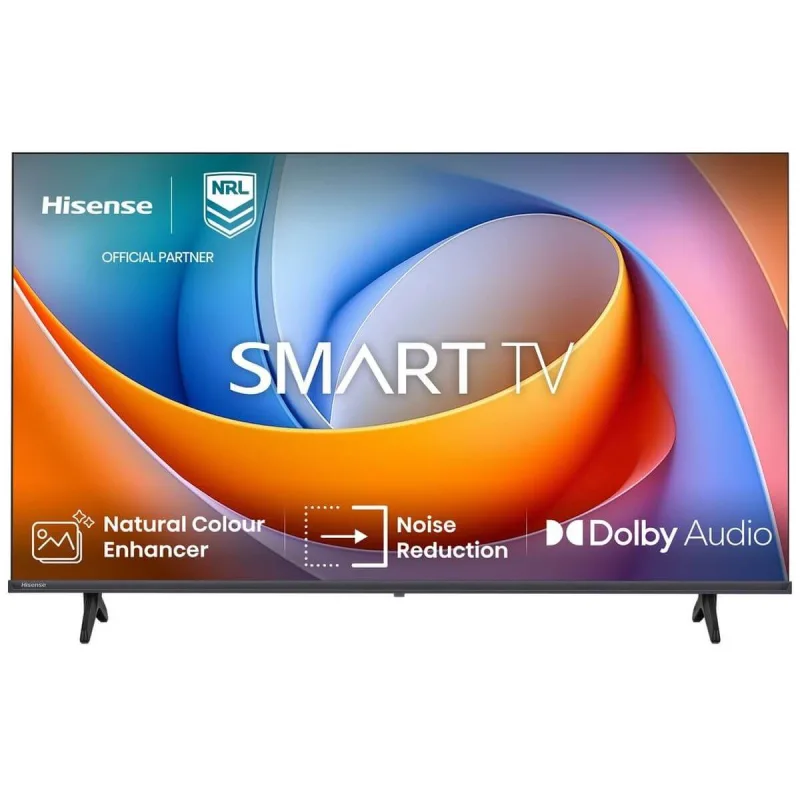
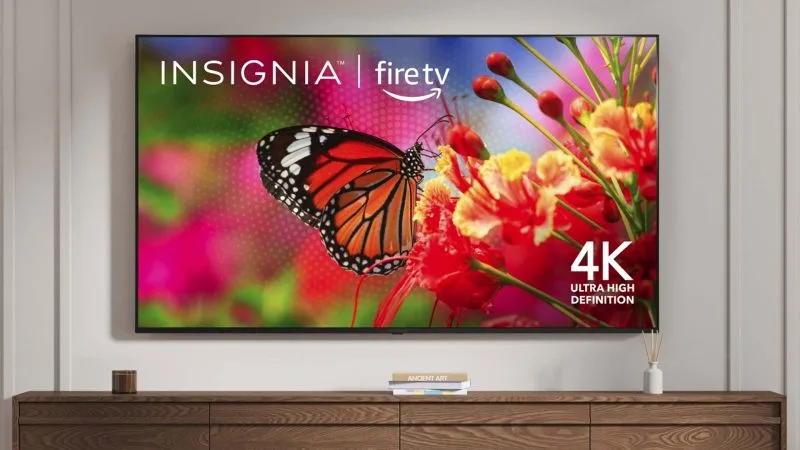
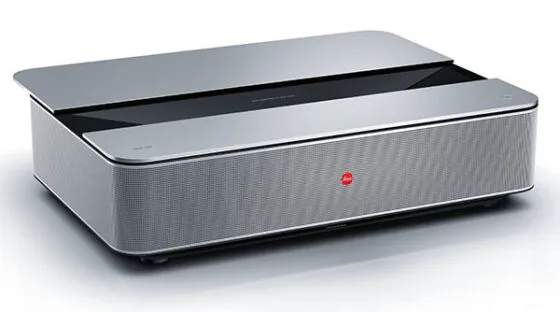
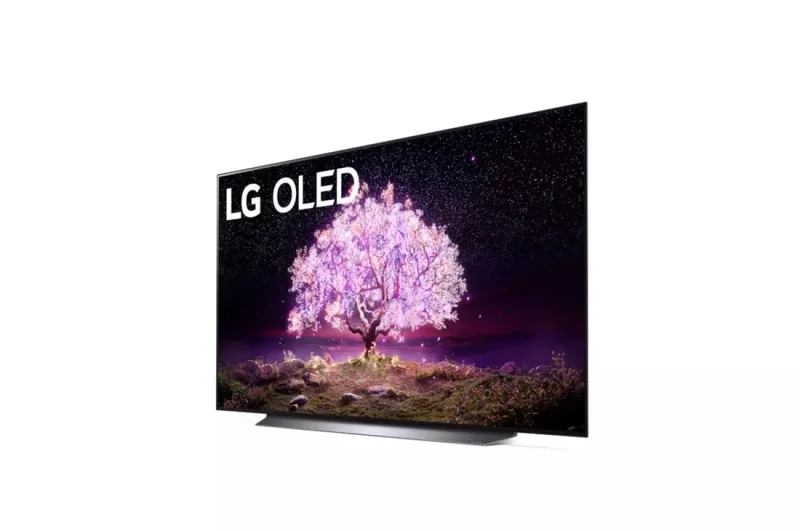

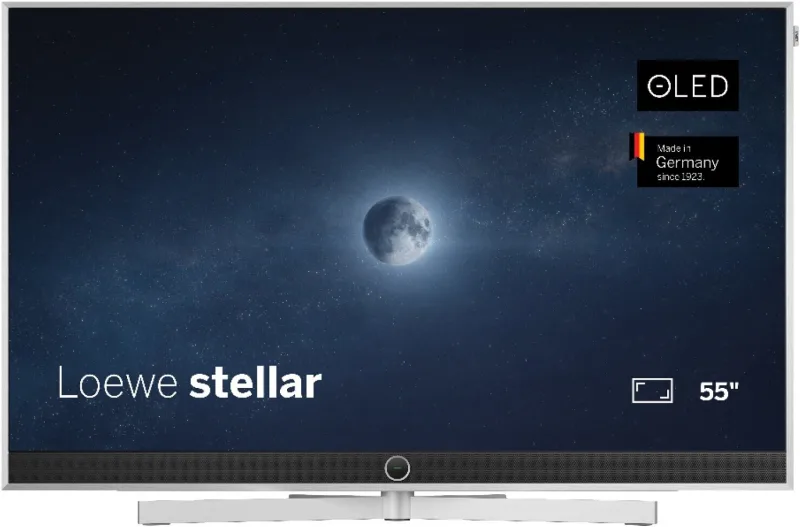
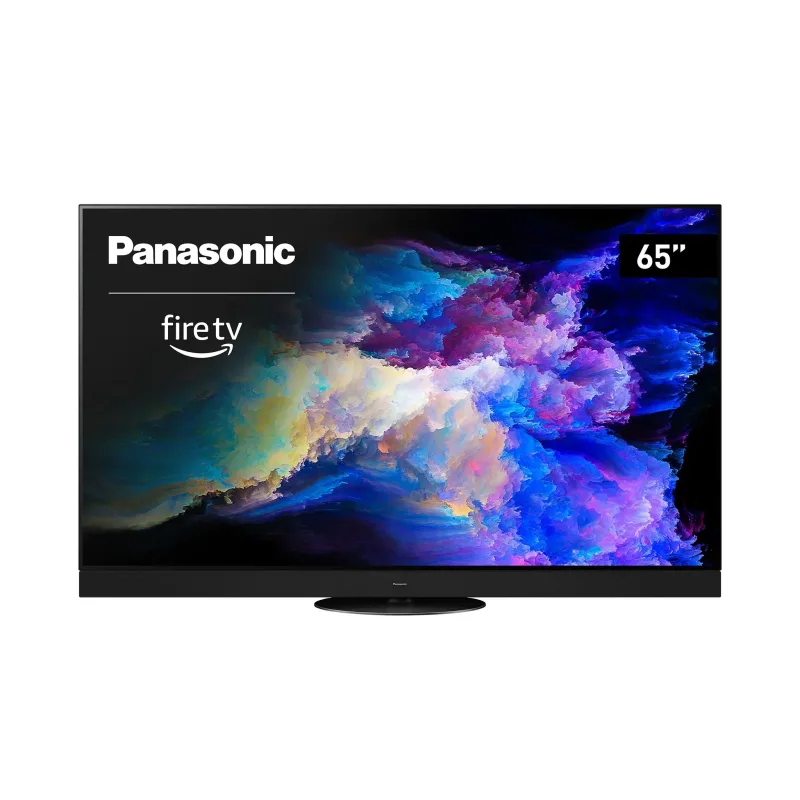
HomeKit and AirPlay 2: add the TV to the Home app for power, inputs, volume and remote keys.
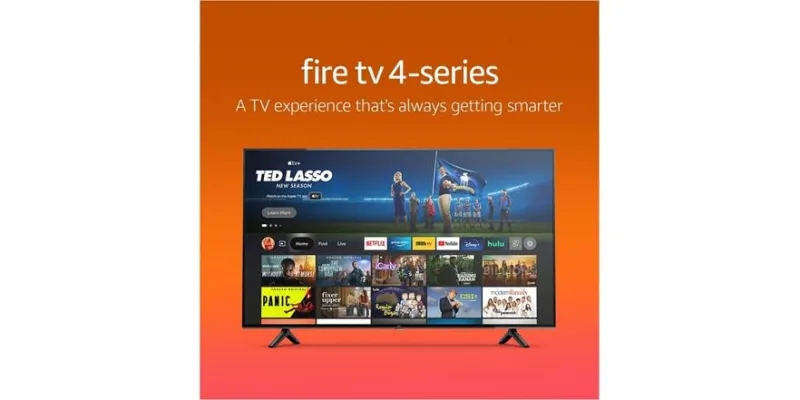
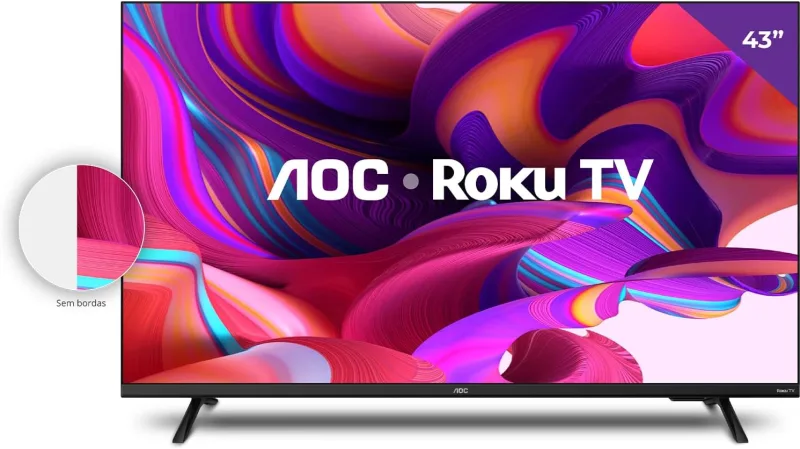
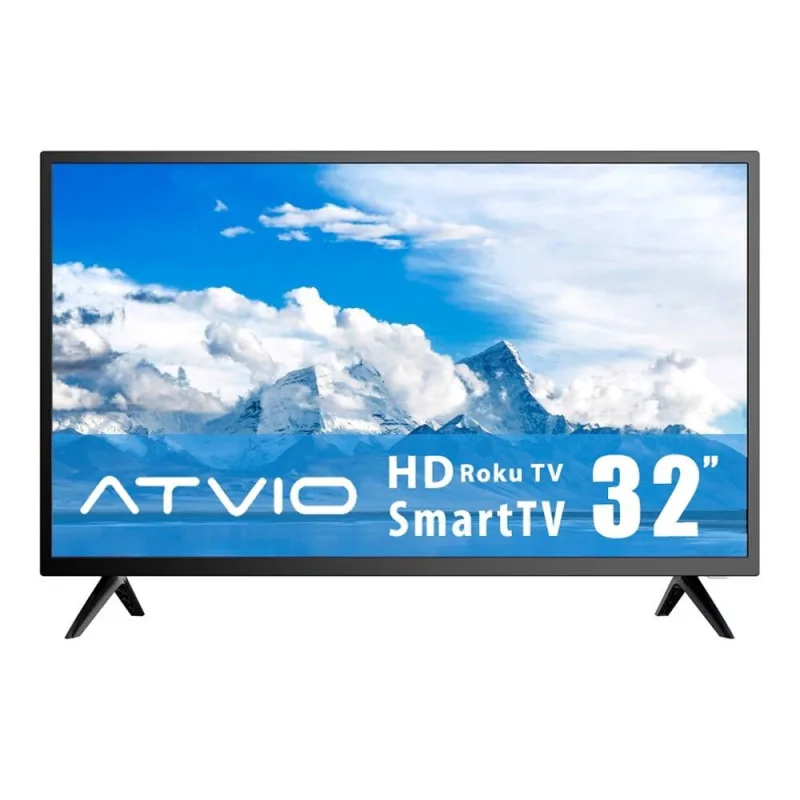
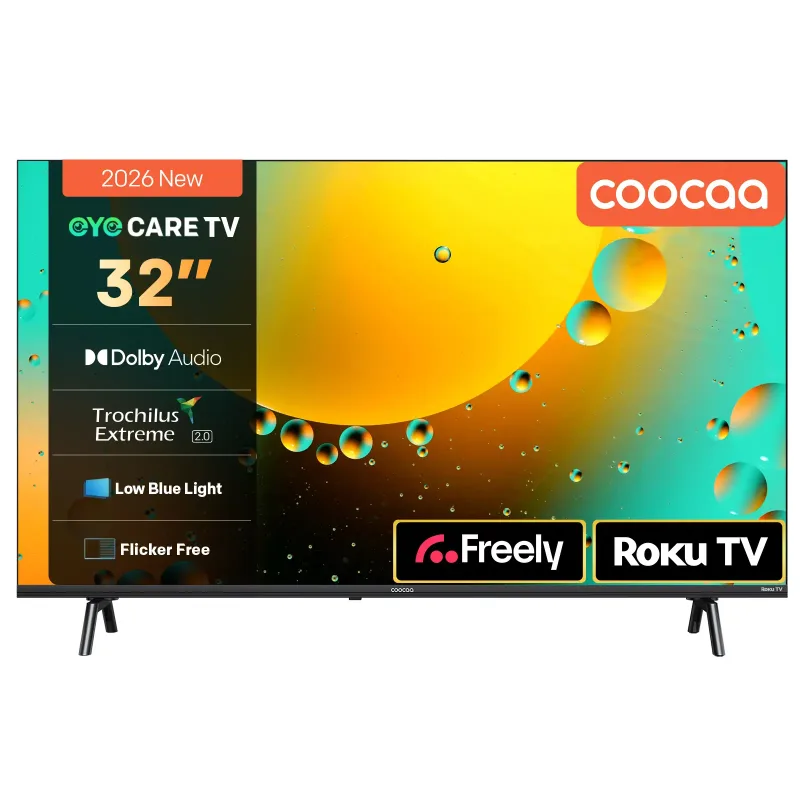

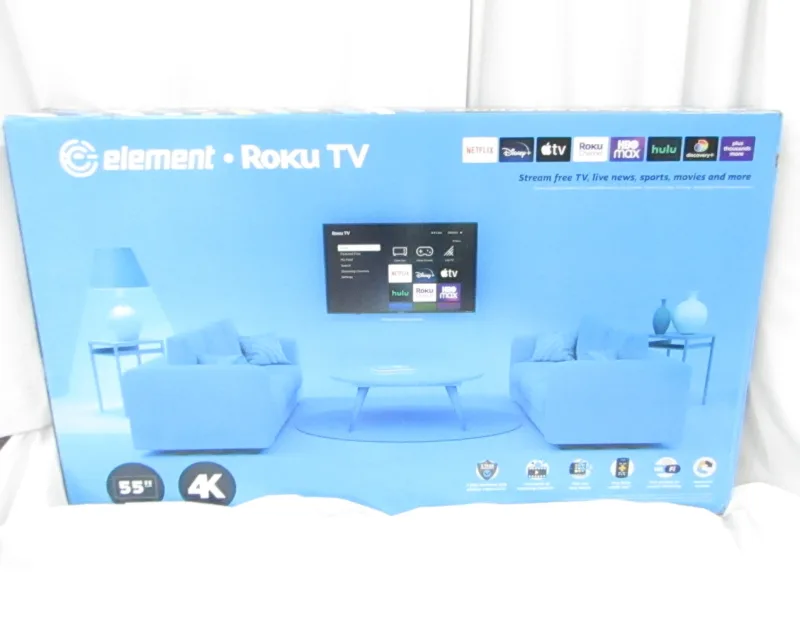

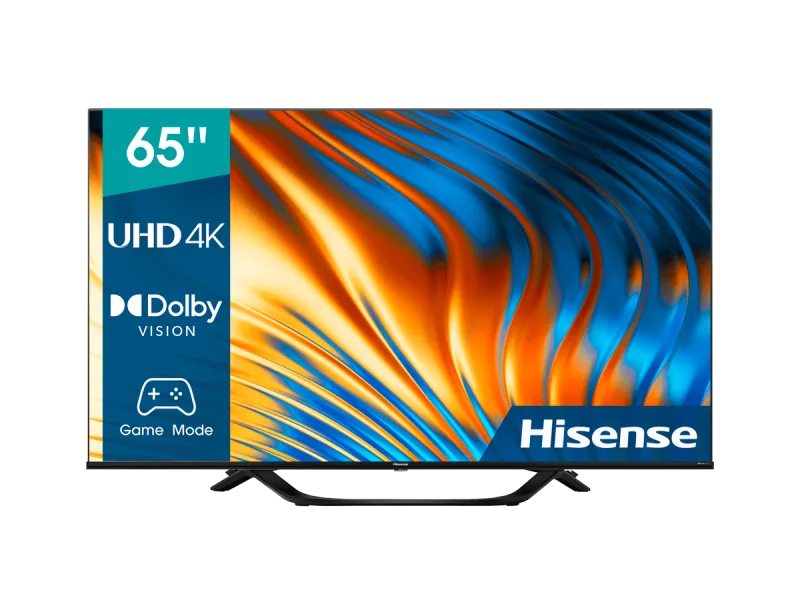

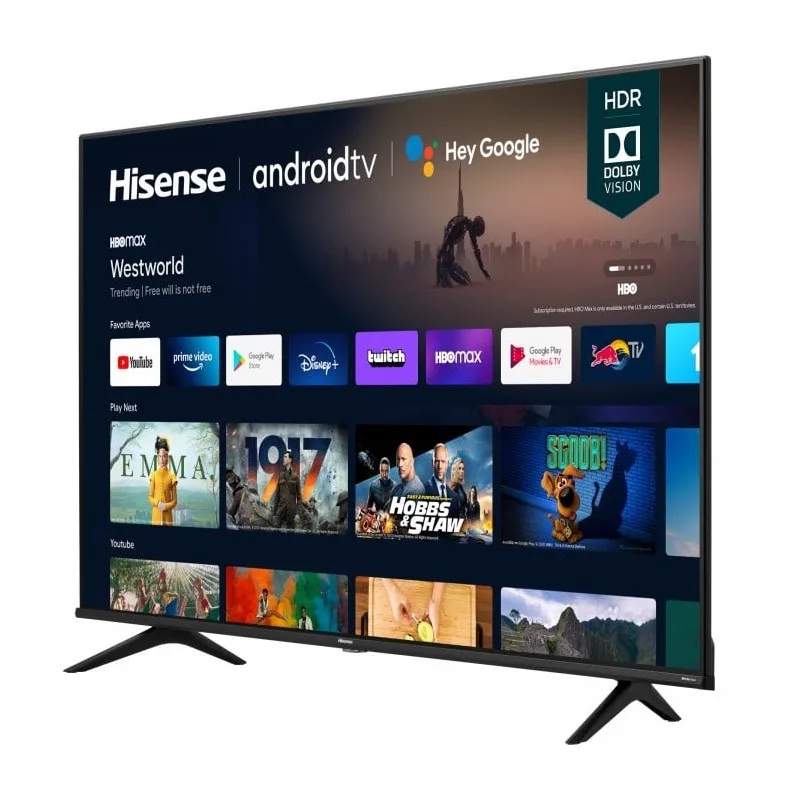


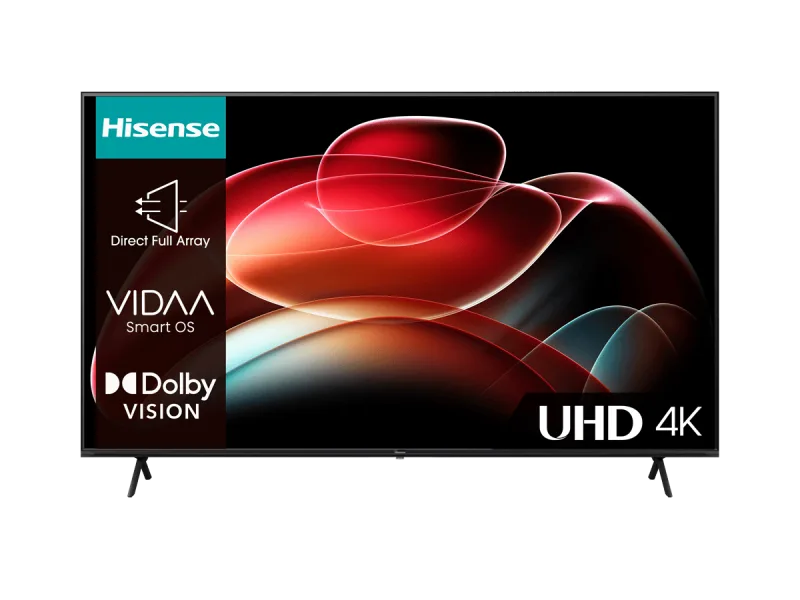
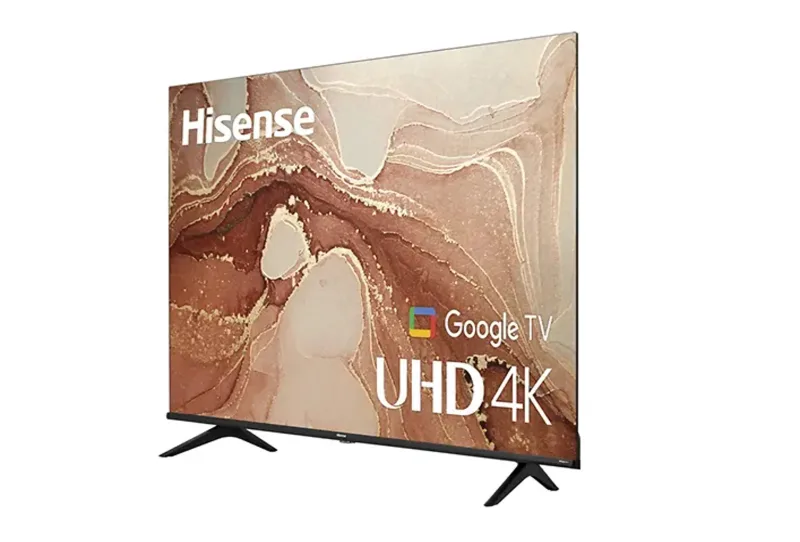
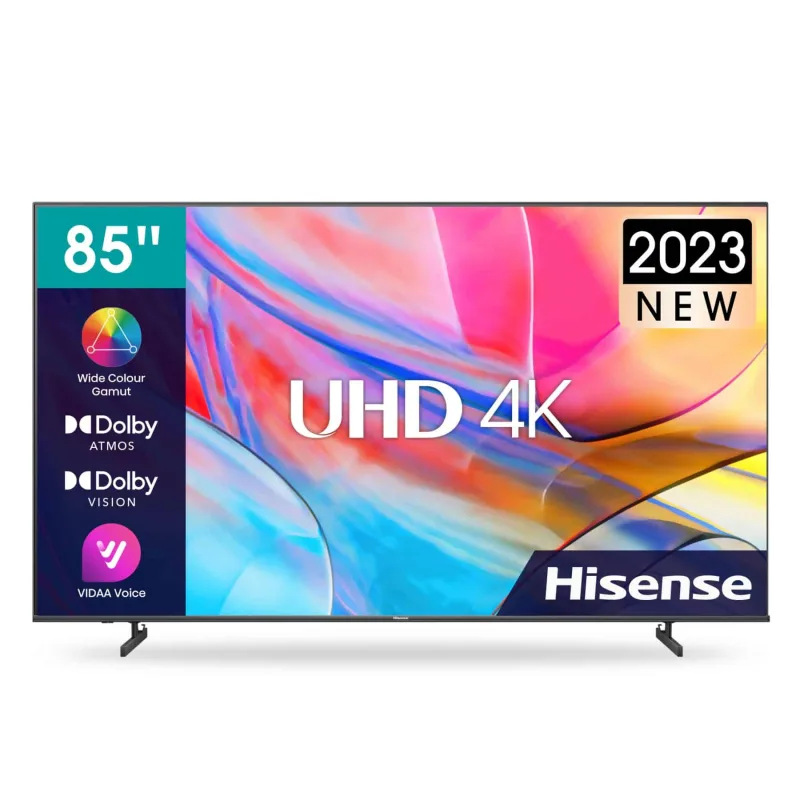

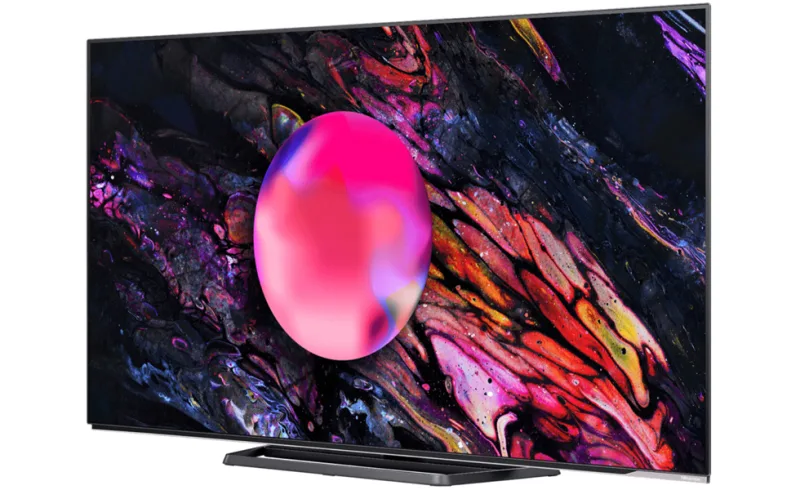
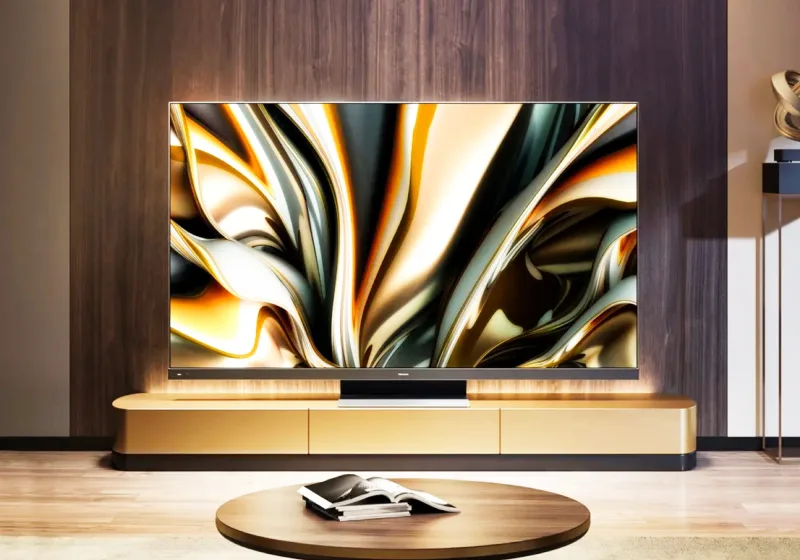


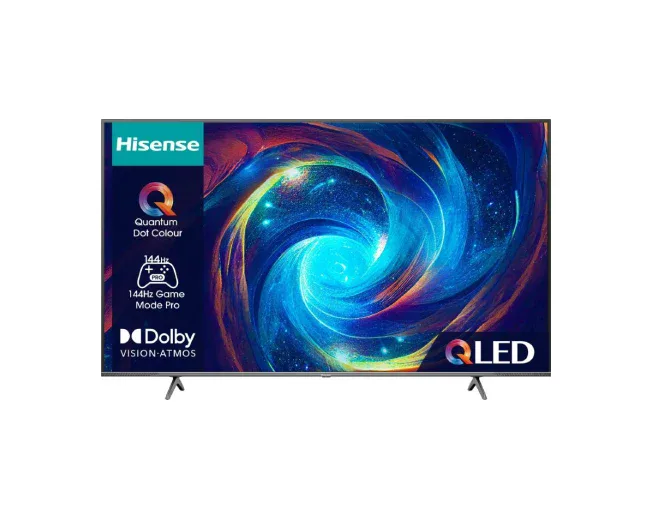
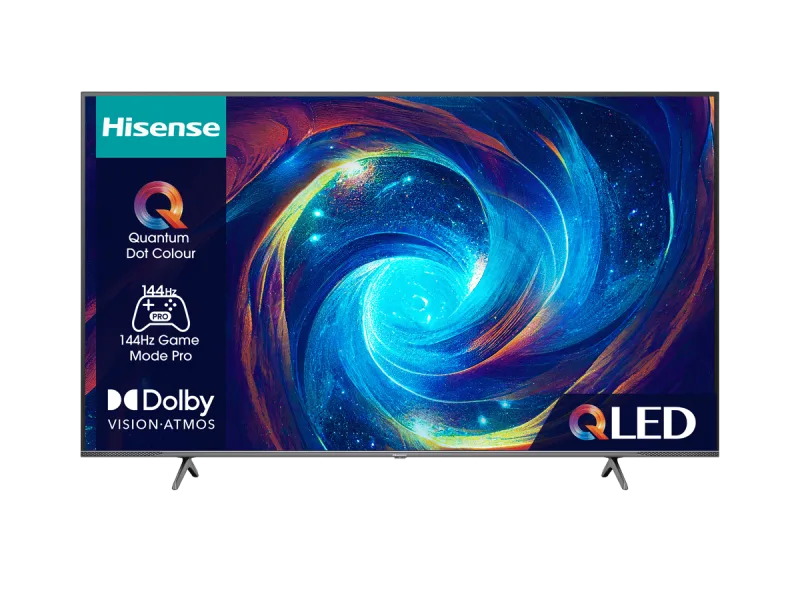
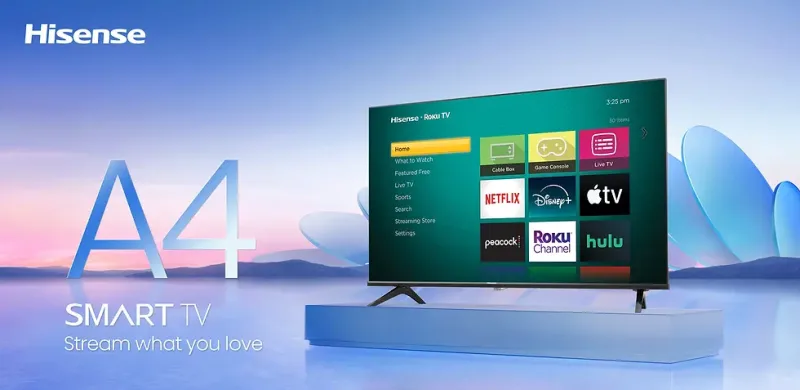

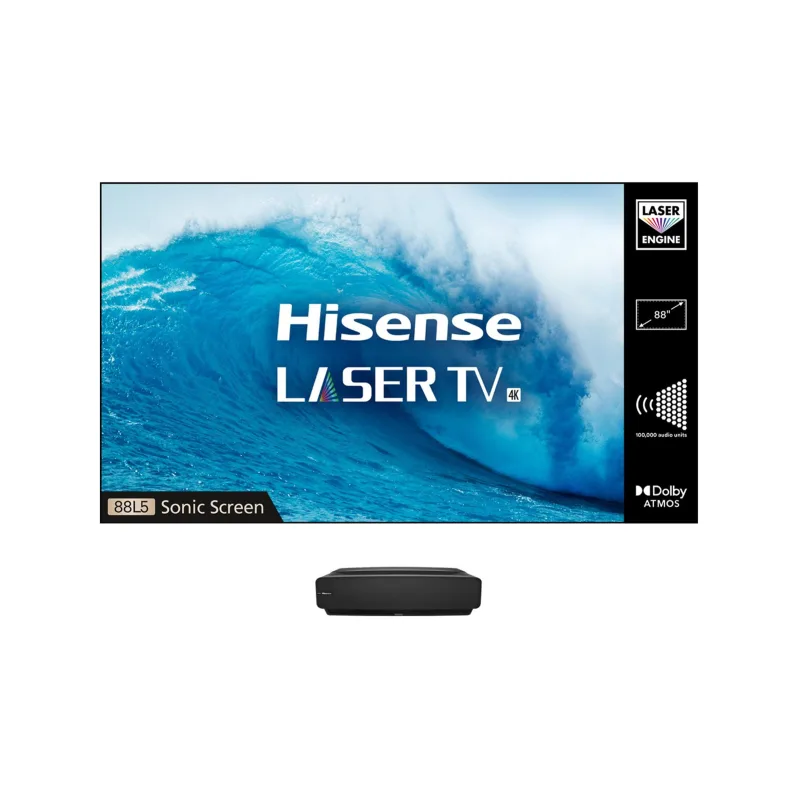
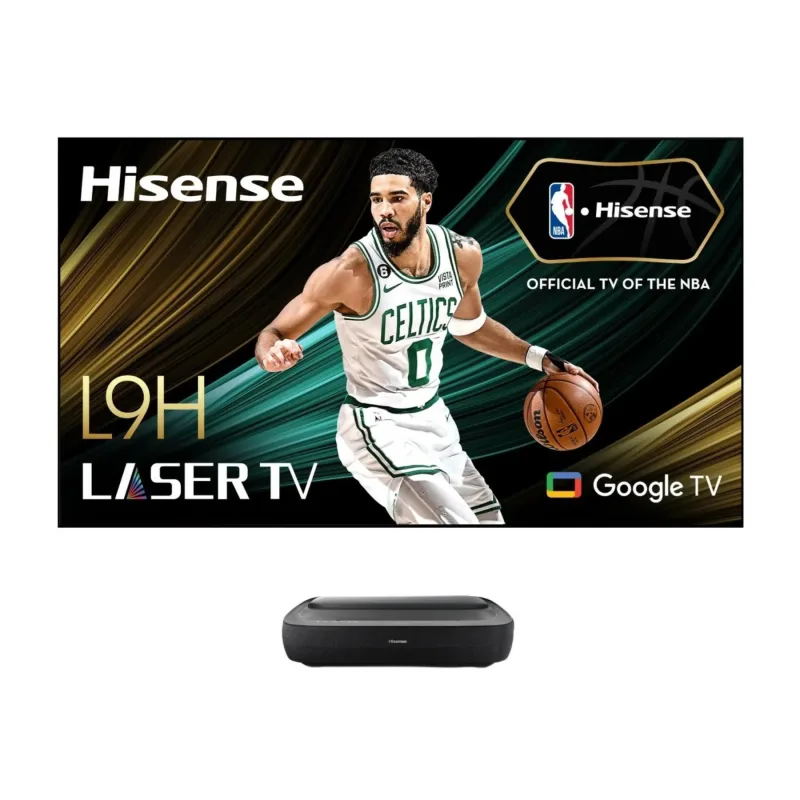



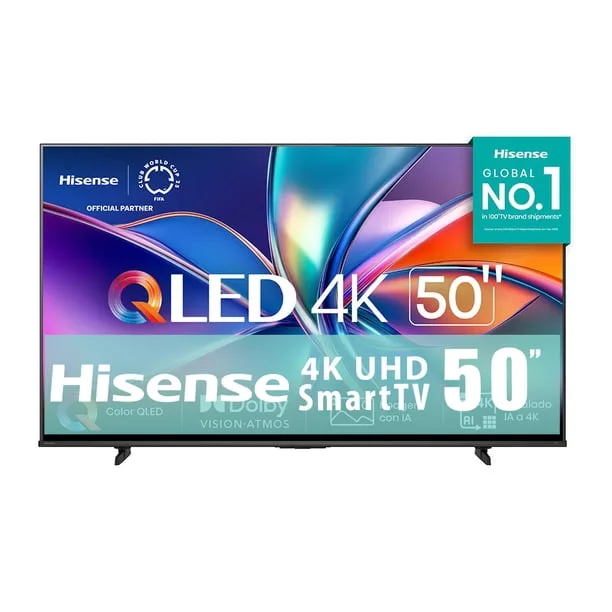
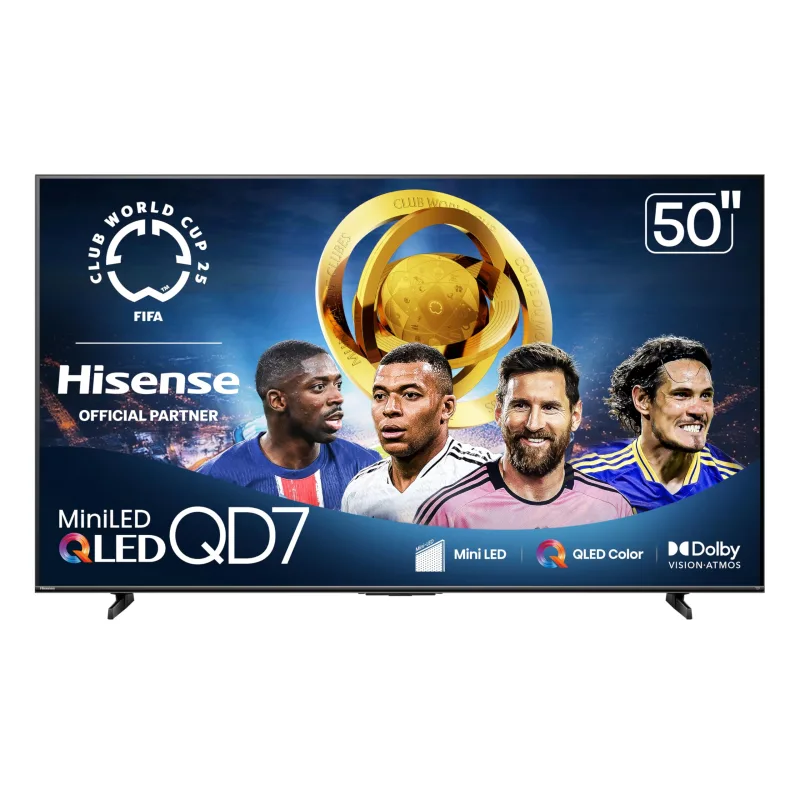
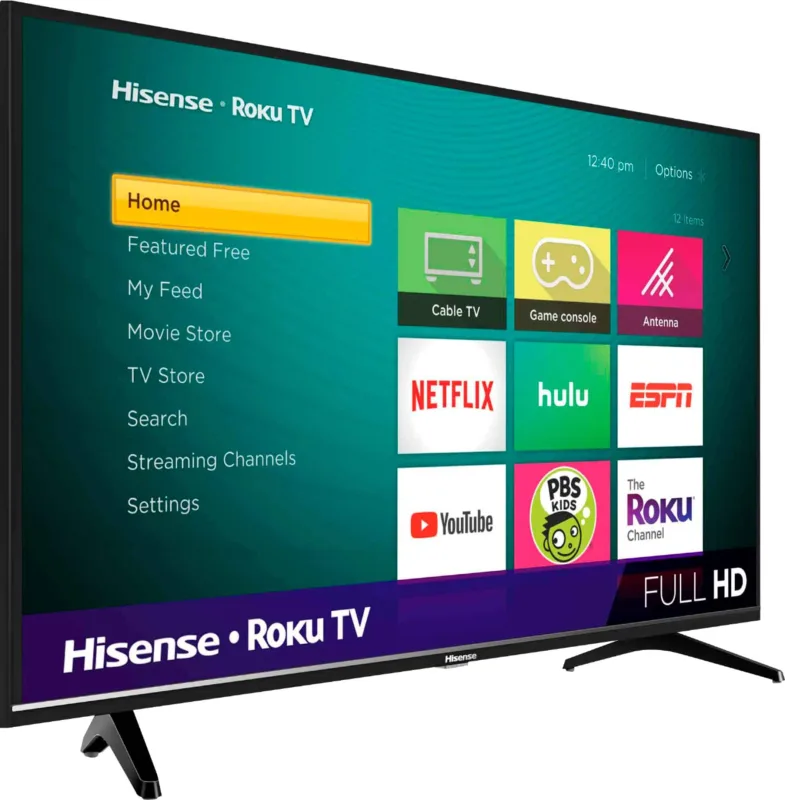
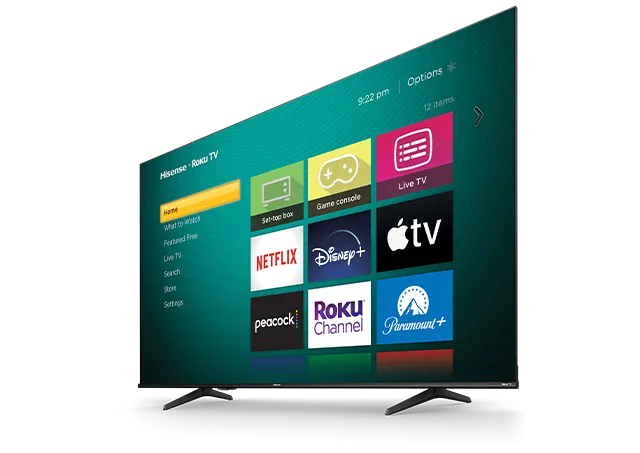










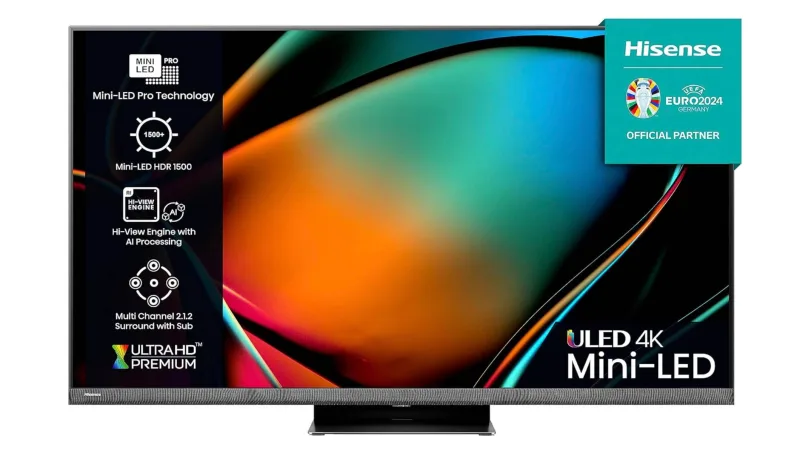


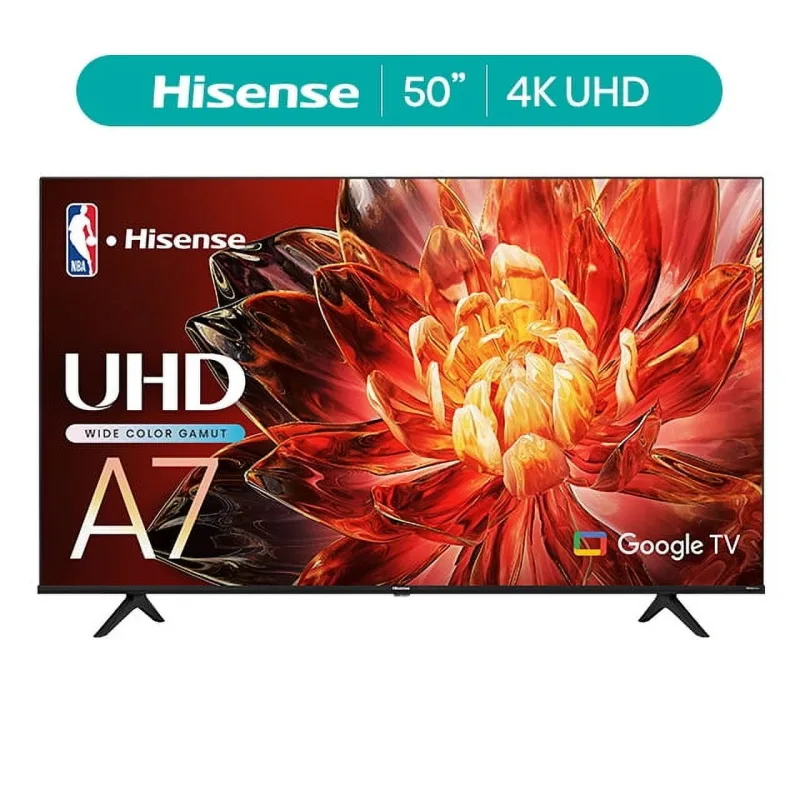






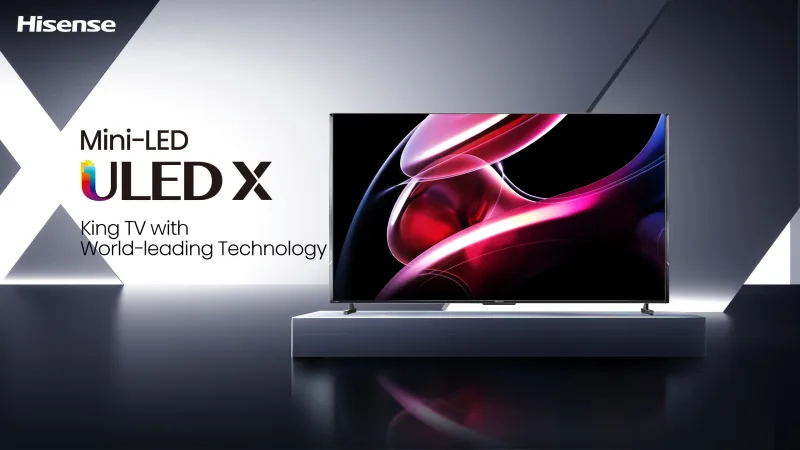

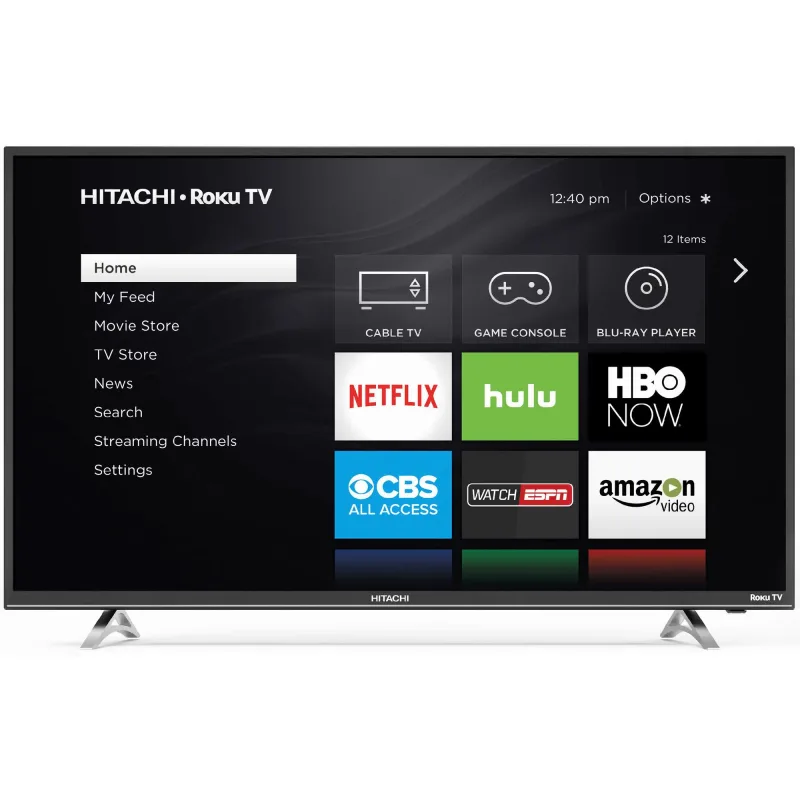
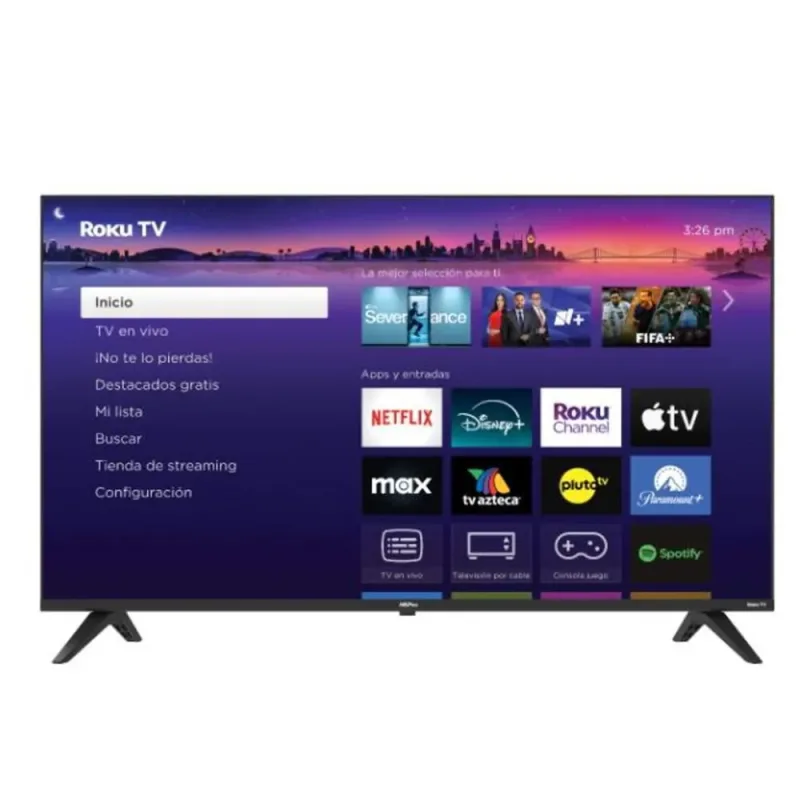
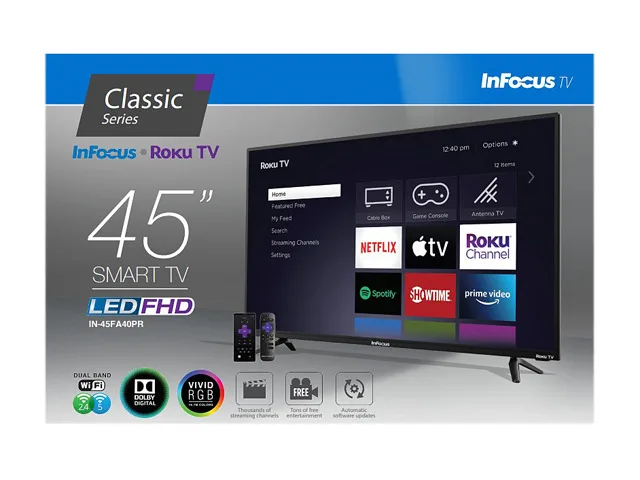
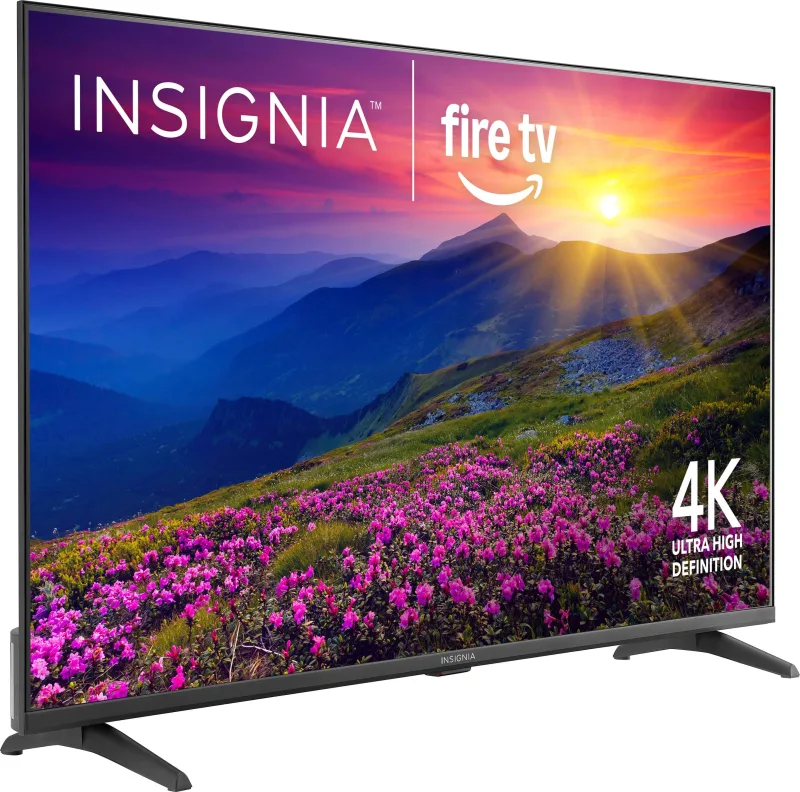

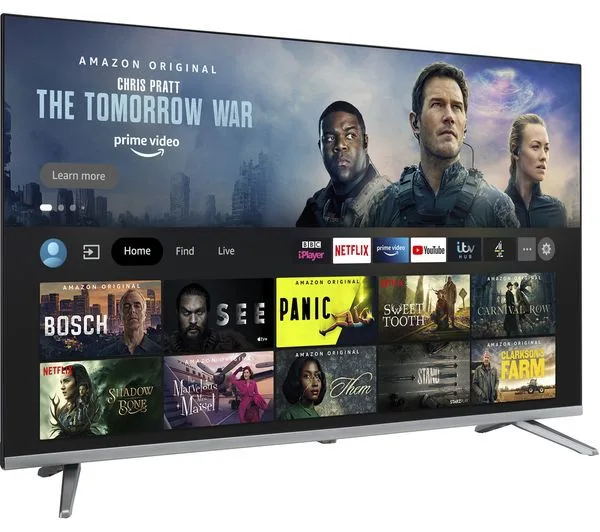
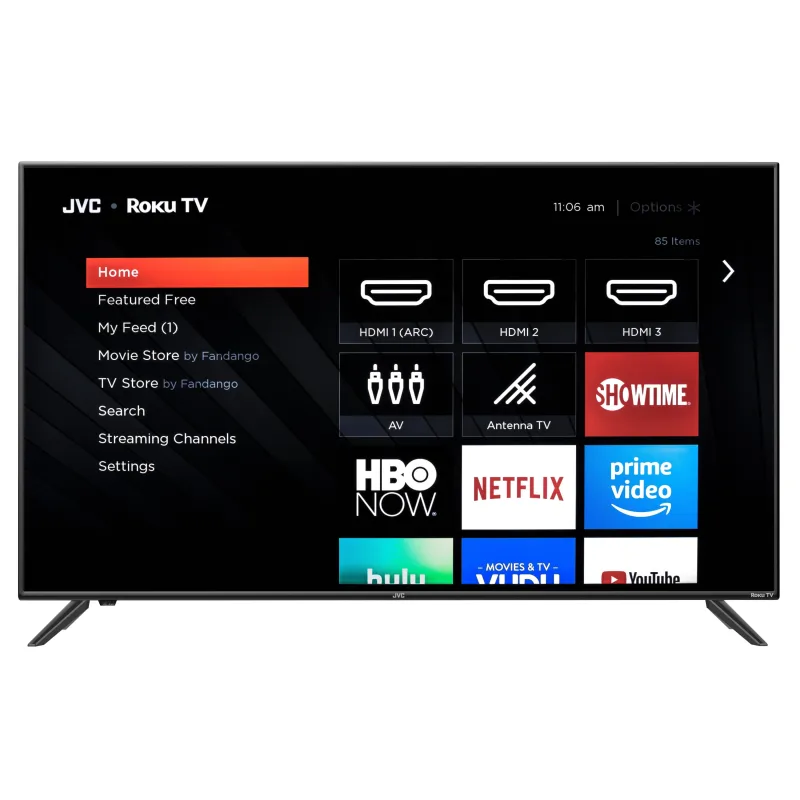
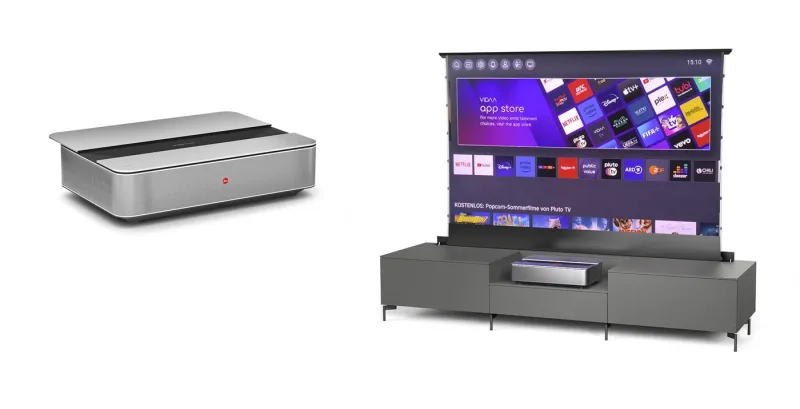
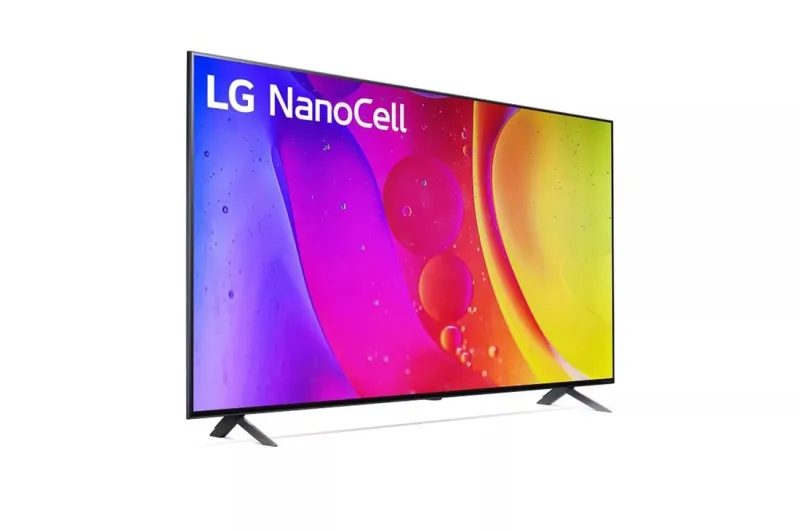

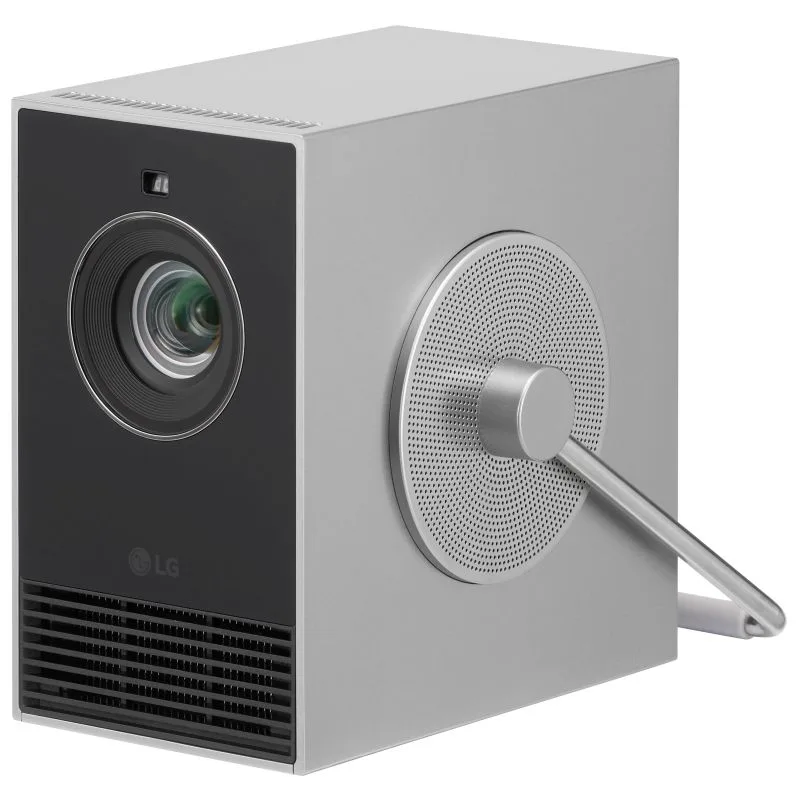
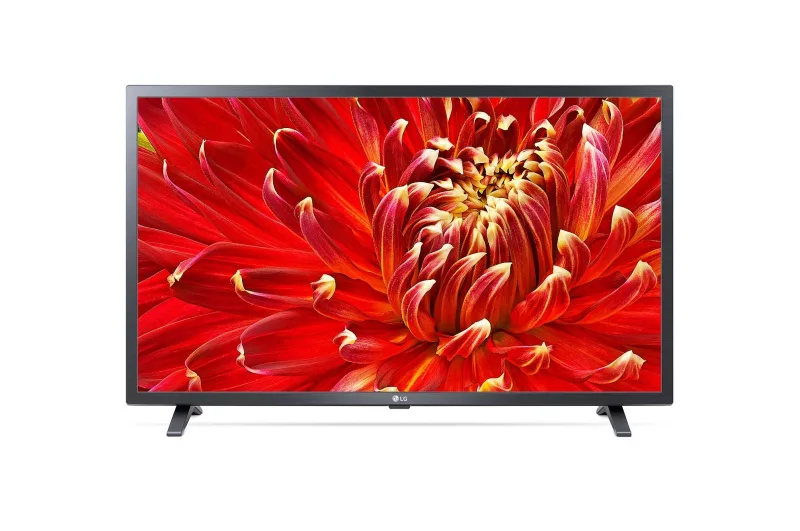
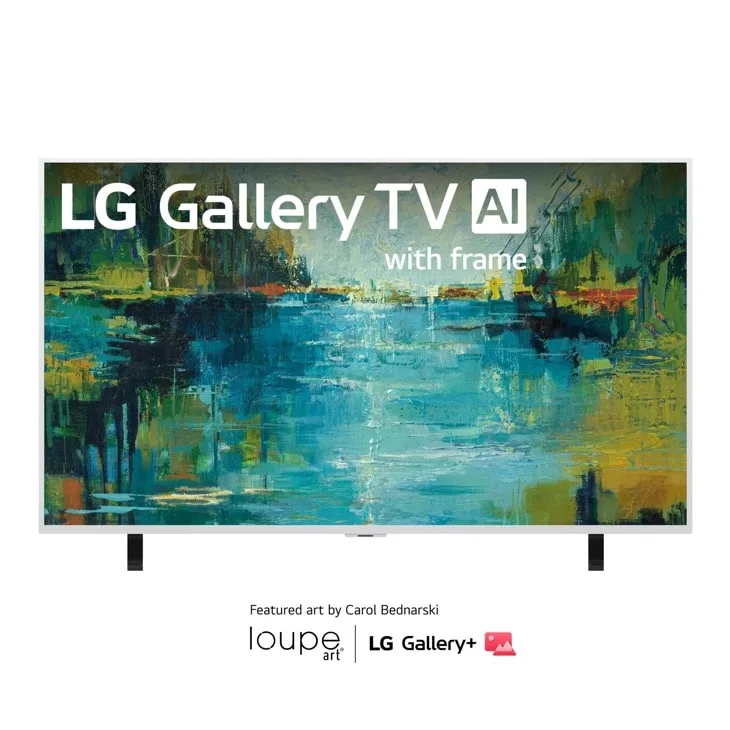
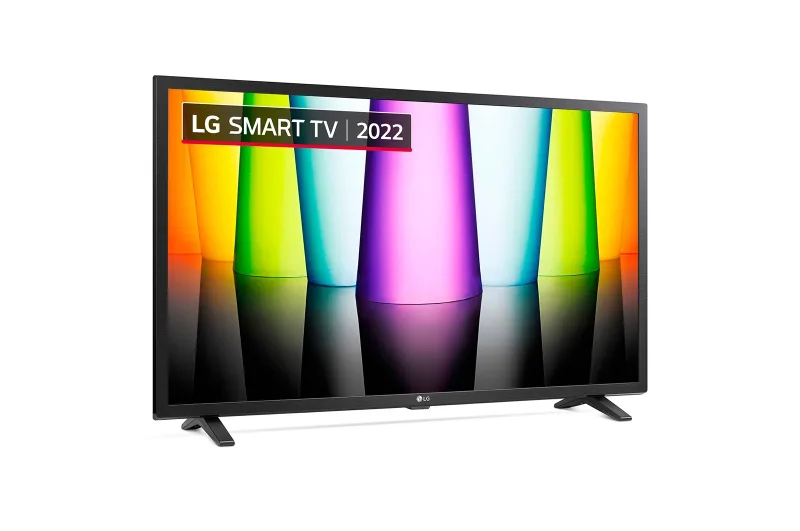
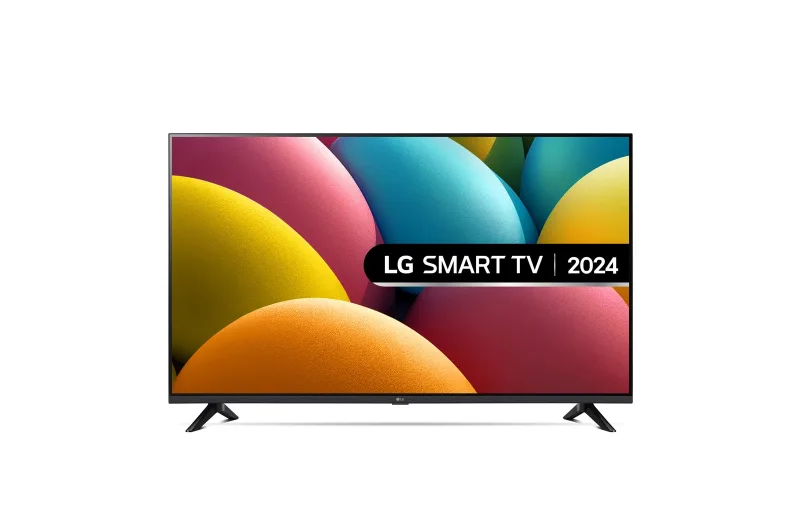



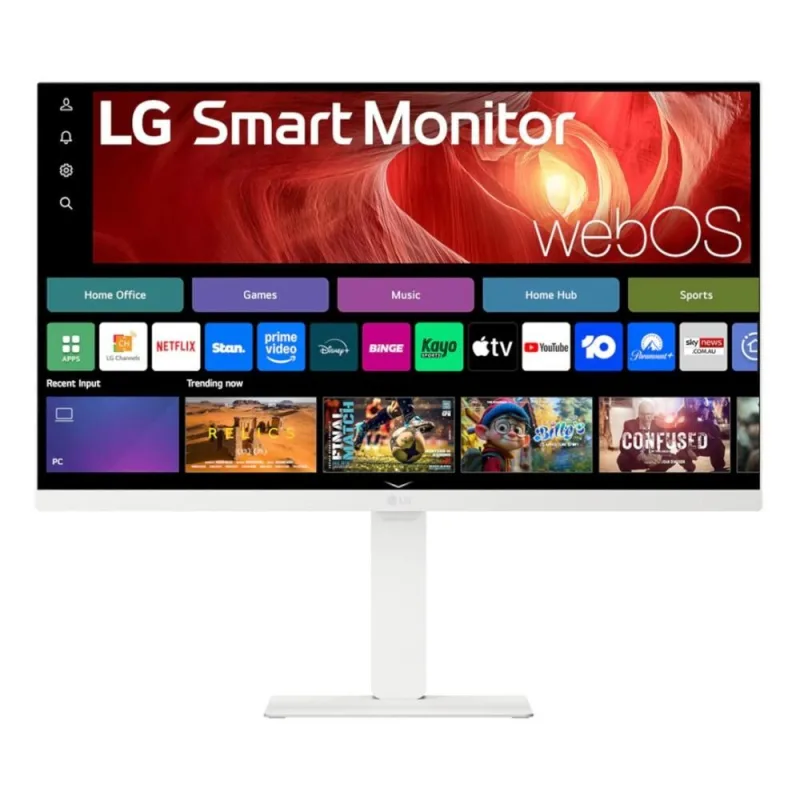
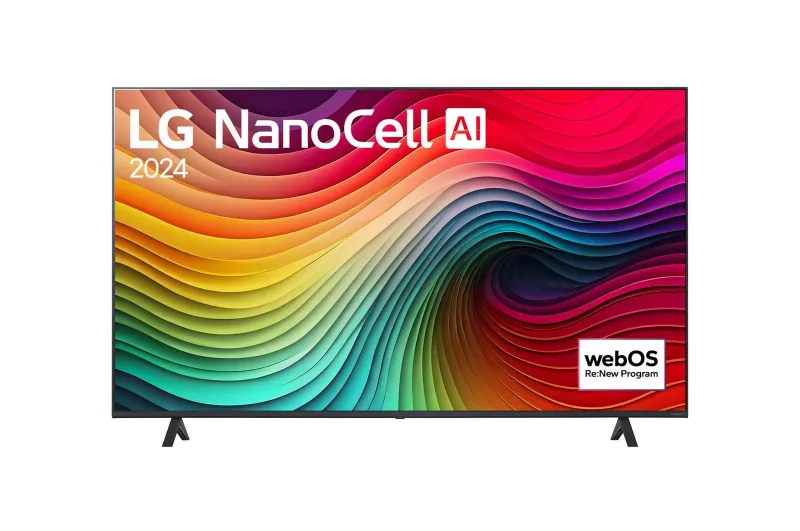
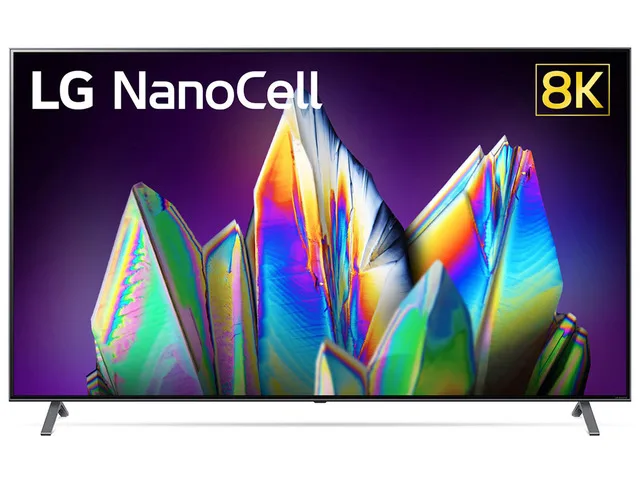
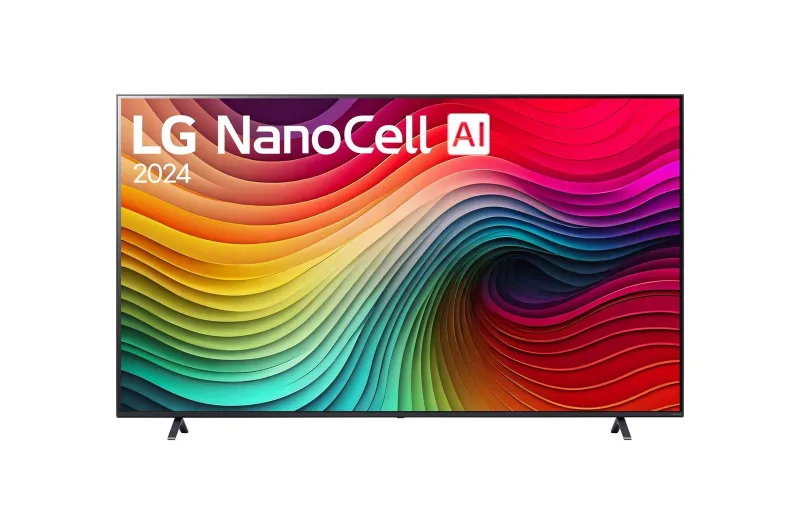
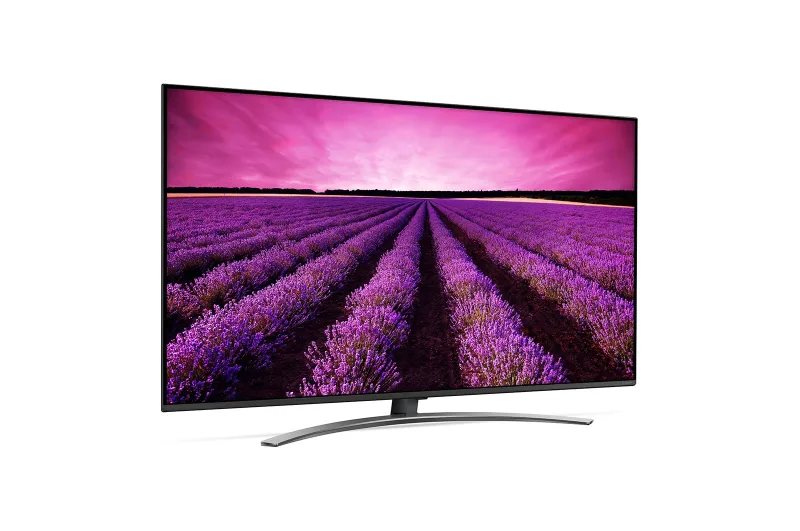

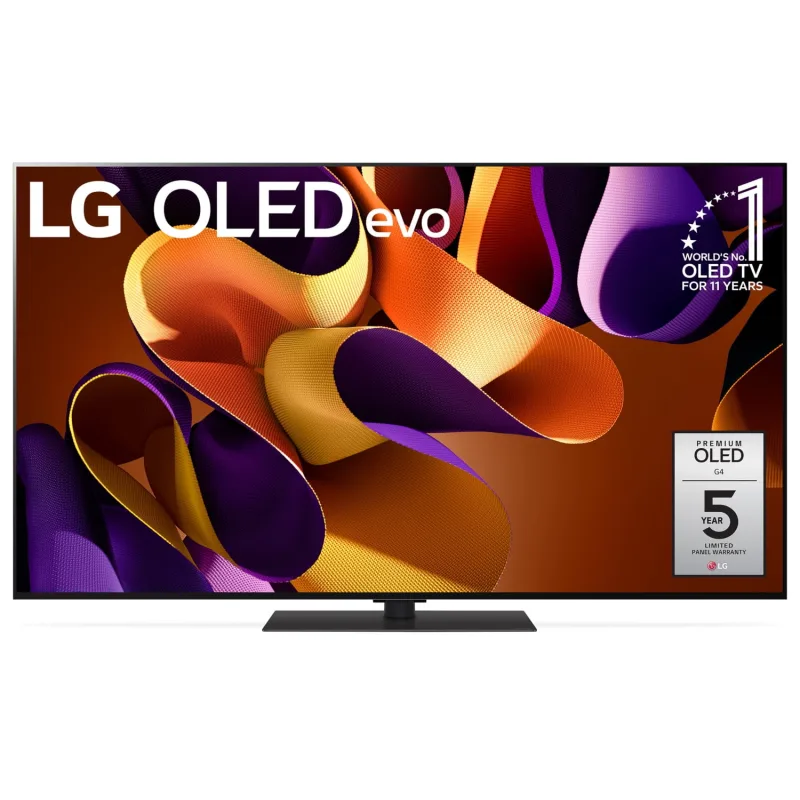
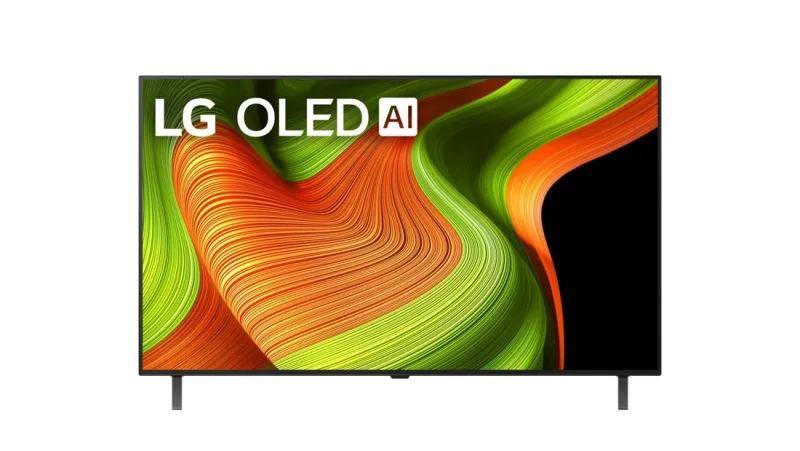
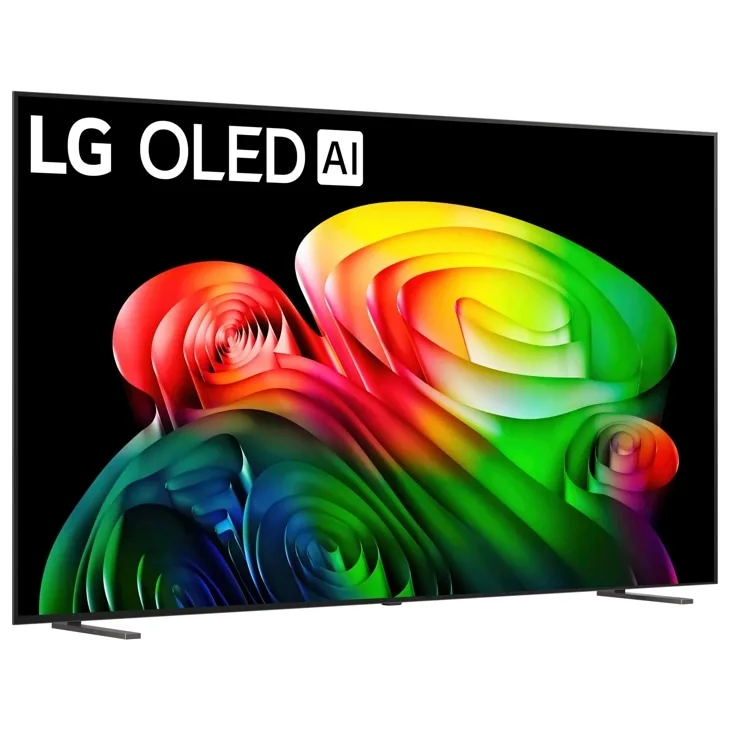
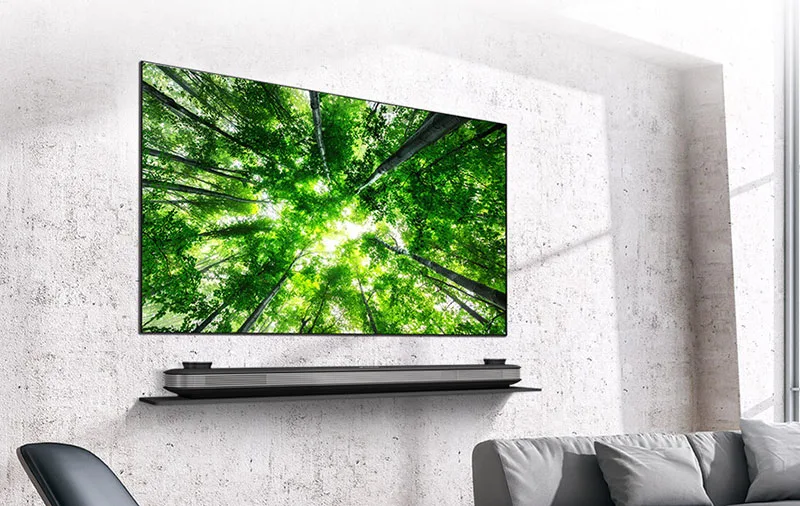
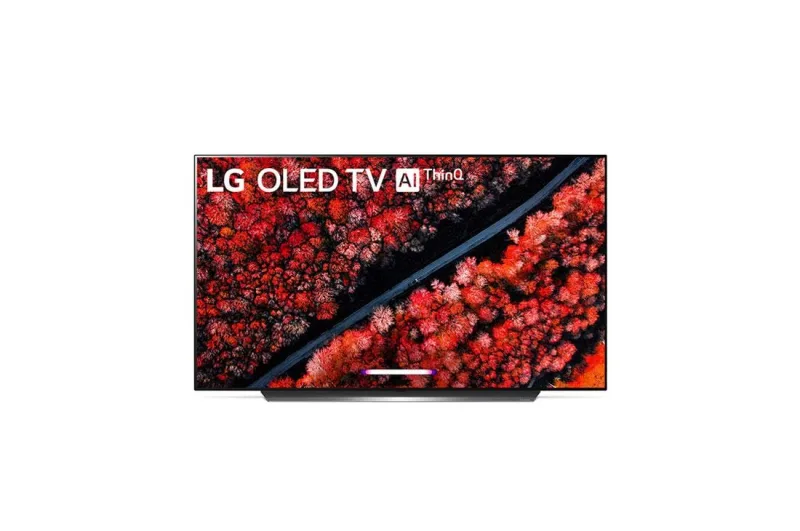
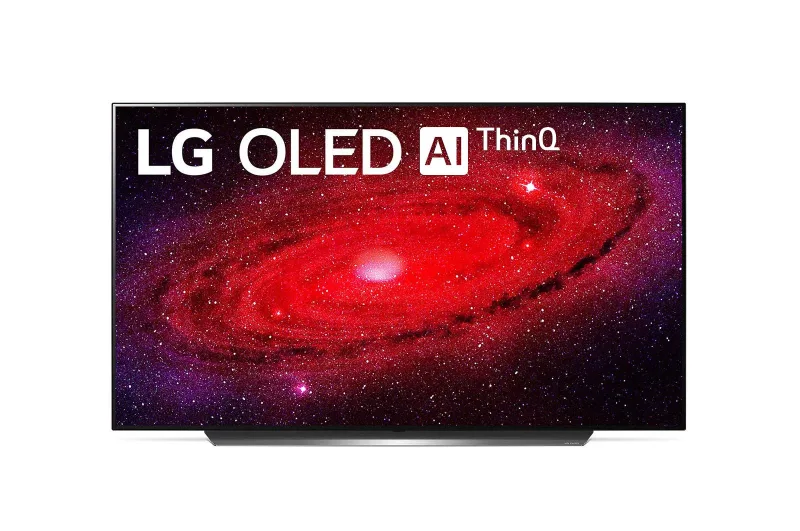
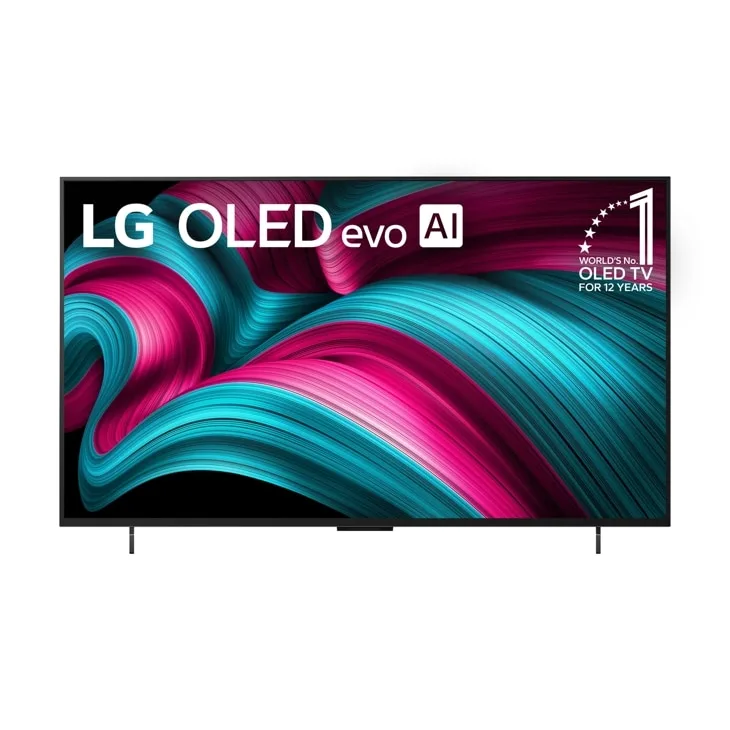
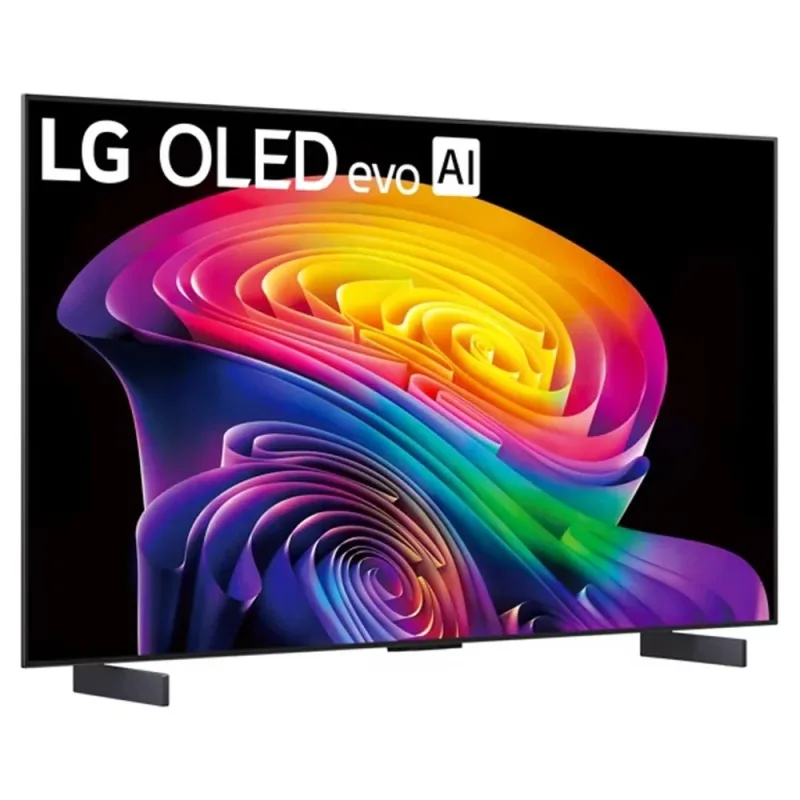
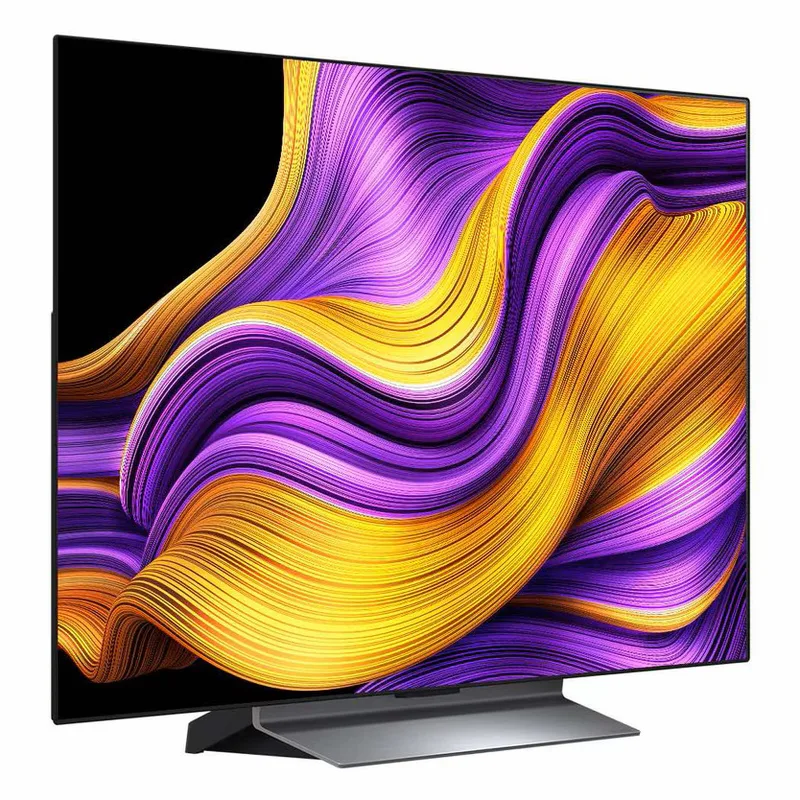

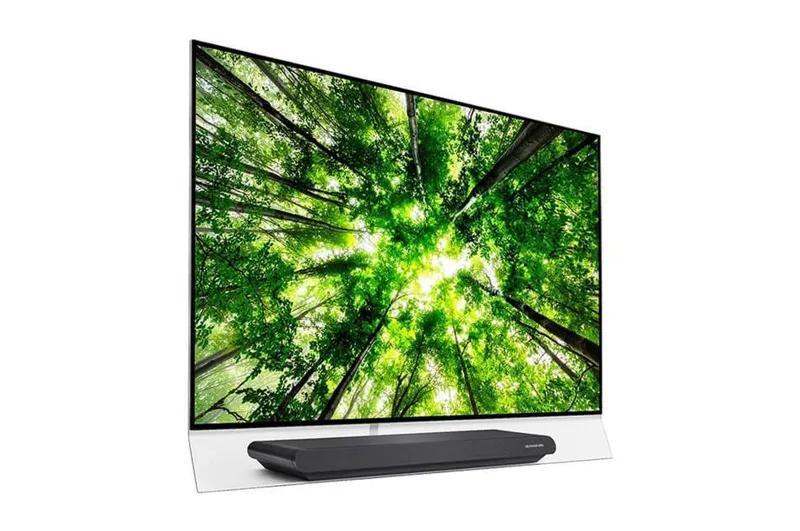
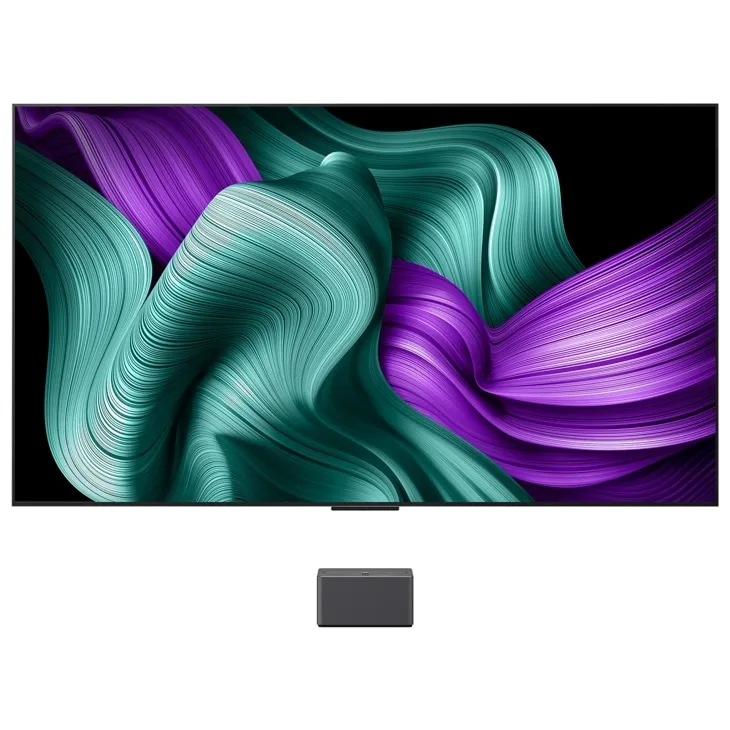
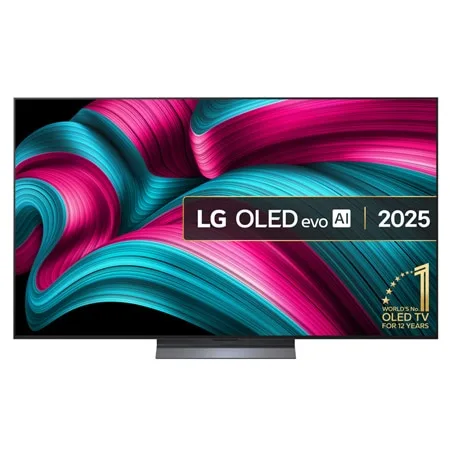
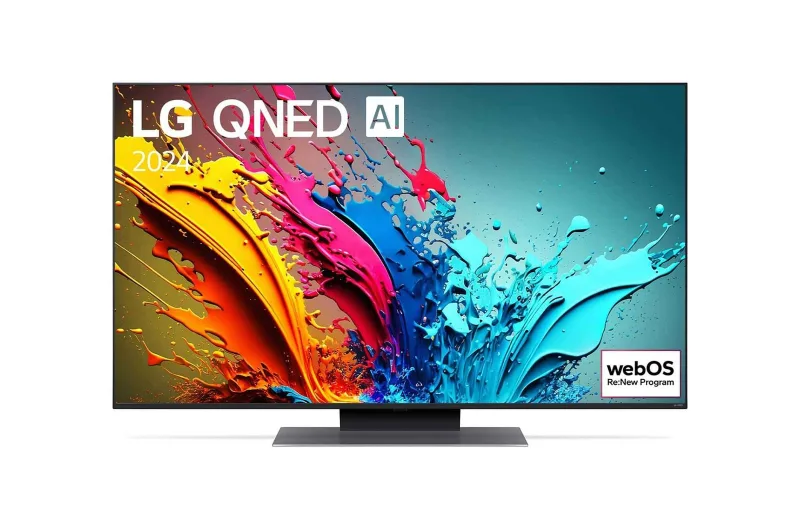
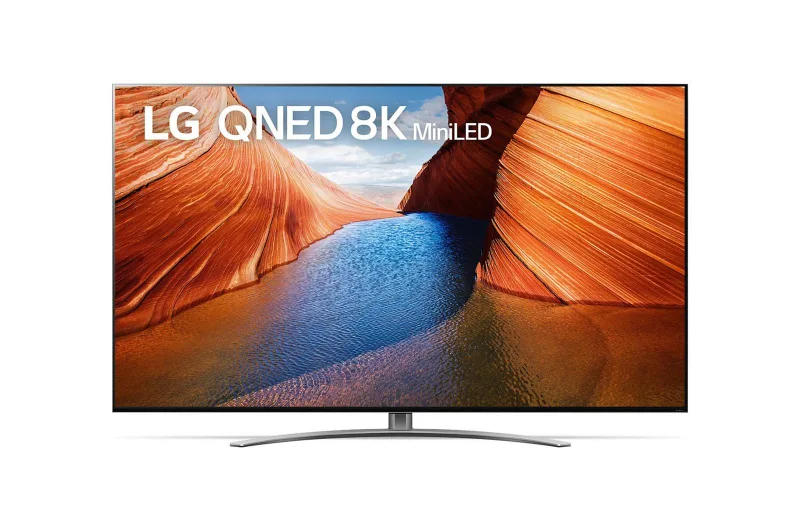
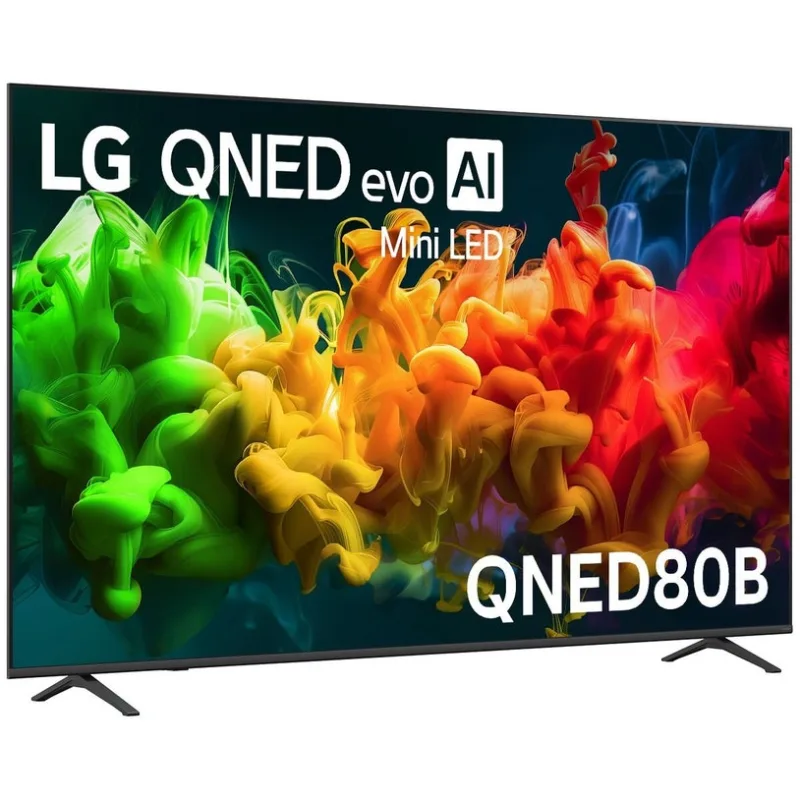

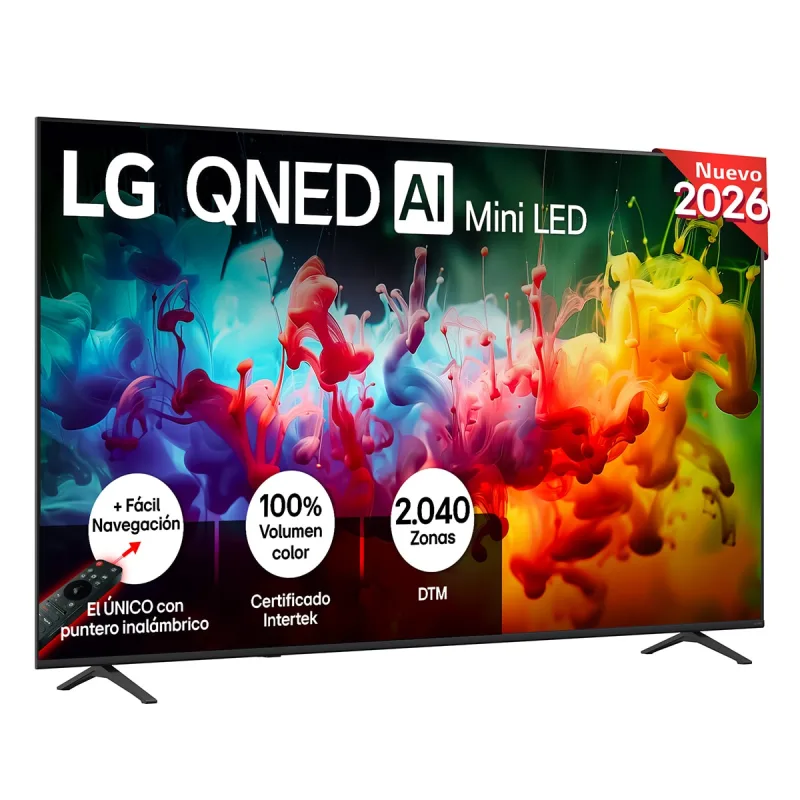
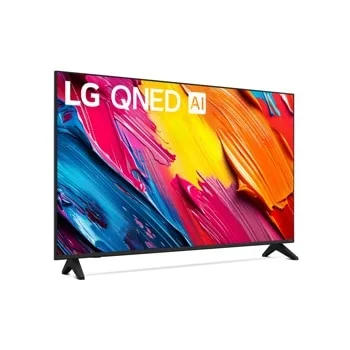
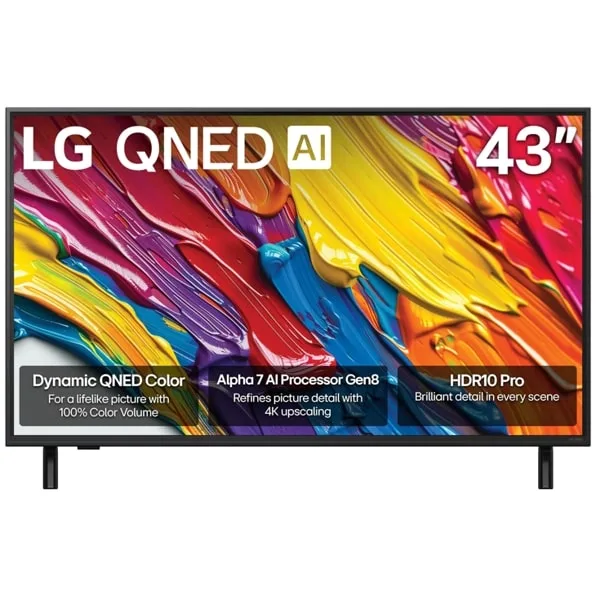
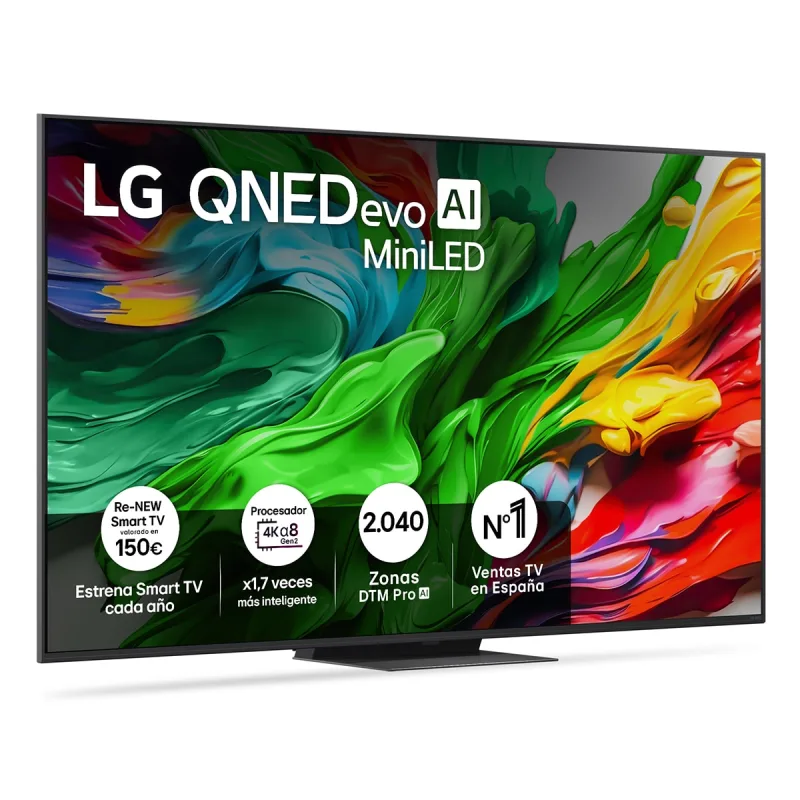
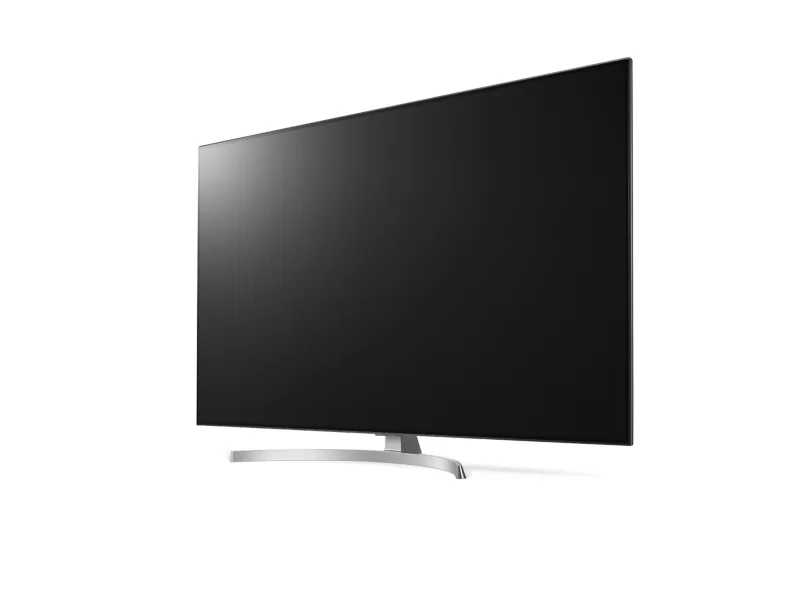
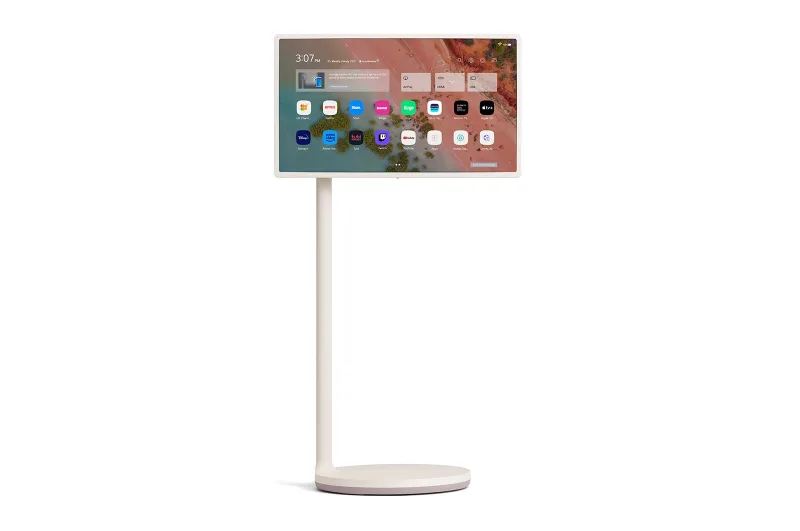
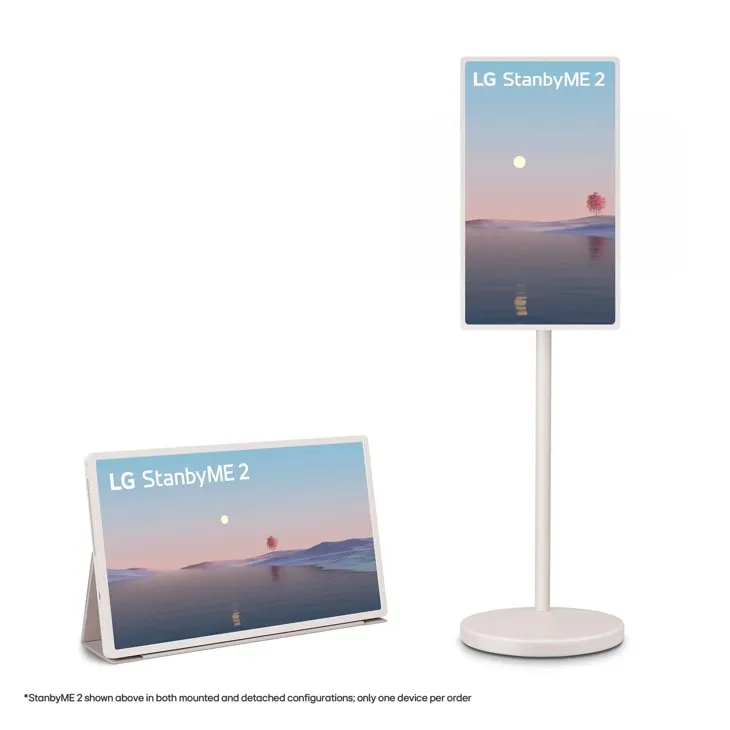
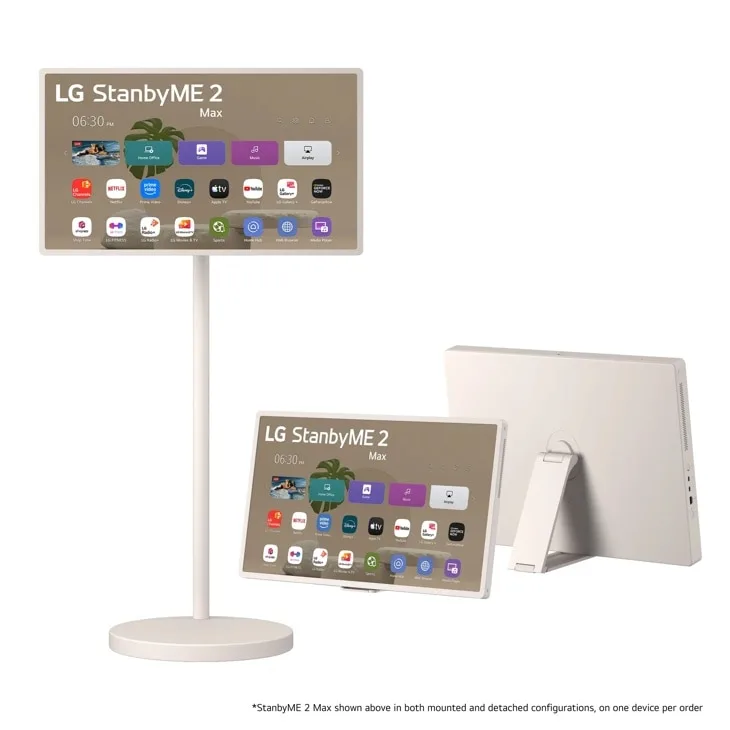
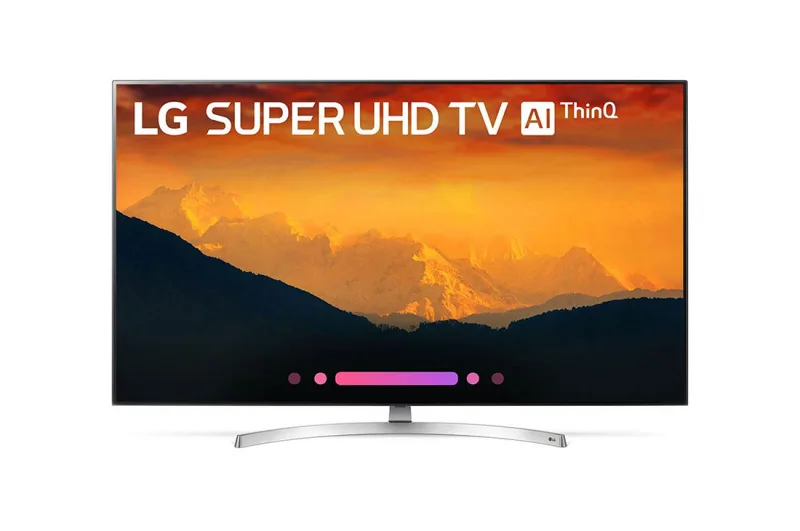
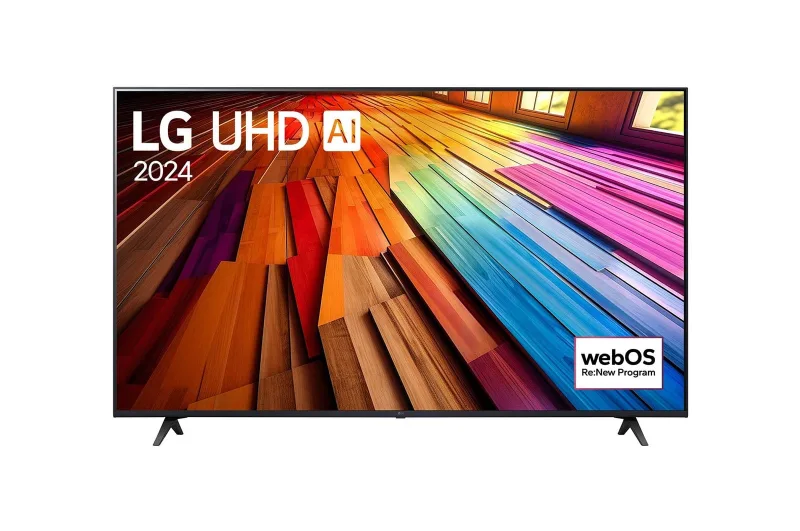


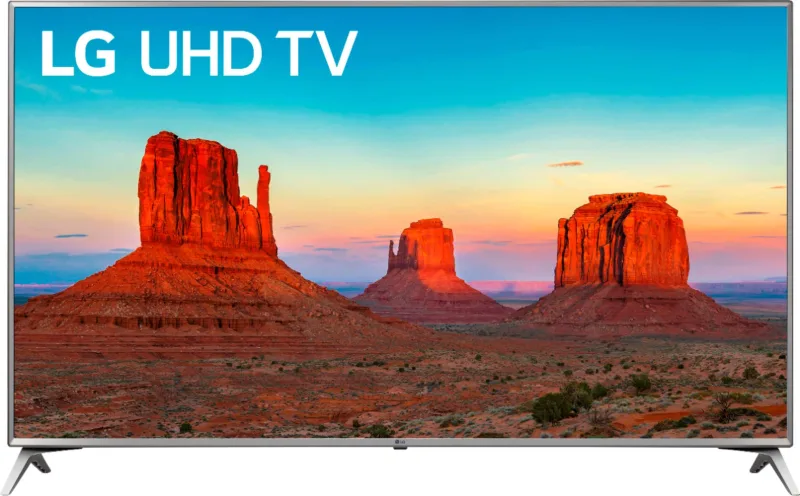
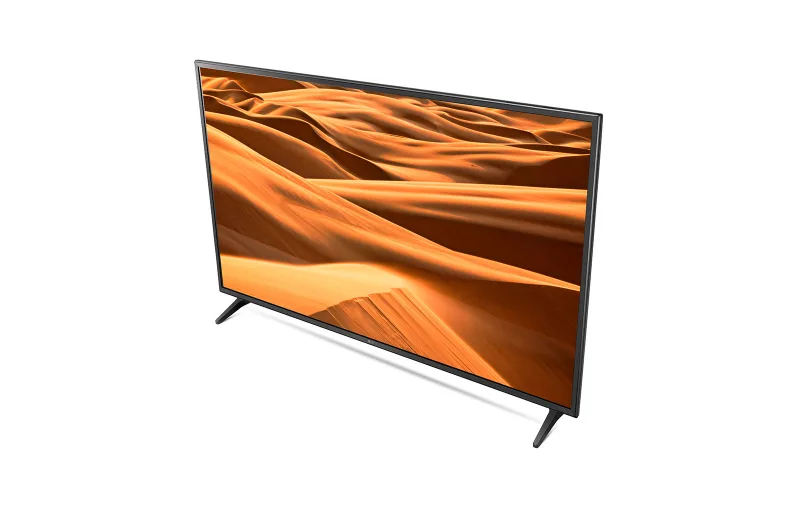
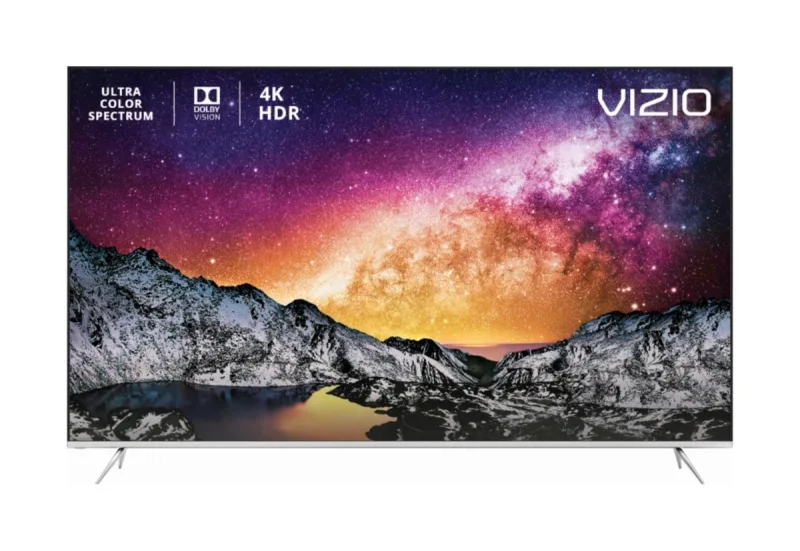
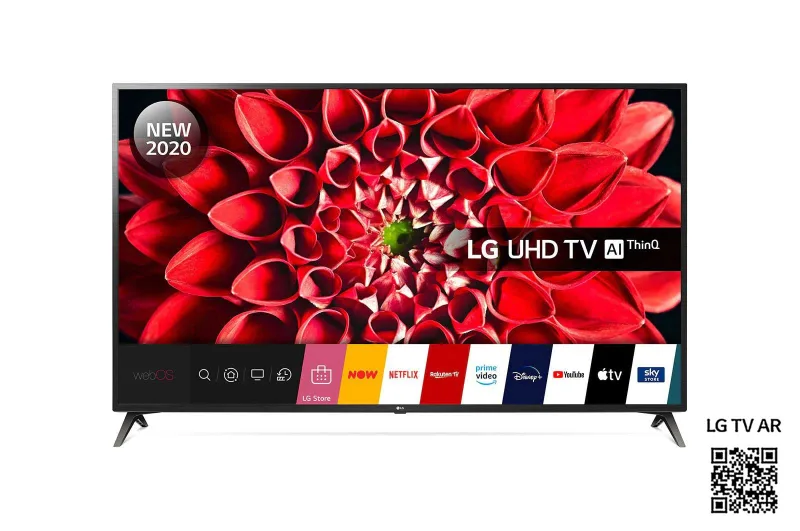

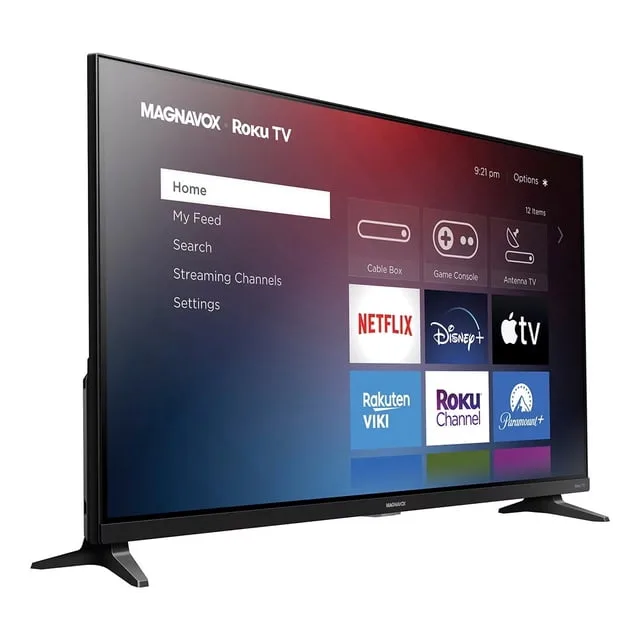
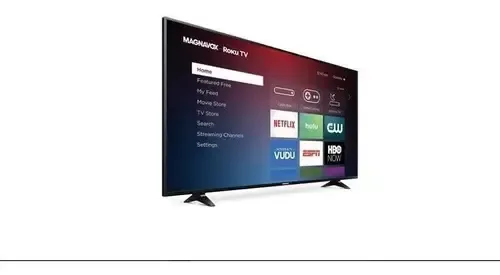
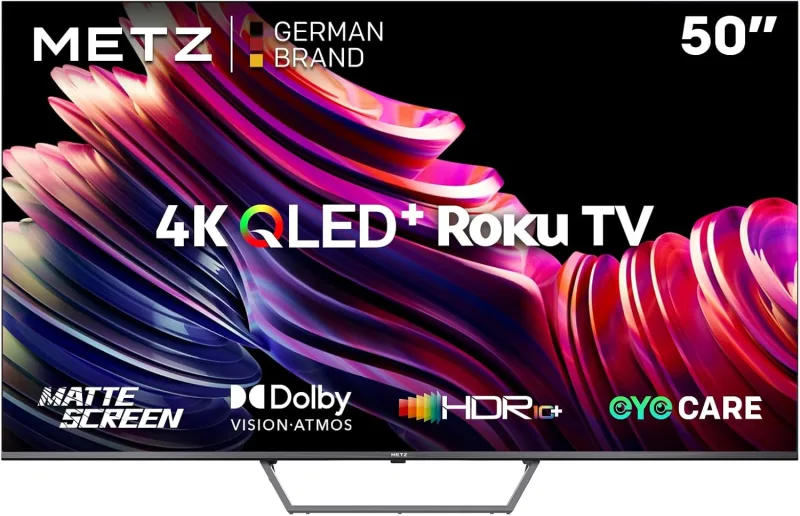
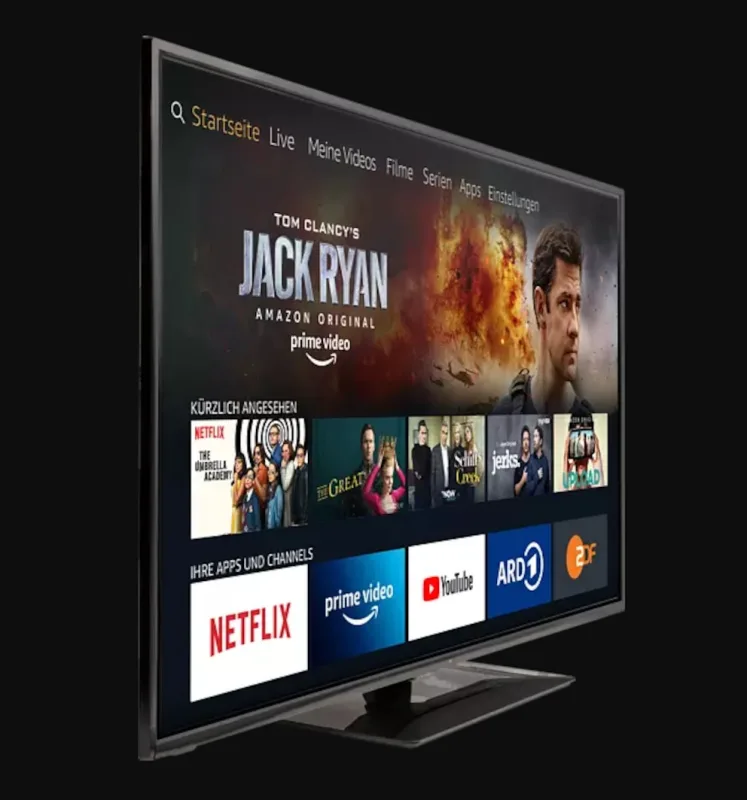
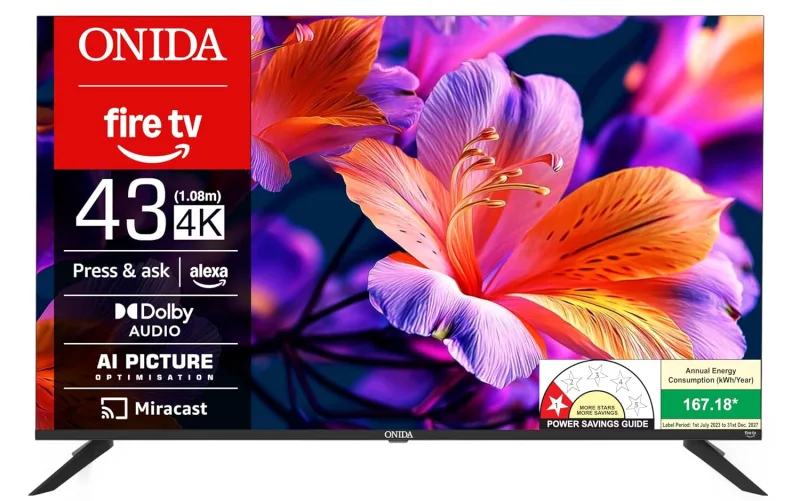
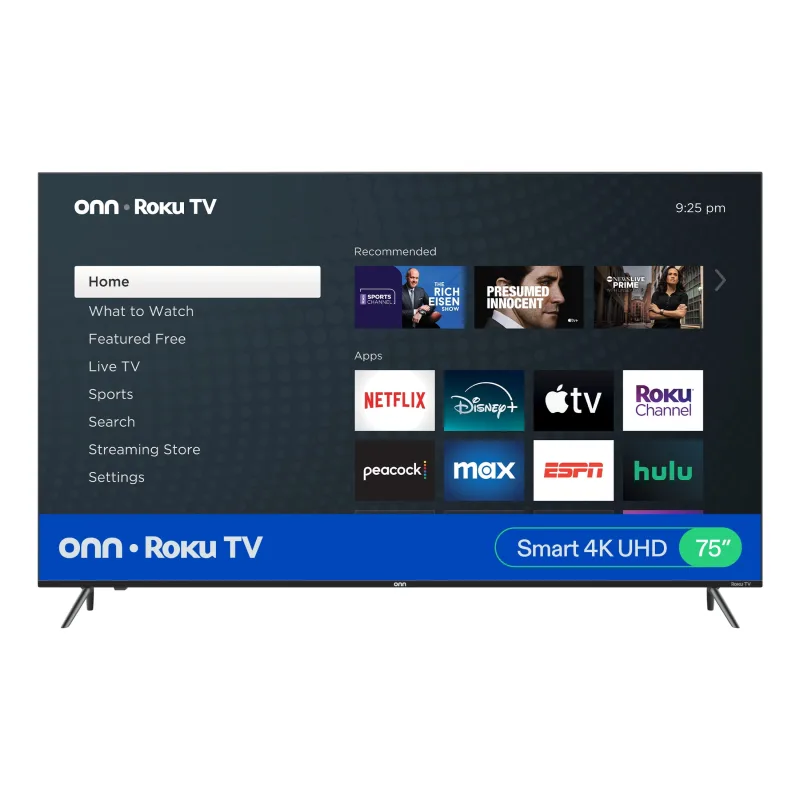
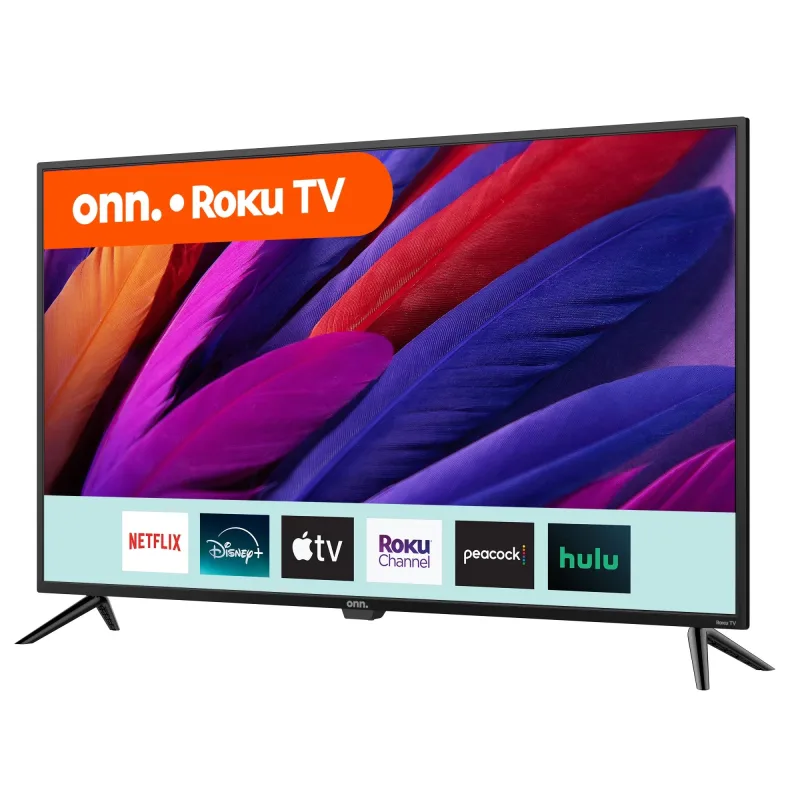
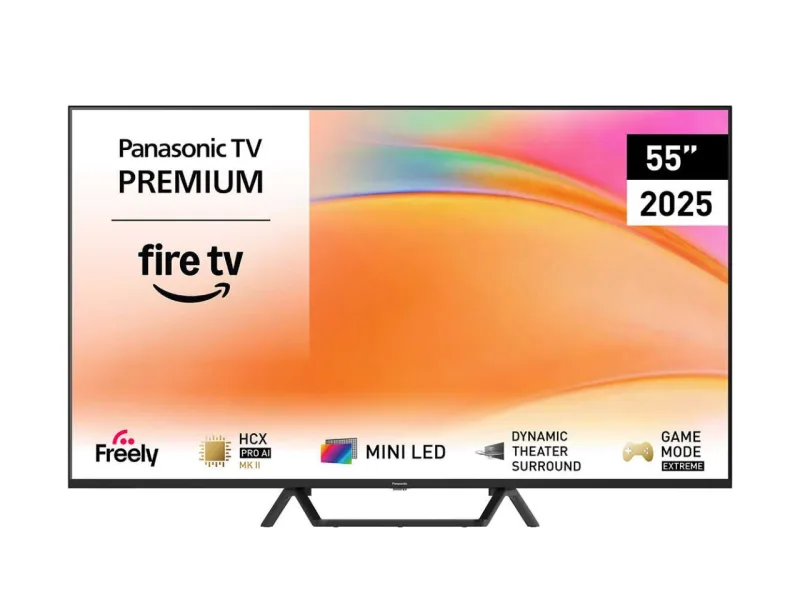
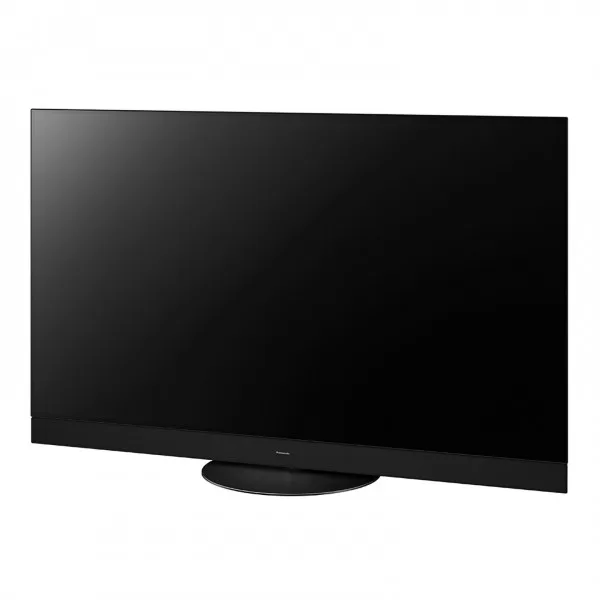
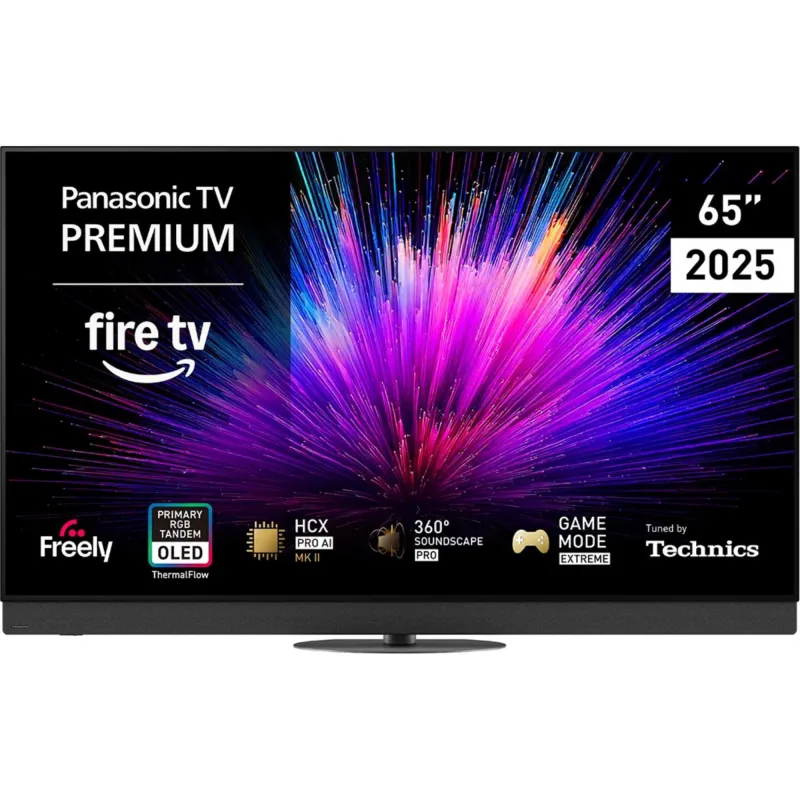

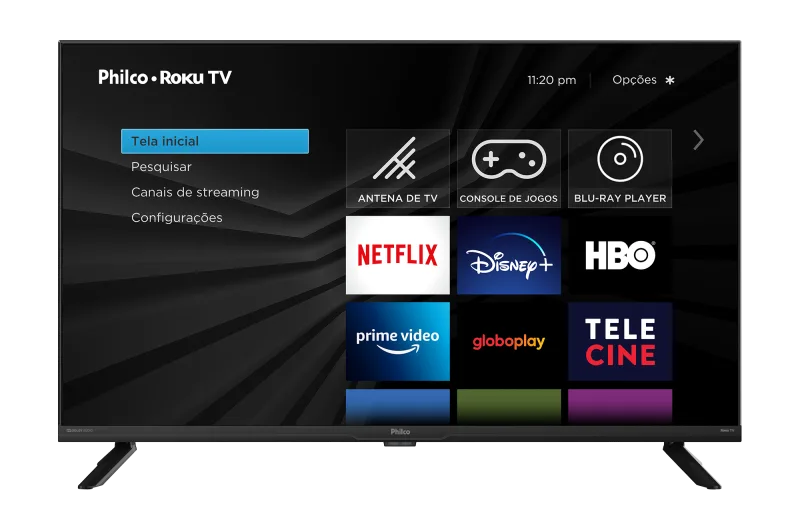
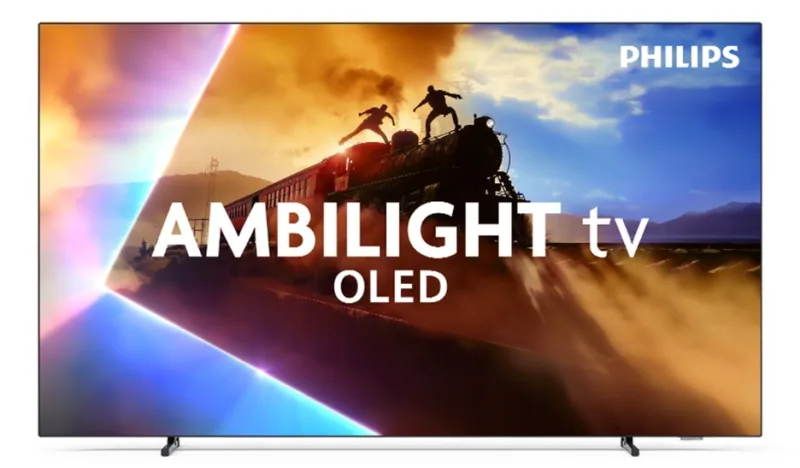

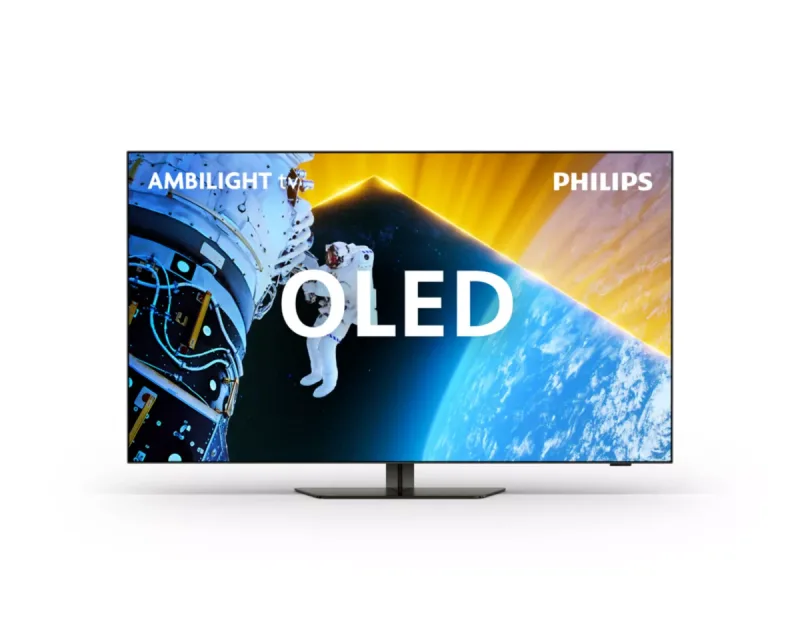
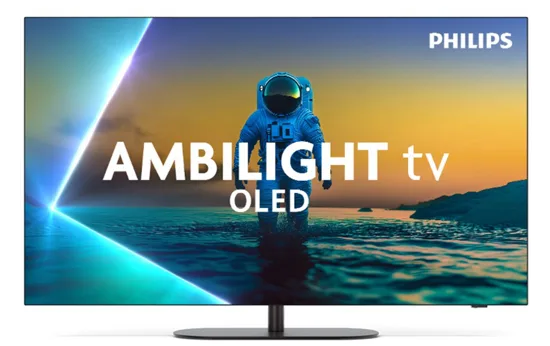
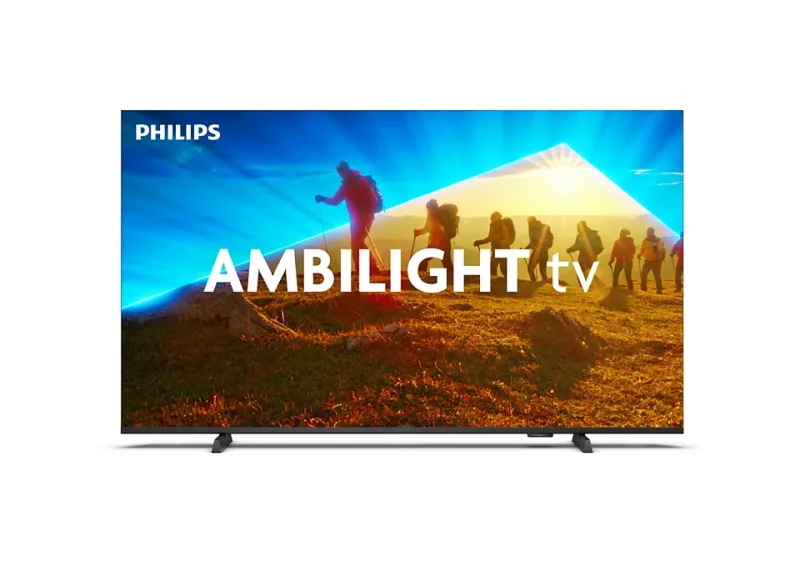
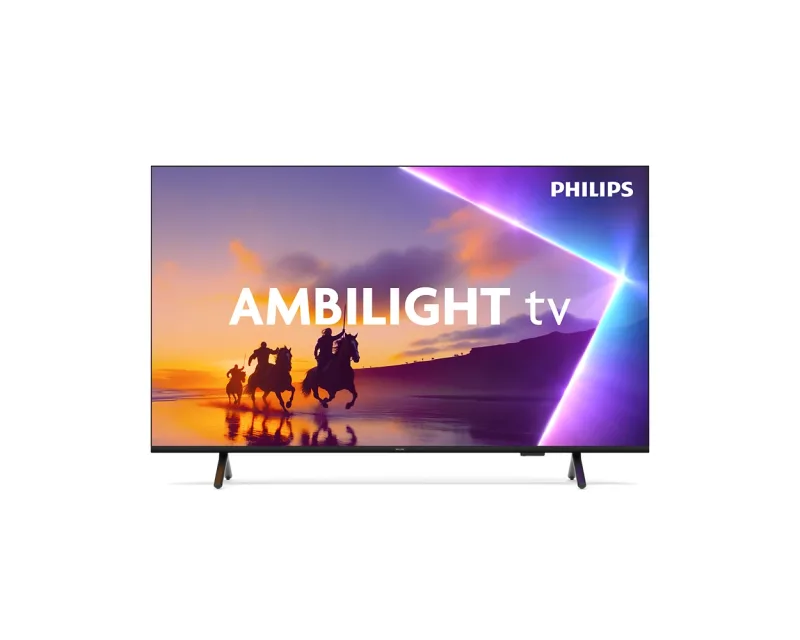
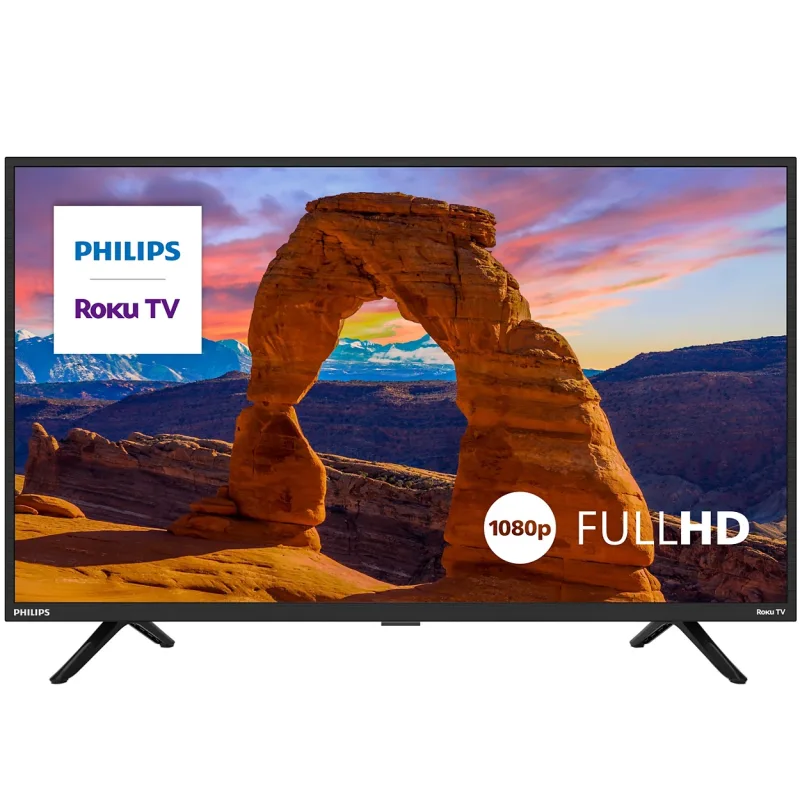
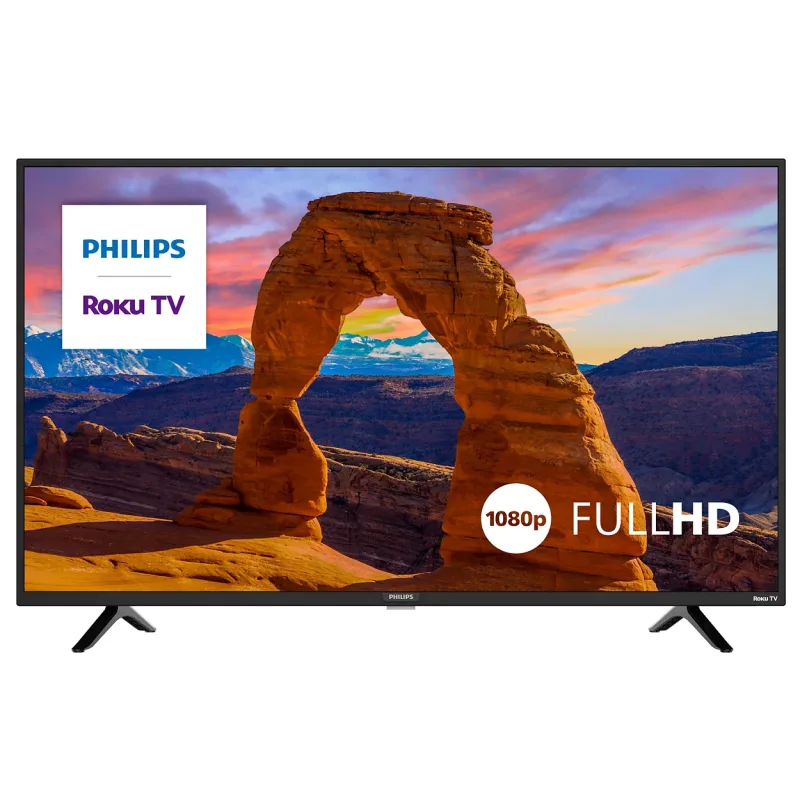
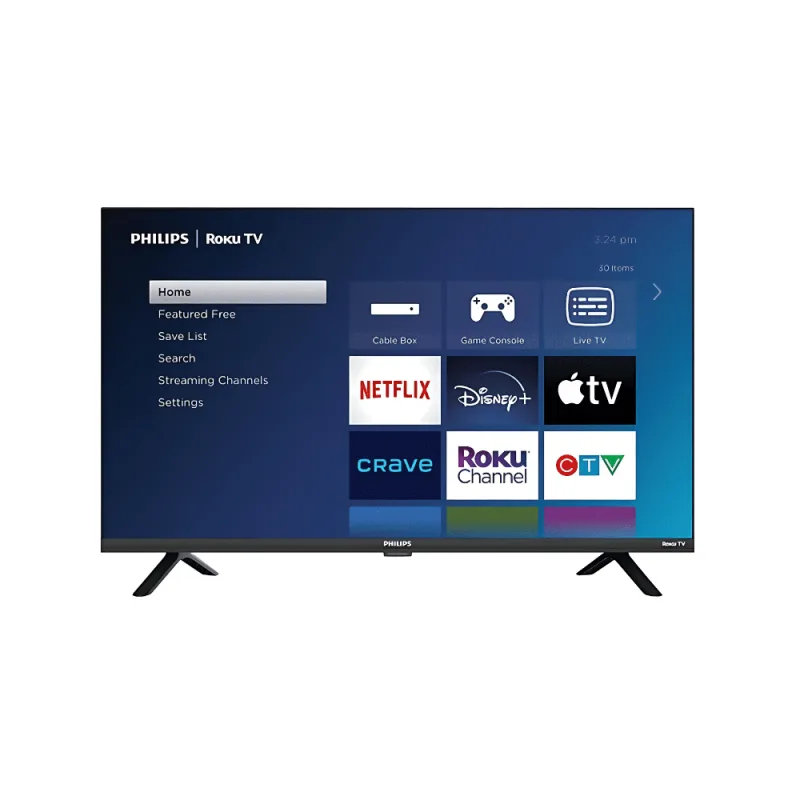
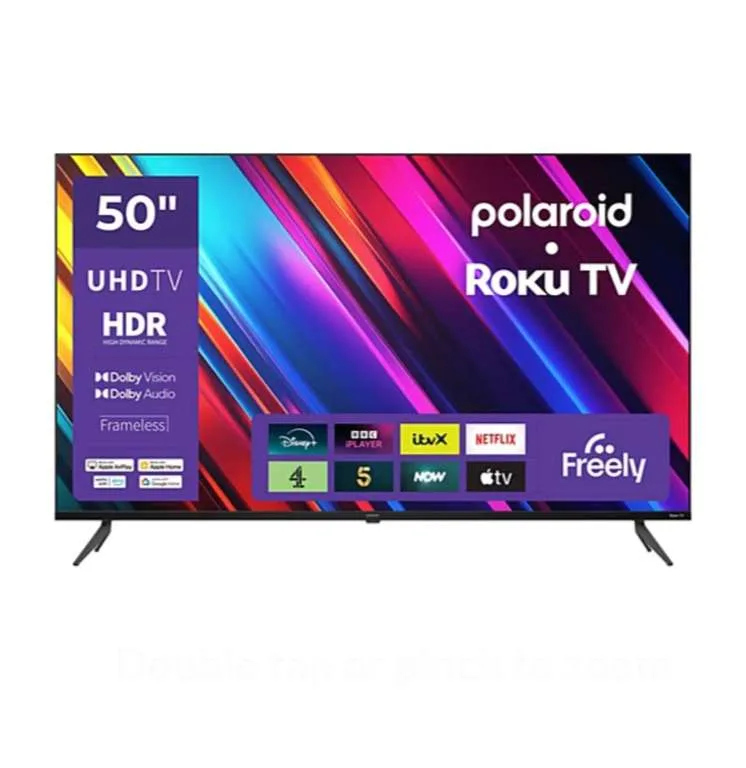
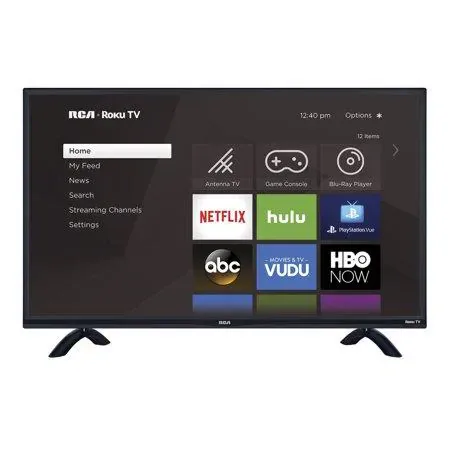
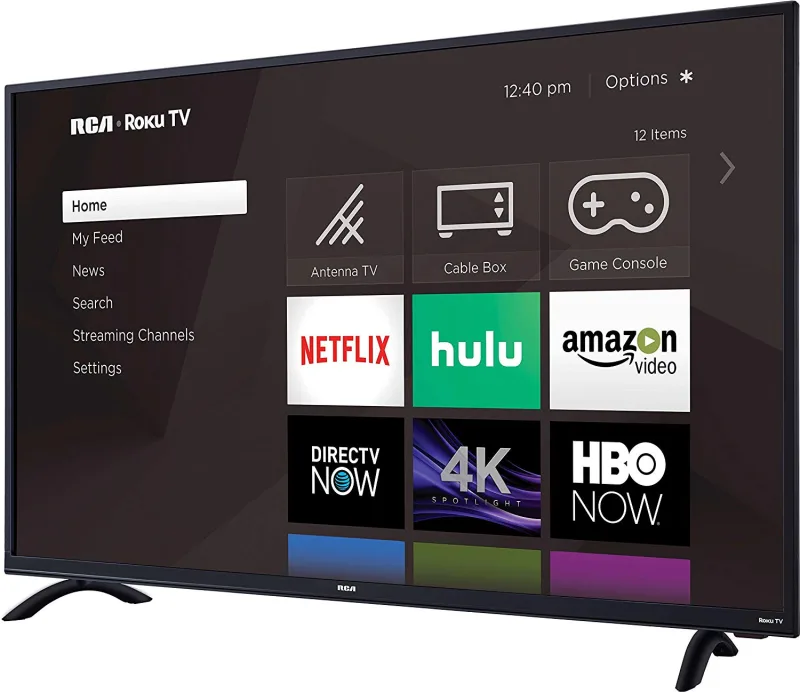
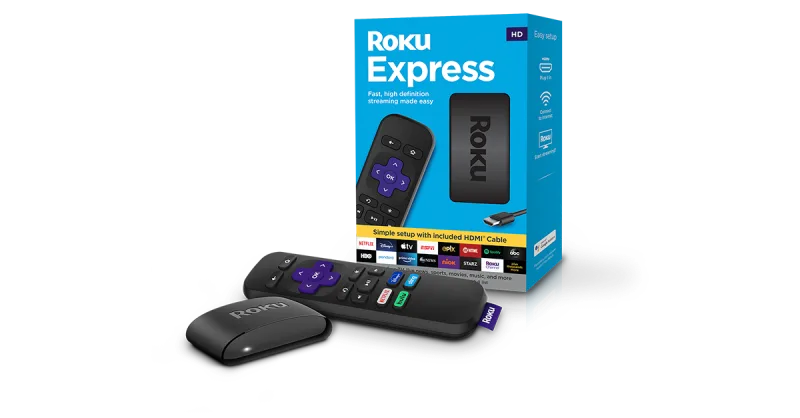
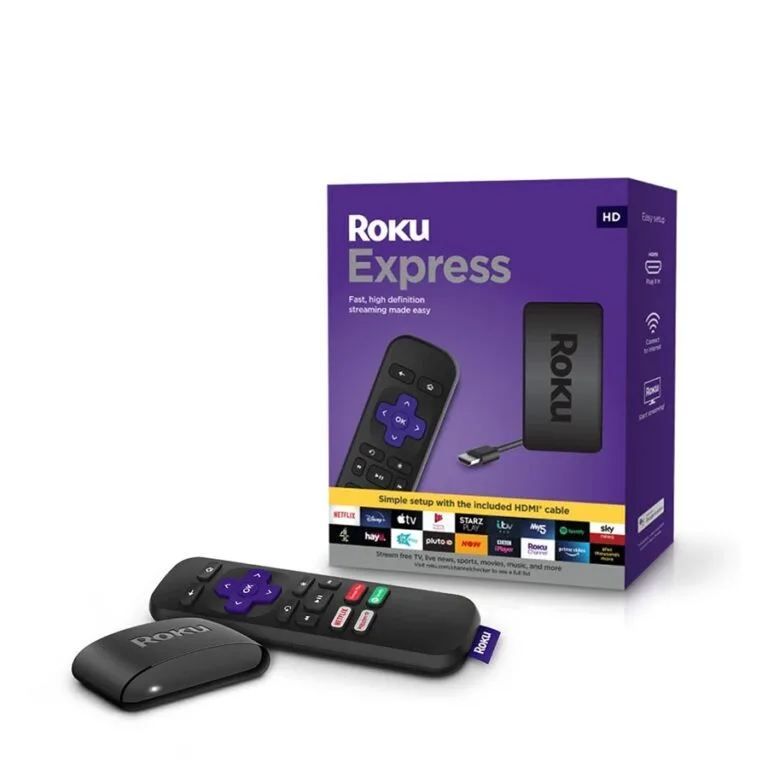
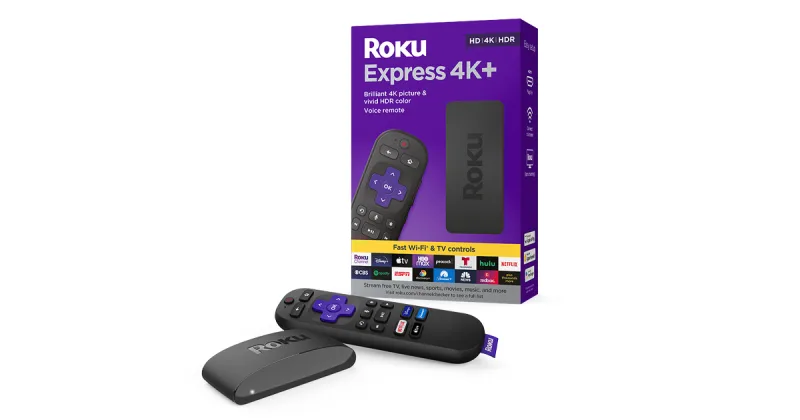
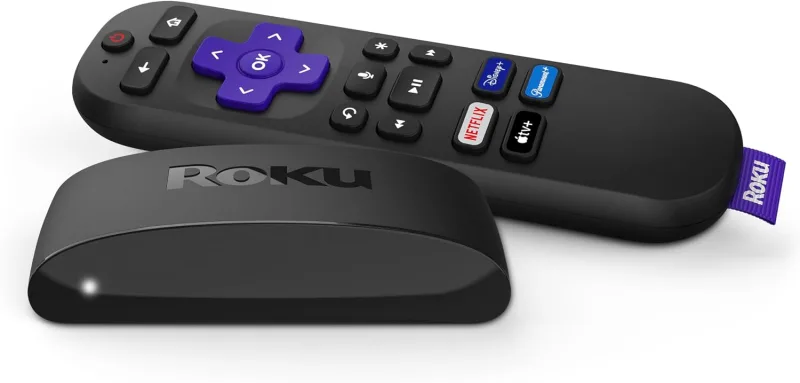
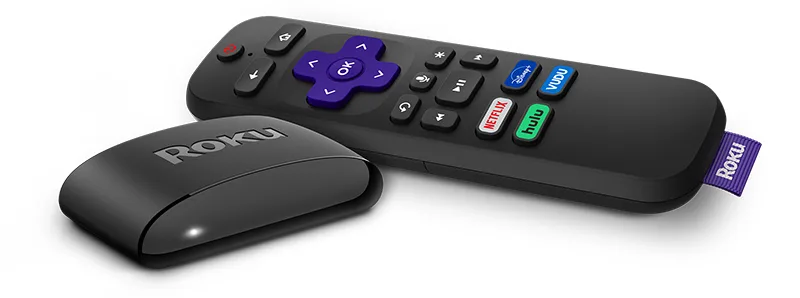
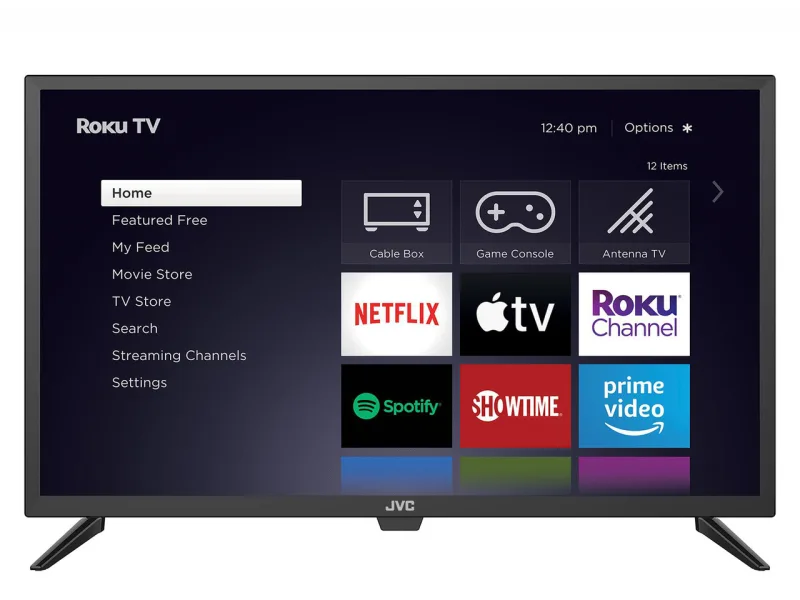
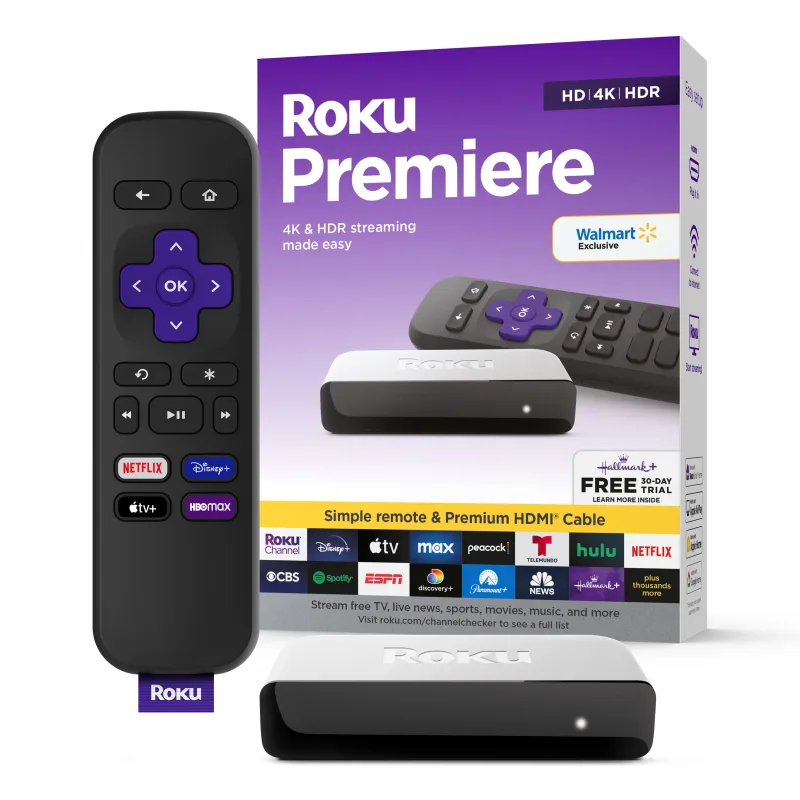
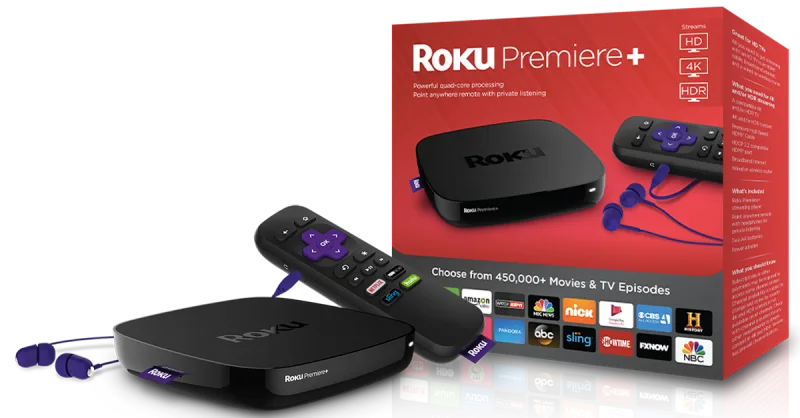
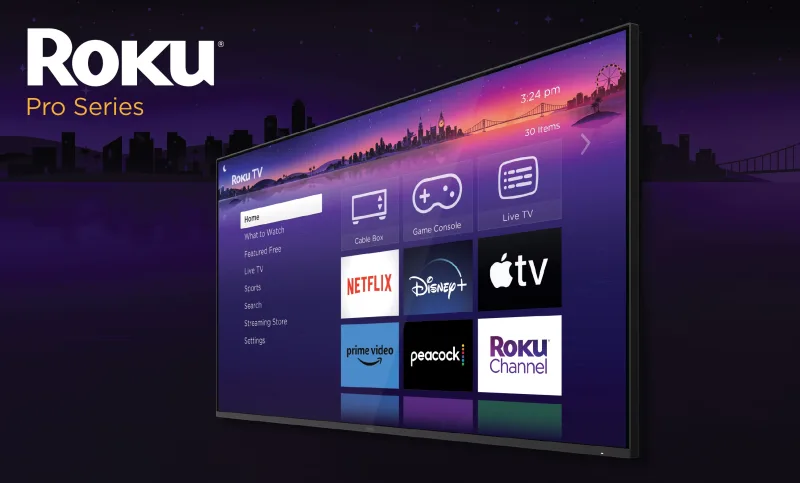
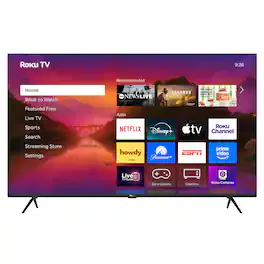
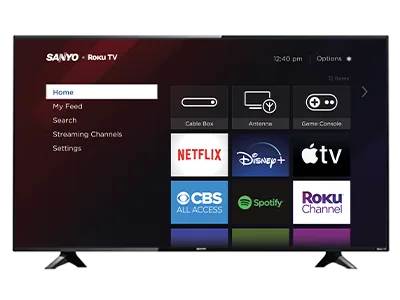

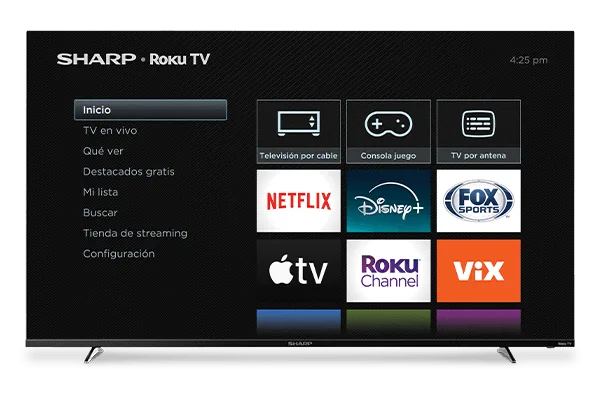
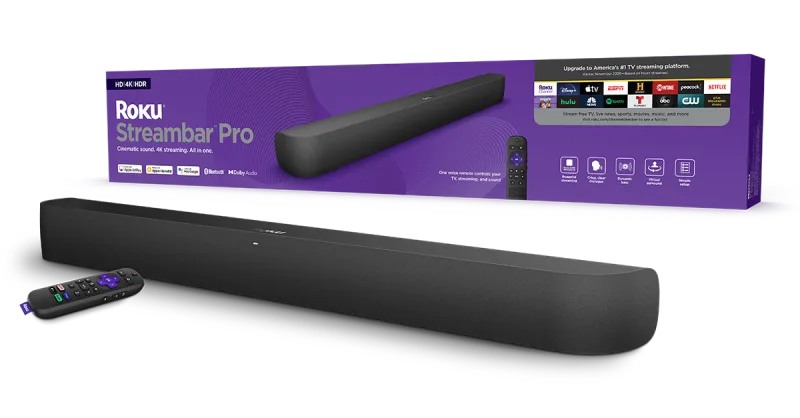
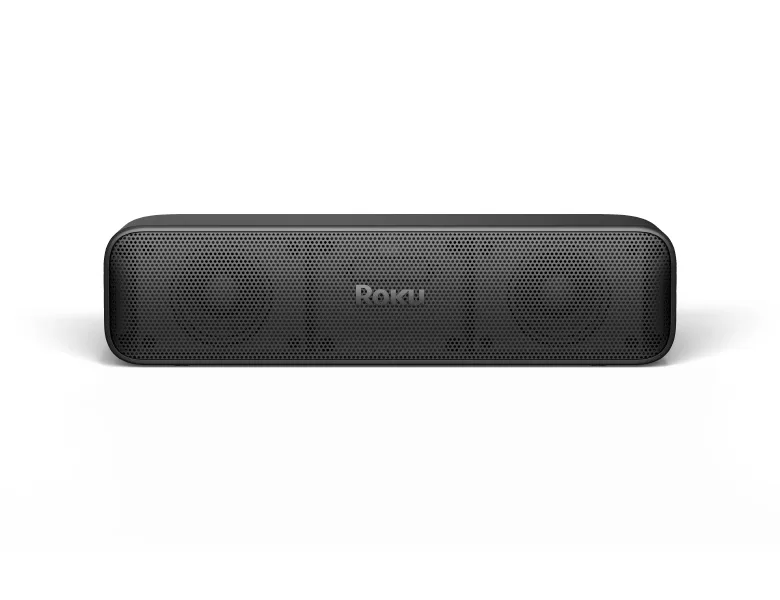
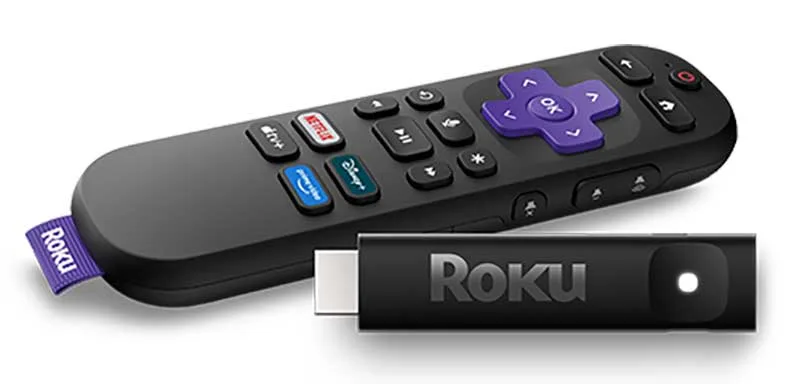
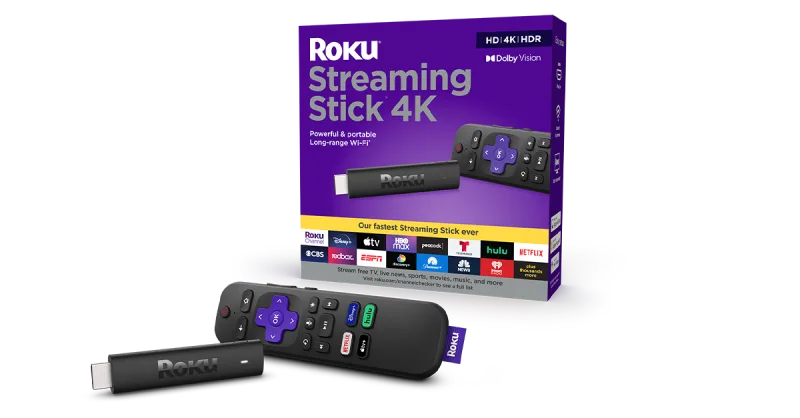
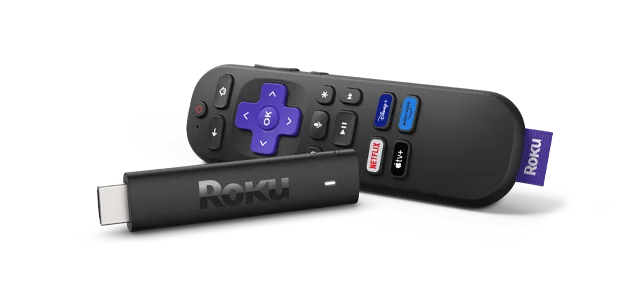
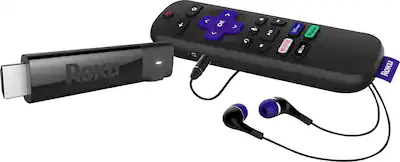
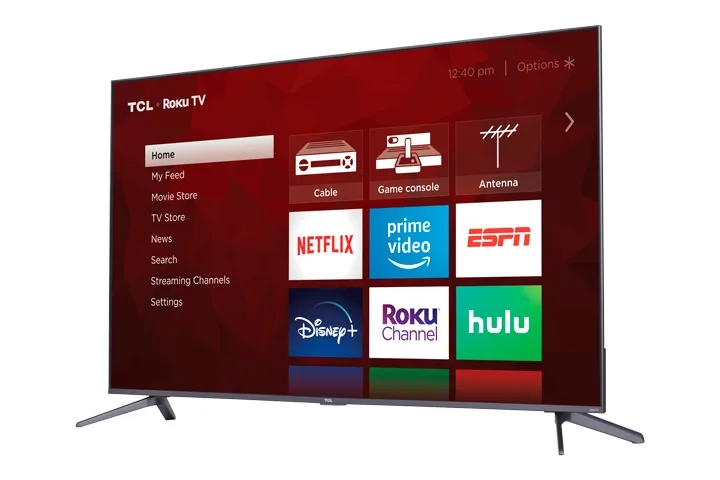
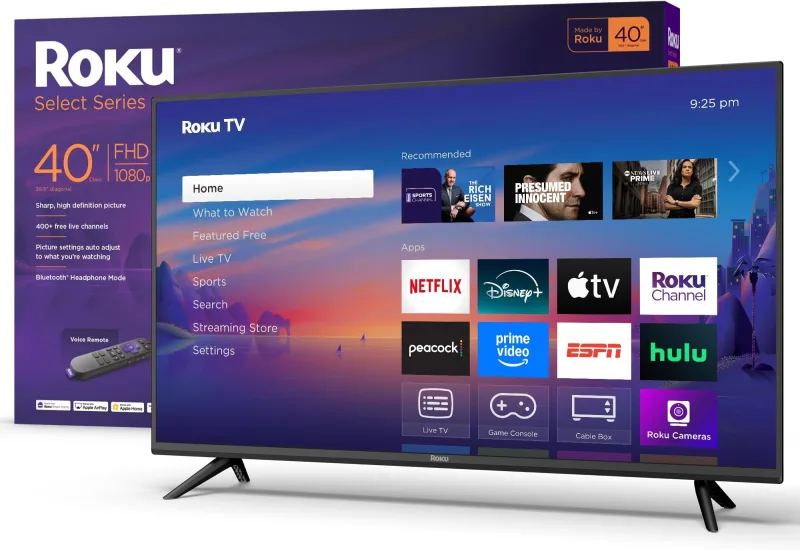
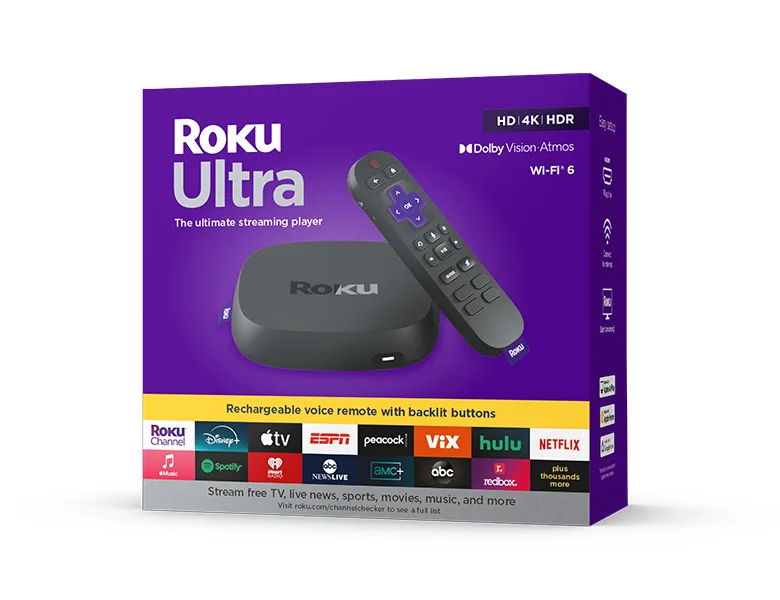
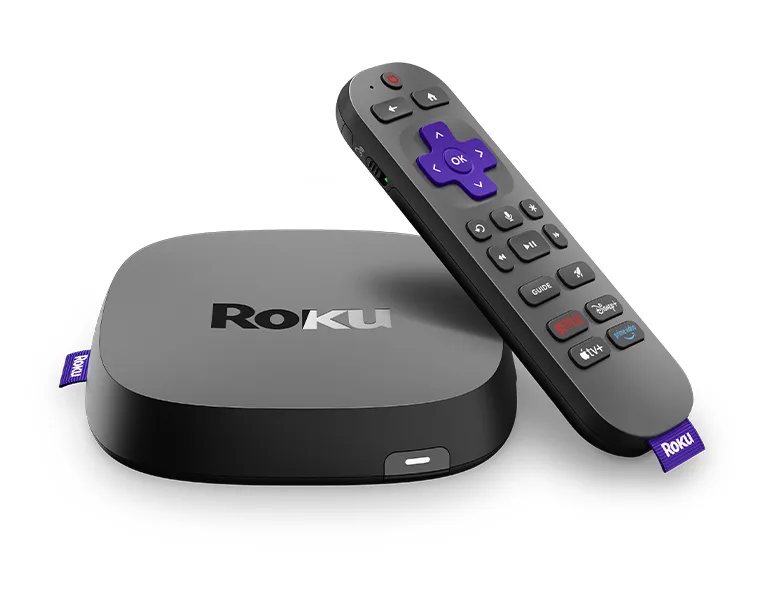
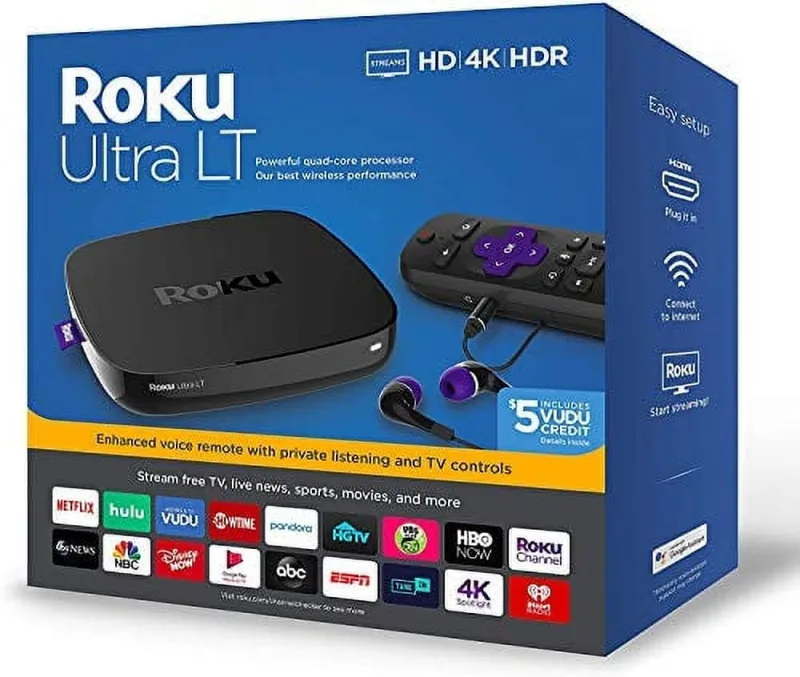
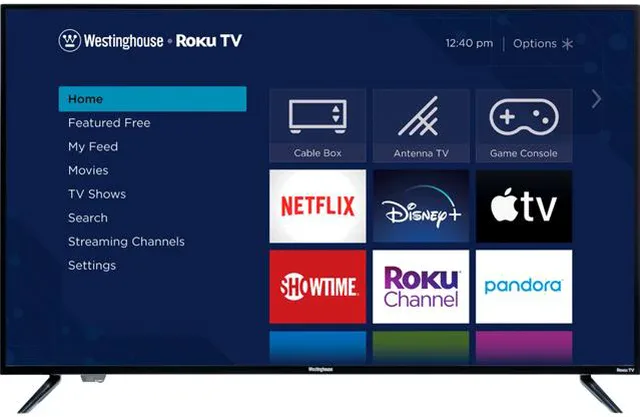
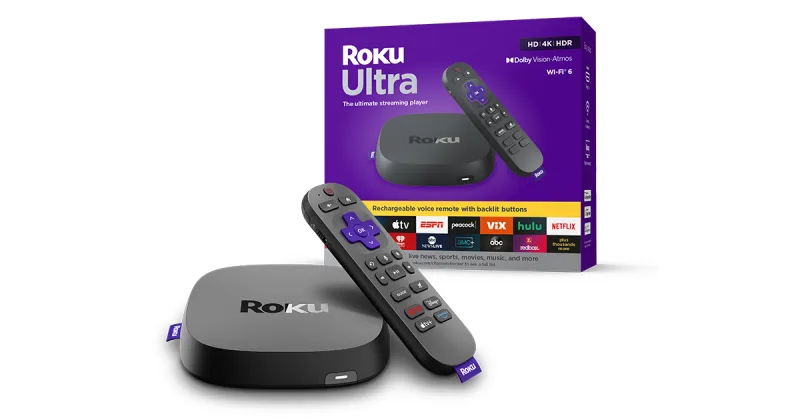

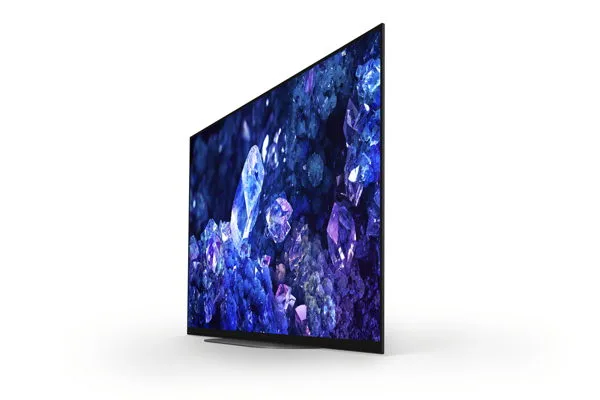

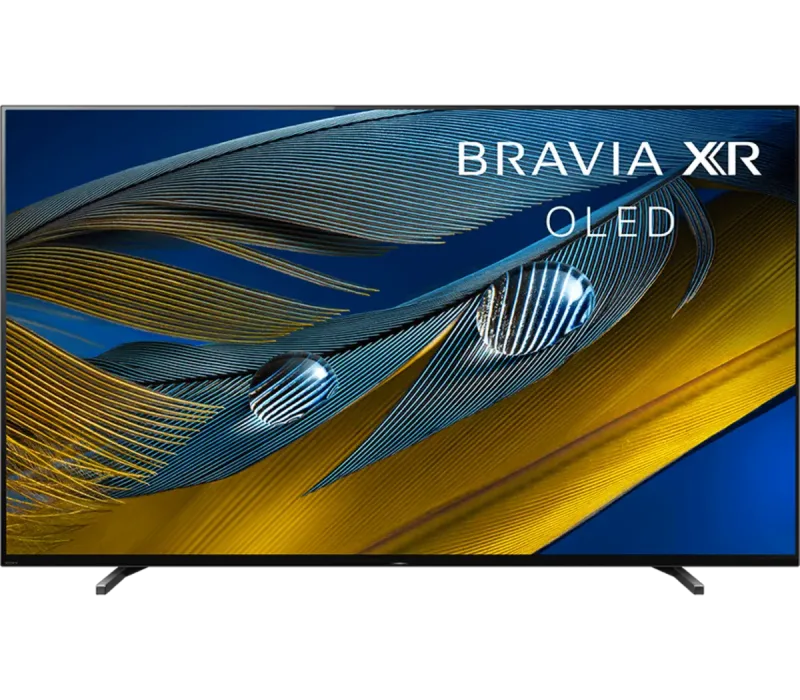
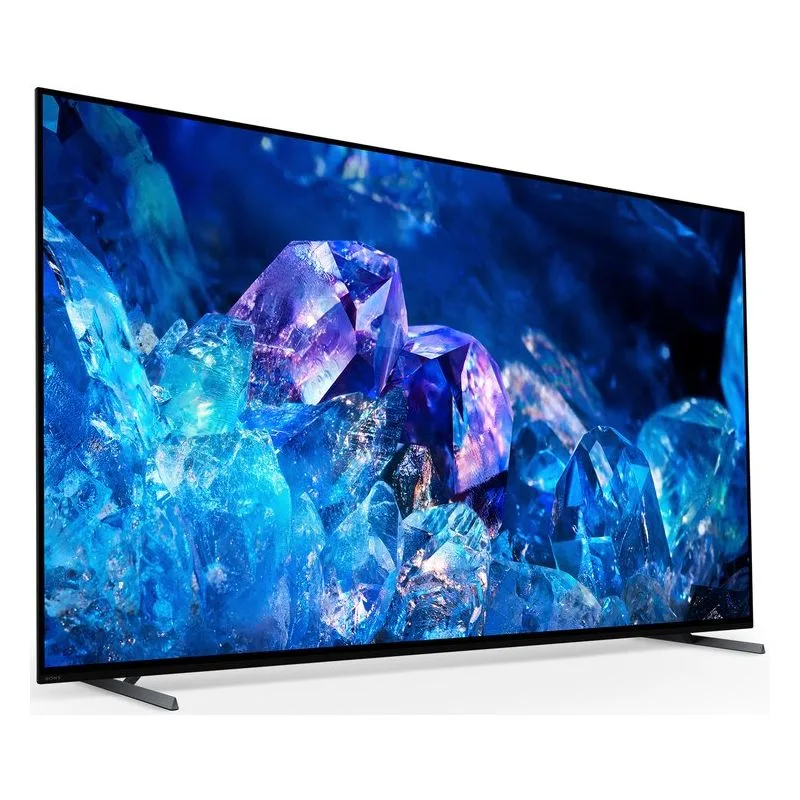
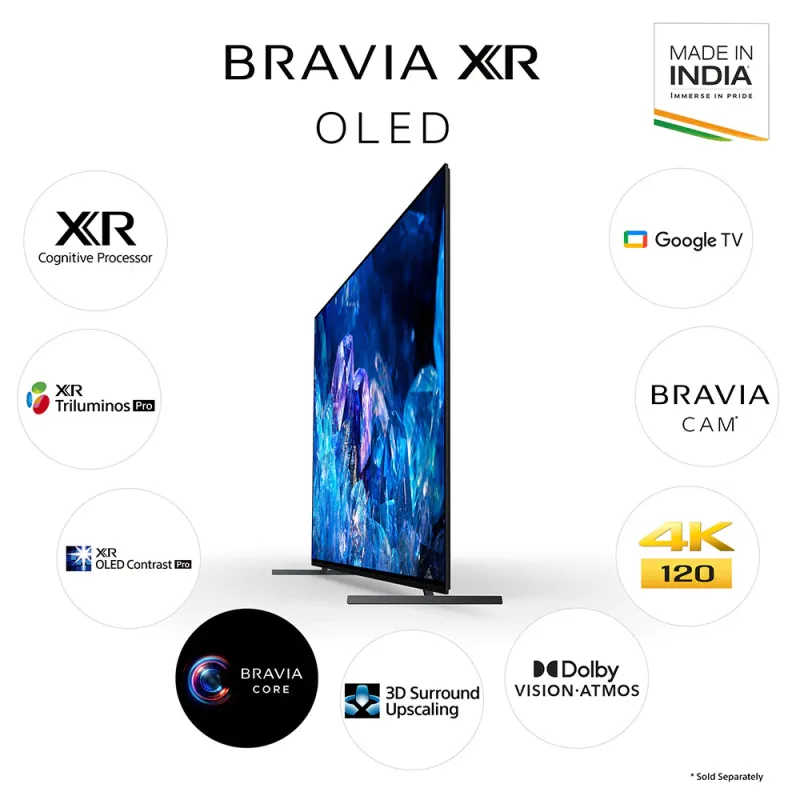

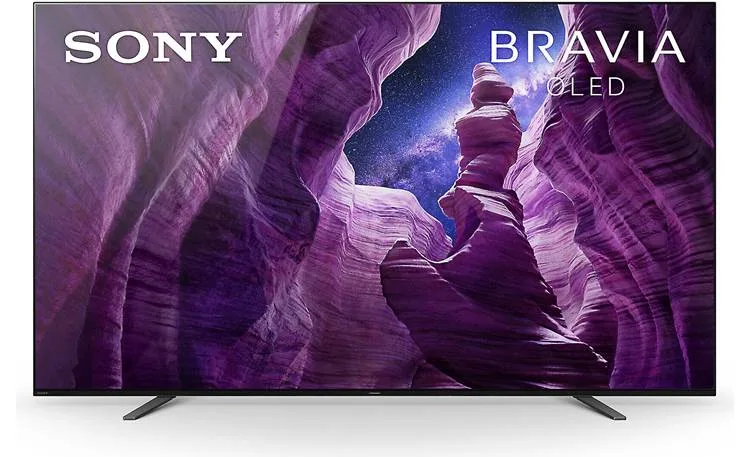
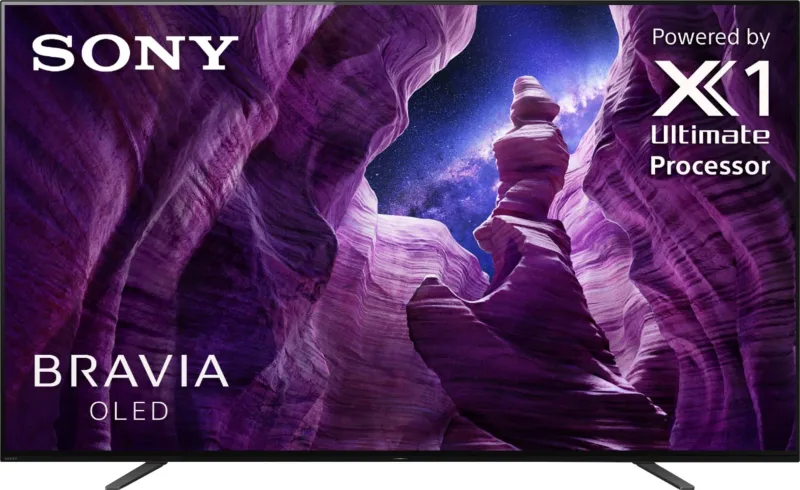
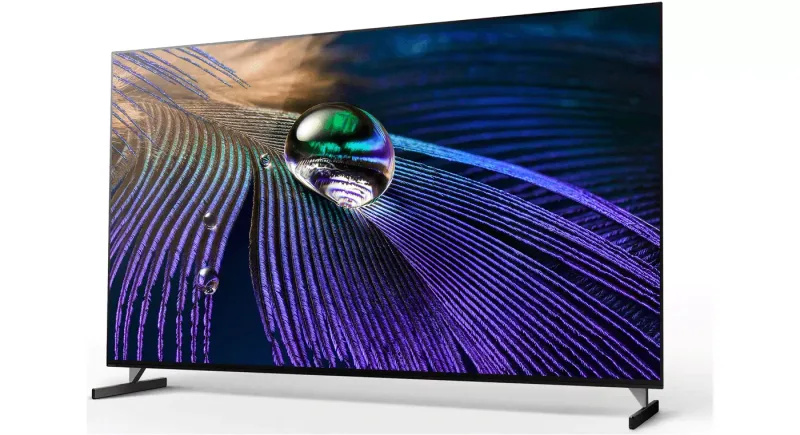
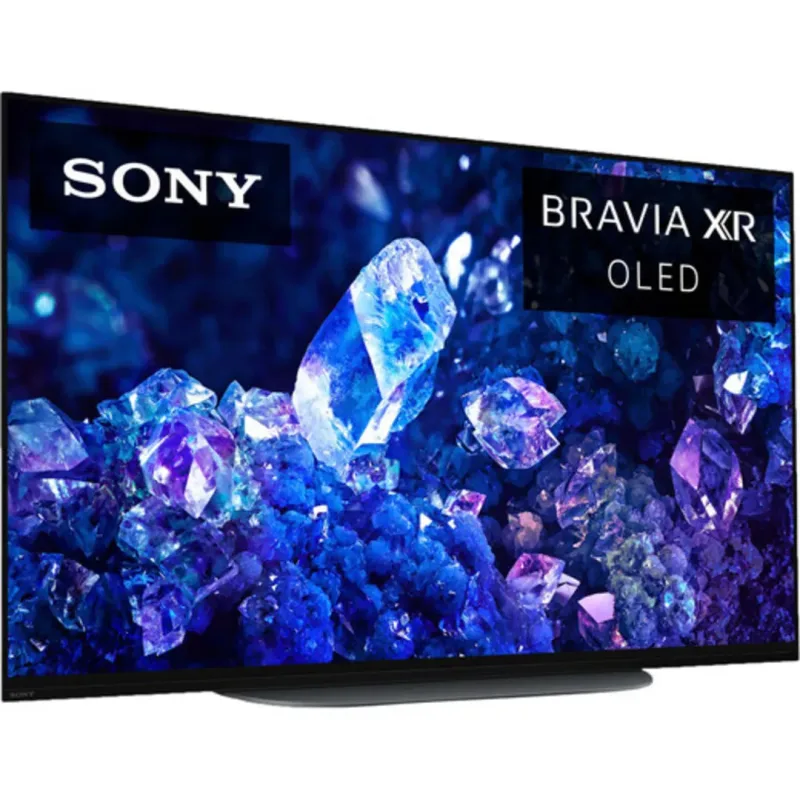
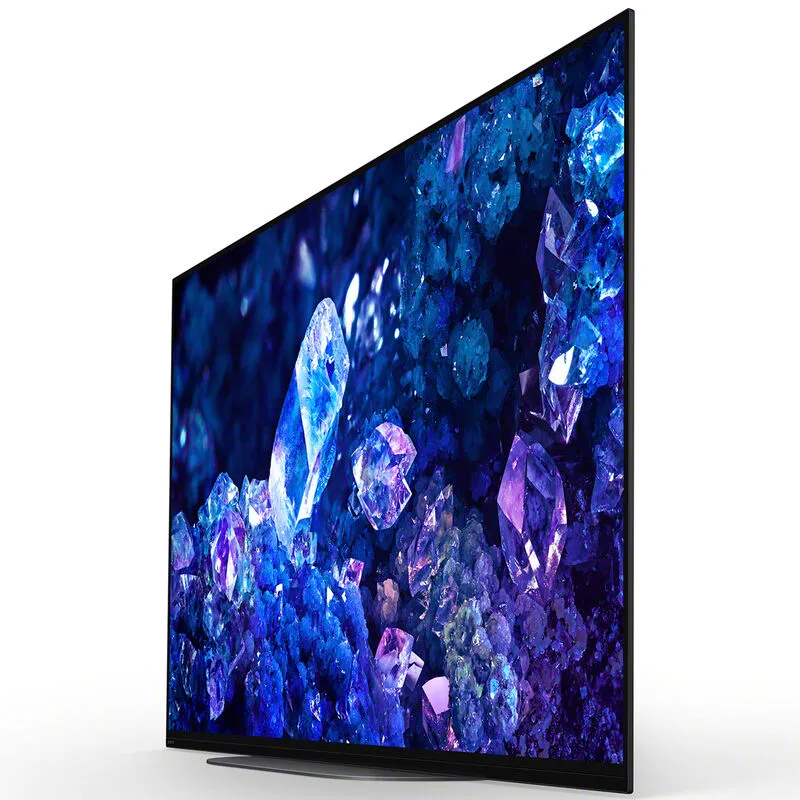
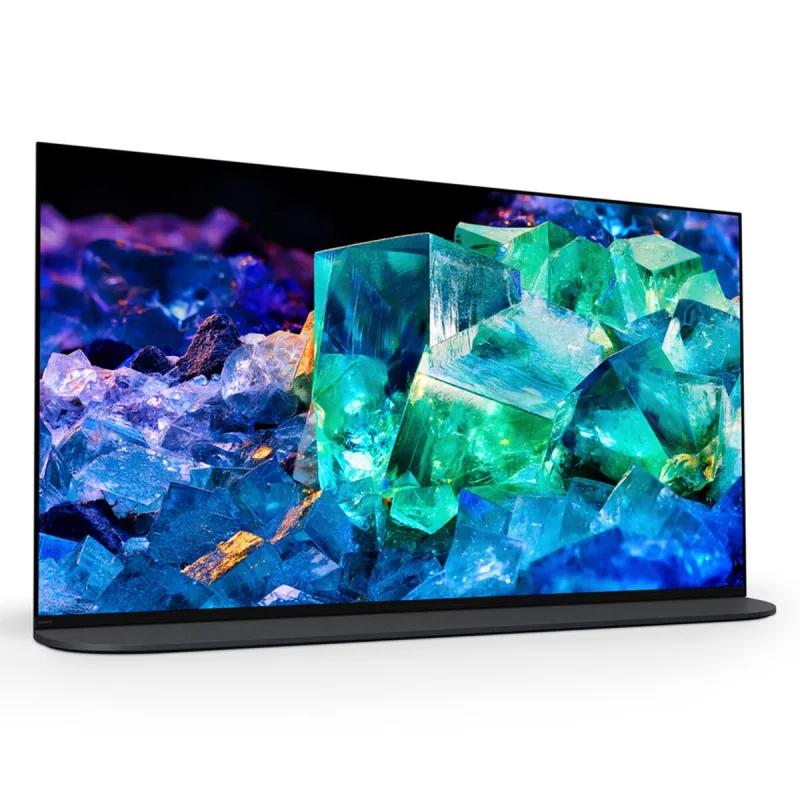
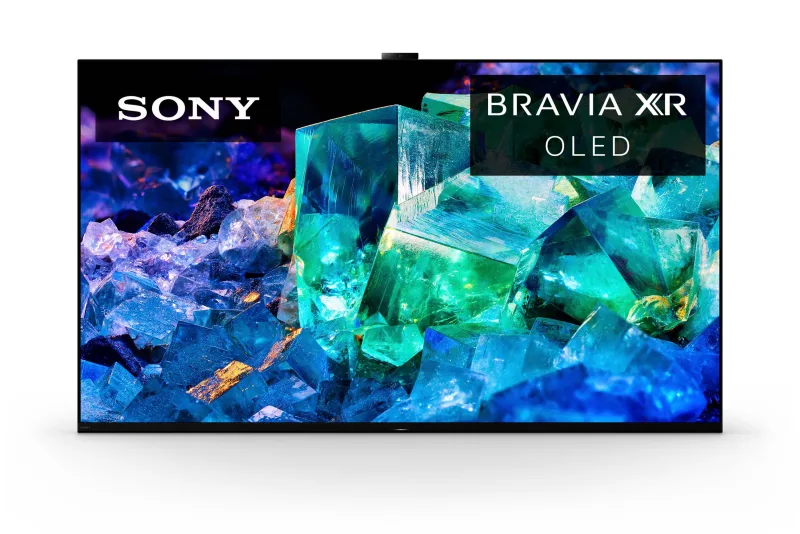
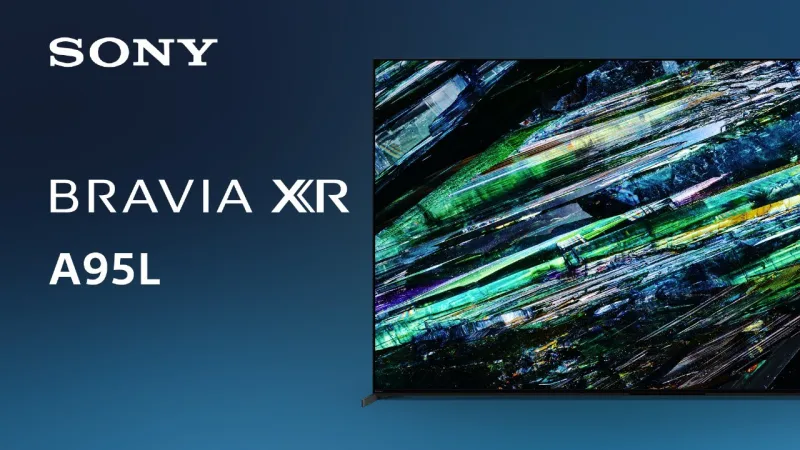
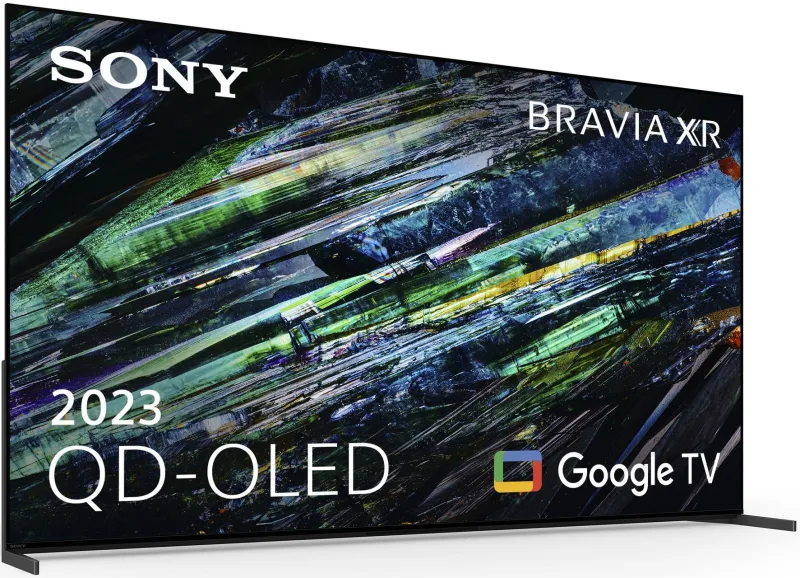

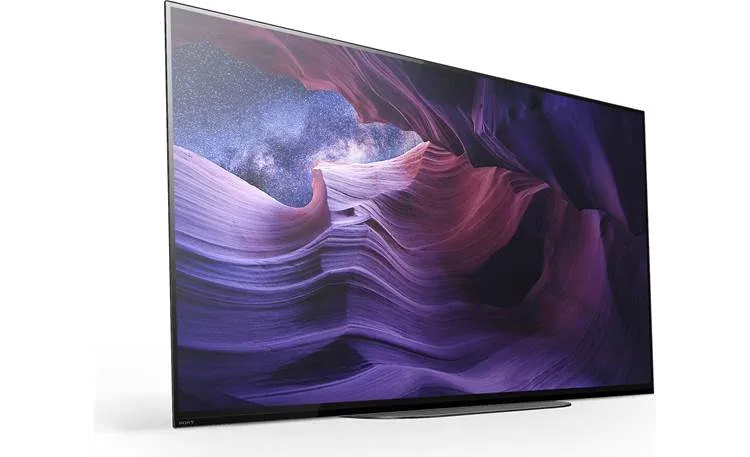

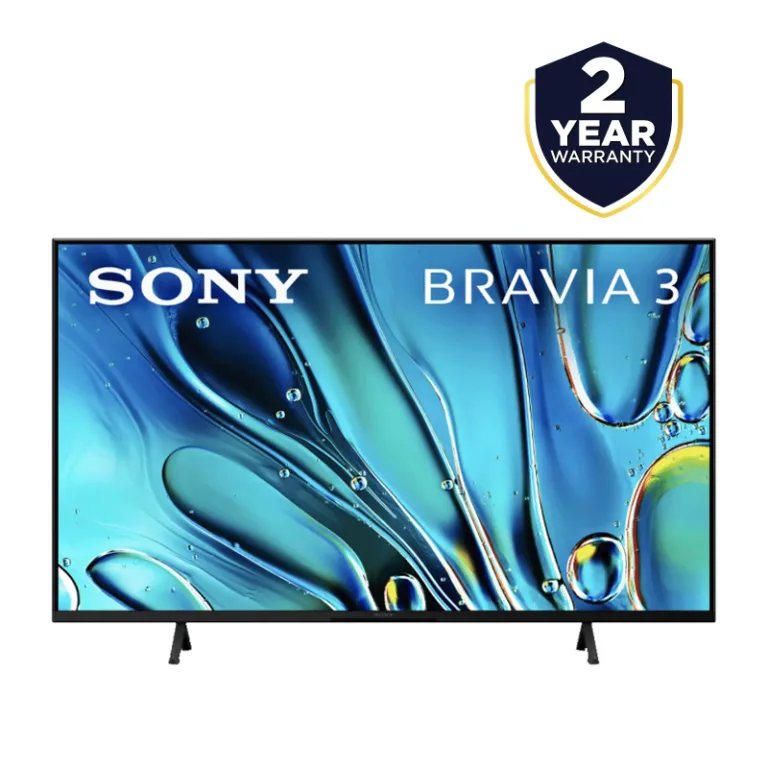
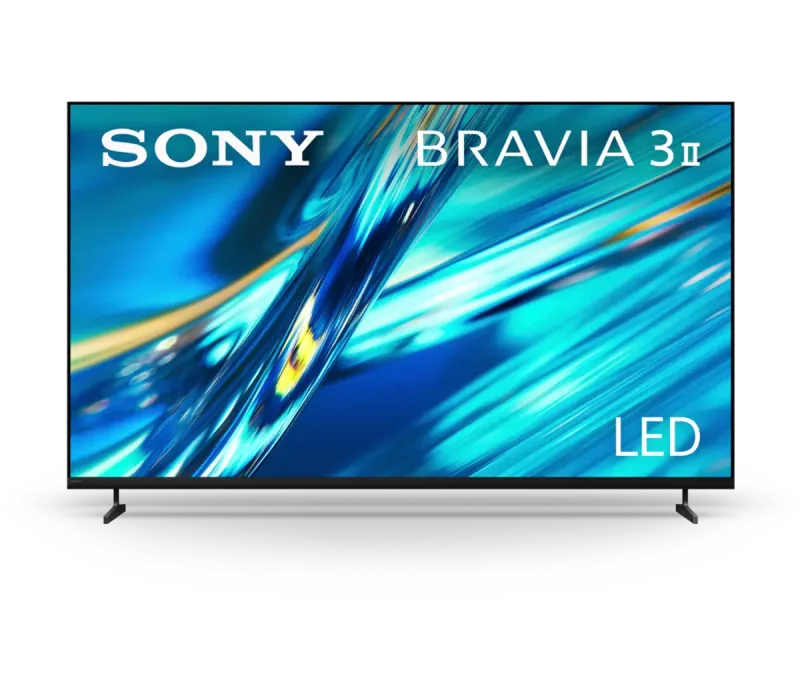

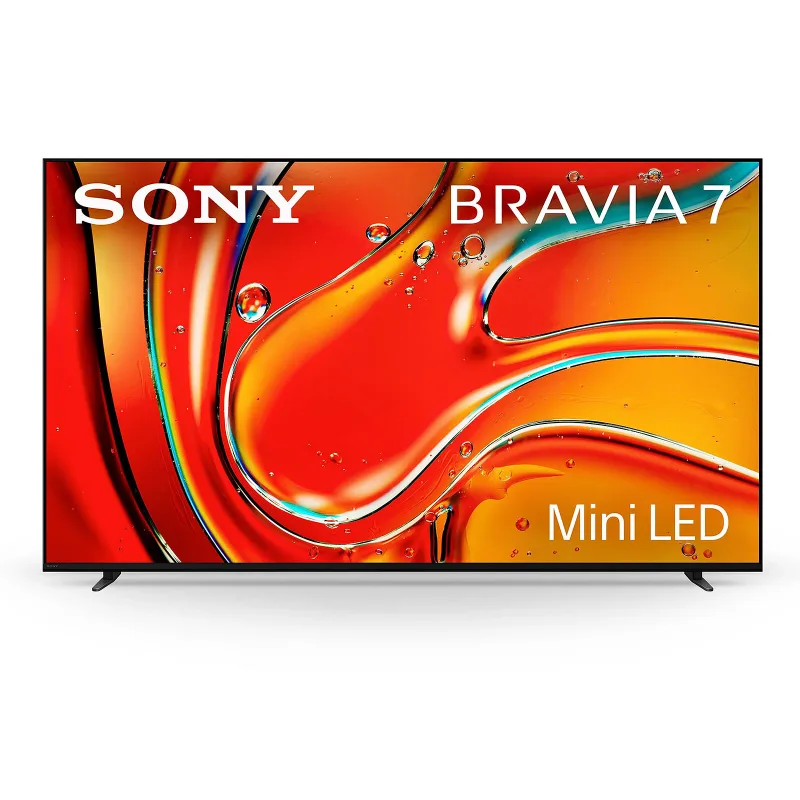

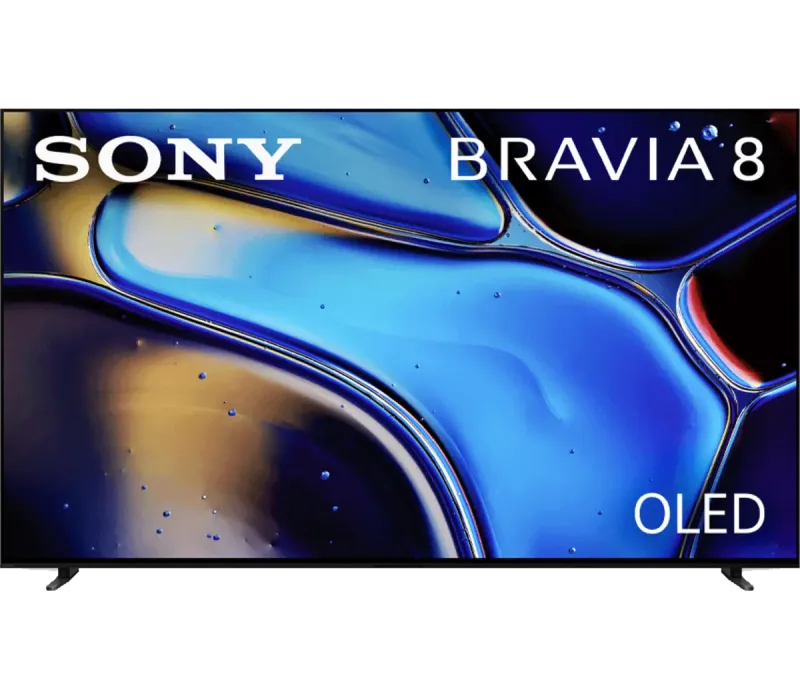
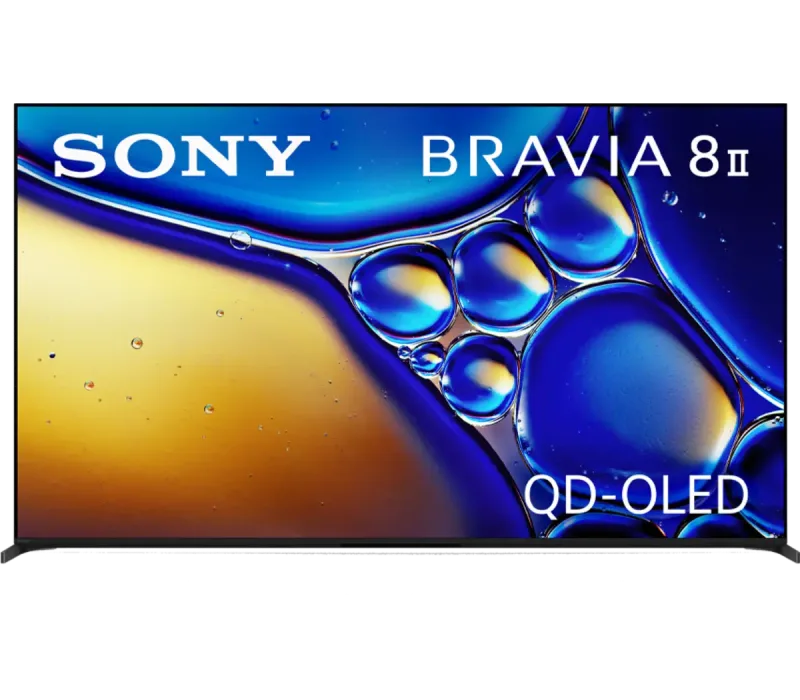


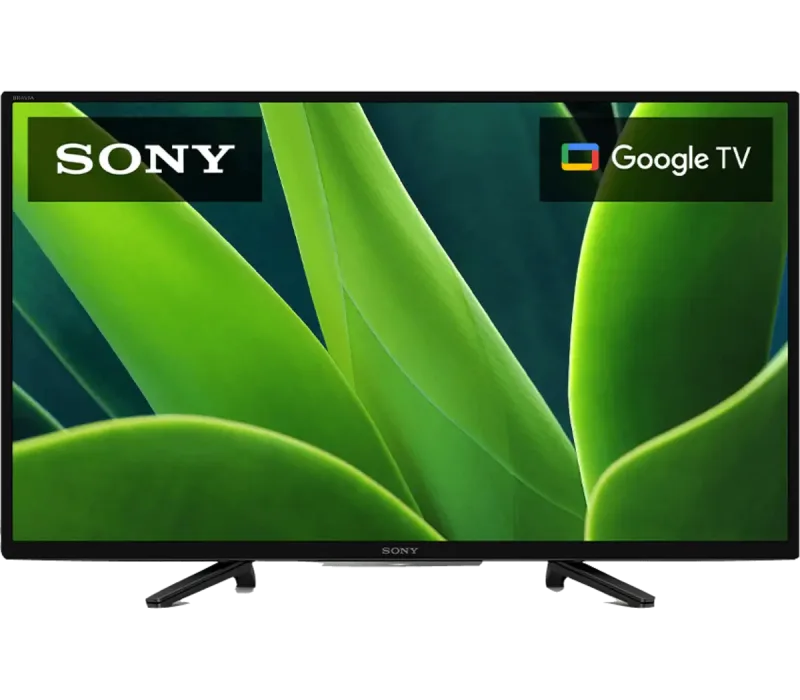
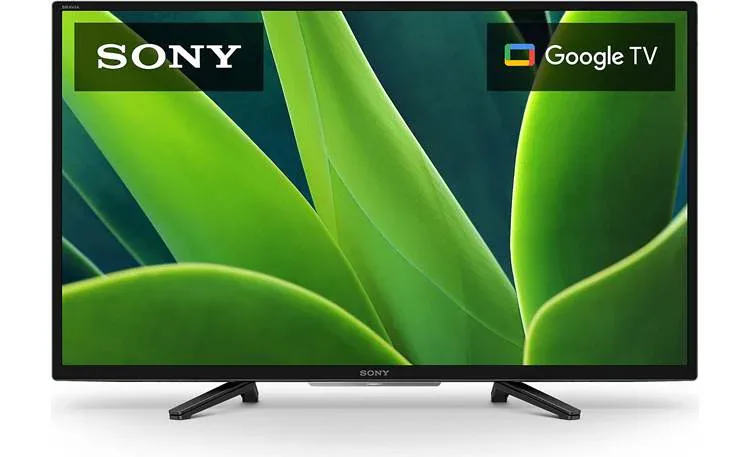
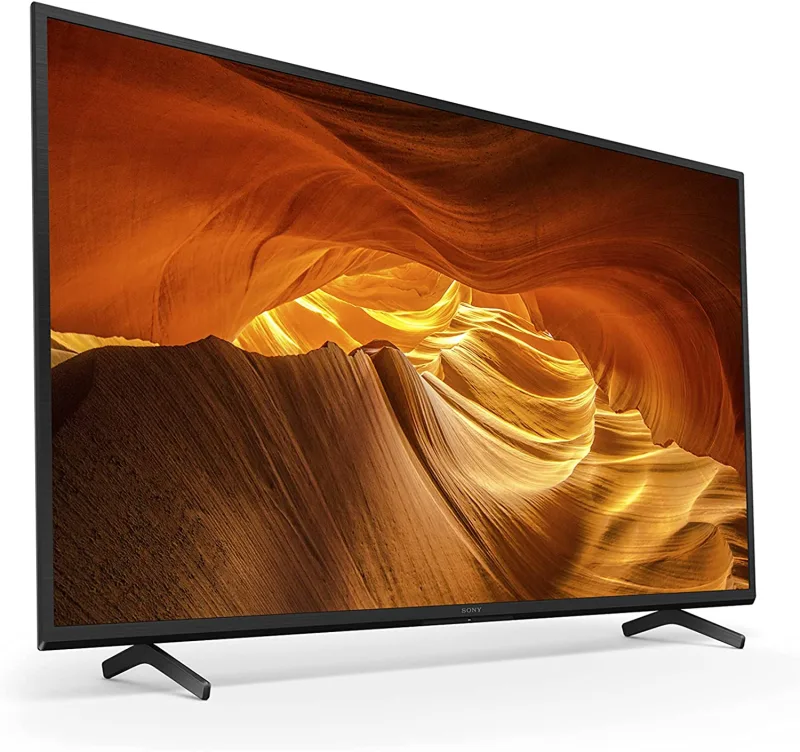
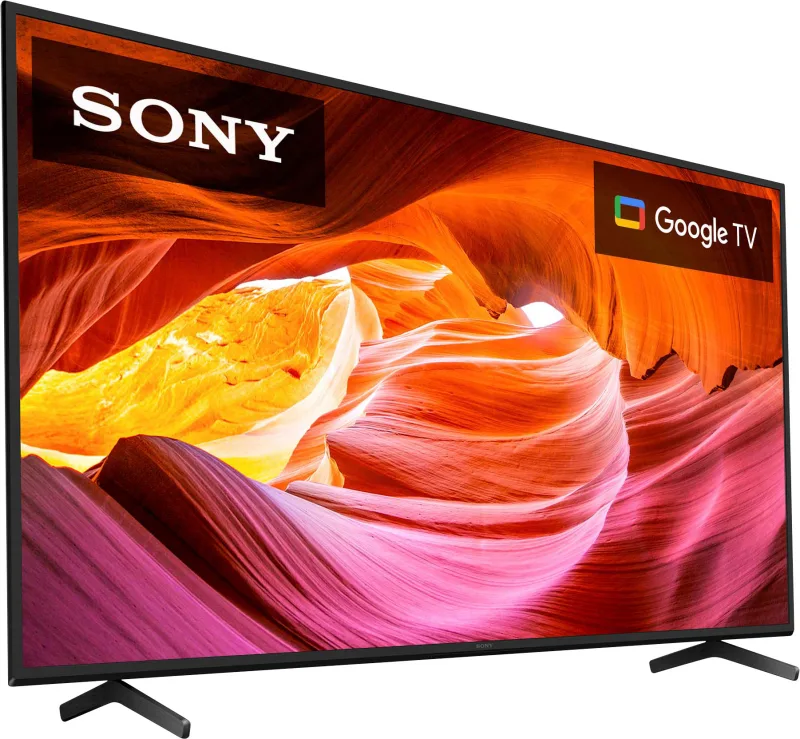
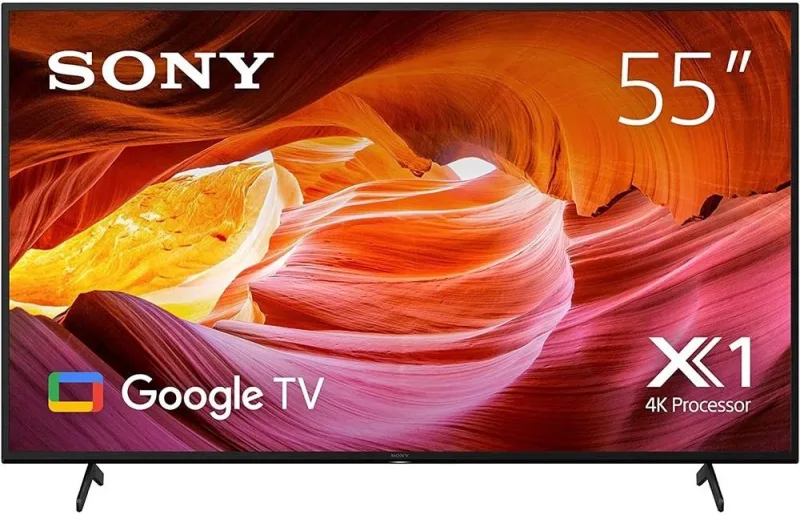
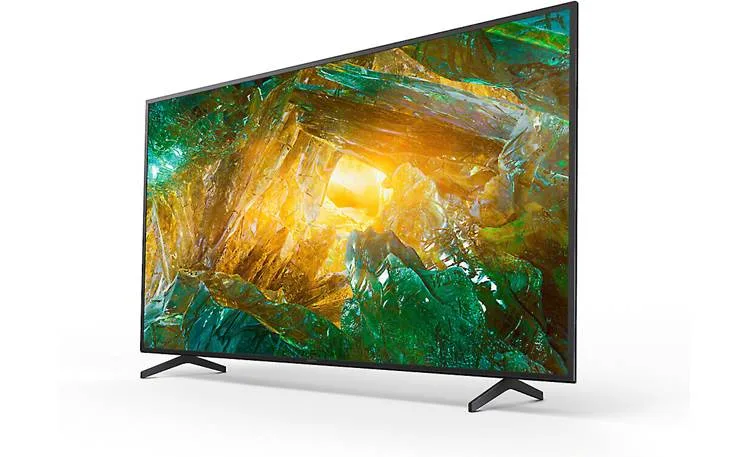
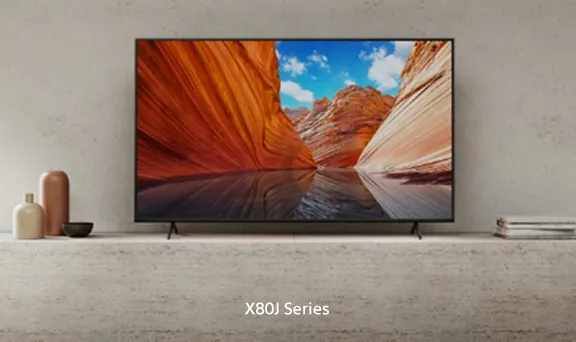

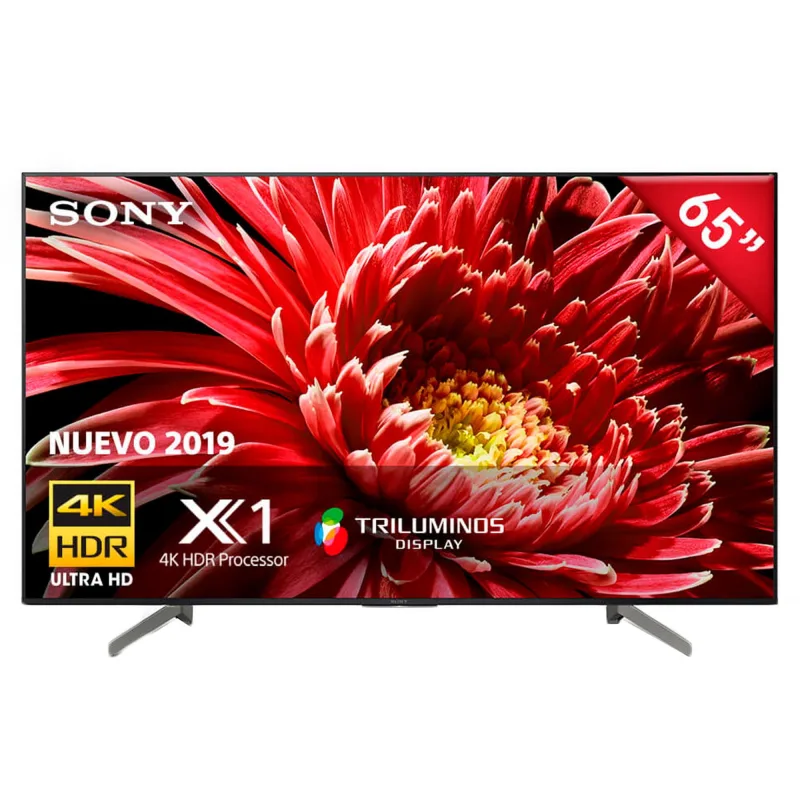
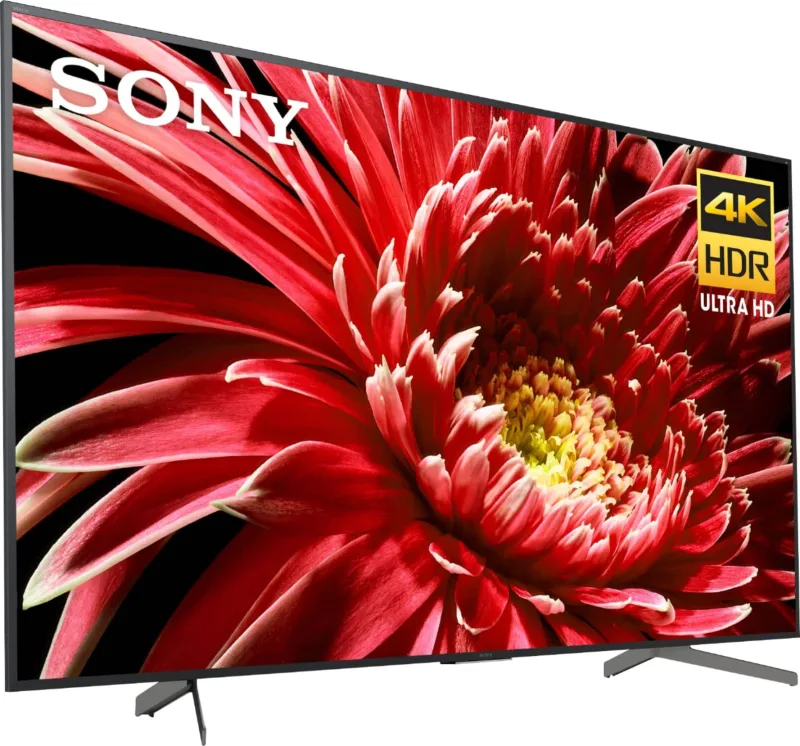
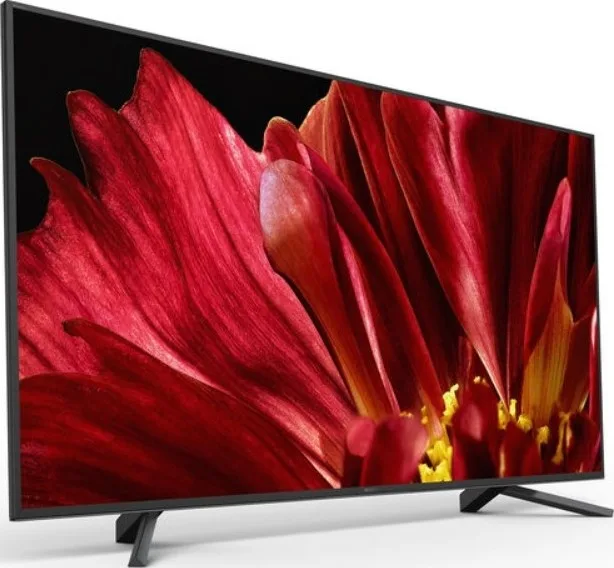
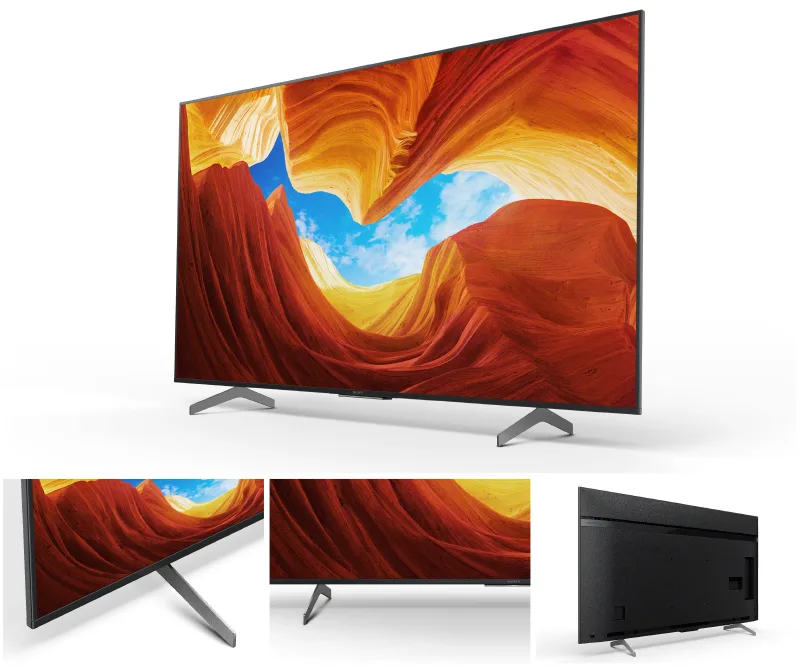
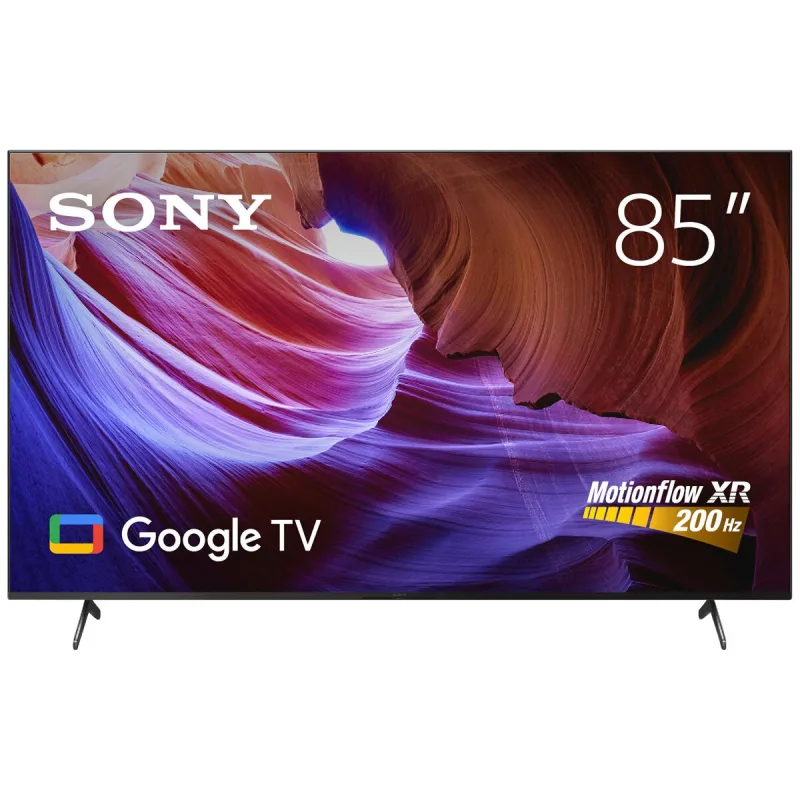
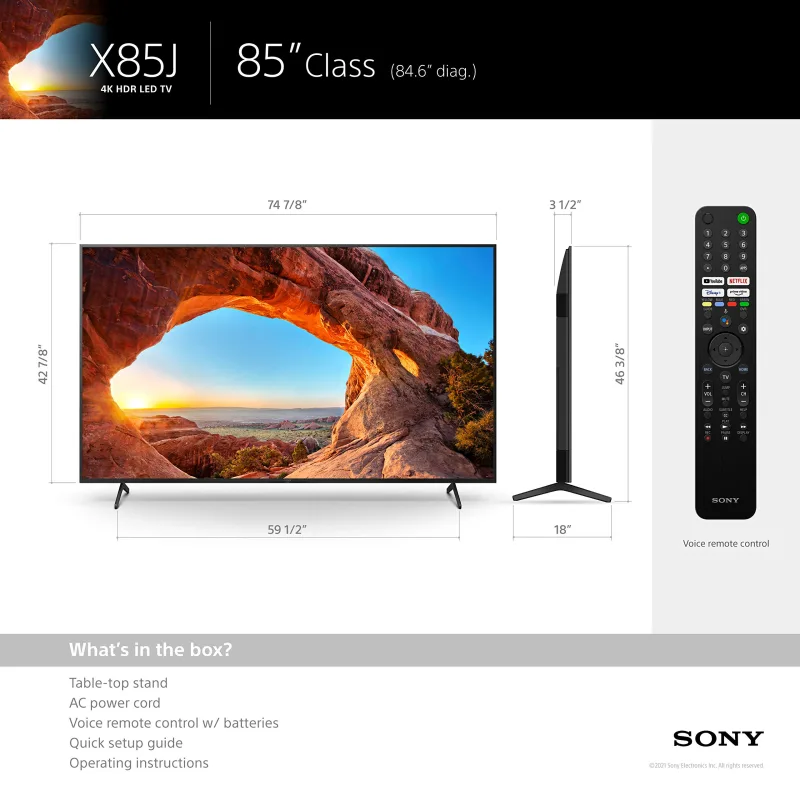
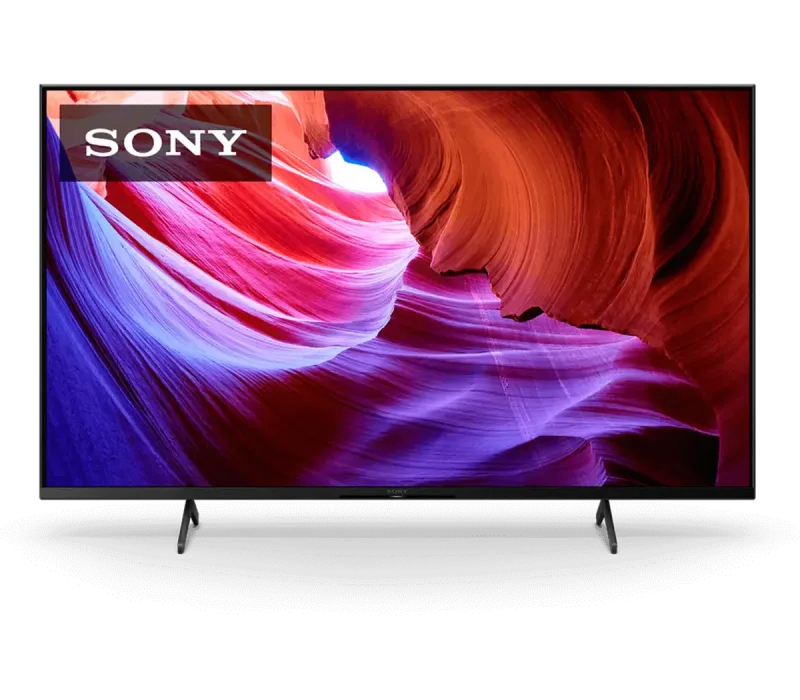



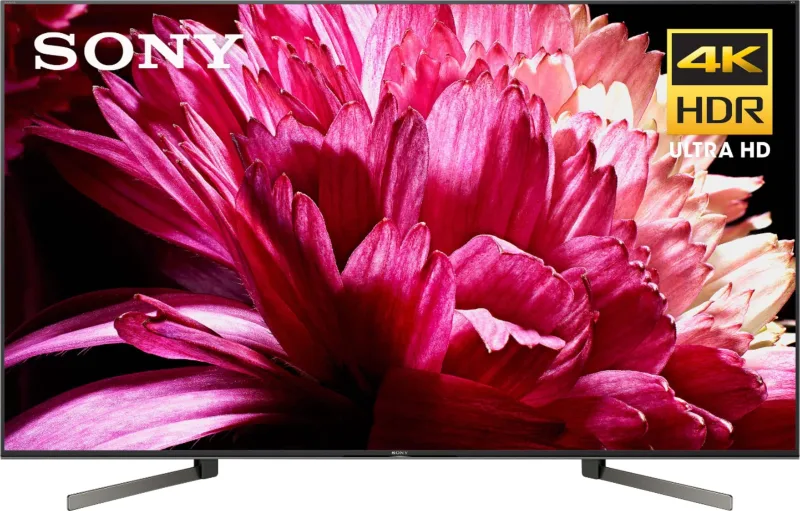
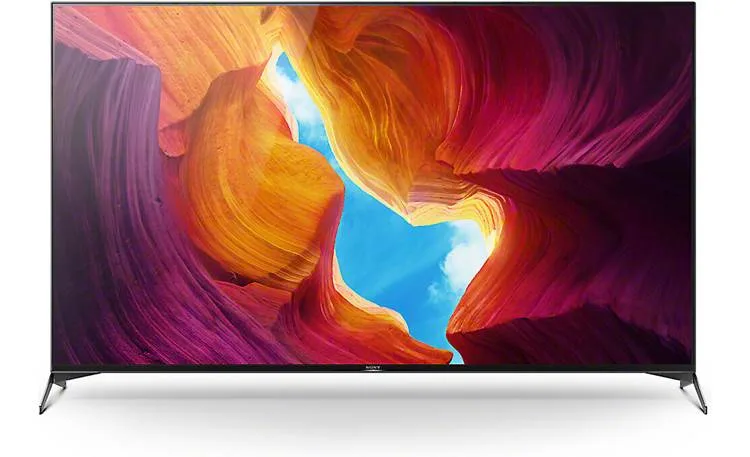

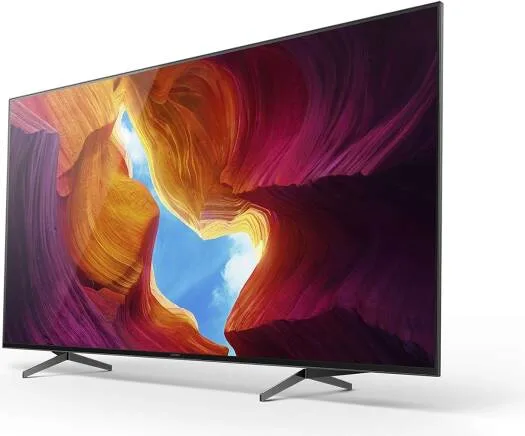
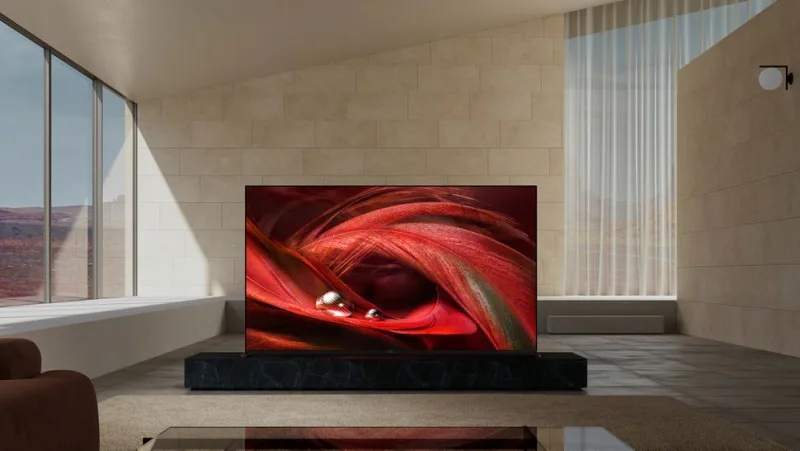
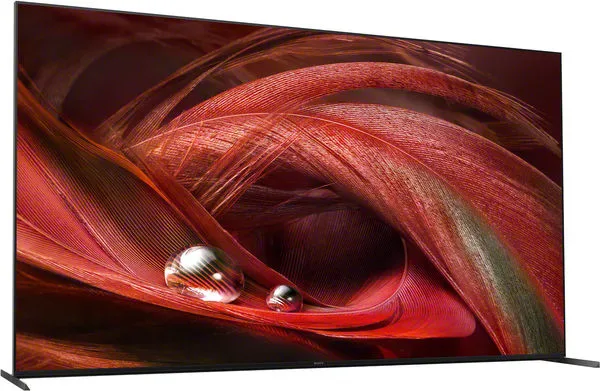
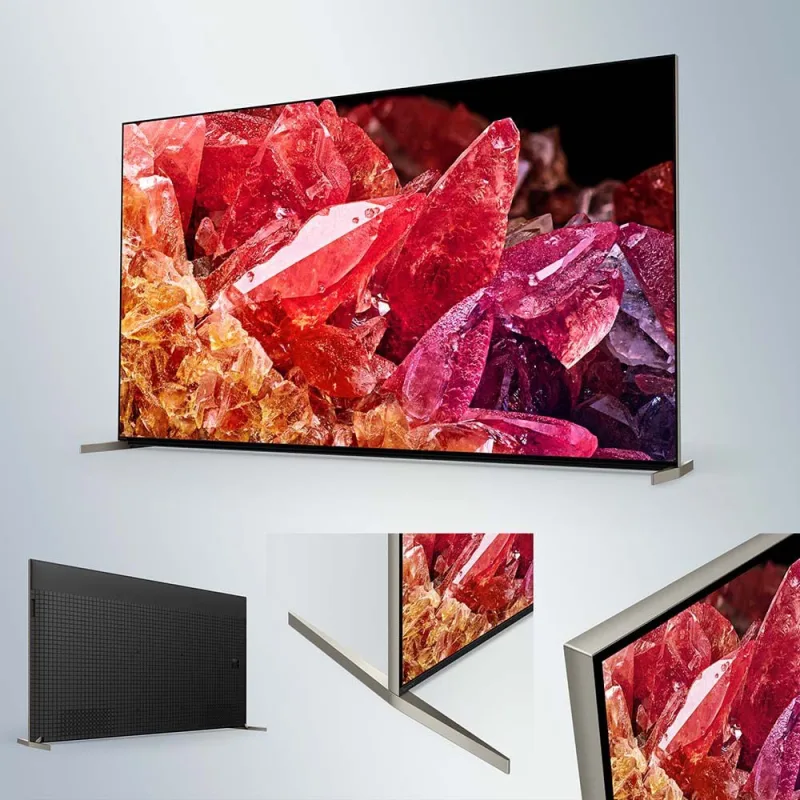
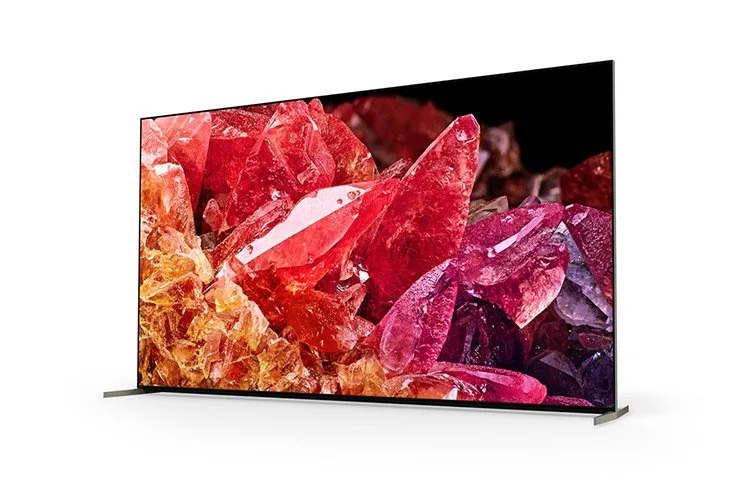
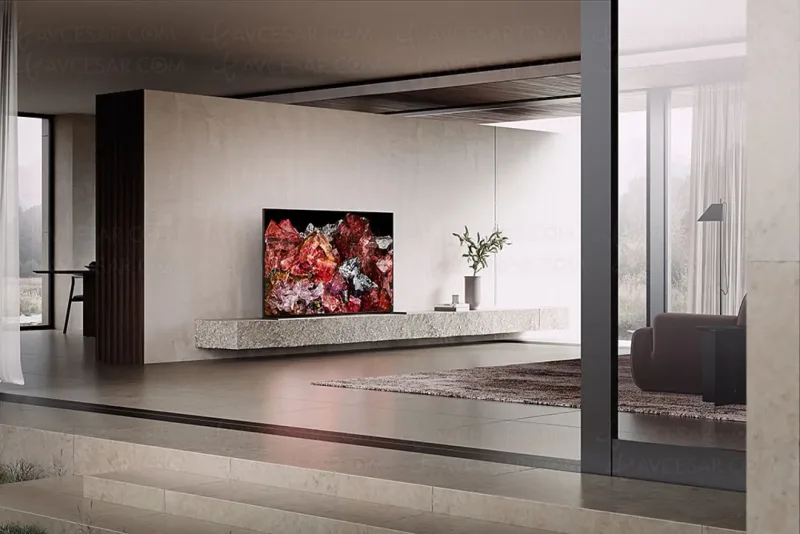
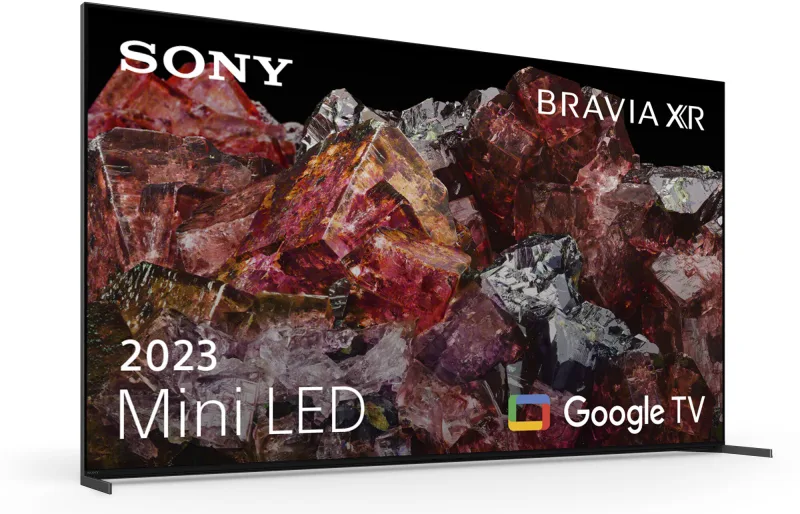
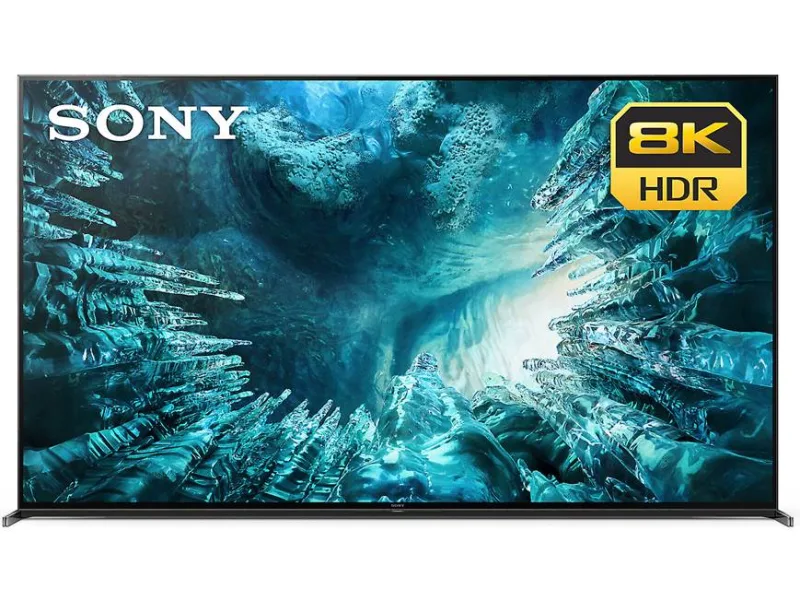
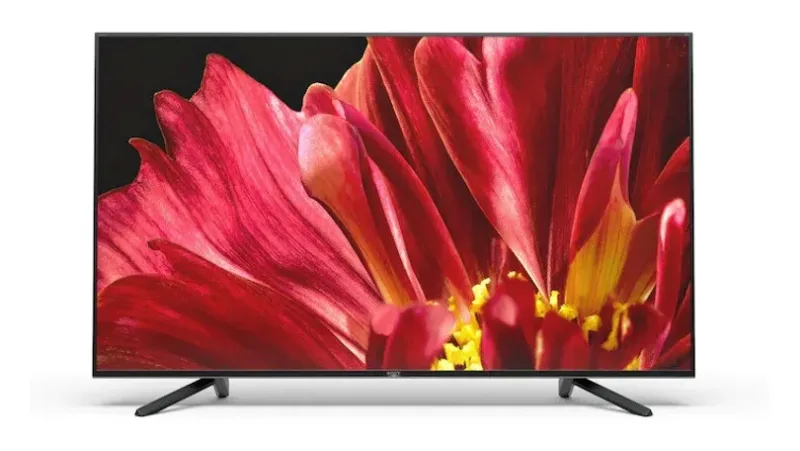
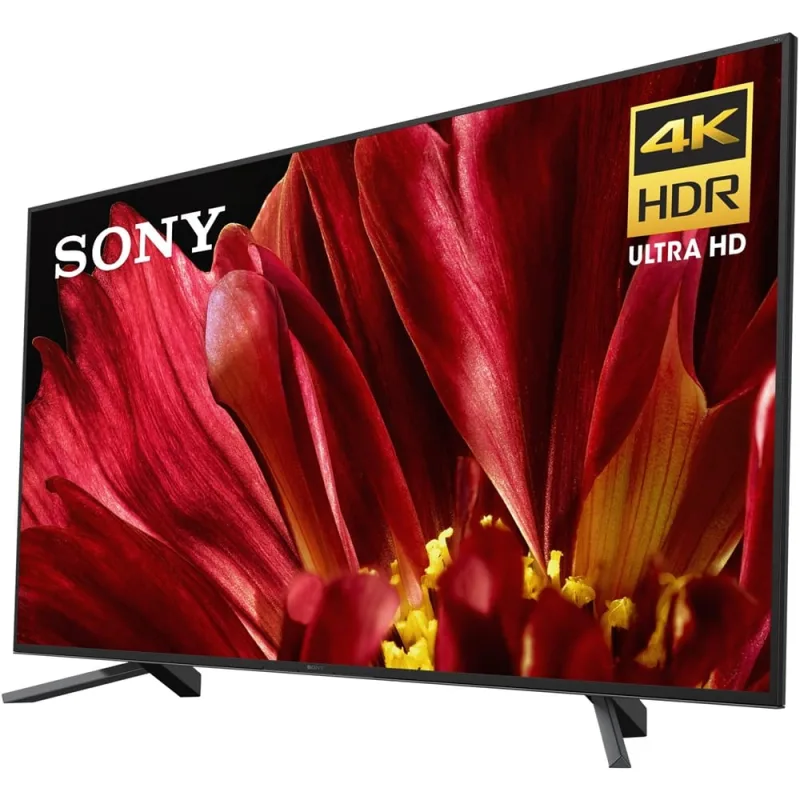
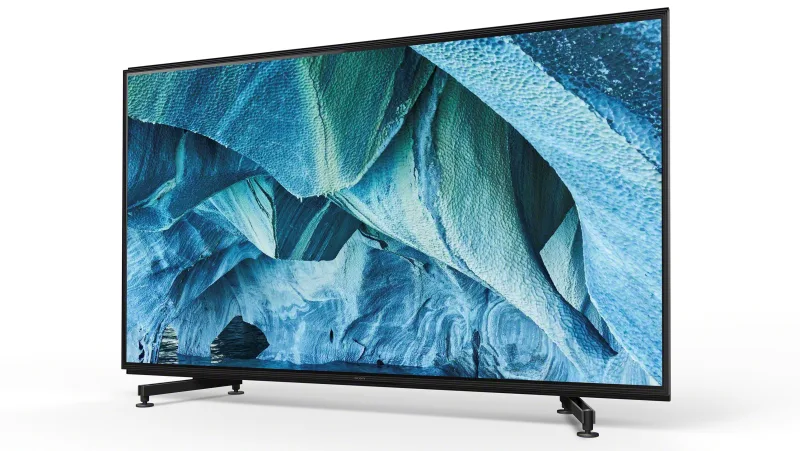
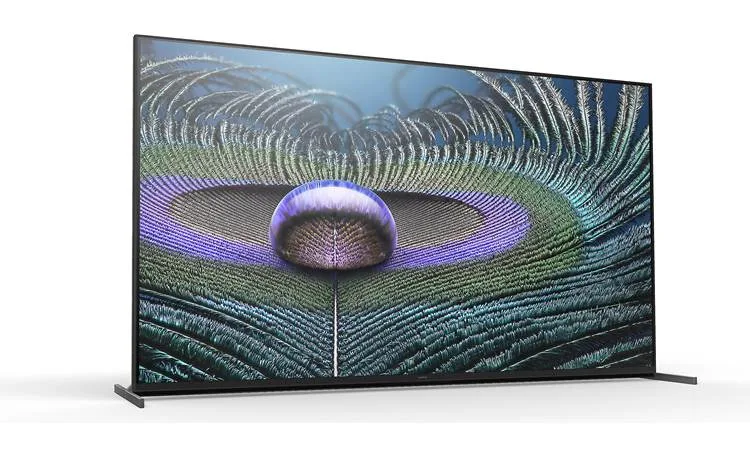
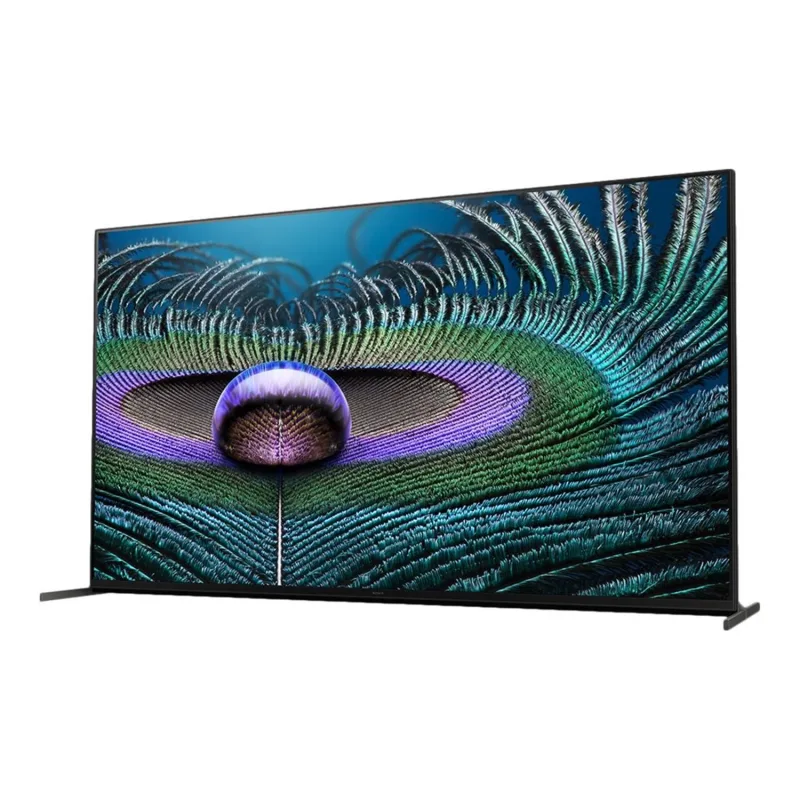

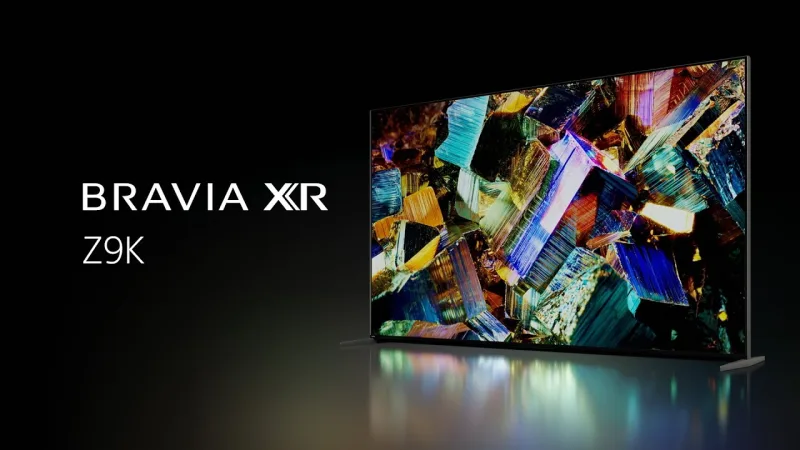
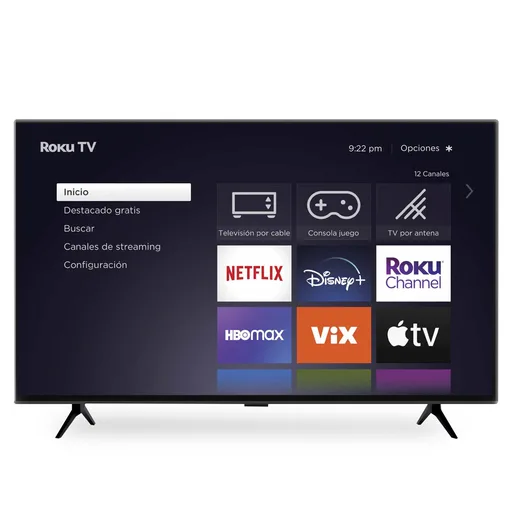
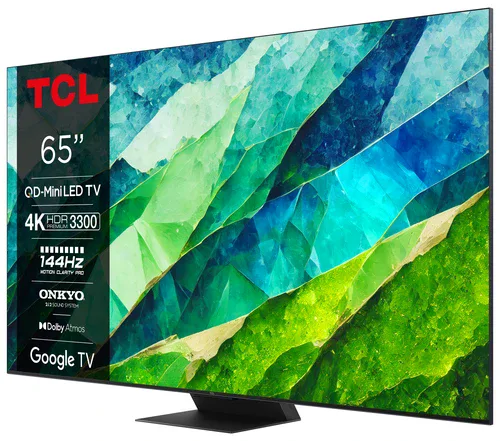

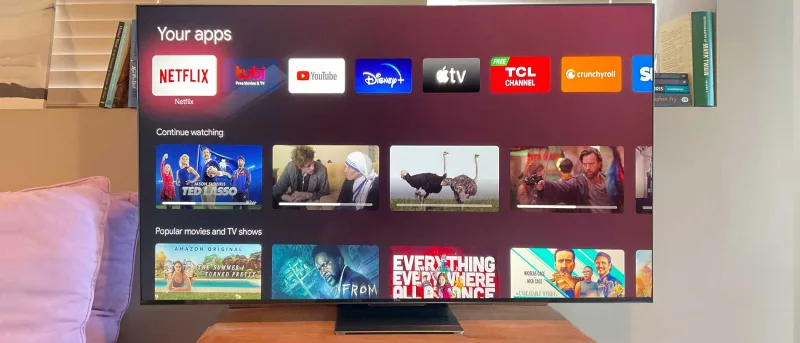

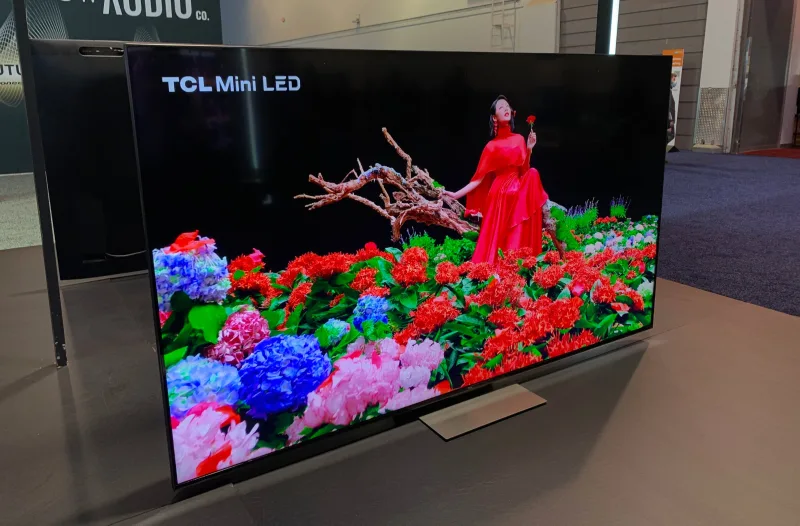

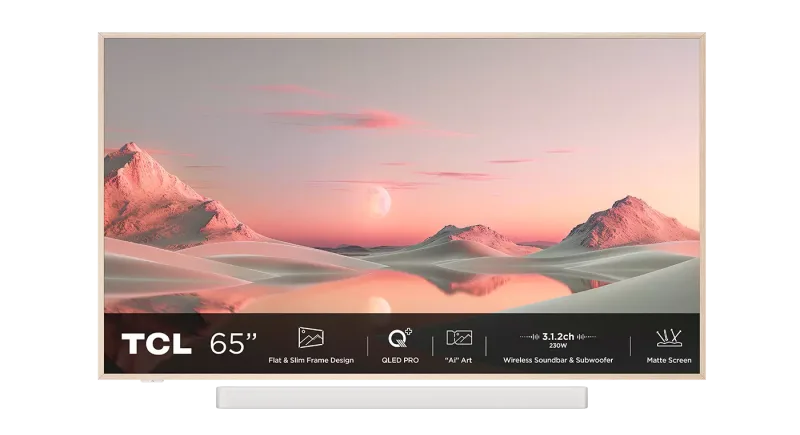




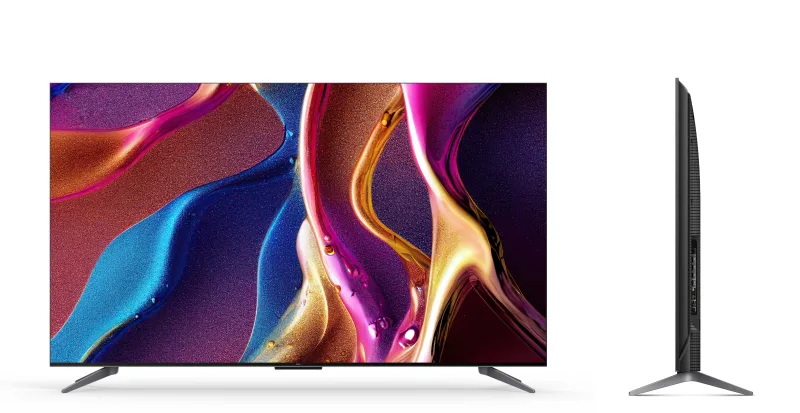



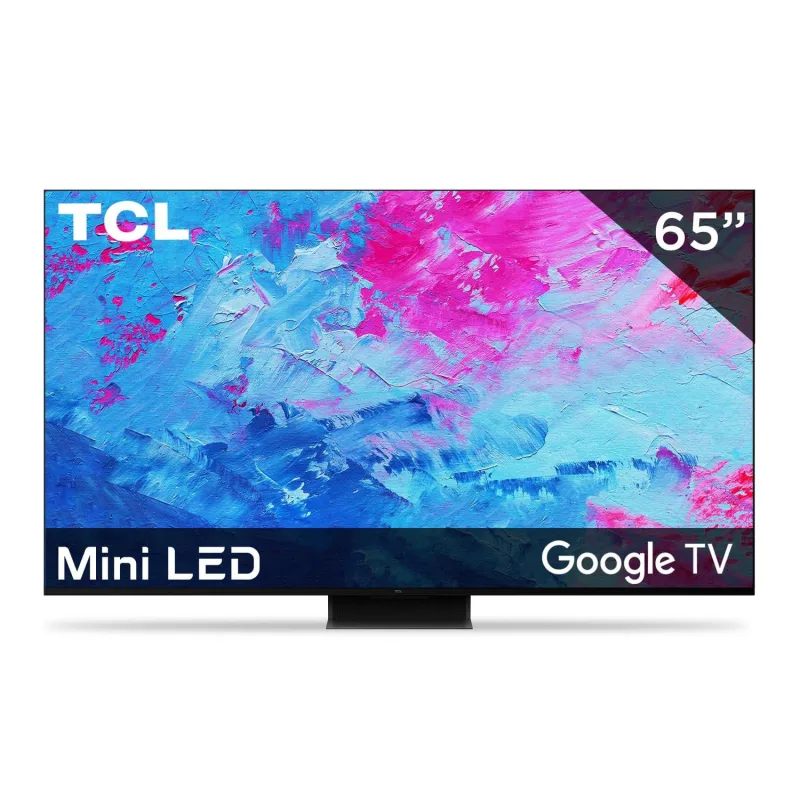

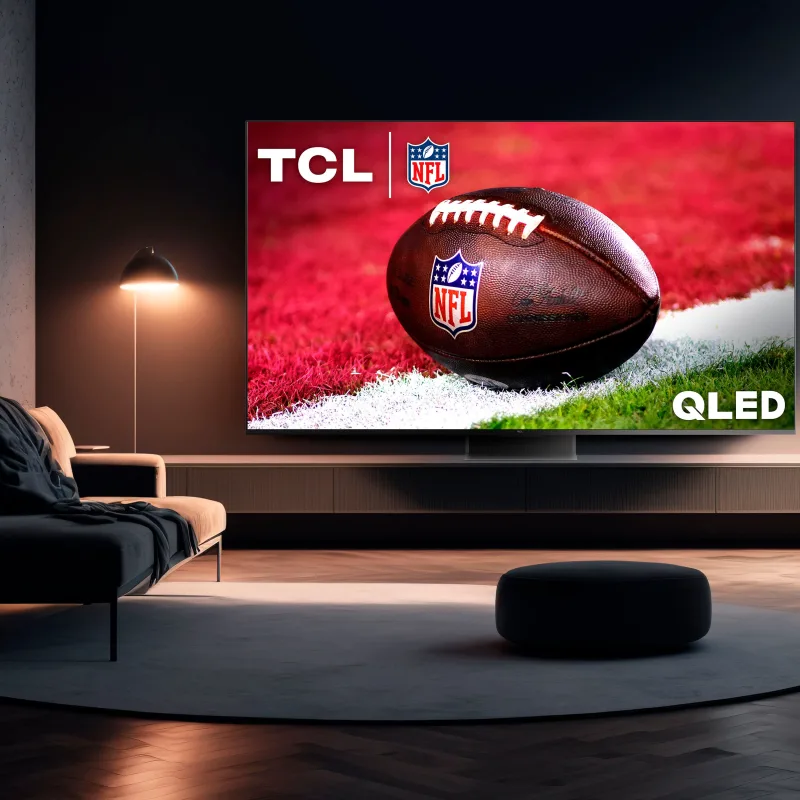



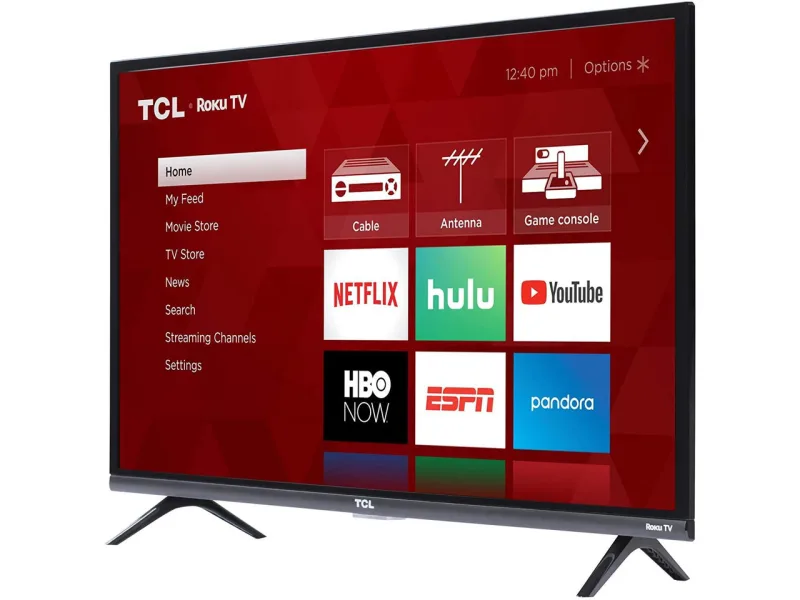
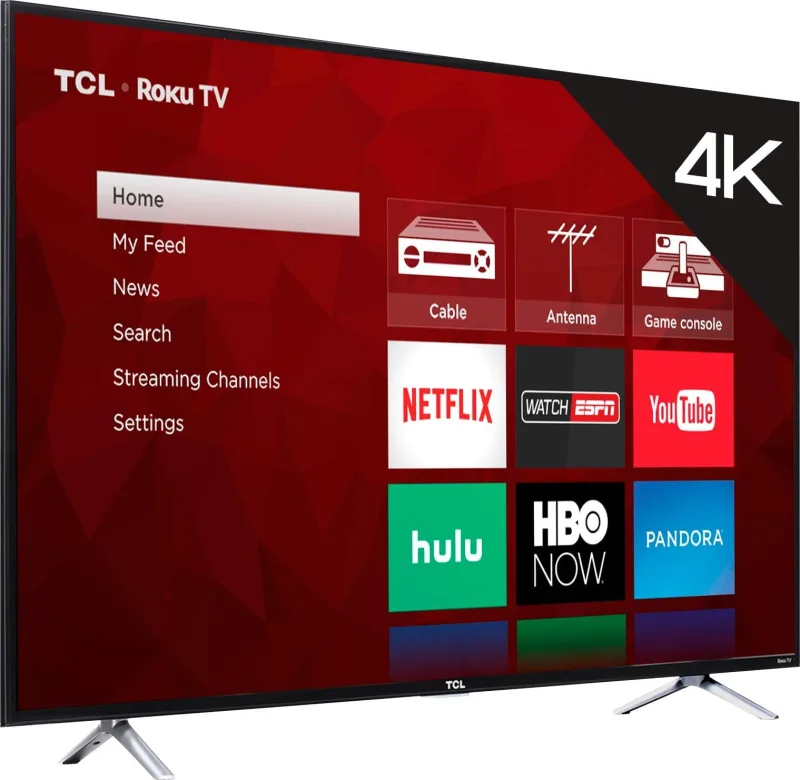

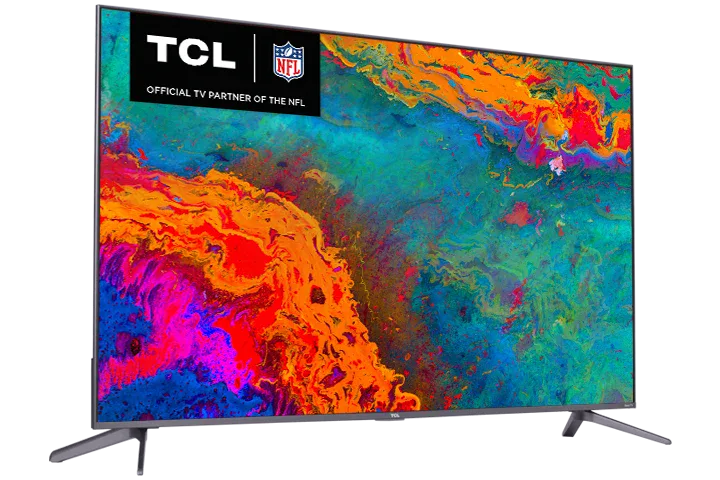
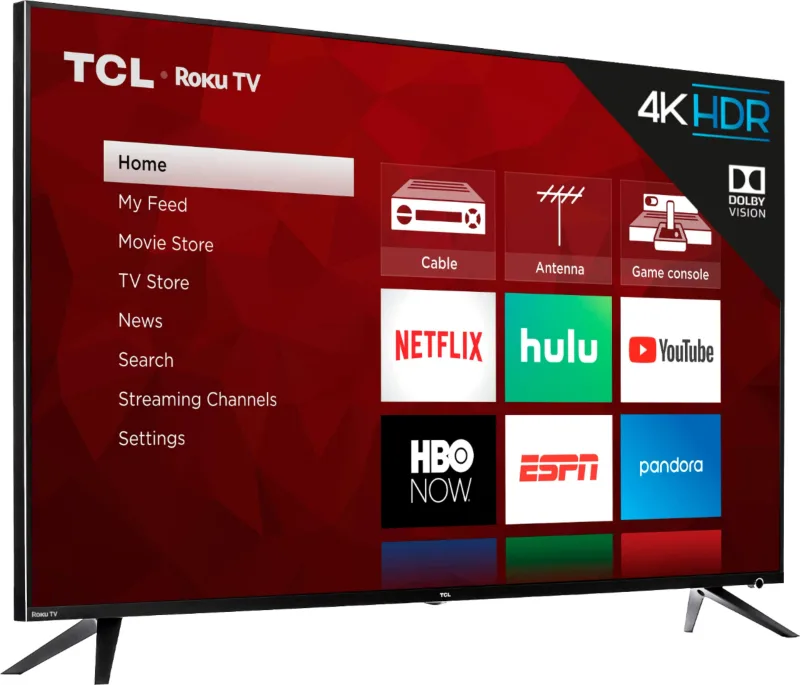
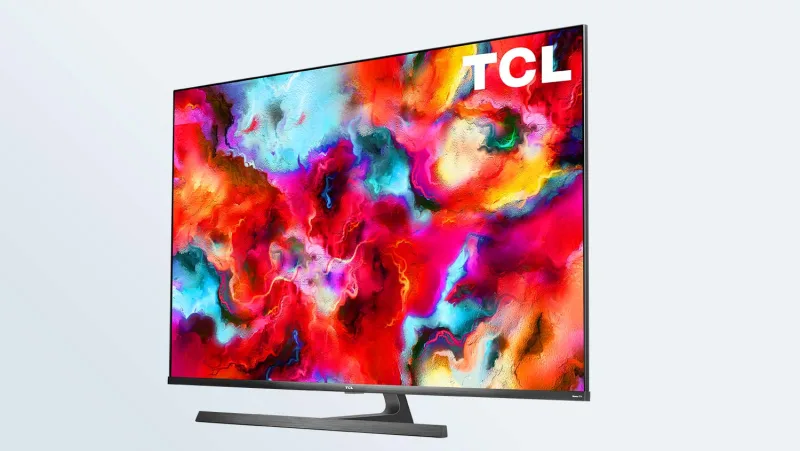
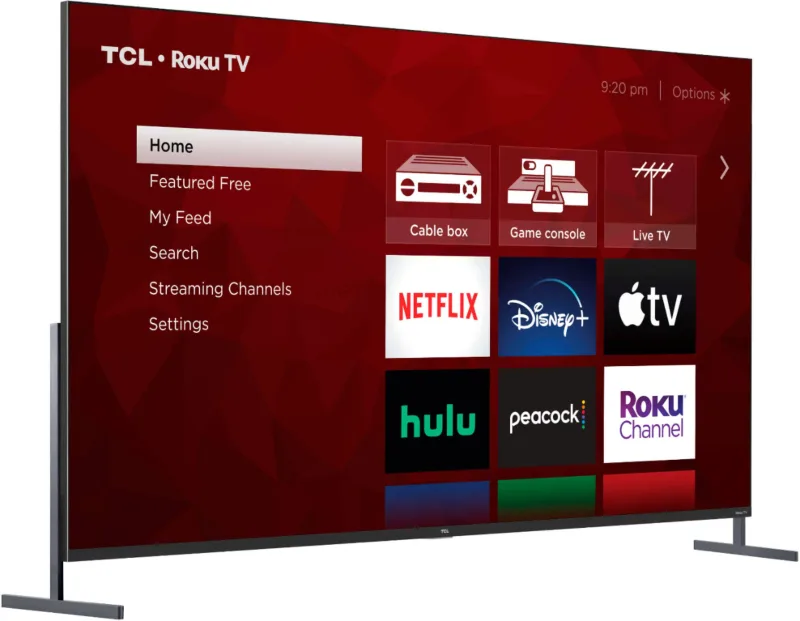


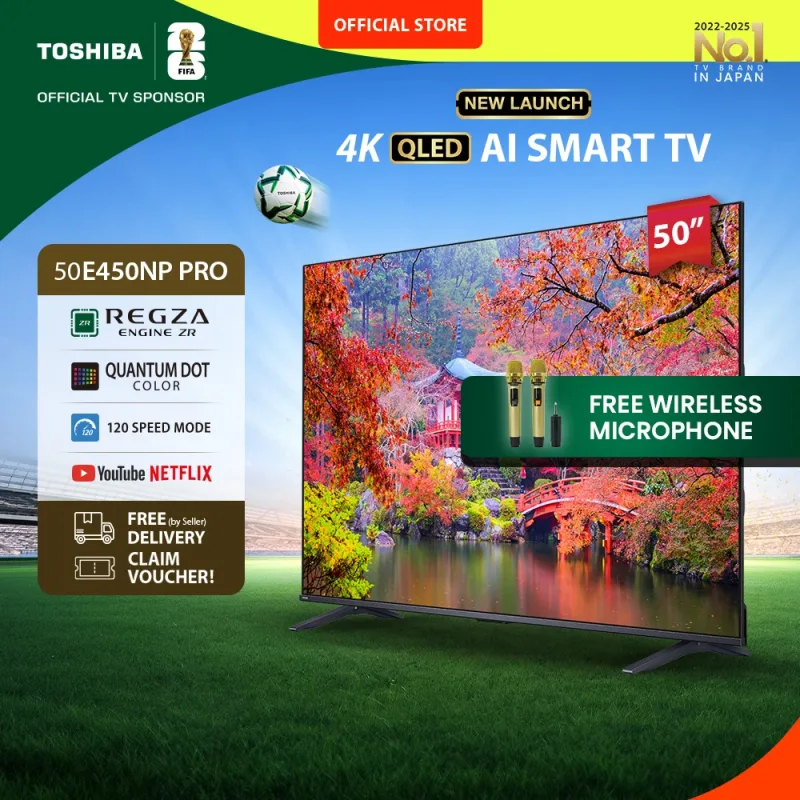



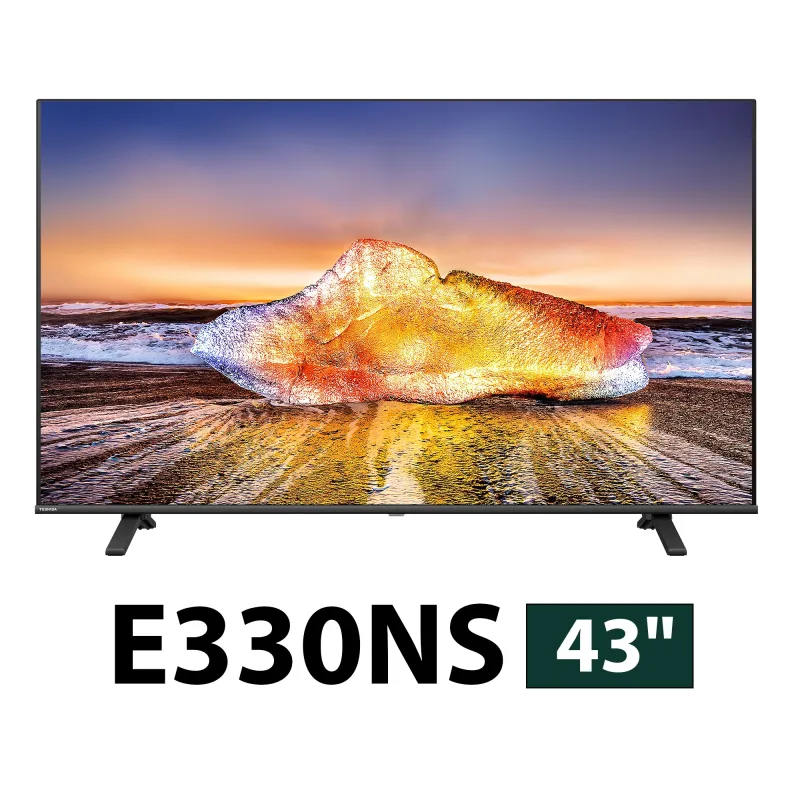



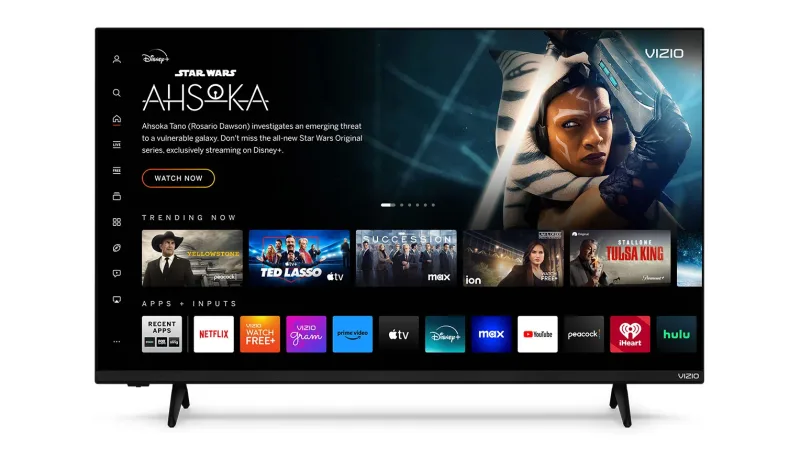
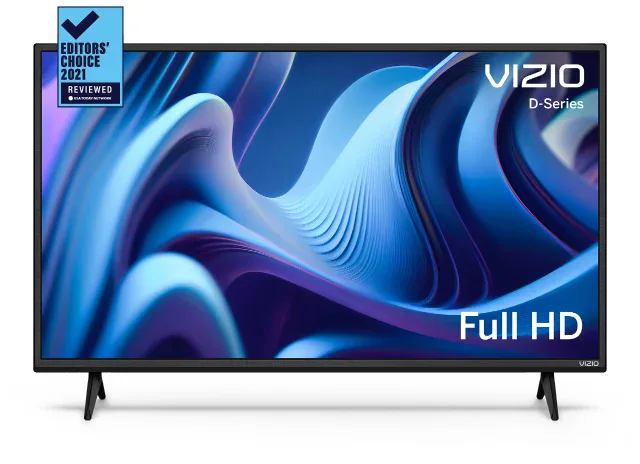
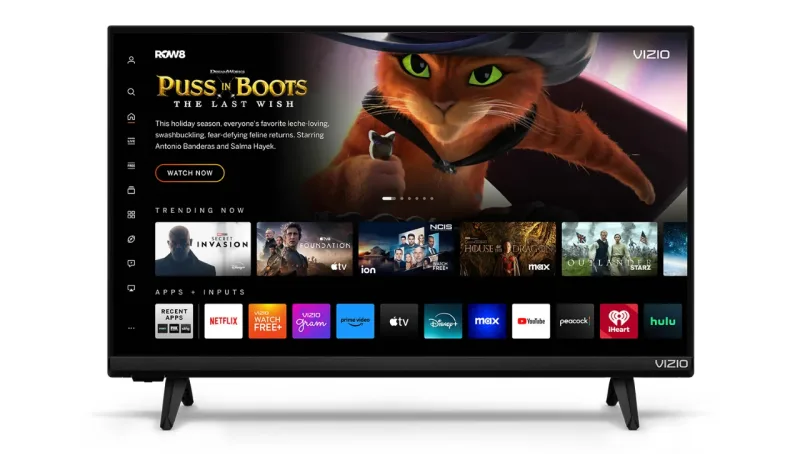
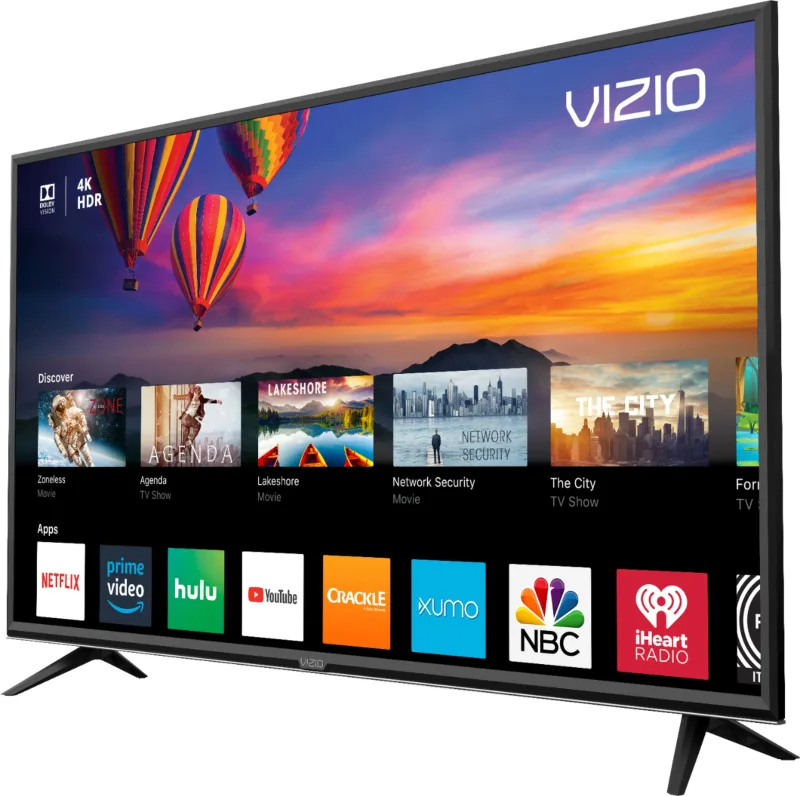
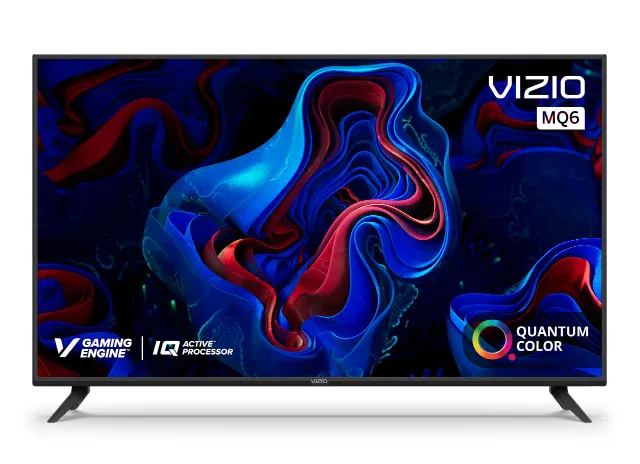

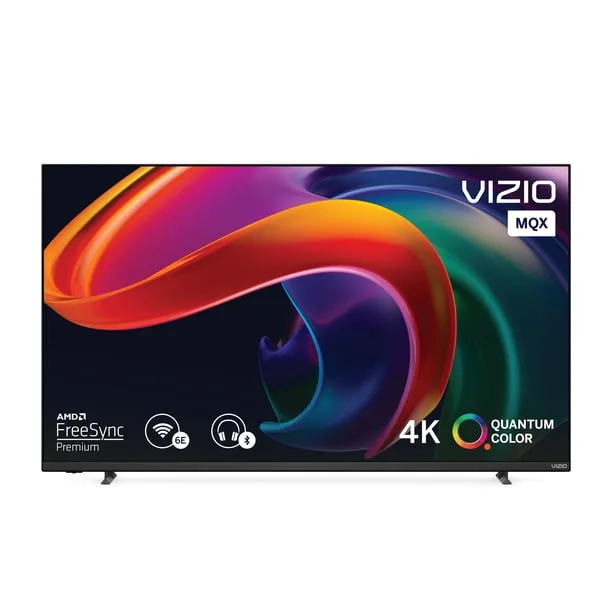
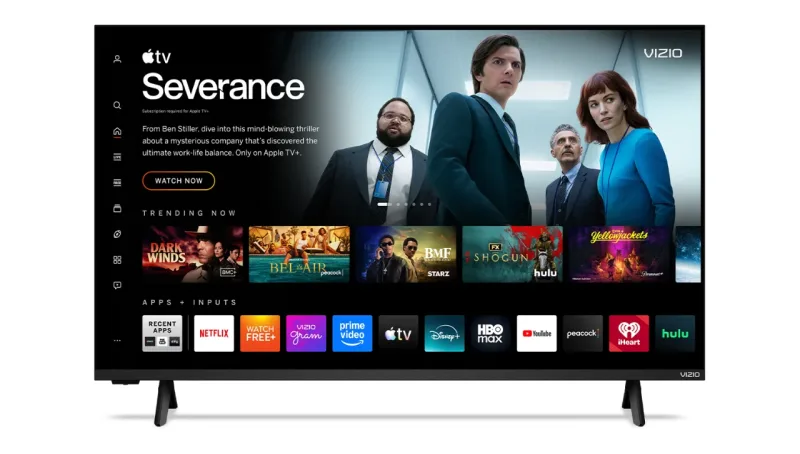
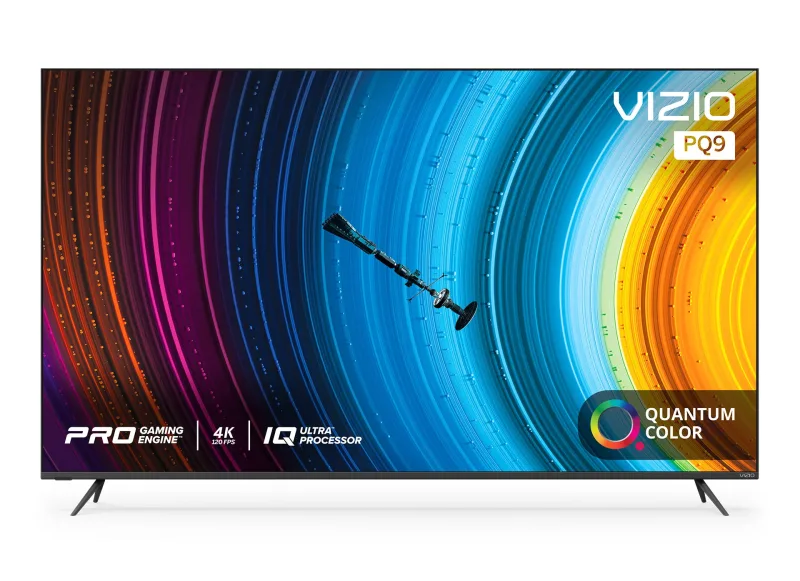
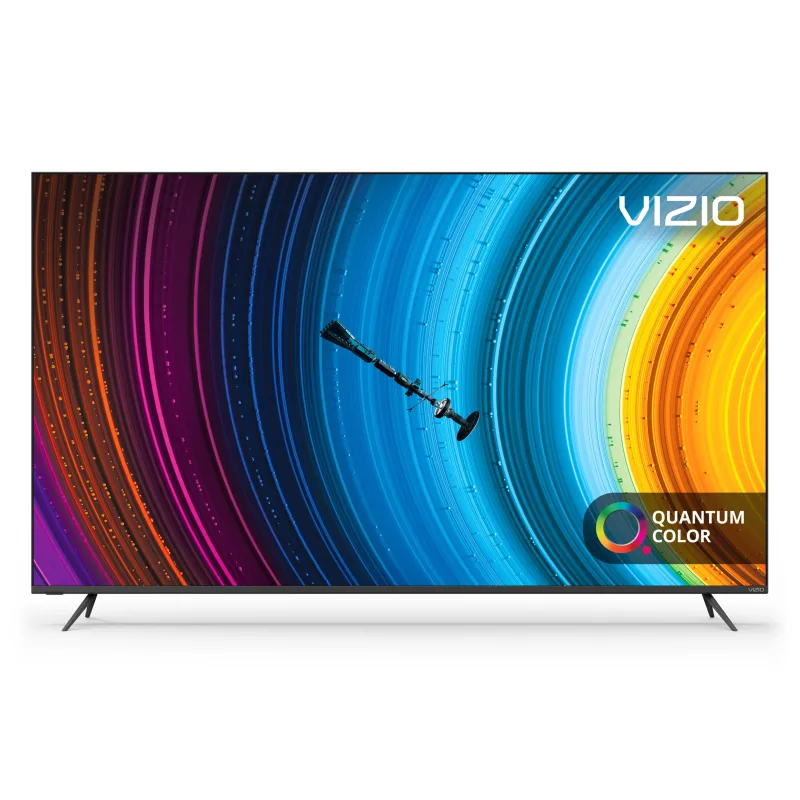
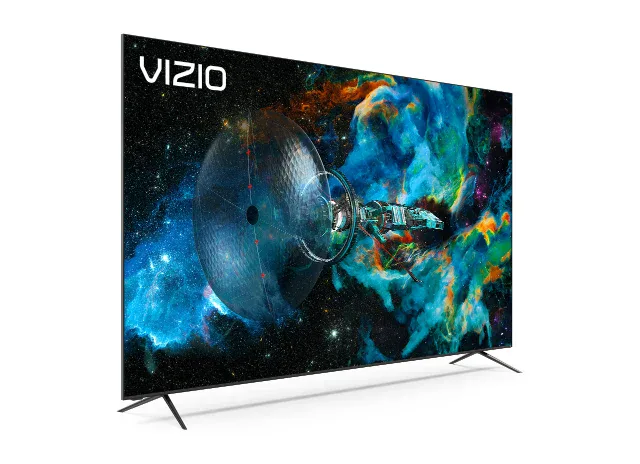
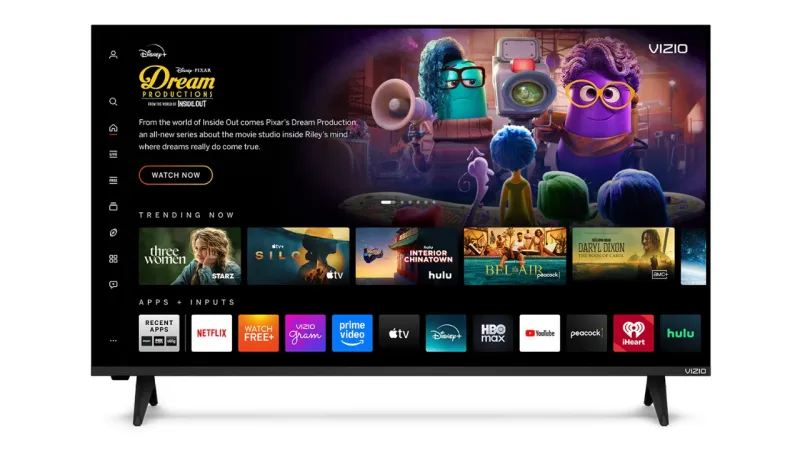
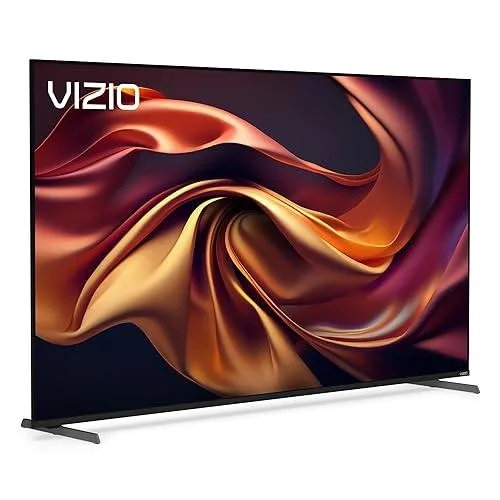
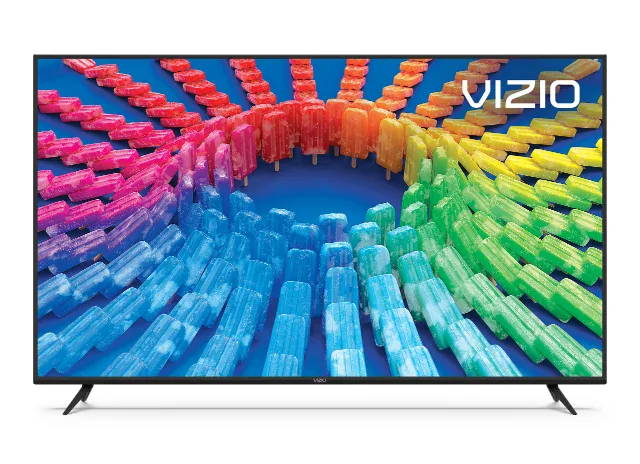
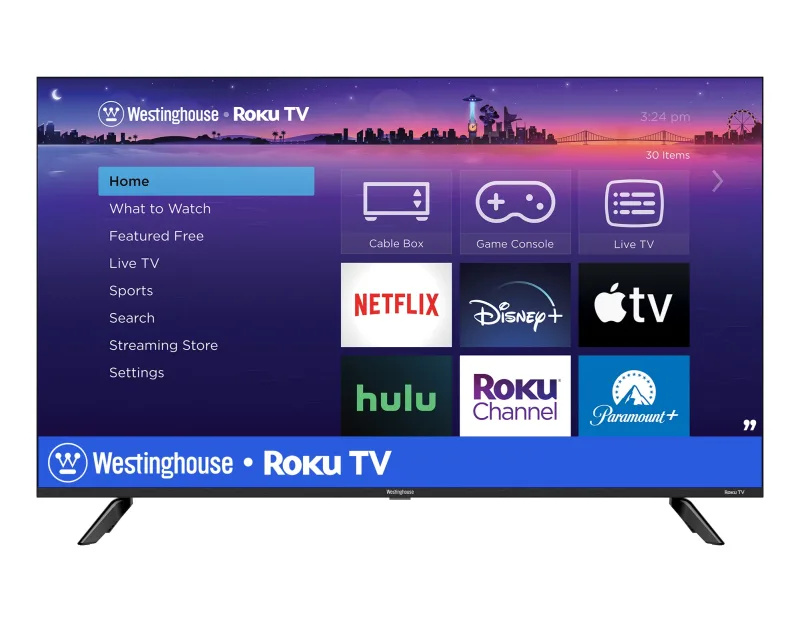
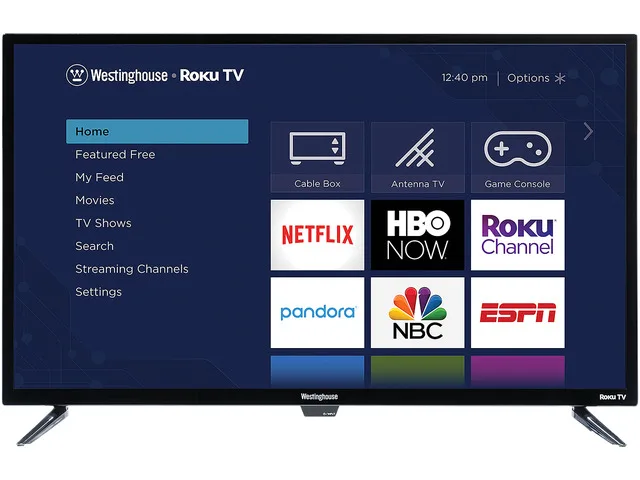
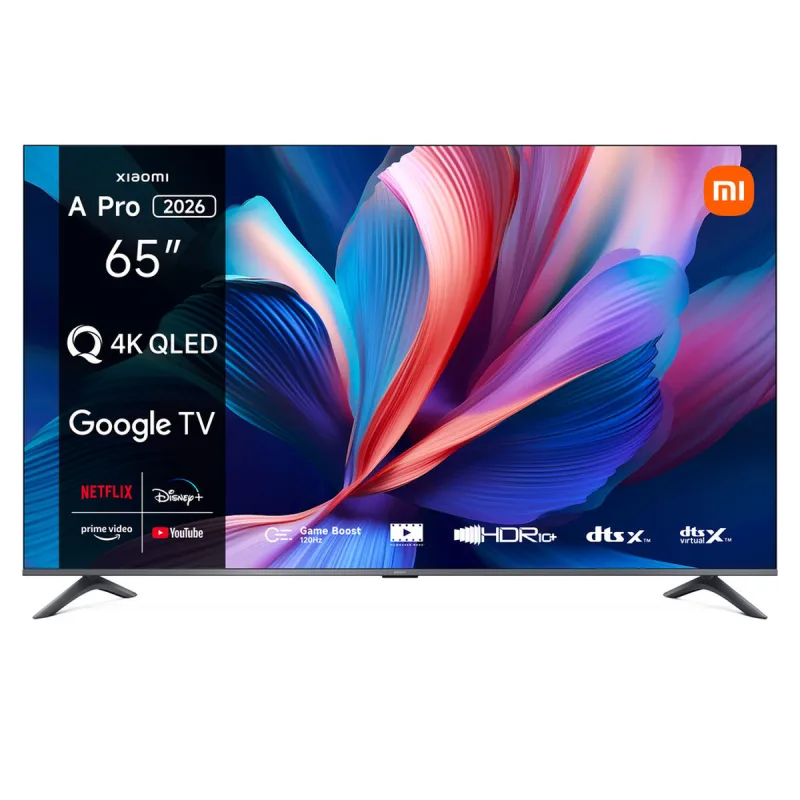
You can AirPlay to these, but they can’t be added to the Home app as accessories.
Homebridge runs on a Mac, Raspberry Pi or NAS and can add most of these to the Home app as TV accessories, which ReReHome then controls like any other TV. Each TV’s page has the details.
| TVs | Plugins |
|---|---|
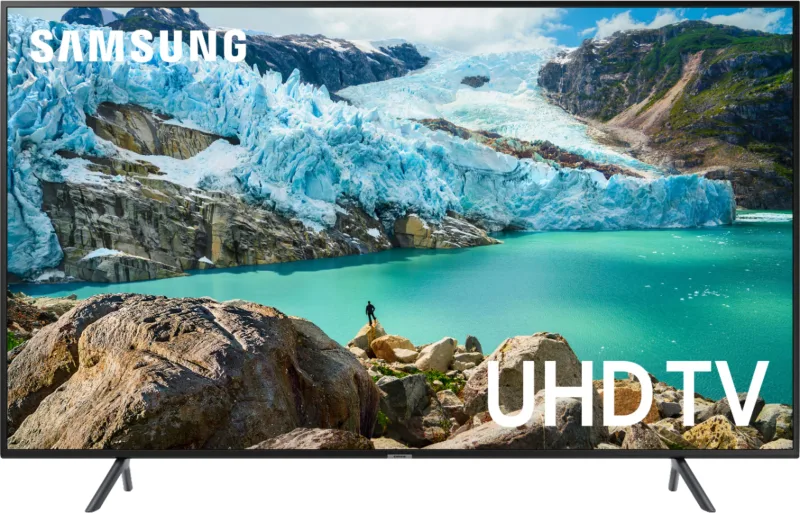
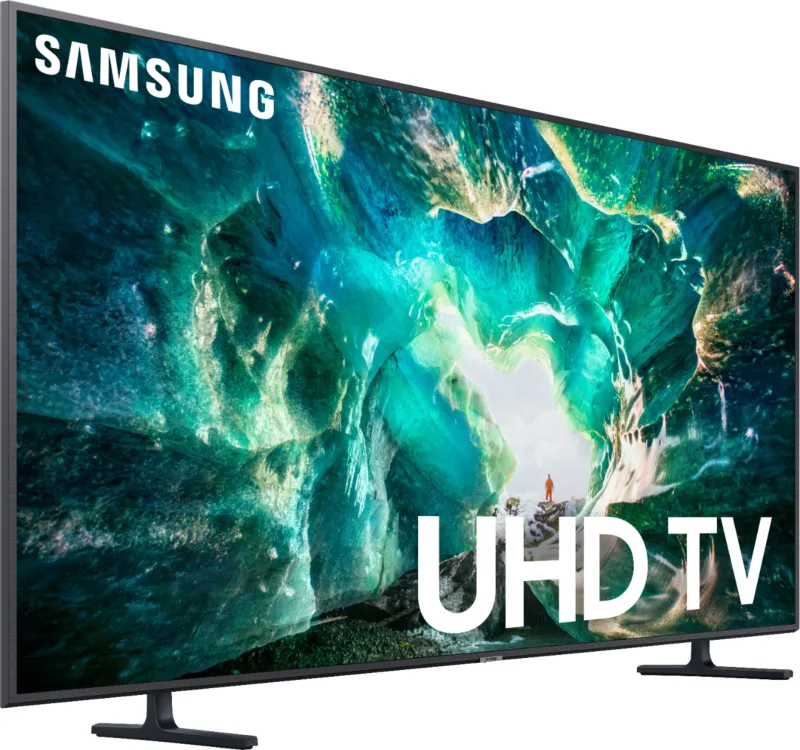
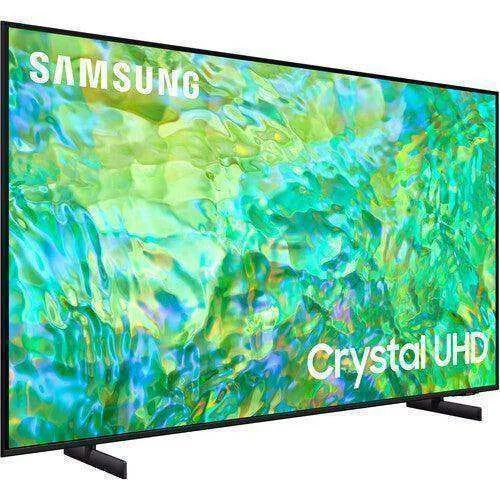
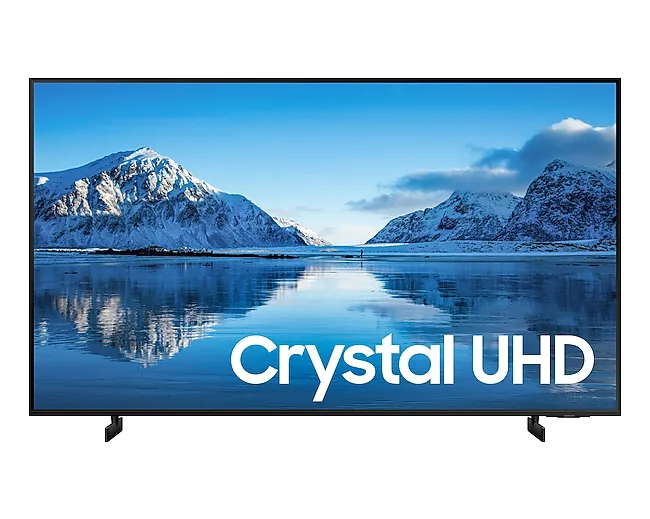
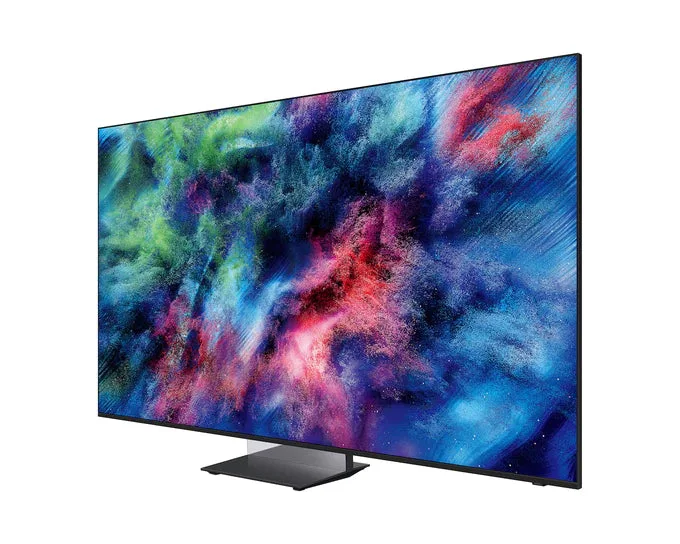
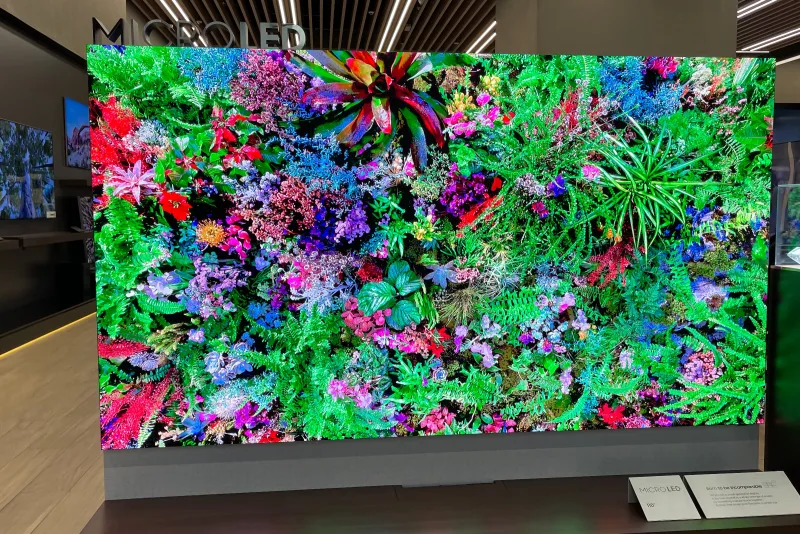
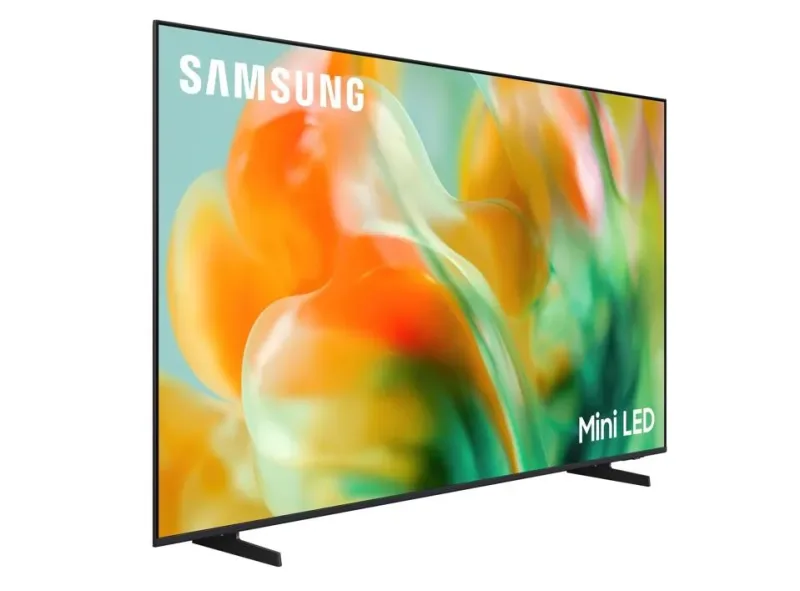
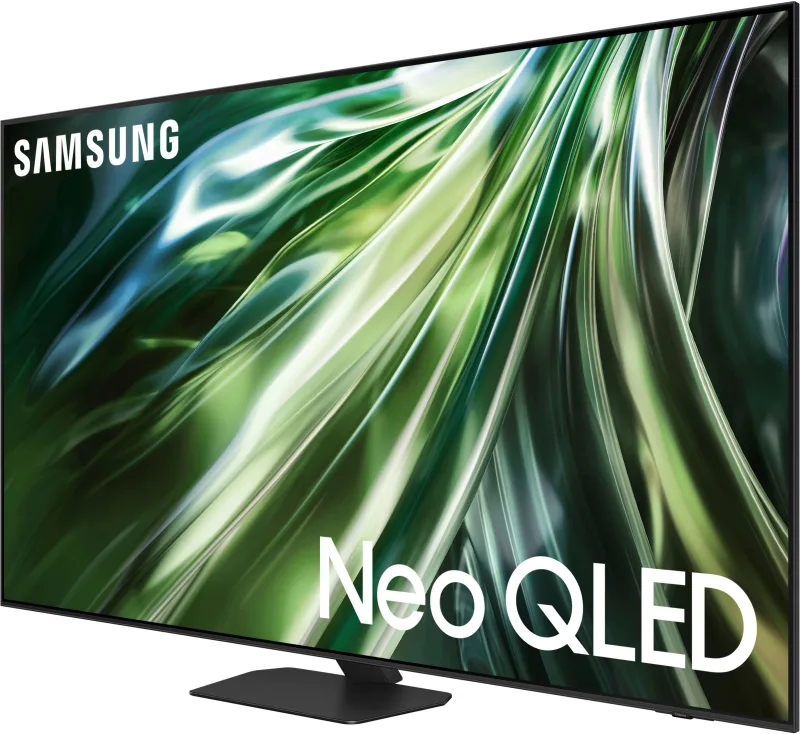
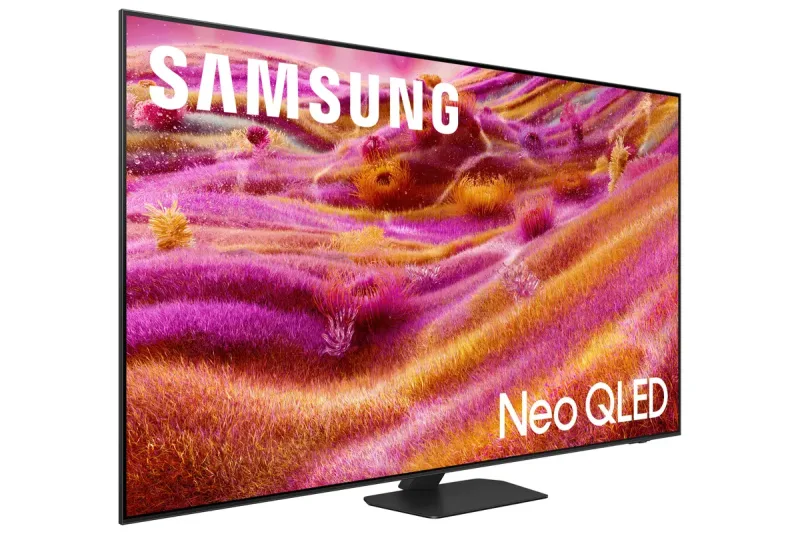
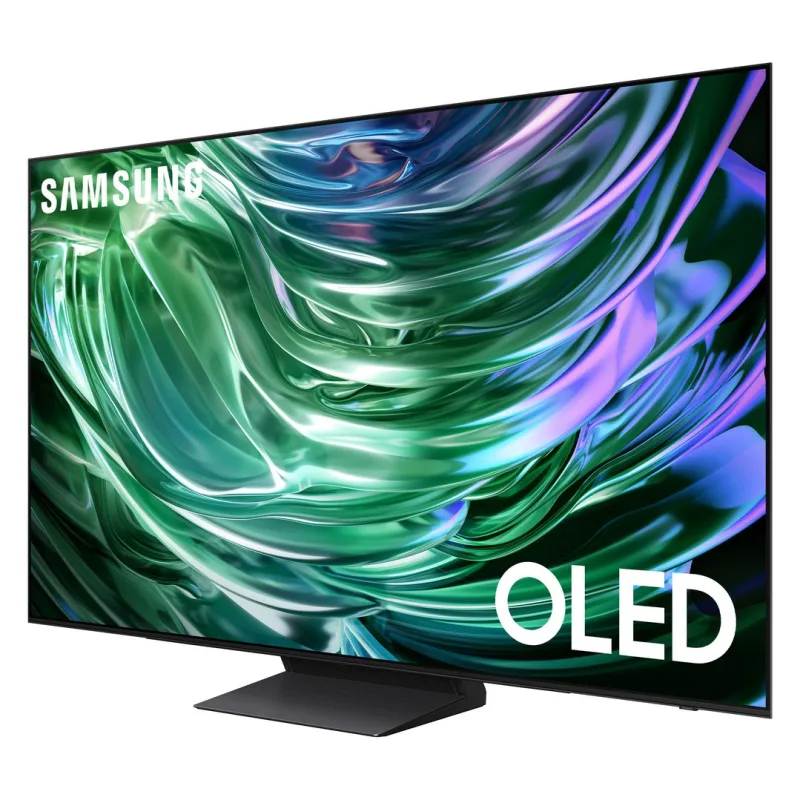
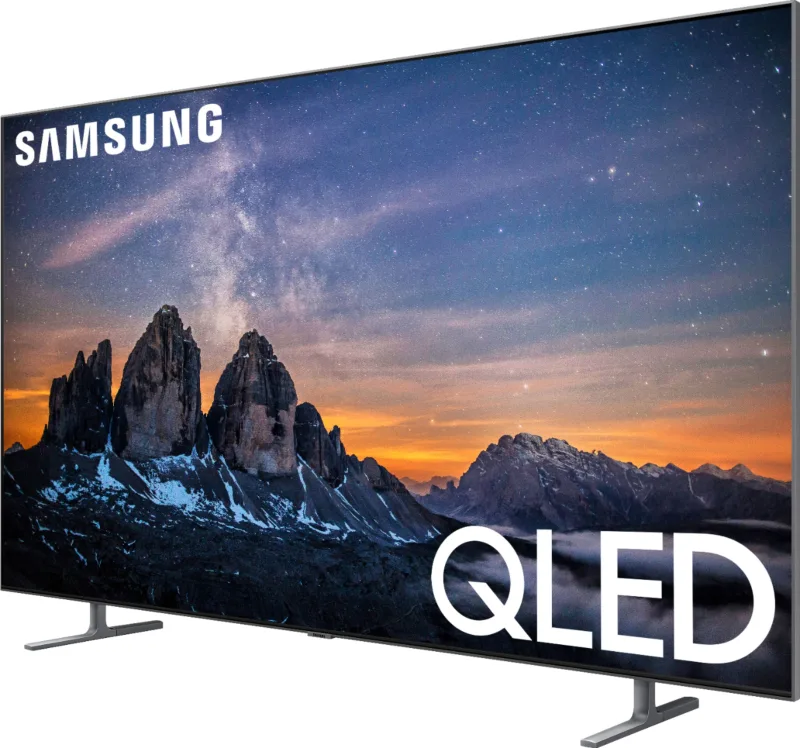
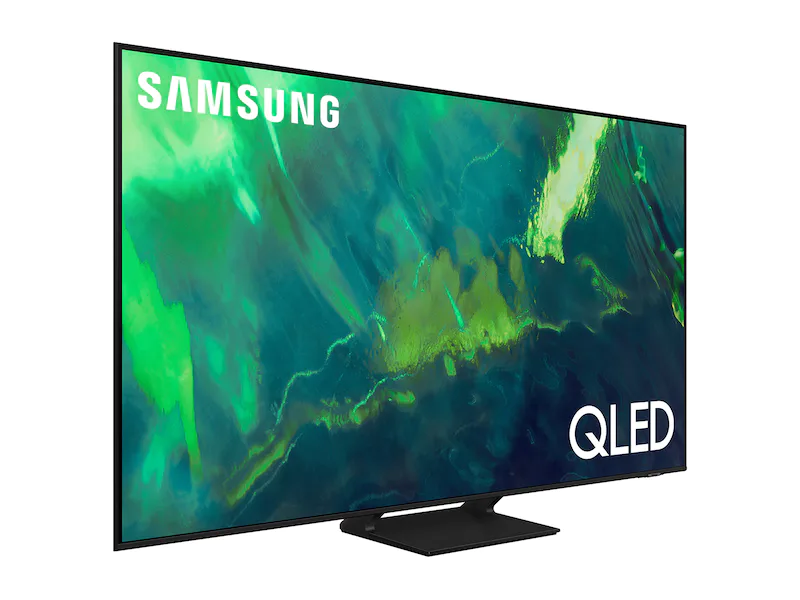
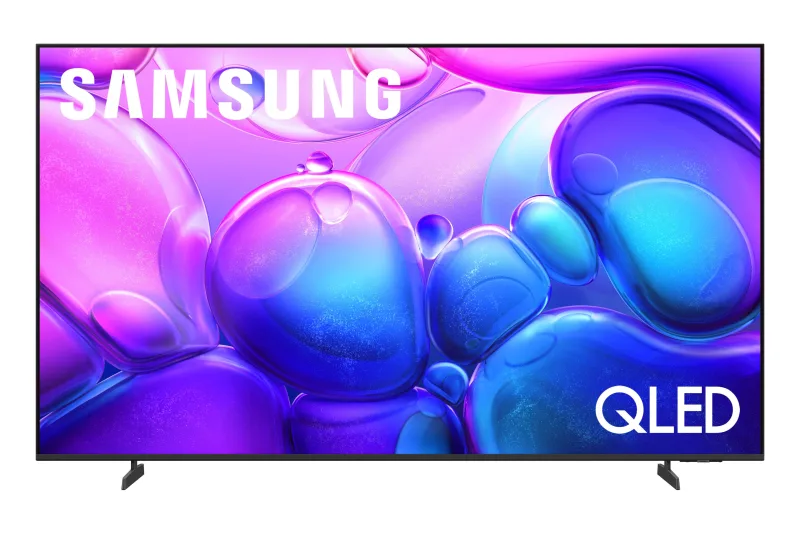
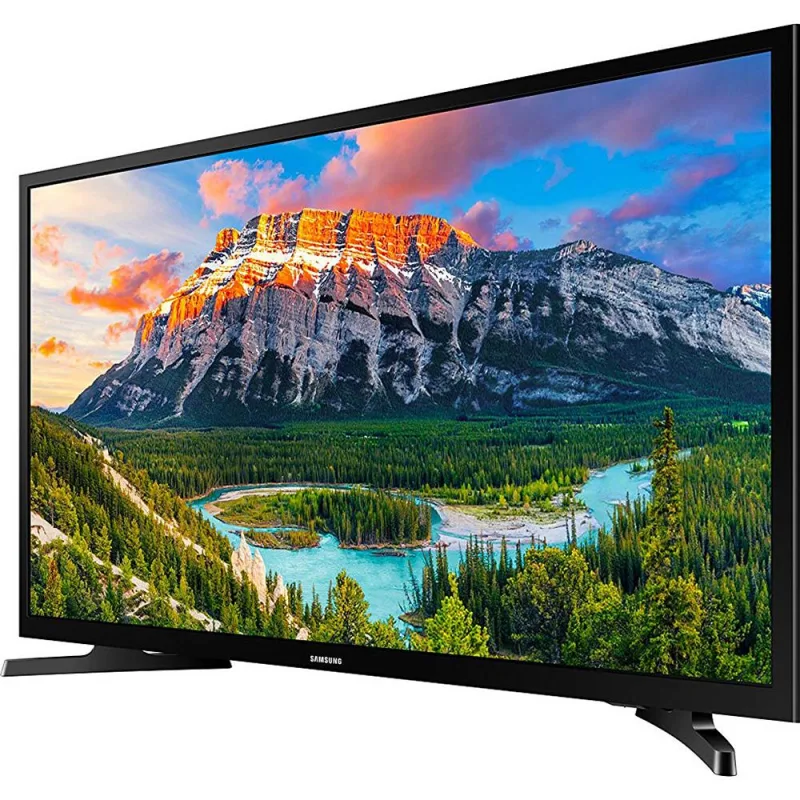
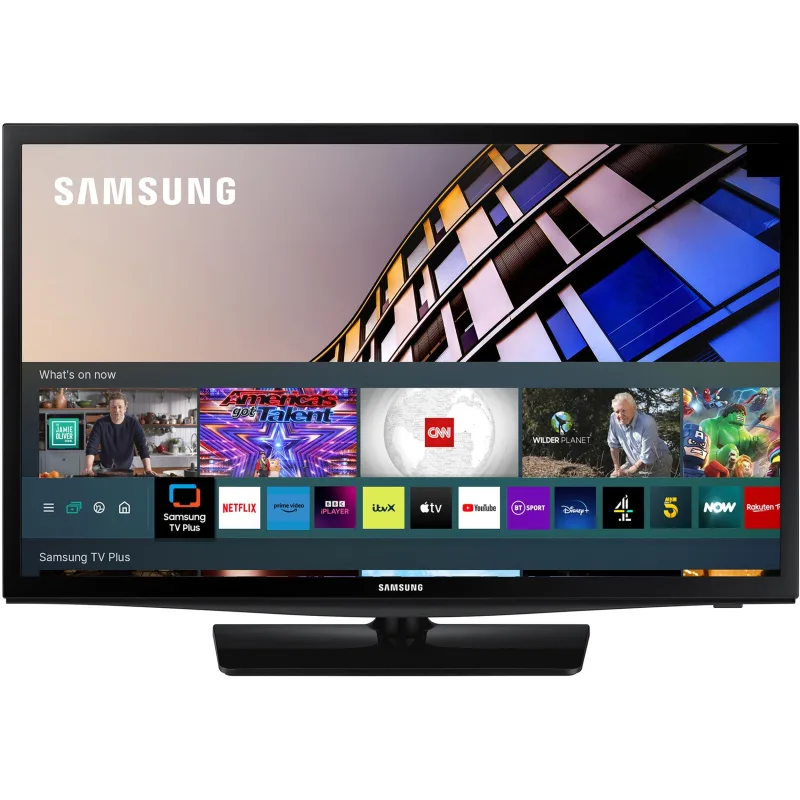
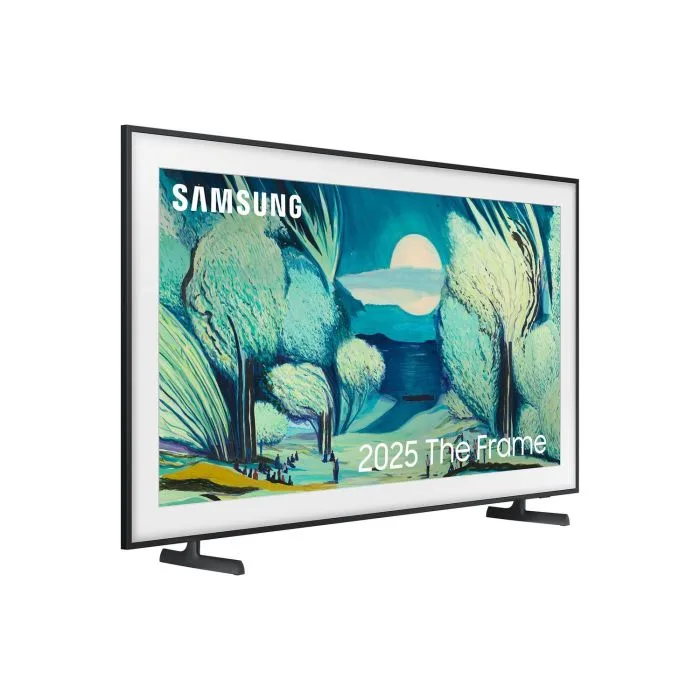
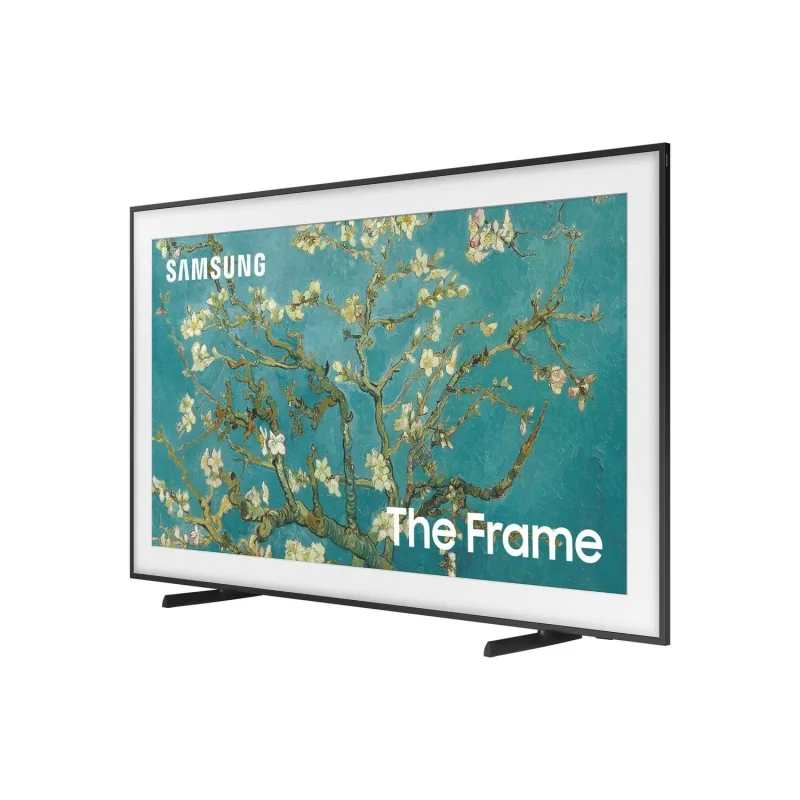
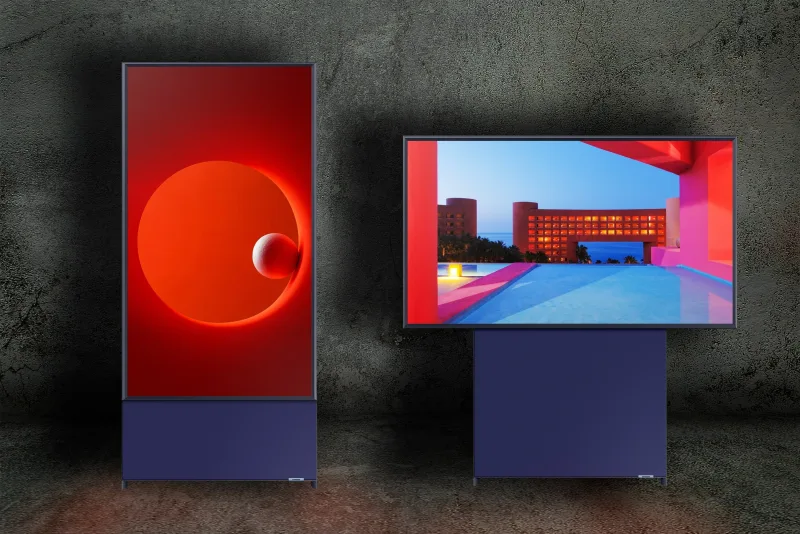
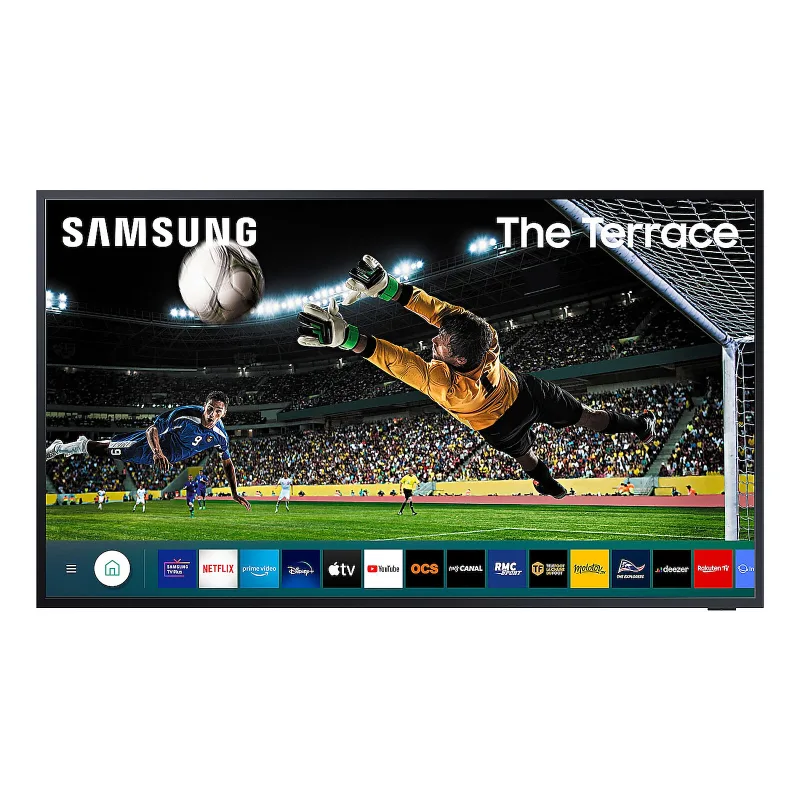
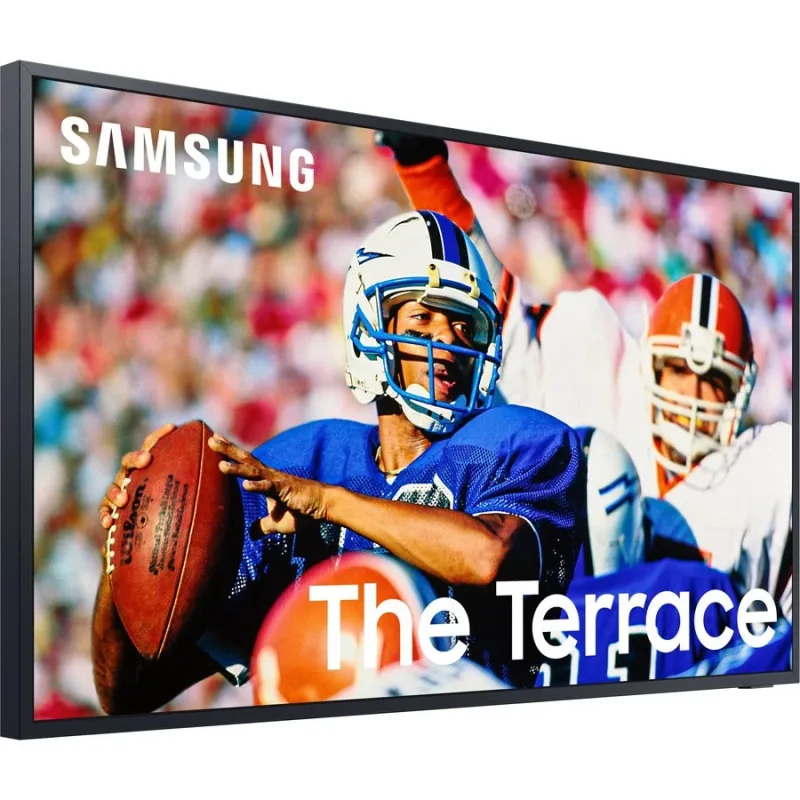
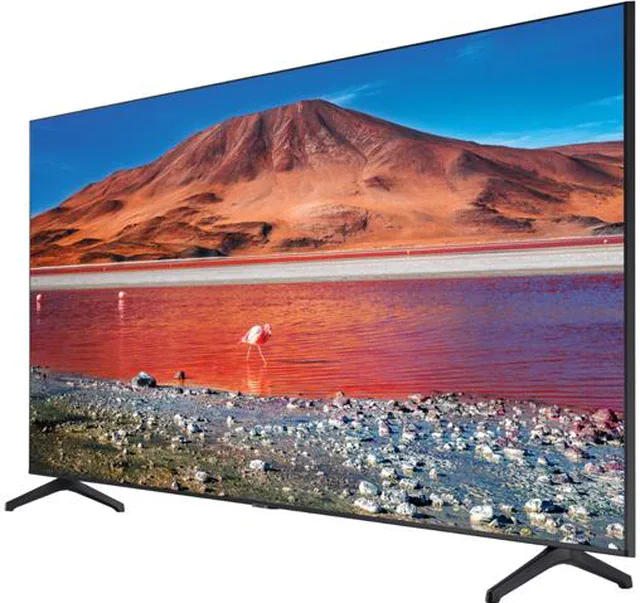
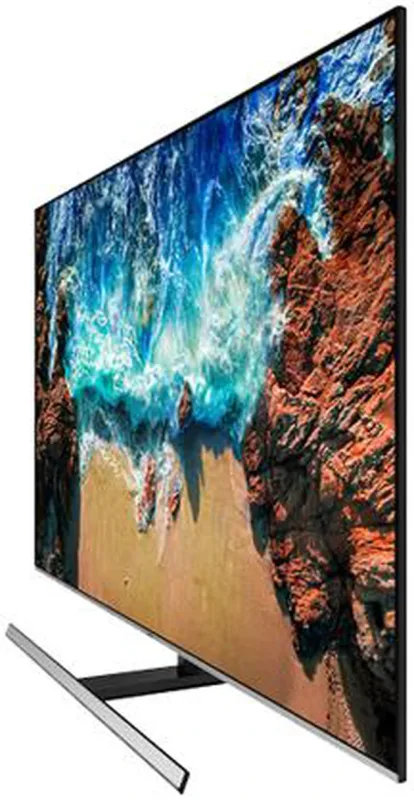
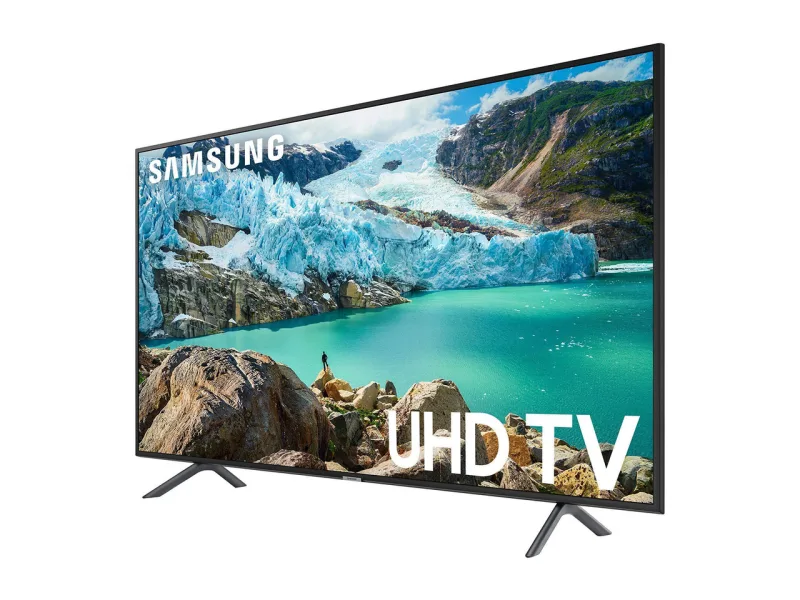
| Samsung TVs (Tizen, 2017 on) 72 Works with Homebridge | Samsung Tizen TV, SmartThings TV, SmartThings OAuth |
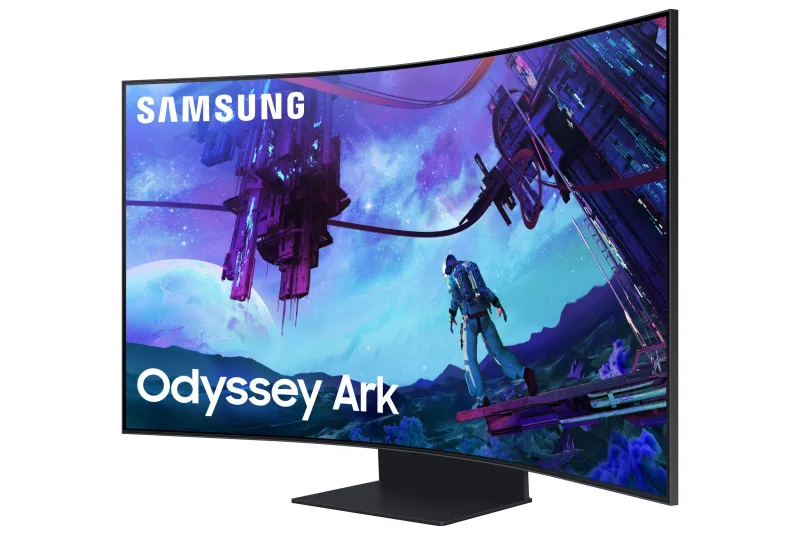
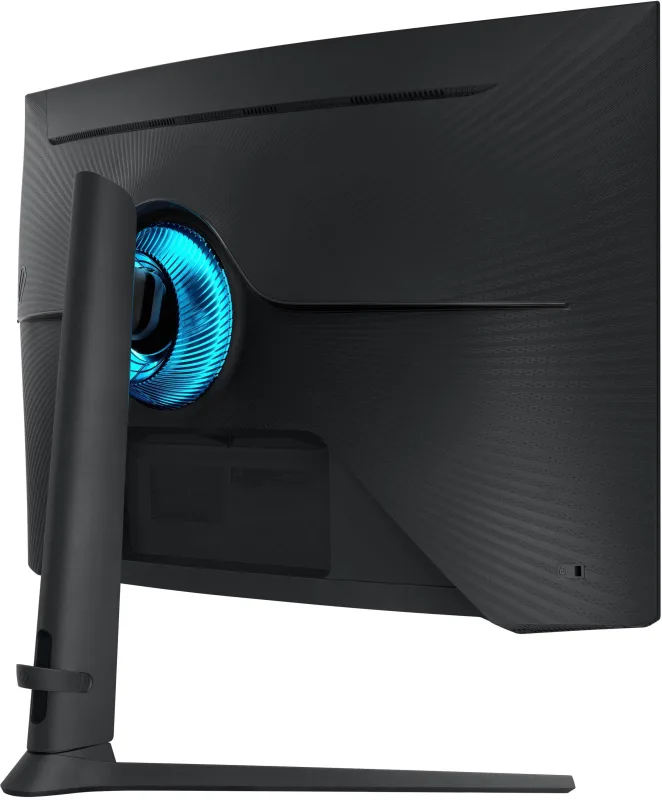
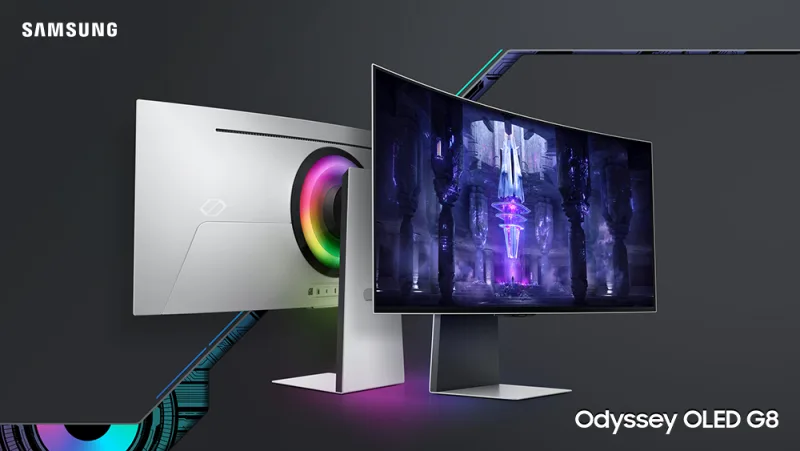
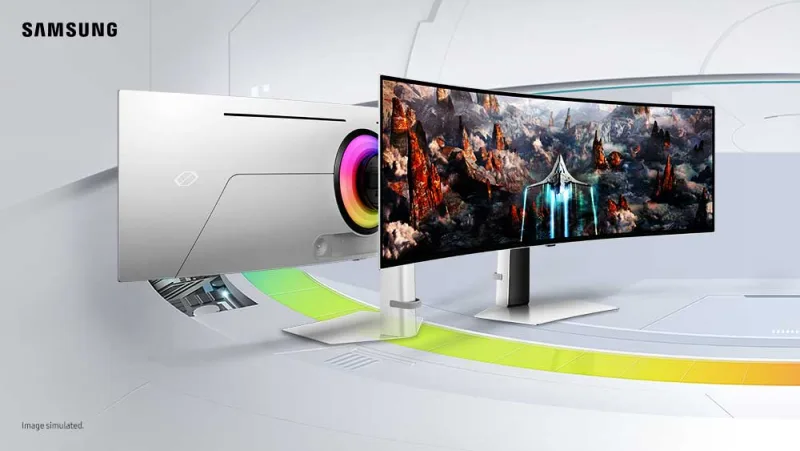
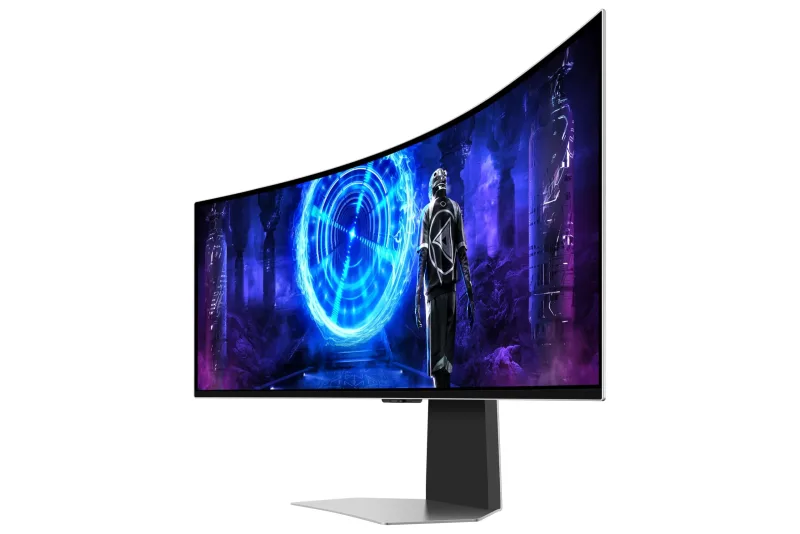
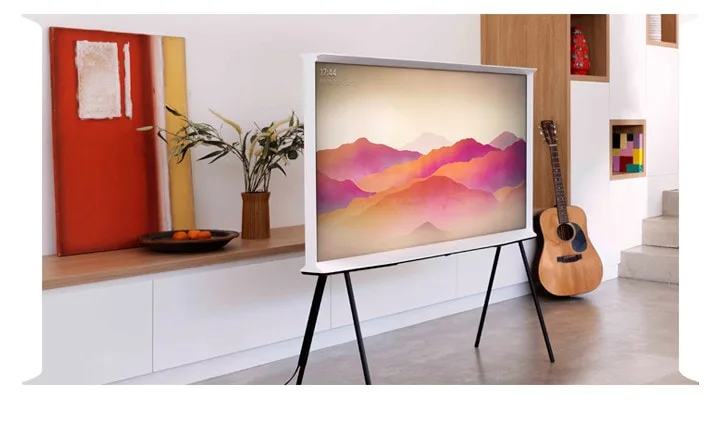
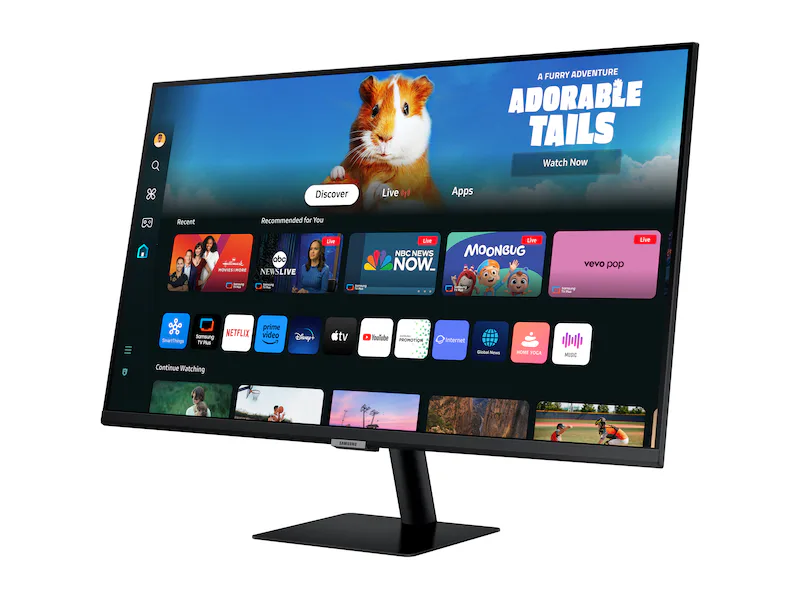
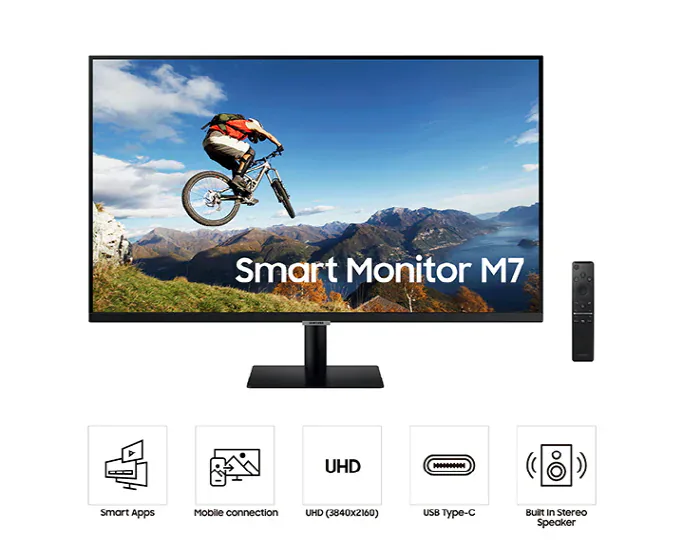
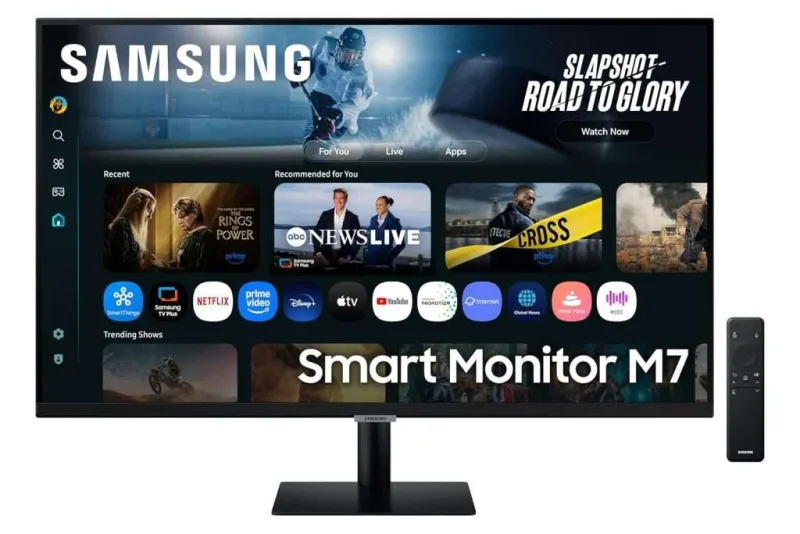
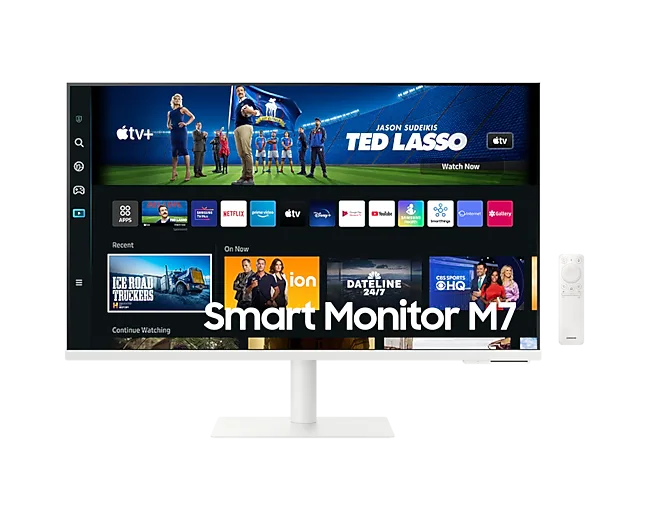
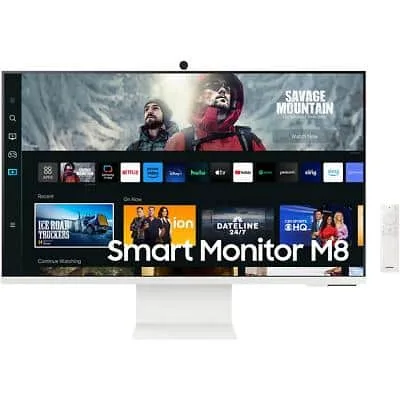
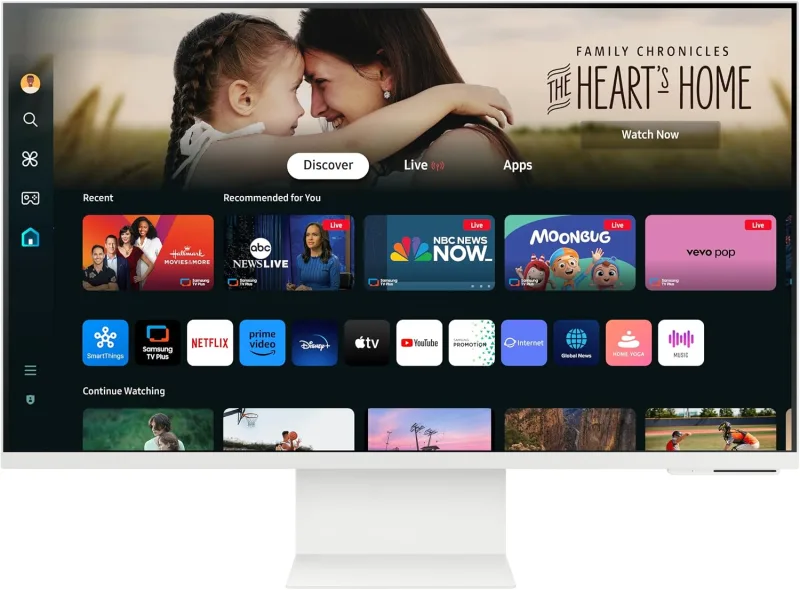
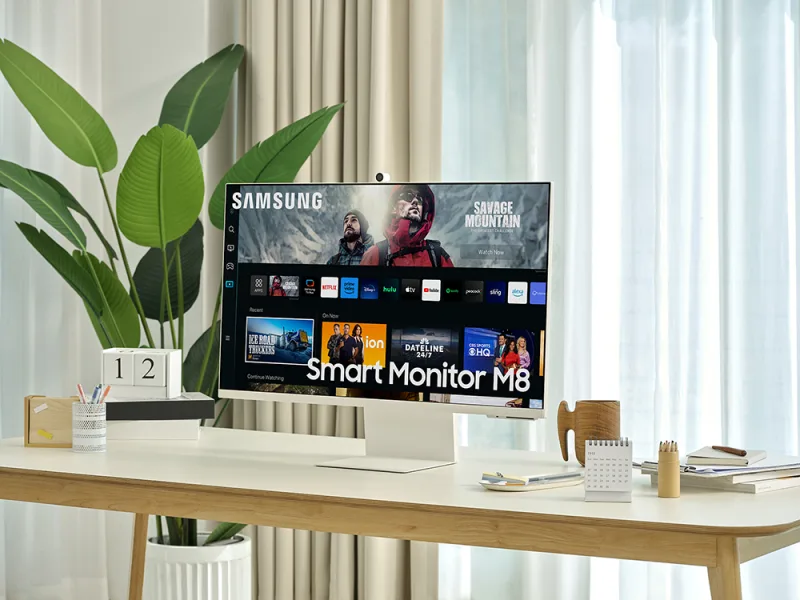
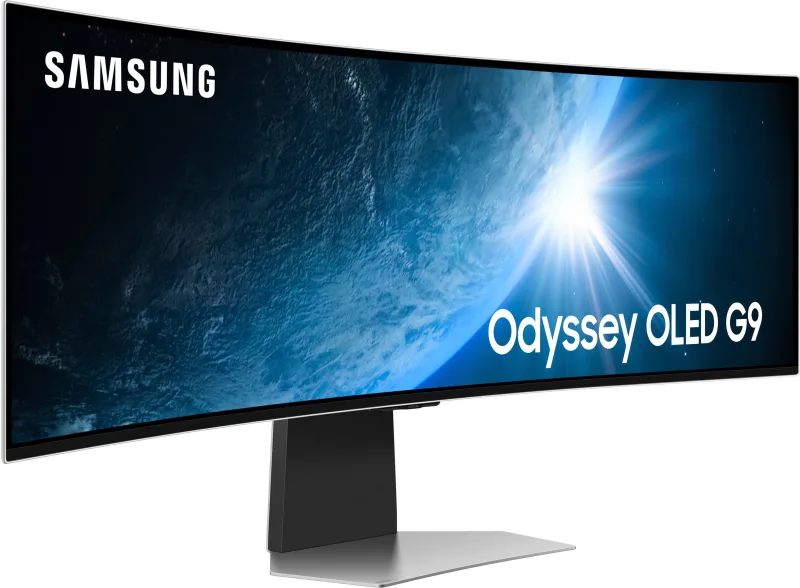
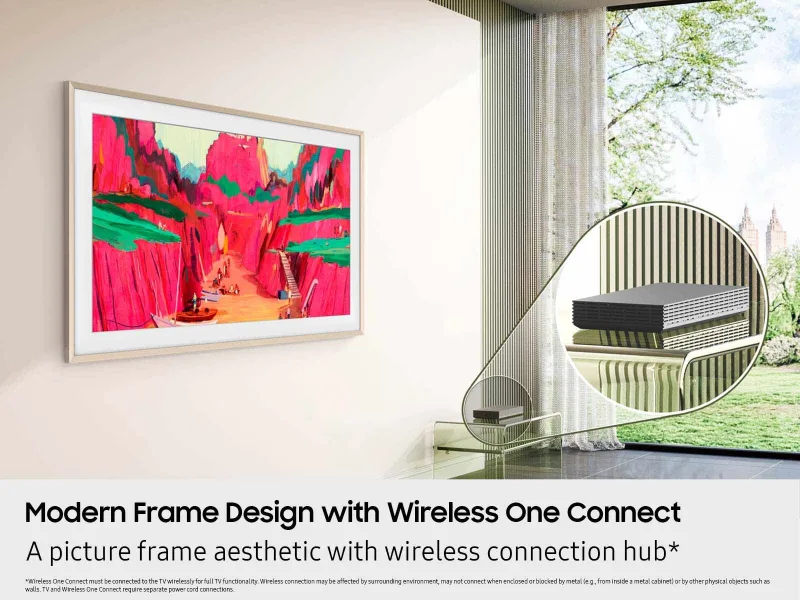
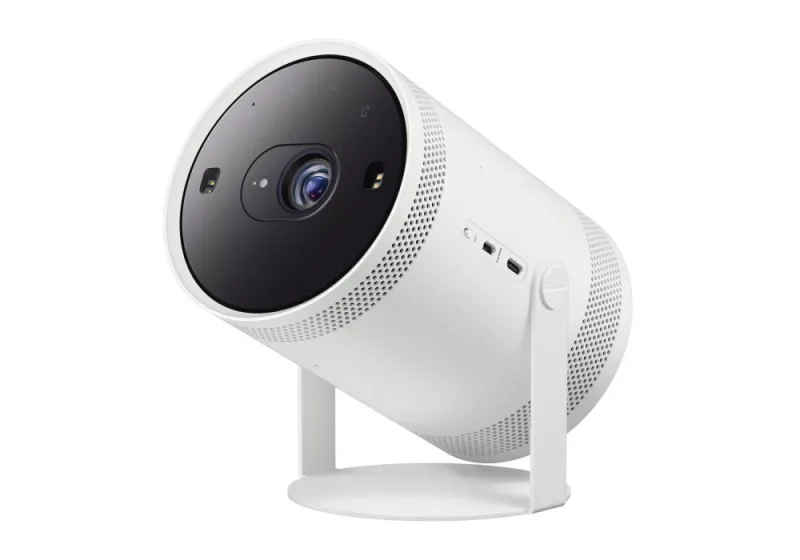
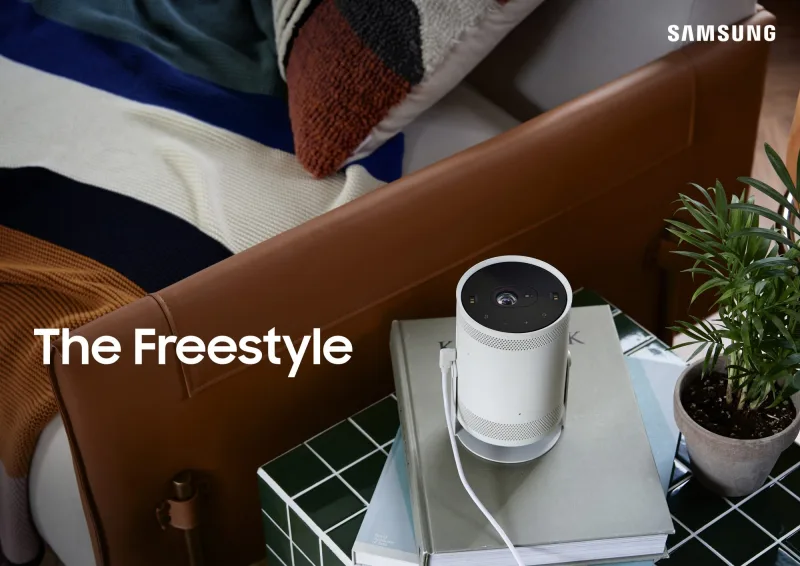
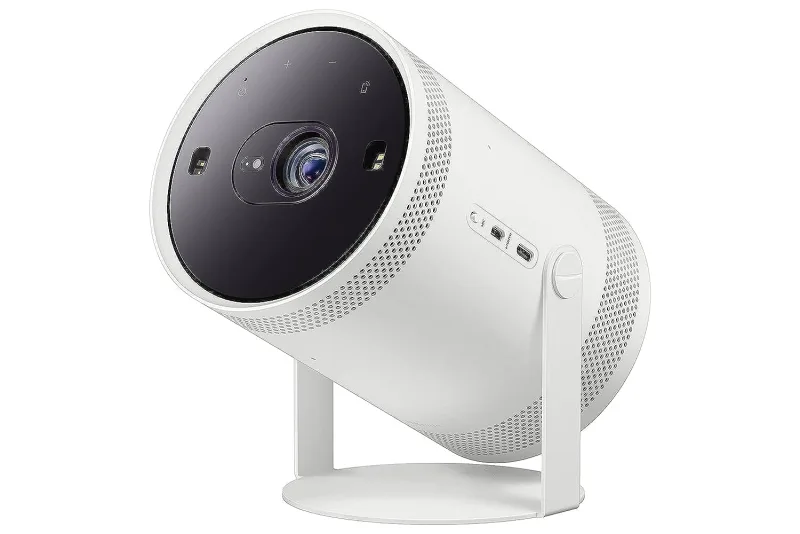
| Samsung Smart Monitors, Odyssey, Freestyle and Premiere 21 Owners report it working | Samsung Tizen TV, SmartThings TV |
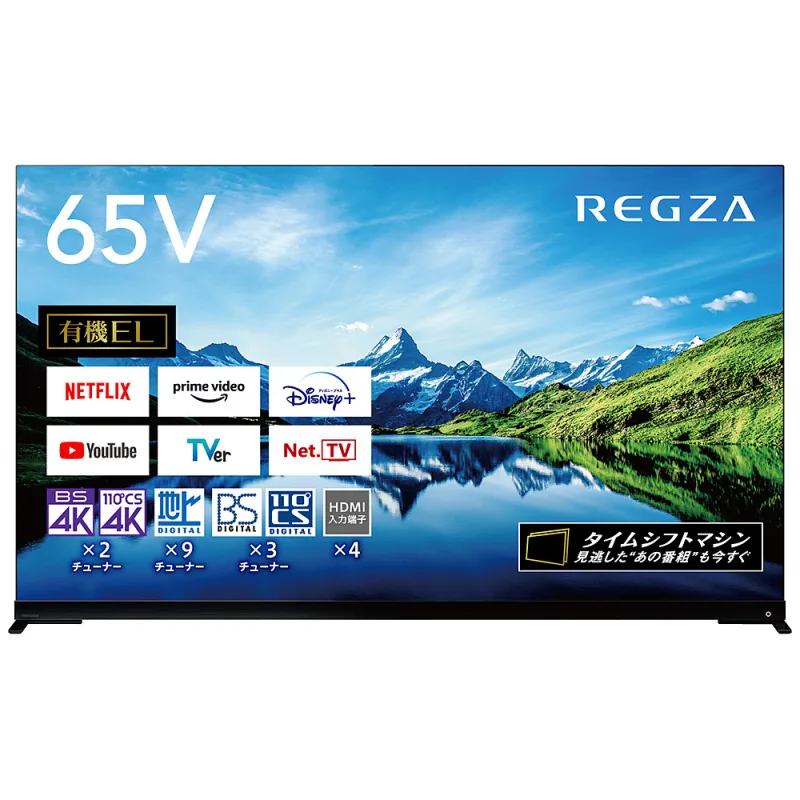
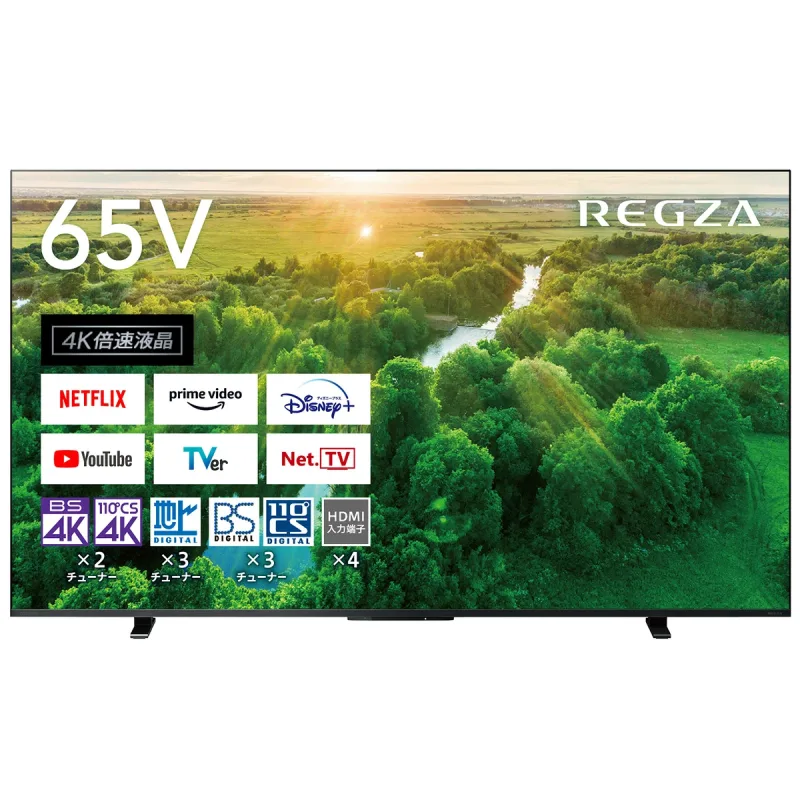
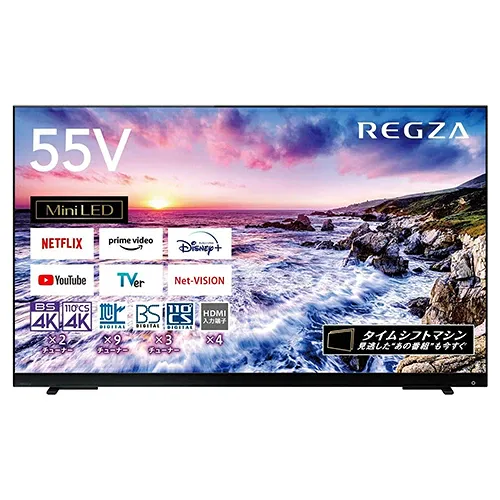
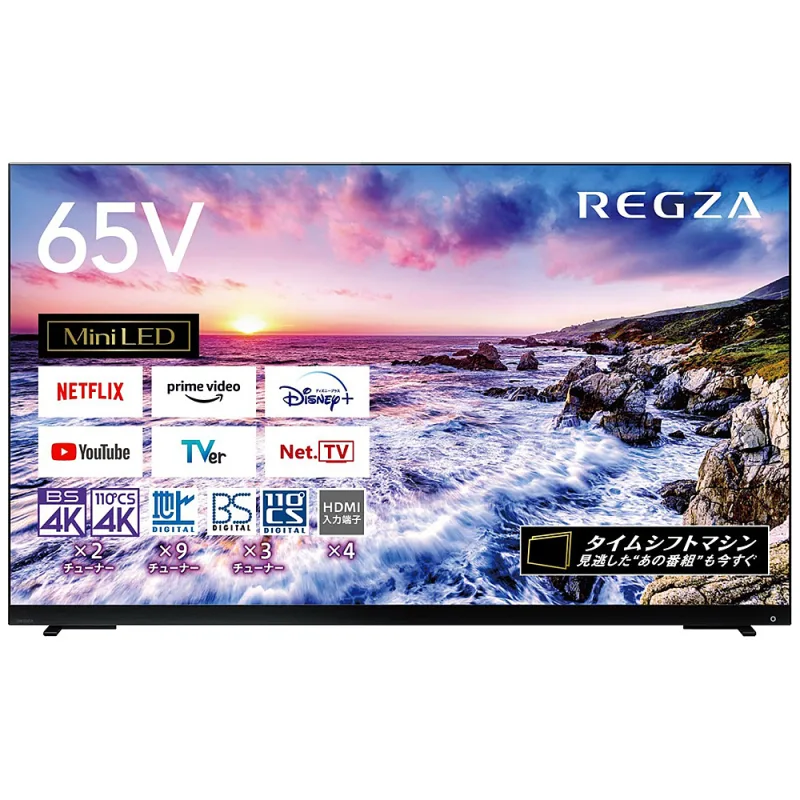
| REGZA (REGZA OS) 13 Plugin exists, untested on these | REGZA App Connect |
| Fire TV sets 3 Owners report it working | Android ADB |
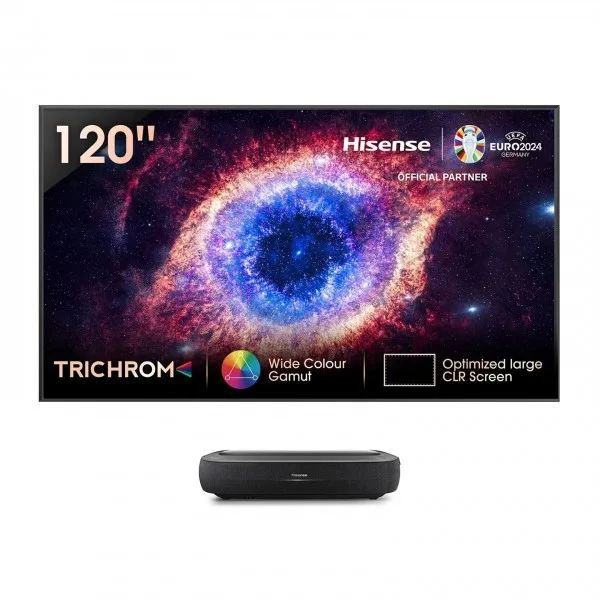
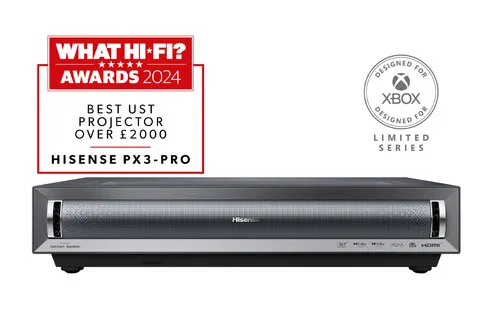
| Hisense laser TVs (VIDAA) 3 Plugin exists, untested on these | Hisense TV |
| LG webOS monitors and projectors 3 Owners report it working | LG webOS TV, webOS TV |
| Google TV sets 2 Plugin exists, untested on these | Google TV, AndroidTV Ultimate, Android ADB |
| Philips Titan OS TVs 2 Plugin exists, untested on these | Philips Ambilight TV |
| Loewe 2 No plugin found | None |
| LG Pro:Centric hotel TVs 1 No plugin found | None |

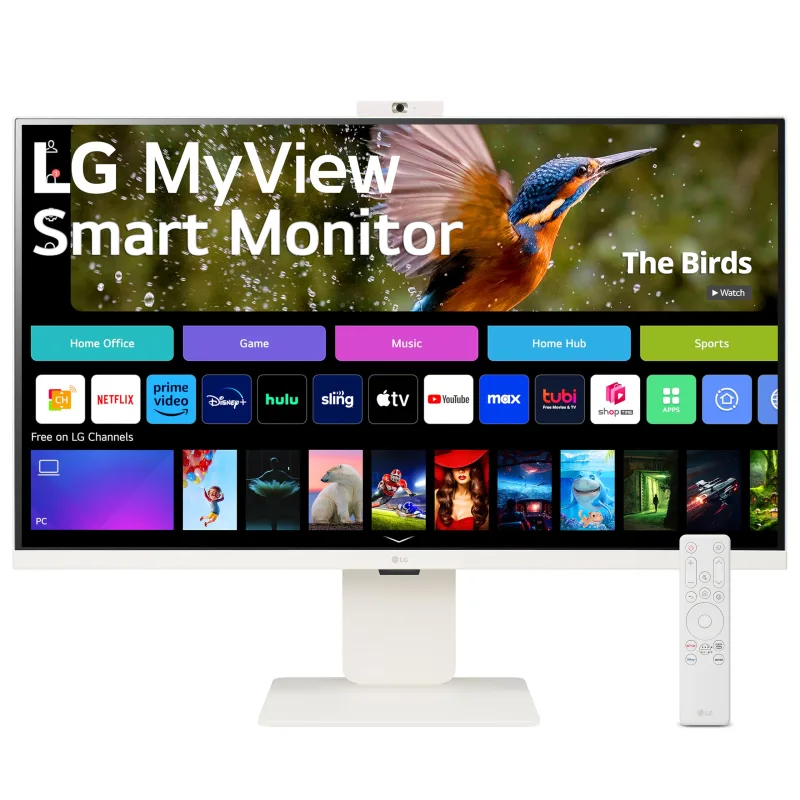
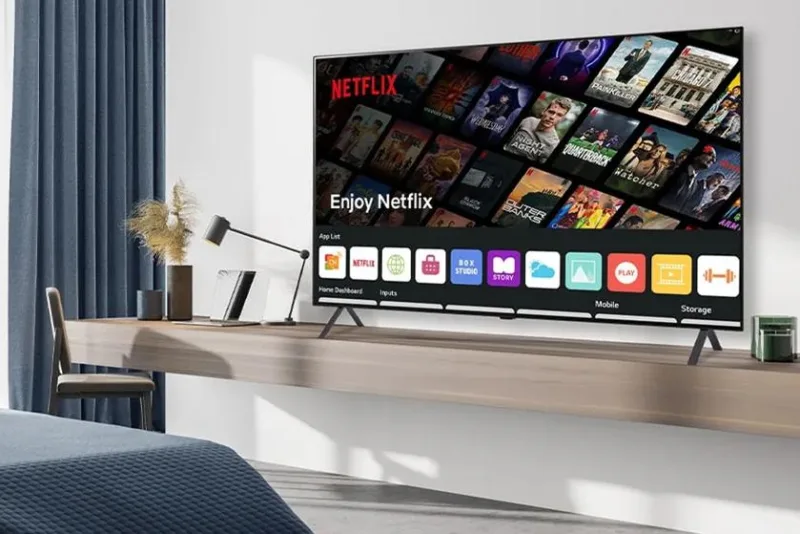
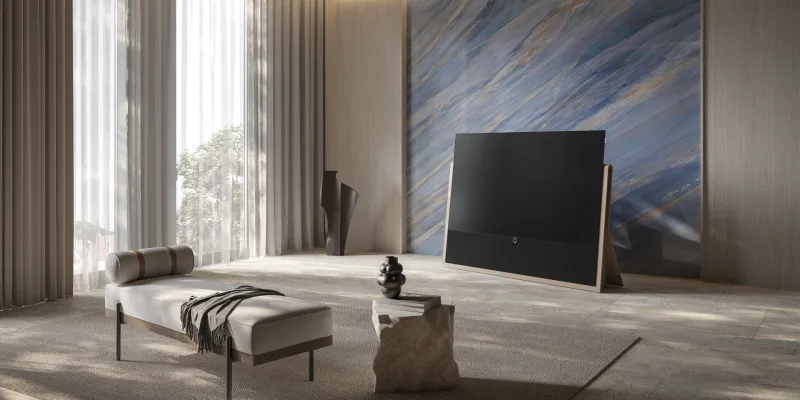

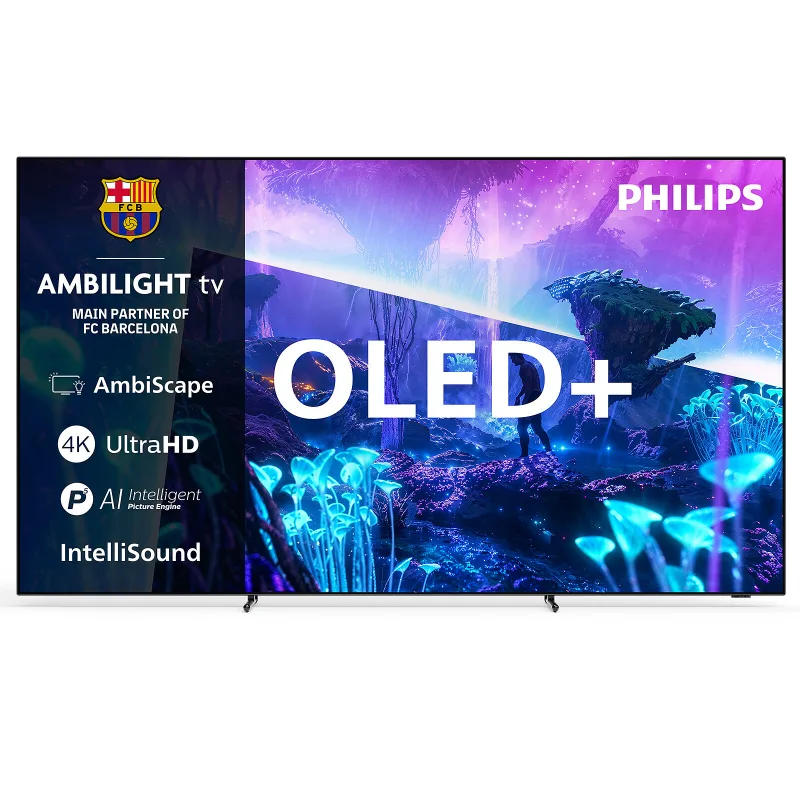

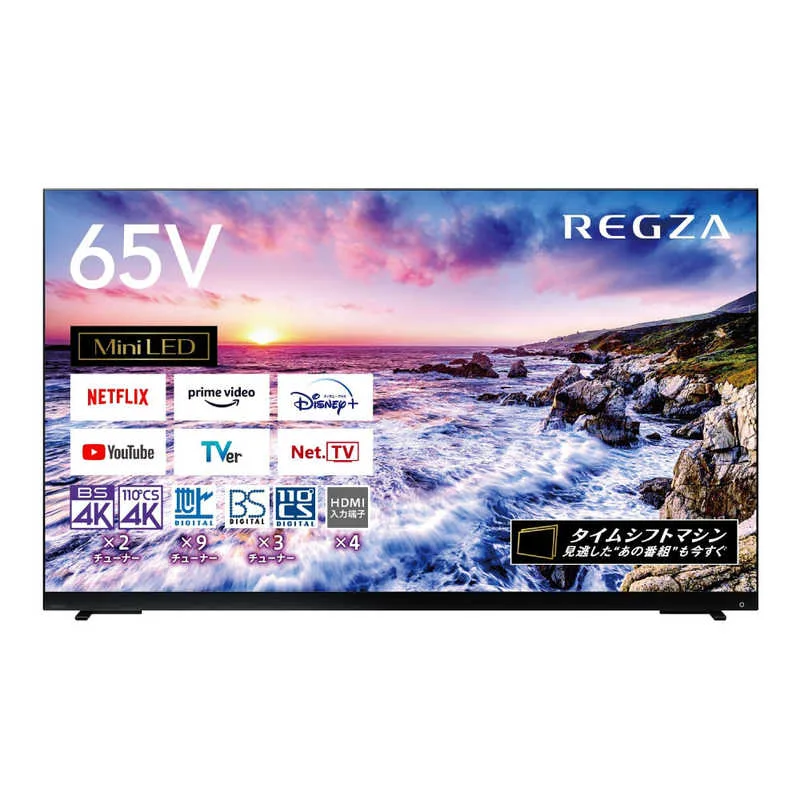
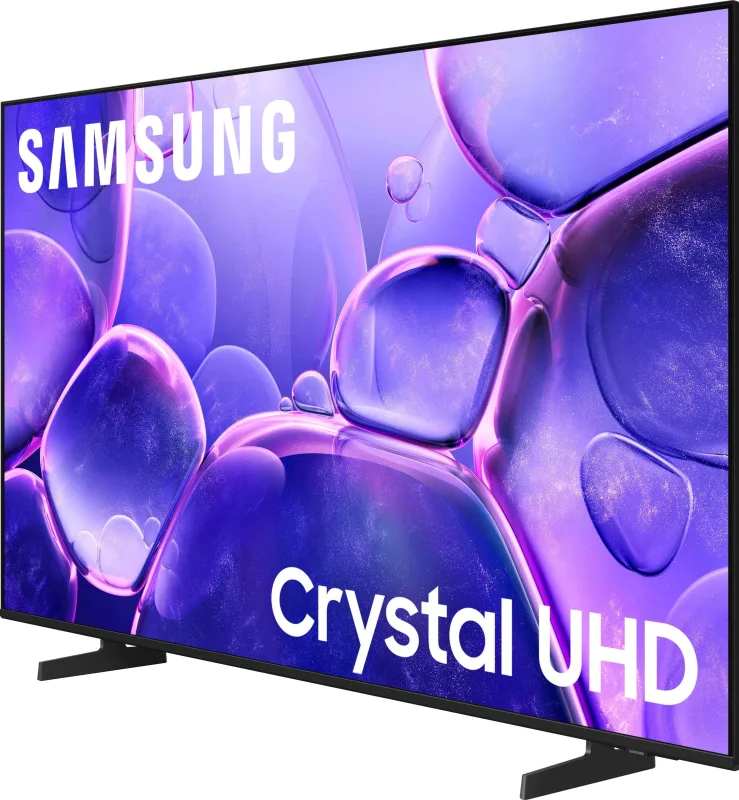
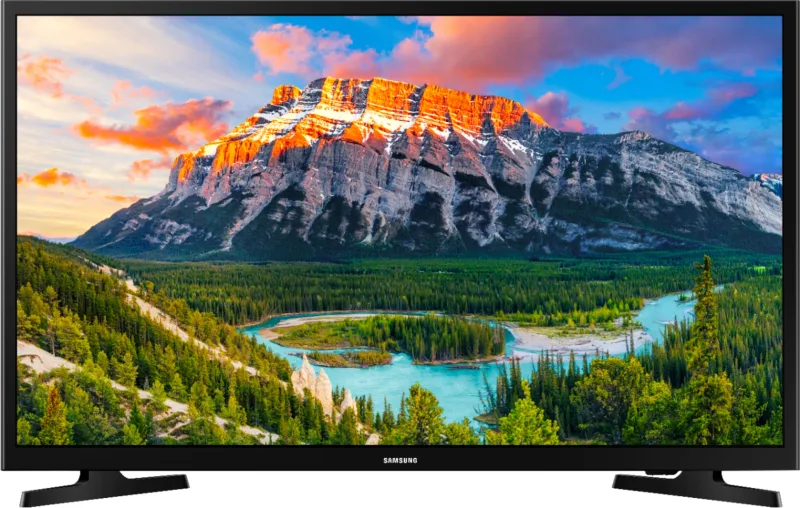
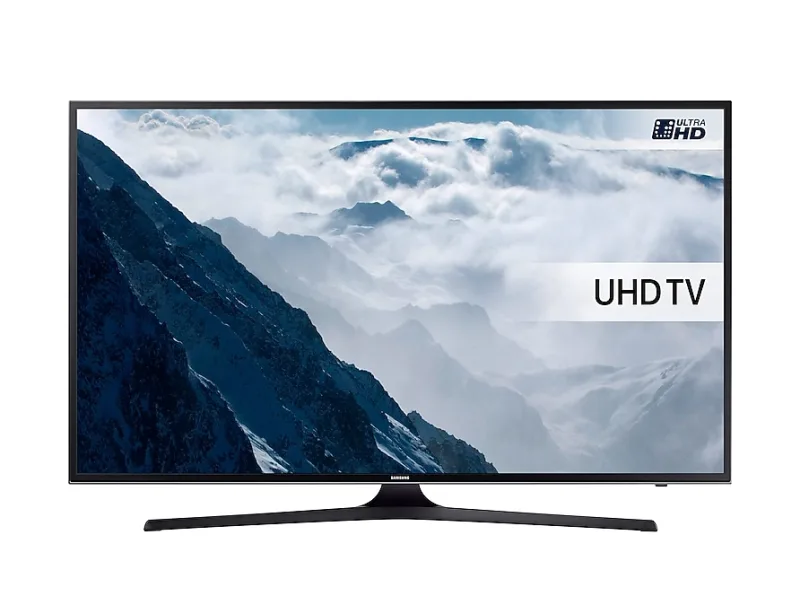




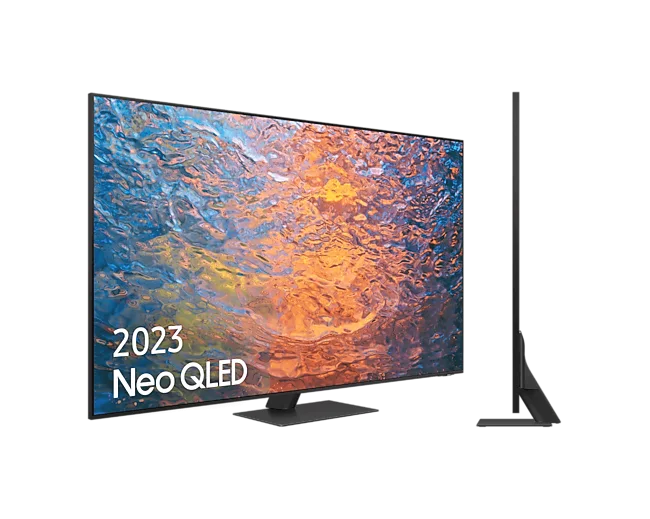
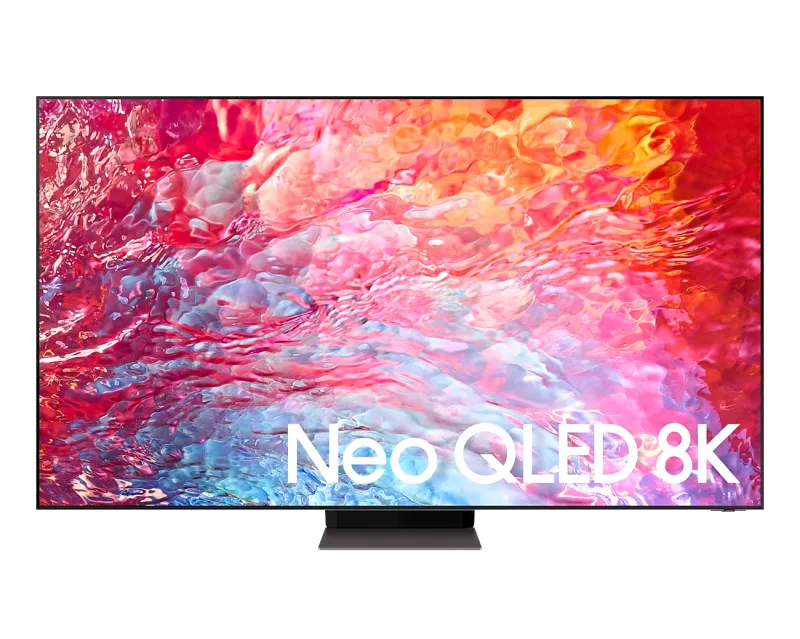
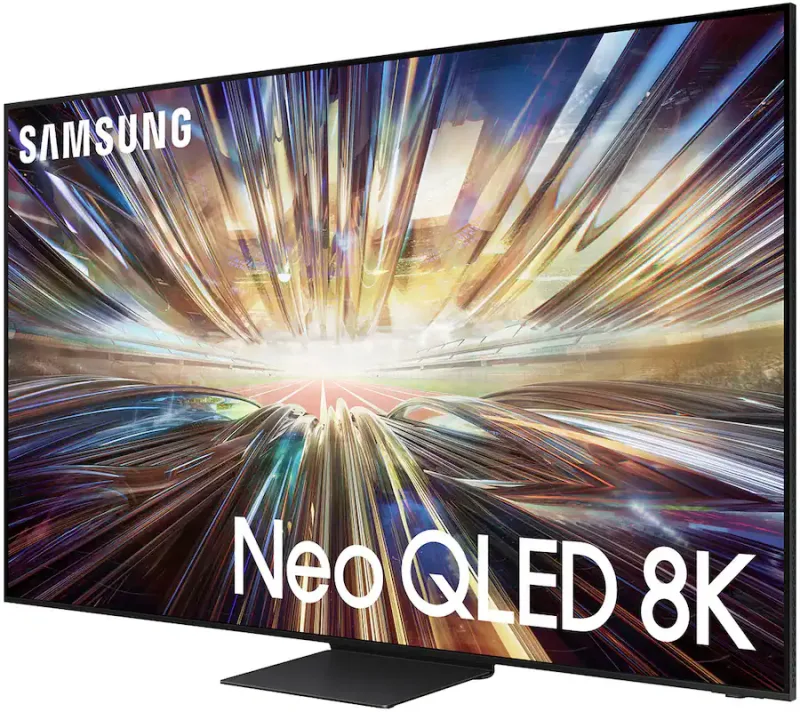

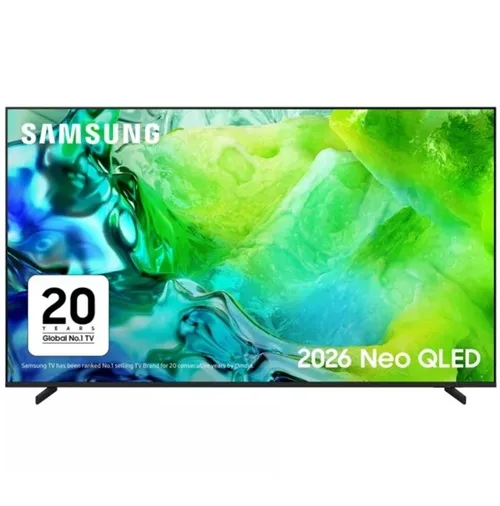
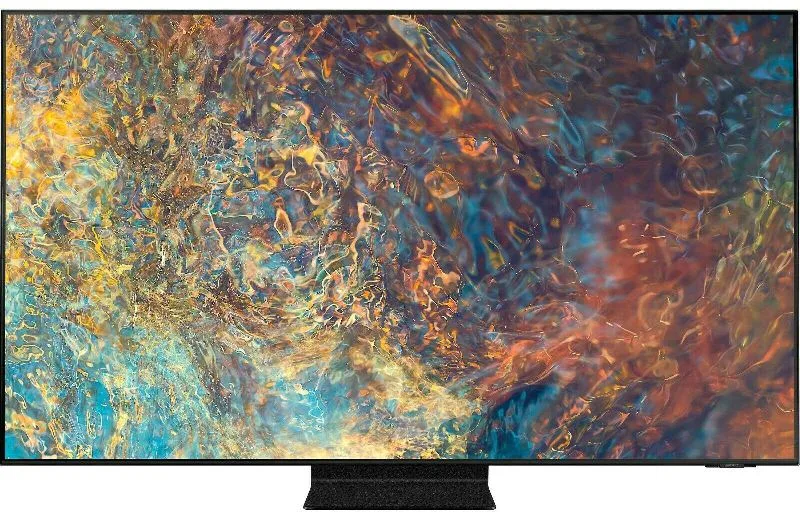
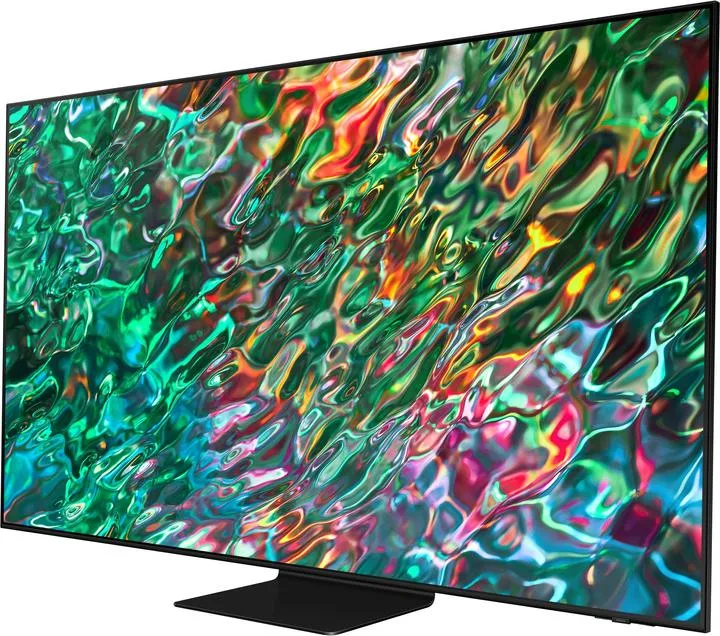
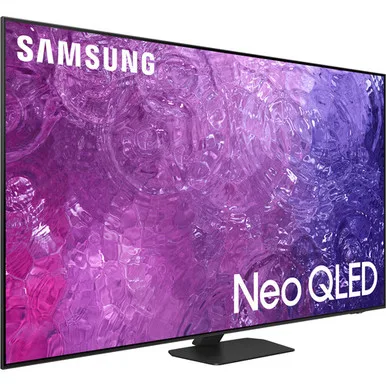
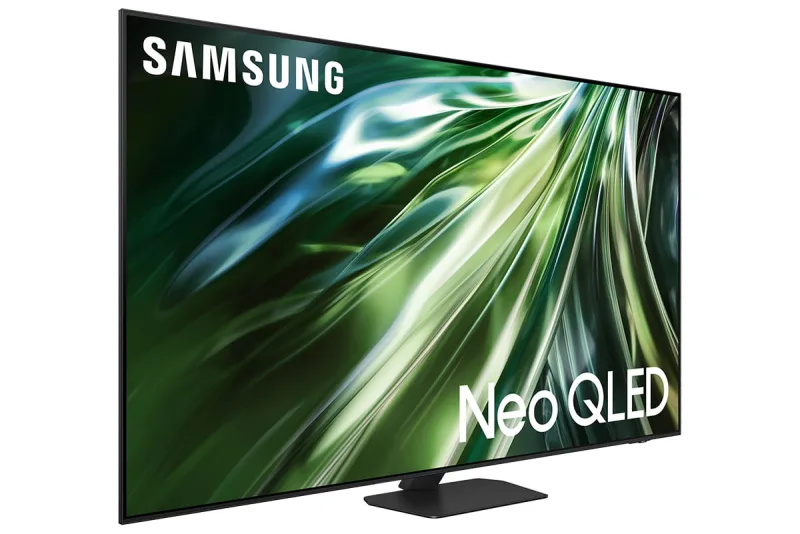
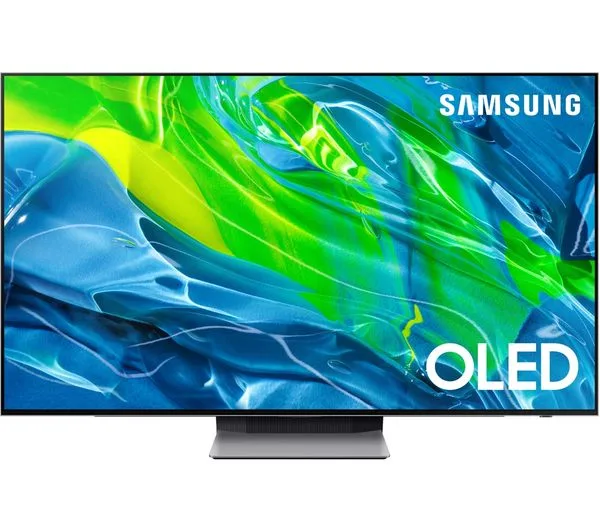
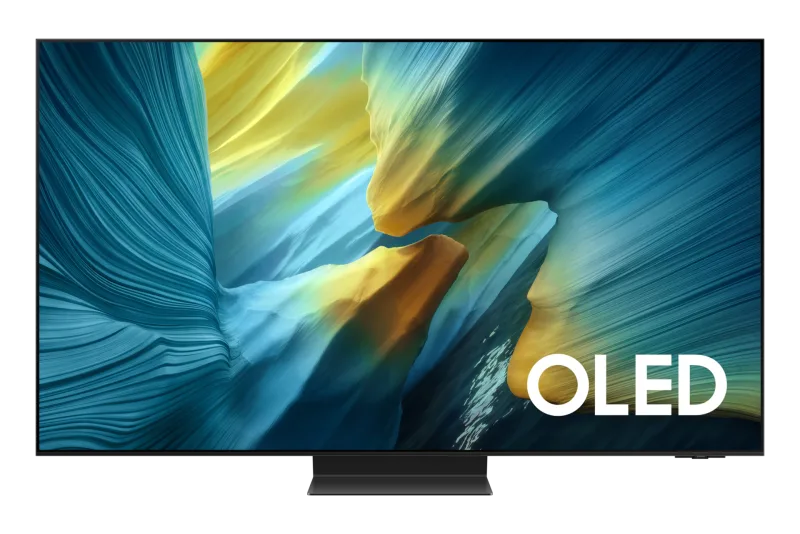
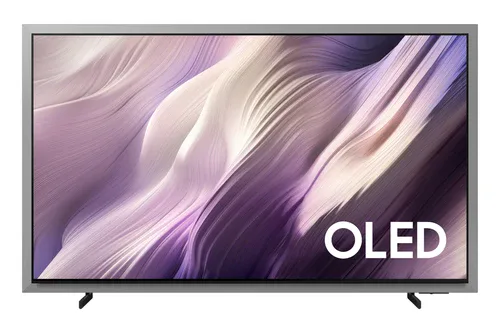
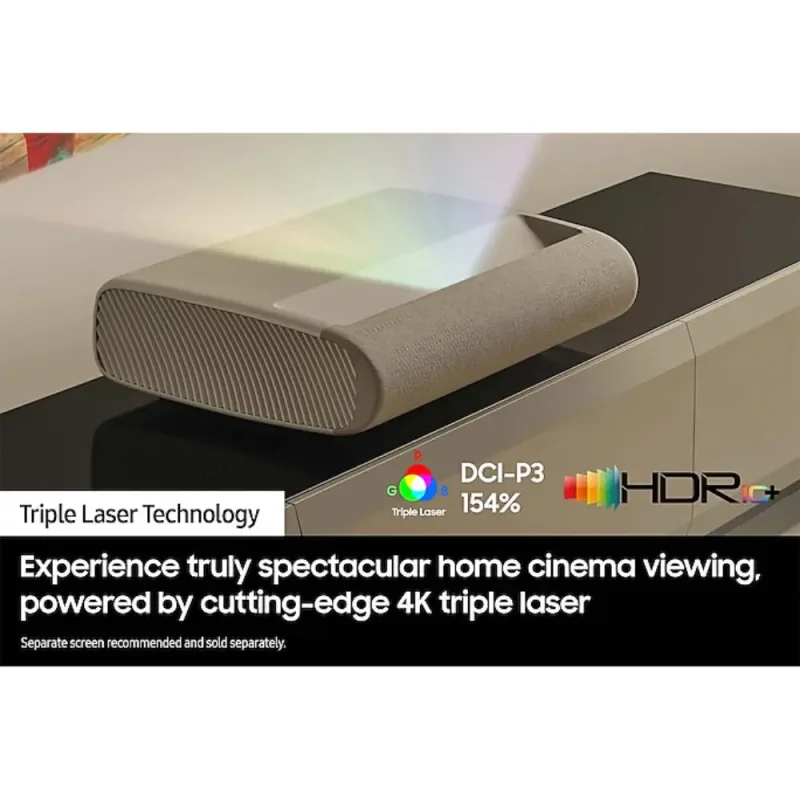
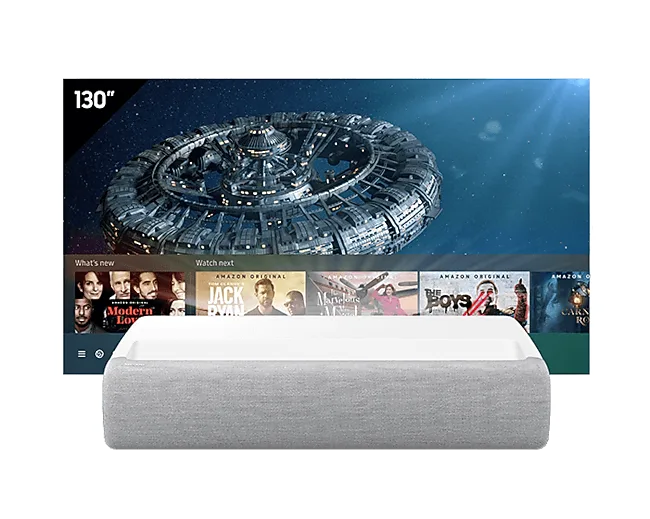
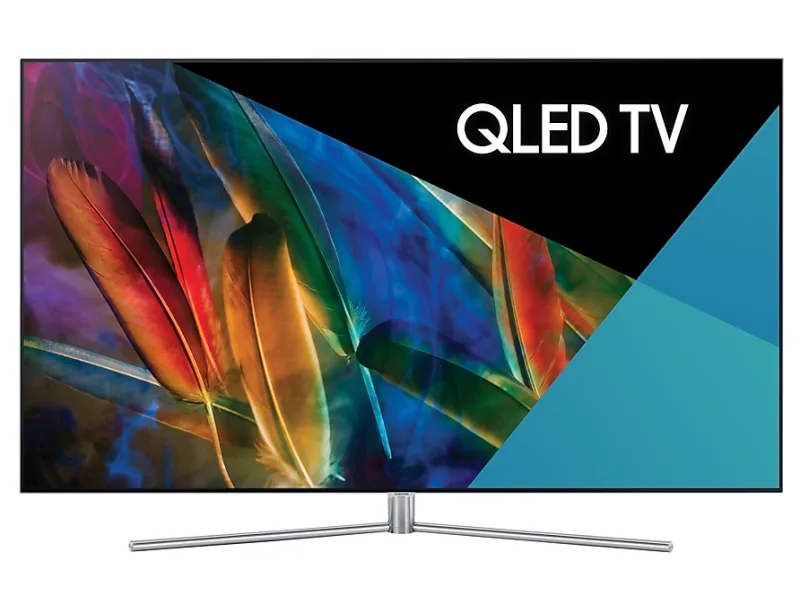
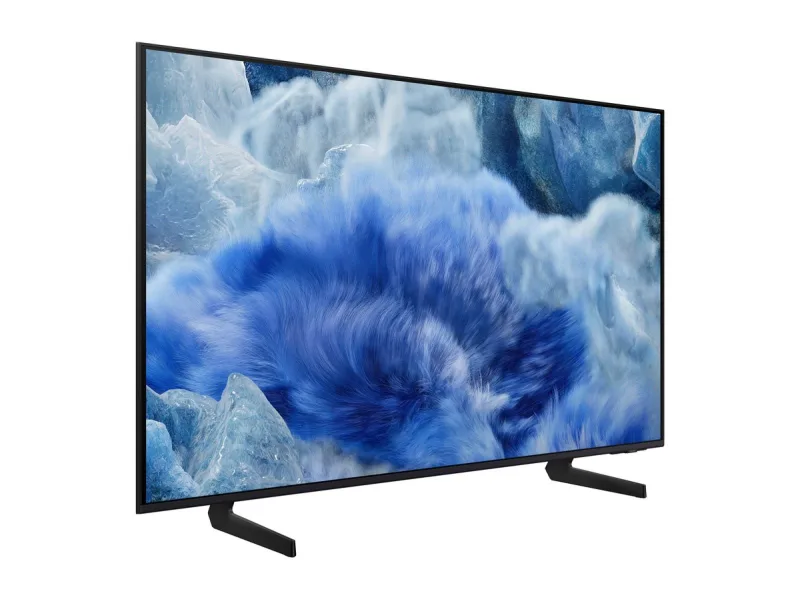
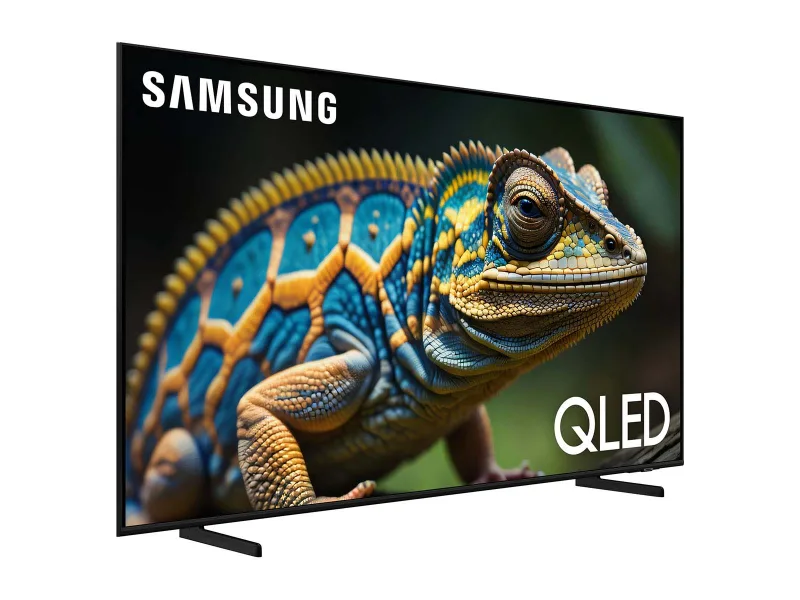







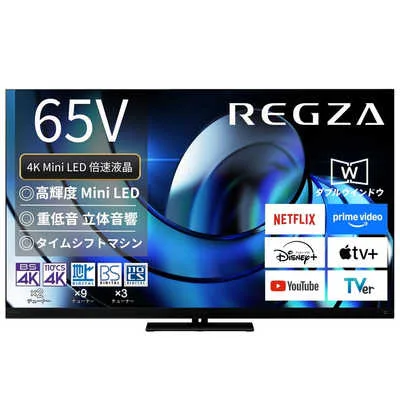
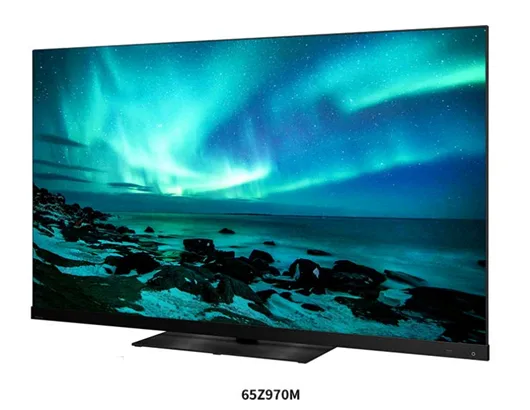

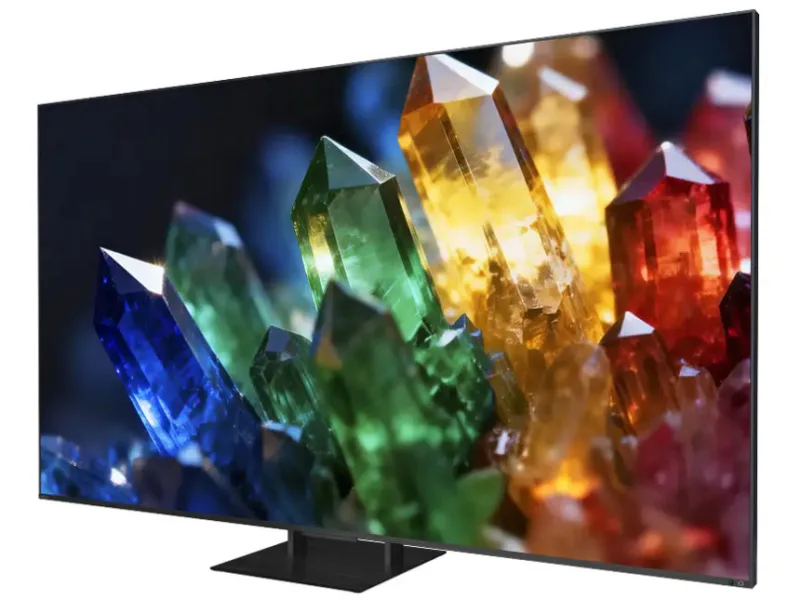
Apple once listed these, but they never got AirPlay 2 or HomeKit.
One demo tile per type. They move the way the real tiles do: the status first, then each reading in turn.
The input the TV is on, as its status. Switch inputs and volume from the detail page or the remote.
Apple TV reports playback, so a tile tells you if something is playing.
A soundbar or receiver shows on, off, and what it is playing.
Bulbs, strips and fixtures that dim, change color and keep a schedule.
Make the switches on your wall, and anything you plug in, smart.
Thermostats, air conditioners and heaters that keep every room comfortable.
Cleaner, fresher air with purifiers, fans and humidifiers.
Motorized blinds, shades and windows that move with the sun.
Smart deadbolts and keypads that lock and unlock from anywhere.
Openers that close the garage from anywhere and say when something’s in the way.
Indoor and outdoor cameras, plus video doorbells.
Motion, contact, leak, smoke and more, filtered by what each one reports.
AirPlay speakers and receivers for music in every room.
Hubs that bring Zigbee and Z-Wave accessories in, and routers that protect your network.
Robot vacuums and mops that clean room by room.
Smart sprinklers and valves that water on a schedule.
Apple’s upcoming collection of thermostats, cameras, a doorbell and a lock.
Matter washers, dryers, dishwashers, ovens, EV chargers and energy meters.
Motorized doors and windows with position, hold and obstruction alerts.
Smart faucets, showers and water valves with run times.
Pools, cars, mowers and outlets: separate switches and sensors, shown as the one thing they control.
Plugins that bring non‑HomeKit accessories into Apple Home, and what people report about them.
The integrations HomeKit Bridge can share with Apple Home, and what people report about their devices.